Retail Shift Scheduling Software in United States: What Store Managers Should Look For Before Leaving Excel
Retail shift scheduling software helps store managers build, publish, and adjust employee schedules without juggling spreadsheets, group texts, and.
The HelloTime team
12 min read
On this page
Retail shift scheduling software helps store managers build, publish, and adjust employee schedules without juggling spreadsheets, group texts, and last-minute phone calls. In the United States, the best tools do more than place names on a calendar. They connect schedules to attendance, time tracking, leave, and labor visibility so managers can run stores with fewer errors.
Key takeaways
- Retail shift scheduling software replaces fragile Excel files with live schedules that teams can actually use.
- Store managers should look for mobile access, shift swaps, attendance tracking, and clear approval rules.
- The best systems help reduce overtime surprises, missed shifts, and payroll disputes before they grow.
- Multi-location retailers need role-based permissions, location views, and a simple way to standardize scheduling.
- If you still track hours separately from schedules, you will keep spending time fixing avoidable errors.
- Any software choice should fit how your stores operate in the United States, including local labor rules and manager workflows.
Why retailers in the United States outgrow Excel
Excel works at first because it feels familiar. A manager can copy last week's schedule, change a few names, and email the file. That feels fast when you have one store, a stable team, and very few changes.
Retail rarely stays that simple.
A Chicago boutique may need weekend coverage changes every Friday. A Houston convenience store may run early and late shifts with frequent callouts. A Detroit chain with three locations may move associates between stores based on demand. In each case, scheduling changes all week long.
Excel breaks down because it is not a live system. It does not know who clocked in late. It does not warn you when one employee is booked at two locations. It does not handle shift swap approvals well. It also creates version problems. One manager updates the file. Another sends an older copy. Employees show up based on the wrong schedule.
That creates real costs:
- Overtime that was not planned
- Managers spending hours fixing schedule conflicts
- More no-shows because staff missed updates
- Timecard disputes when scheduled and actual hours do not match
- Poor coverage during busy periods
- Frustration across stores and departments
Retail shift scheduling software solves this by turning the schedule into a shared, current source of truth. Managers can build rosters faster. Employees can see changes quickly. Businesses can compare planned hours to actual hours.
What is retail shift scheduling software?
Retail shift scheduling software is a tool that helps stores assign shifts, publish rosters, manage changes, and track who actually worked. Good software connects scheduling with attendance and time records, so managers do not have to rebuild the same information in multiple systems.
At a basic level, it should let you:
- Create repeating shifts
- Assign employees by role or location
- Publish schedules digitally
- Handle shift changes and swap requests
- Track attendance against the schedule
- See total scheduled hours by person, team, or store
Better tools go further. They support mobile access, manager approvals, geofenced clock-in, kiosk attendance, leave visibility, and labor reporting. That matters in retail because the schedule is not just a plan. It drives staffing, payroll prep, store coverage, and customer experience.
If your schedule lives in one place and your timecards live somewhere else, you will keep doing manual reconciliation every week. That is the hidden cost of staying with spreadsheets.
What should store managers look for first?
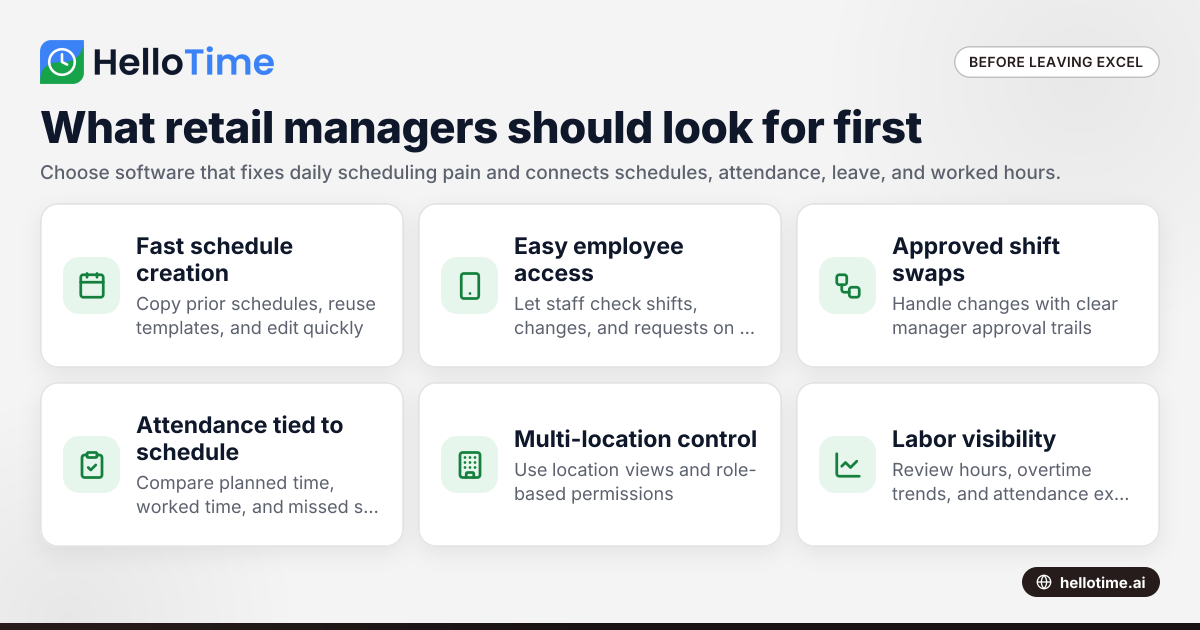
Start with reliability, visibility, and ease of use. If managers cannot build schedules quickly, and employees cannot read them easily, the tool will not stick. For most retail teams, the first priority is simple: create accurate schedules fast and keep everyone on the same page when things change.
Under that, look for software that also tracks attendance, leave, and worked hours in the same workflow.
1. Fast schedule creation
Retail managers often build schedules under pressure. The software should let them:
- Copy prior schedules
- Reuse templates
- Assign shifts by role
- View open shifts clearly
- Make edits without rebuilding the whole week
This matters most in stores with recurring patterns. For example, if your Saturday staffing always needs two cashiers, one floor associate, and one supervisor, your system should make that easy to repeat.
2. Easy communication with employees
The best schedule is useless if staff do not see it. Look for software that gives employees a clear way to check upcoming shifts, changes, and requests from their phone or shared device.
This reduces the usual back-and-forth:
- “Am I opening or closing?”
- “Did my shift change?”
- “Who approved the swap?”
- “Was I added for Sunday?”
A live schedule cuts confusion better than screenshots in group chats.
3. Shift changes and swaps with approvals
Retail schedules change every week. People get sick. Traffic spikes. Someone asks for time off after the roster is posted. Good software should let employees request swaps or changes while keeping manager approval in control.
Without approval workflows, shift changes become informal and risky. One employee says another agreed to cover. The second employee never appears. The manager has no documented trail.
4. Attendance tied to the schedule
This is where many tools separate themselves. Scheduling alone is helpful. Scheduling plus attendance is much stronger.
When clock-ins connect to the schedule, managers can compare:
- Planned start time vs. actual start time
- Scheduled hours vs. worked hours
- Missed shifts
- Early departures
- Location-specific attendance
That helps reduce time theft, buddy punching concerns, and end-of-week cleanup.
5. Multi-location control
If you run more than one store, your software should support location-level views and permissions. A district manager may need a broad view across all stores. A local store manager may only need to edit one site.
This matters when teams share staff. It also matters when you want consistency without giving every manager access to everything.
Which features matter most in a retail environment?
The most useful retail shift scheduling software features are the ones that help managers respond quickly without losing control. Retail is operational. Things change by the hour. Your software should support that reality.
Mobile access for managers and employees
Managers do not always sit at desks. Employees do not check email all day. Mobile access matters because schedules are living documents in retail.
A strong mobile experience should make it easy to:
- View shifts
- Approve requests
- See updates
- Check attendance
- Confirm location and timing
Leave and availability tracking
Scheduling is easier when approved leave and recurring availability are already visible. If a sales associate is unavailable every Tuesday morning, the manager should not have to remember that manually.
This lowers scheduling mistakes and reduces avoidable edits after publishing.
Time tracking and clock-in controls
Many retailers still schedule in one place and track attendance in another. That creates duplicate work. Software that combines shifts and time tracking helps keep records cleaner.
Useful controls include:
- GPS-based clock-in for field or mobile retail teams
- Geofenced clock-in for store locations
- Tablet kiosk attendance for shared entry points
- Face recognition on kiosk devices where appropriate
These features are especially useful in high-turnover environments or stores with many hourly workers.
Reporting for labor visibility
Managers need to know more than who is working. They need to know what the schedule means for labor hours.
Useful reports include:
- Scheduled hours by store
- Actual worked hours
- Overtime trends
- Attendance exceptions
- Labor usage by role or team
This is where software starts helping operations, not just admin.
Can AI help with retail scheduling?
Yes, but only if it solves a real scheduling problem. An ai retail shift tool should help managers build better schedules faster, not add complexity. In practice, that means spotting conflicts, suggesting coverage patterns, or helping managers react faster to demand and absences.
The value still comes from clear approvals, clean attendance data, and easy communication.
When vendors talk about AI, store managers should stay practical. Ask what the system actually does. Does it identify gaps before publishing? Does it help balance hours across workers? Does it flag patterns that usually lead to overtime or understaffing?
Those are useful outcomes.
What is less useful is buying a flashy feature set that does not connect to your daily workflow. In retail, scheduling software succeeds when it reduces manager effort. It should not require extra setup every week just to feel “smart.”
If you are evaluating an AI feature, ask these questions:
- Does it save time on schedule creation?
- Does it improve coverage accuracy?
- Does it reduce overtime or missed shifts?
- Can managers easily override suggestions?
- Does it work across multiple store locations?
An ai retail shift feature is only worth paying attention to if it helps managers make faster, better decisions with less manual work.
What problems should software solve before you switch?
It should solve daily scheduling pain first. Focus on missed updates, shift conflicts, attendance mismatches, and time spent editing schedules. If the software does not make those problems easier within the first few weeks, it will not replace Excel for long.
That is the practical test.
Before you switch tools, document the problems you actually want to fix. Many retailers buy software based on a demo, not on their real workflow. That leads to disappointment because the tool may be powerful, but not helpful in the ways that matter most.
Here are common pain points worth solving first:
“I spend too much time making the schedule”
If a store manager spends several hours each week building shifts, software should cut that down. Templates, repeat schedules, and role-based assignments usually help the most.
“People say they did not know about schedule changes”
This is often a communication problem, not just a scheduling problem. Live updates and self-service access matter more than a nicer-looking spreadsheet.
“Scheduled hours and timesheets never match”
This is a systems problem. When scheduling and attendance are separated, discrepancies are common. Connecting them reduces cleanup before payroll or invoicing.
“Managers handle swaps informally”
Informal shift swaps lead to confusion and missed accountability. Approval workflows create a record of what changed and who approved it.
“We cannot see staffing clearly across locations”
For growing retail operations, store-by-store scheduling is not enough. You need one place to compare staffing, hours, and attendance across locations.
How should a retail business evaluate software?
Start with a trial using one real store and one real schedule cycle. Do not evaluate software using a perfect sample week. Use a normal week with shift changes, availability issues, and attendance exceptions. That is the only way to see whether the tool fits retail operations.
Then measure the manager time saved and the number of scheduling errors avoided.
A practical evaluation checklist
Use this checklist before leaving Excel:
Map your current process Note how schedules are created, shared, updated, and reconciled with attendance.
List your non-negotiables For example: mobile access, shift swaps, attendance tracking, leave visibility, or multi-store support.
Test with real users Include one store manager, one district manager, and a few hourly employees.
Run one live scheduling cycle Build, publish, edit, and approve changes inside the tool.
Compare planned vs. actual hours Check whether the system makes attendance review easier.
Review permissions Make sure the right managers can access only the right stores and teams.
Look at reporting Confirm you can quickly answer basic labor questions without exporting everything to Excel.
Questions to ask during a demo
Ask direct questions based on your workflow:
- How fast can a manager copy last week's roster?
- Can employees request swaps from their phone?
- How are schedule changes communicated?
- Can the system show approved leave while building shifts?
- Can we track attendance against the published schedule?
- How does this work across multiple store locations?
- What reports help spot overtime or absenteeism?
If your team also needs time tracking and attendance controls, look closely at whether scheduling is part of a broader workforce workflow. That is often where value compounds. HelloTime, for example, combines shift scheduling with attendance, leave, and time tracking tools that retail teams can review in one system. You can explore those features if you want to compare what an all-in-one setup looks like.
What does implementation usually look like?
For most small and mid-sized retailers, implementation is simpler than they expect. The main work is cleaning employee data, defining roles, setting store locations, and deciding who approves changes. Once that is clear, the software setup is usually straightforward.
The challenge is not technical setup. It is replacing old habits.
A practical rollout often looks like this:
Week 1: Prepare the basics
Gather:
- Employee names and roles
- Store locations
- Manager permissions
- Shift patterns
- Leave balances or existing leave records
- Attendance rules and clock-in expectations
Week 2: Set up one location
Start with one store. Build one week's schedule. Let employees view shifts and request changes. Have managers test publishing and approvals.
Week 3: Review exceptions
Look at what happened during the pilot:
- Were shifts easy to assign?
- Did employees see updates?
- Did swaps follow the right approval path?
- Did actual attendance align with the schedule?
Week 4: Expand gradually
Roll out to more stores after the first location runs smoothly. Standardize the process, but leave room for store-specific needs.
This is also a good point to review whether your software should connect scheduling with invoicing or profitability reporting for billable retail services, if that applies to your business. If you are evaluating the product specifically for American operations, you can also review HelloTime in the US.
Common mistakes to avoid when leaving Excel
Switching software does not fix a broken process by itself. Retailers get better results when they avoid a few common mistakes.
Buying based on features you will not use
A long feature list is not the same as operational fit. Start with your scheduling pain, not with the vendor's most advanced screen.
Ignoring manager adoption
If store managers feel the tool is slower than Excel, they will work around it. Ease of use matters as much as functionality.
Keeping attendance separate
This is one of the biggest missed opportunities. If scheduling software does not help verify who actually worked, you may still be stuck doing manual reconciliation every pay period.
Rolling out everywhere at once
A phased rollout lowers risk. It also gives you time to improve settings and training before expanding.
Forgetting labor rule review
Scheduling software can support compliance processes, but it does not replace legal review. Labor and scheduling rules can vary by state and city in the United States. This is general information, not legal advice. Make sure your process reflects the laws that apply where your stores operate.
Keep reading
Related articles
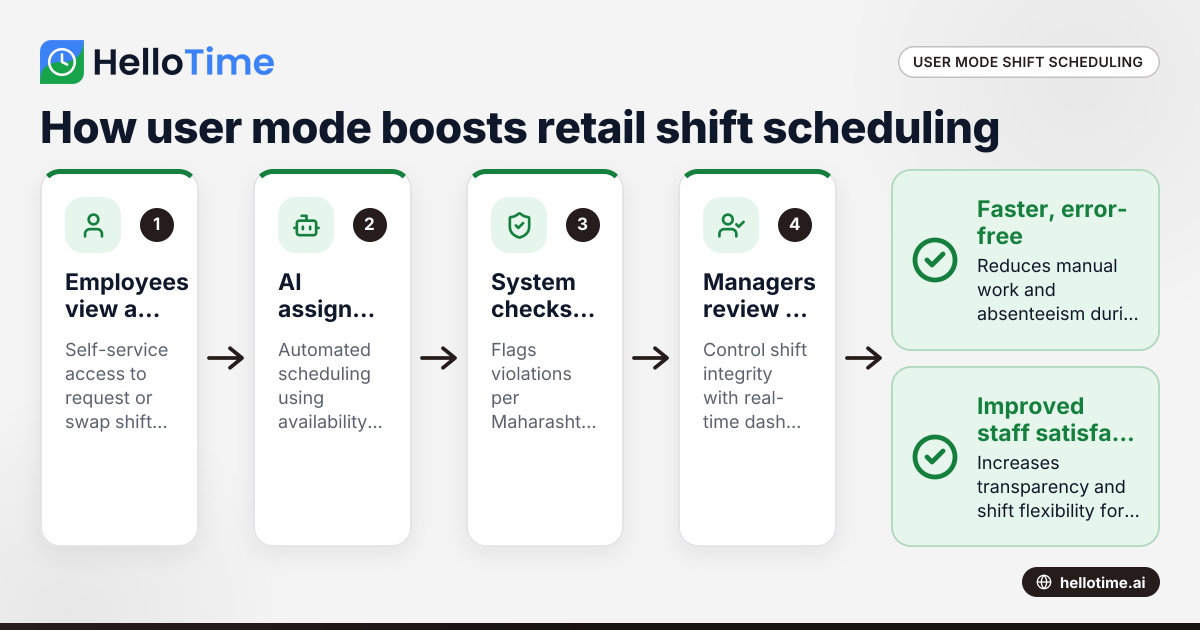
How User Mode Enhances Shift Scheduling Efficiency for Retail Stores in Mumbai, India
User mode shift scheduling in Mumbai retail stores means giving employees controlled access to view, request, or swap shifts themselves, while.
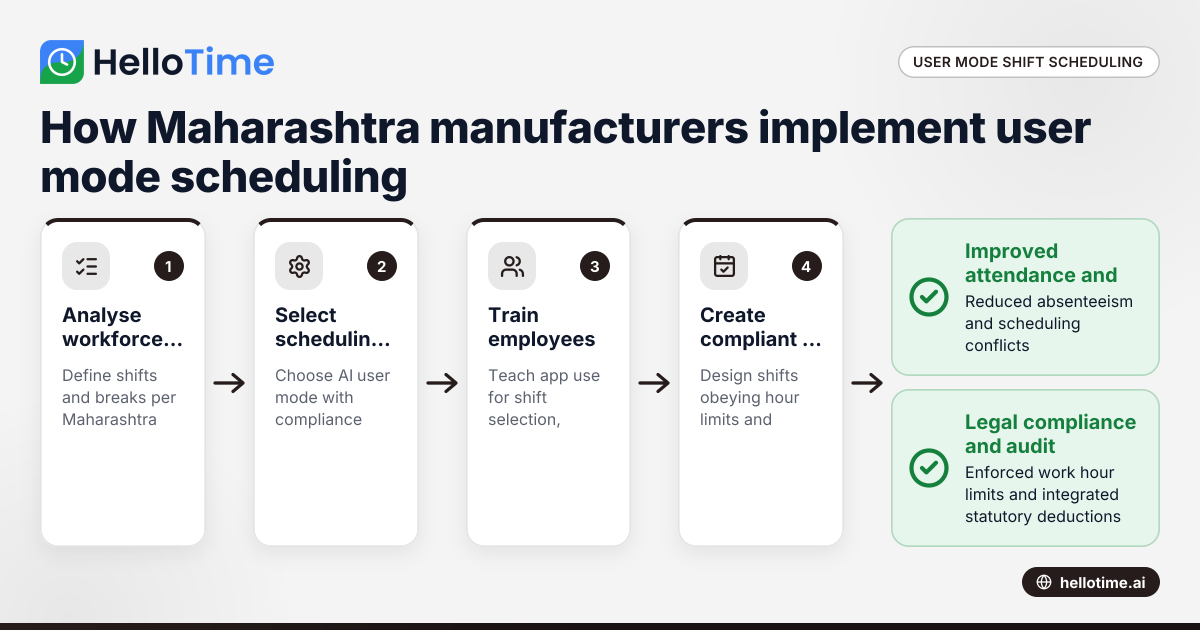
How User Mode Simplifies Shift Scheduling for Manufacturers in Maharashtra, India
User mode shift scheduling lets manufacturers in Maharashtra give workers control to pick or swap shifts via an app. This improves attendance.
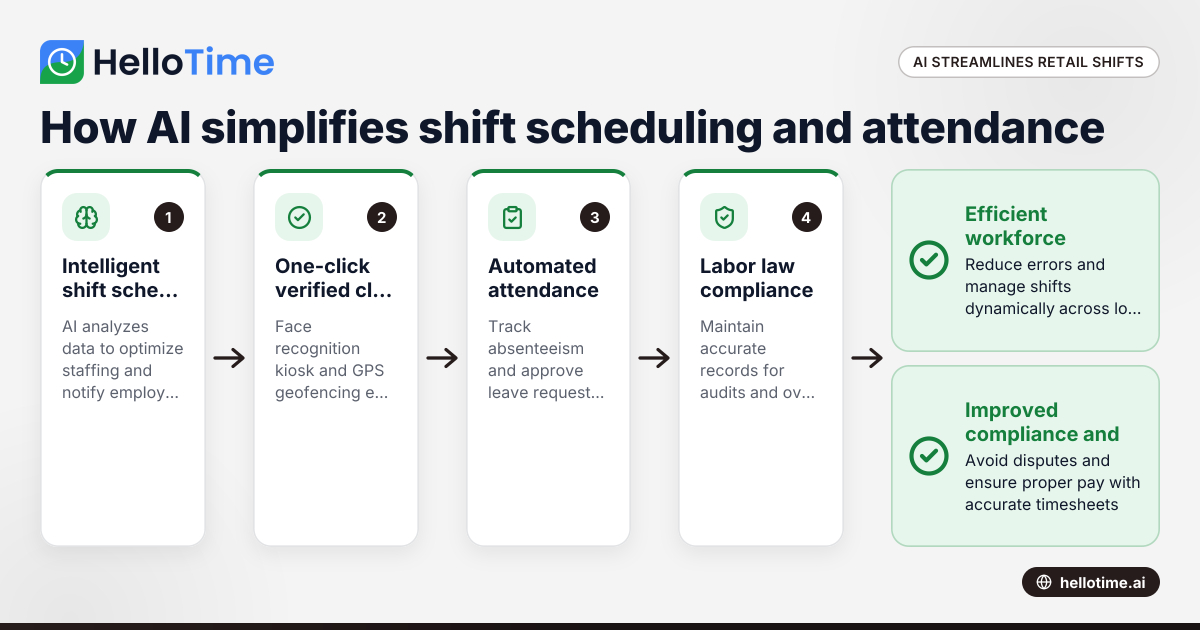
How HelloTime’s AI-Powered Time Tracking Simplifies Shift Scheduling and Attendance in United States Retail
HelloTime’s AI-powered time tracking streamlines shift scheduling and attendance management for U.S. retail businesses by automating key tasks and.