Employee Time Tracking Software in the United States: What Small Businesses Should Look For Before Replacing Spreadsheets
Employee time tracking software helps small businesses record hours accurately, approve timesheets faster, and turn work time into payroll or invoices
The HelloTime team
12 min read
On this page
Employee time tracking software helps small businesses record hours accurately, approve timesheets faster, and turn work time into payroll or invoices without chasing spreadsheets. In the United States, the right system should fit how your team actually works, whether that means office staff, field crews, or hourly shifts across multiple locations.
Key takeaways
- Good employee time tracking software should reduce manual entry, not add another admin task.
- Small businesses in the United States should look for accurate clock-in methods, approvals, scheduling, leave tracking, and clear reports.
- The best setup depends on your workforce: billable teams need project time, while shift-based teams need attendance and roster tools.
- Mobile GPS, geofencing, and kiosk clock-in can help reduce buddy punching and missing time entries.
- Payroll exports, invoicing support, and QuickBooks-friendly workflows matter if you want fewer end-of-pay-period fixes.
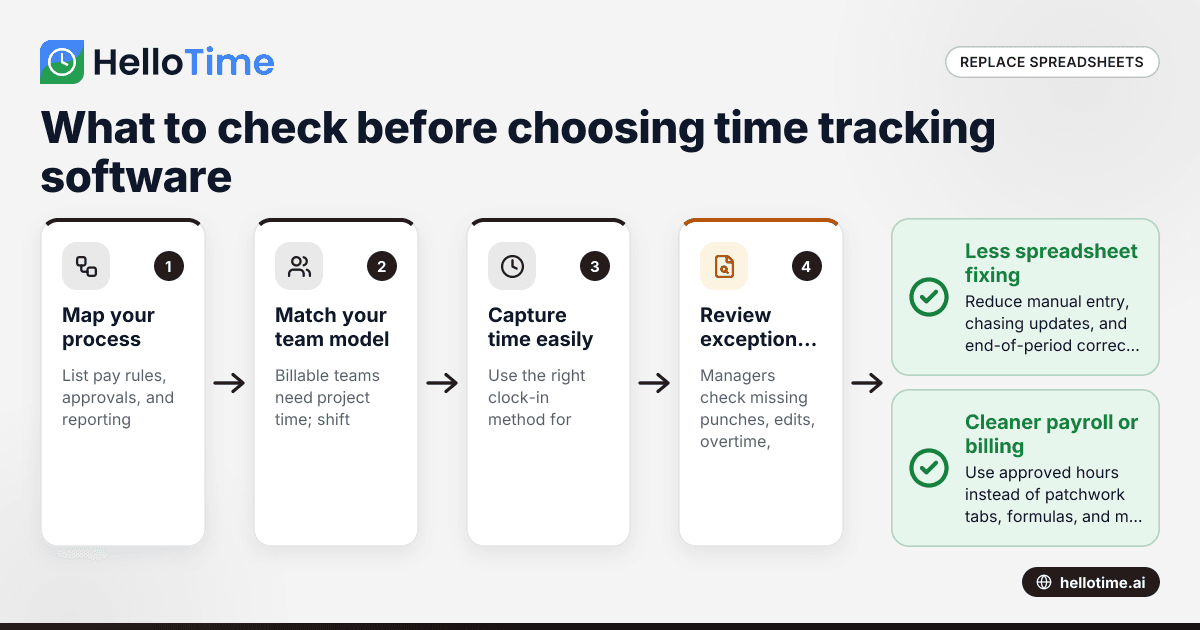
- Before switching from spreadsheets, map your pay rules, approval process, and reporting needs first.
Why small businesses outgrow spreadsheets
Spreadsheets work at the beginning because they are familiar. They also seem cheap. But once you have more employees, more shifts, or more client work, they become hard to trust.
A manager edits one file. An employee texts missing hours. Another supervisor sends a different version by email. By Friday, payroll depends on a patchwork of tabs, formulas, and memory.
That creates real business problems:
- missed punches
- late approvals
- overpaid hours
- underbilled client work
- weak attendance records
- no clear audit trail
For a small business in Chicago, Houston, or Detroit, those issues add up quickly. If your team bills by the hour, every missing entry can reduce revenue. If your team works shifts, every manual correction can delay payroll and create attendance disputes.
Employee time tracking software replaces that mess with one system of record. People clock in. Managers review exceptions. Hours flow into timesheets, job costing, invoicing, or payroll prep. The process becomes easier to run and easier to explain.
What should small businesses look for in employee time tracking software?
Look for software that matches your actual daily workflow, captures time accurately, and makes approvals easy. The best tool should save managers time, help employees clock in correctly, and give you reports you can use for payroll, billing, and staffing decisions.
That simple answer matters because many buyers focus on feature lists instead of daily friction. A platform can look strong in a demo and still fail if your staff cannot use it quickly.
Start with your business model
Not every company needs the same type of employee time tracking software. A creative agency and a retail chain have very different needs.
If you run a professional services team, focus on:
- project and task time tracking
- billable versus non-billable hours
- timesheet approvals
- invoicing from logged time
- project profitability reporting
If you run shift-based operations, focus on:
- shift scheduling
- attendance tracking
- late and early-out reporting
- leave management
- location-based clock-in controls
If you manage field teams, add:
- mobile clock-in
- GPS stamps
- geofencing
- simple break tracking
- supervisor approvals
The goal is not to buy the most software. It is to buy software that removes your most expensive manual work.
Look for easy clock-in options
Employees should be able to record time in a way that fits the job. That might mean:
- one-click desktop timer for office staff
- mobile app clock-in for field workers
- tablet kiosk for warehouse or factory entrances
- shift-based attendance for front-line hourly teams
The less friction there is, the better your data will be. If clock-in takes too many steps, employees will forget or delay it. Then your managers spend time fixing records instead of reviewing exceptions.
Accuracy matters more than complexity
A useful system captures clean data at the source. That means you should look for:
- timestamps for clock-in and clock-out
- notes on edits
- approval history
- visible break records
- alerts for missing or unusual entries
You do not need fancy dashboards first. You need reliable hours.
How can employee time tracking software reduce payroll and billing mistakes?
It reduces mistakes by capturing hours closer to real time, flagging missing entries early, and creating a clear approval trail. That makes payroll prep cleaner and helps billable teams invoice from actual approved time instead of rough estimates or incomplete spreadsheets.
Payroll errors usually start earlier than payroll
Many businesses think the payroll problem starts on payday. In reality, it often starts at clock-in.
A missed shift punch on Monday becomes a manual correction on Friday. An unapproved overtime entry becomes a supervisor dispute. A spreadsheet formula error becomes an overpayment.
Good employee time tracking software helps prevent this by showing exceptions before payroll is finalized. Managers can review:
- missing punches
- long shifts
- late arrivals
- unapproved overtime
- leave conflicts
- inconsistent job or project codes
That does not replace payroll judgment. But it gives you cleaner inputs.
Important note: wage and hour compliance rules in the United States can vary by federal, state, and local requirements. This article is general information, not legal or tax advice.
Billing mistakes hurt twice
For service businesses, inaccurate time does more than create admin work. It can reduce revenue.
If consultants, designers, technicians, or engineers forget to log time, client invoices shrink. If they log time late, the details are less reliable. If managers approve time in email threads, the billing record becomes hard to defend.
Software helps by tying logged hours to projects and billable status. Once approved, those hours can support invoicing and project profitability reporting. That gives owners a better view of:
- which clients are profitable
- which projects run over budget
- which team members are overloaded
- where non-billable time is increasing
Features that matter most before you replace spreadsheets
1. Fast time capture
This is the foundation. If time is not captured quickly, nothing else works well.
Look for:
- one-click start and stop
- manual time entry when needed
- mobile and desktop options
- project or job selection without confusion
A fast interface matters more than a long list of settings.
2. Timesheets built automatically
Managers should not have to rebuild timesheets from messages, screenshots, and spreadsheet rows. Time entries should roll up into timesheets automatically.
That shortens the weekly review cycle and reduces payroll stress.
3. Approval workflows
Approvals are where many small businesses lose time. The system should let supervisors review and approve employee time without chasing people across email or text.
Useful approval features include:
- manager-level review
- edit visibility
- approval status tracking
- reminders for pending timesheets
4. Scheduling and roster support
If you run shifts, scheduling should live close to attendance. When schedules and actual hours sit in different systems, managers cannot see where labor plans are slipping.
This is especially helpful for hospitality, retail, manufacturing, and field service teams.
5. Leave management
Time worked is only part of the picture. You also need a reliable record of time off.
The software should help with:
- leave requests
- manager approvals
- leave balances
- visibility into who is out and when
That prevents common spreadsheet issues like double-booked shifts or outdated PTO balances.
6. Reporting you can act on
Reports should help you make decisions, not just archive data. At a minimum, look for reports on:
- hours worked
- attendance exceptions
- overtime trends
- project time
- billable hours
- labor cost visibility
If your team serves clients, profitability reporting matters. If your business runs shifts, attendance and staffing reports matter more.
Do you need GPS, geofencing, or a kiosk?
Use GPS and geofencing for mobile or field teams, and use a kiosk for shared-location staff. These tools help confirm where attendance happened, reduce buddy punching, and make clock-in simpler when employees do not work at their own desks.
When GPS and geofencing make sense
For field service, delivery support, cleaning crews, installation teams, and construction supervisors, location-aware clock-in can solve a real problem. It helps confirm that clock-in happened at the right site, not from a parking lot miles away.
Geofencing is useful when staff regularly start work at known locations. GPS logs can also help managers investigate disputes without relying on memory.
Still, do not buy location tools just because they sound modern. If your team works in one office, they may not add much value.
When a kiosk works better
Tablet kiosk attendance works well in places where many employees start shifts at the same location. Think restaurants, retail counters, plants, warehouses, and clinics.
A kiosk can reduce the need for every employee to use a separate device. Face recognition can add another layer of control in shared-clock environments.
Keep the employee experience simple
Any attendance method should be clear and fast. If people are confused about how to clock in, your data quality will drop. Choose controls that solve a problem without turning every shift start into a bottleneck.
Where AI helps and where it does not
You will see many vendors talk about automation and intelligence. Some of that is useful. Some of it is just packaging.
In employee time tracking software, practical AI usually means pattern detection and faster exception handling. For example, ai employee time tools may help surface missing entries, odd clock-in patterns, or approval bottlenecks so managers can review them sooner.
That can help small teams that do not have a dedicated payroll or operations analyst. But AI does not remove the need for clear rules. You still need defined approval steps, break policies, and manager accountability.
When reviewing AI claims, ask simple questions:
- What task does it save time on?
- What input data does it need?
- What decision still requires a manager?
- Can employees understand how their time was recorded?
If the answer is vague, the feature may not matter much in daily use.
How to choose software for billable teams vs shift-based teams
Billable teams need clean project time, billable status, approvals, and invoicing support. Shift-based teams need fast attendance, scheduling, leave visibility, and simple clock-in controls across locations.
For agencies and professional services
Your main issue is often lost revenue, not just attendance. That means your software should make it easy to:
- log time by client, project, or task
- separate billable and non-billable work
- review timesheets weekly
- build invoices from approved hours
- compare labor time against project budgets
Without that structure, employees may still track hours, but owners will not get clear visibility into margins.
For retail, hospitality, and front-line operations
Your priorities are usually attendance, staffing, and labor control. Focus on:
- shift scheduling
- mobile or kiosk clock-in
- break tracking
- leave requests
- real-time attendance visibility
This helps managers see who is late, absent, or approaching overtime before the week gets away from them.
For manufacturing and field service
These teams often need both attendance and job-level visibility. If you already use an ERP system or job tracking process, time records should be clean enough to support those workflows, even if your core need starts with attendance.
The best software gives you operational clarity first. Integration can come after your process is stable.
What does a good rollout look like?
Start with one team, define clear rules, and measure fewer errors after launch. A good rollout should reduce missing punches, speed up approvals, and make payroll or billing easier within the first month.
A practical checklist for replacing spreadsheets
Switching systems goes better when you define the process before the rollout.
1. Audit your current process
Write down how time moves today:
- How do employees record hours?
- Who reviews them?
- Who fixes errors?
- How do hours reach payroll or invoices?
- What reports do you actually use?
This will show you where spreadsheets are failing.
2. Identify your non-negotiables
Choose the few things the new system must do well. Examples:
- mobile clock-in
- project-based time entries
- automatic timesheets
- leave tracking
- attendance kiosk
- approval workflow
If every feature is a priority, none is.
3. Clean up your rules
Before launch, define:
- who can edit time
- when timesheets are due
- who approves what
- how breaks are recorded
- how overtime is reviewed
- how leave affects schedules
Software works better when the policy is clear.
4. Pilot with one team first
Start with one department or location. A pilot helps you find confusion early. It also gives managers time to learn the workflow before company-wide rollout.
5. Measure success after 30 days
Look at practical outcomes:
- fewer missing punches
- faster approvals
- fewer payroll corrections
- better invoice completeness
- less manager admin time
If you cannot measure improvement, the rollout is incomplete.
Common mistakes small businesses make when buying employee time tracking software
Buying for edge cases
Do not let one unusual workflow drive the entire decision. Choose for the 80 percent of time entries that happen every week.
Ignoring manager workload
Employees are not the only users. Supervisors need fast review tools. If approvals are clumsy, records will still pile up.
Overlooking leave and schedules
Many businesses buy a timer and then realize they still need separate leave and scheduling tools. That keeps the spreadsheet problem alive.
Choosing reports no one will use
Pick reports tied to business decisions. A useful report helps you staff better, bill correctly, or spot payroll issues early.
Skipping employee training
Even simple systems need a short rollout plan. Explain how to clock in, when to submit time, and what to do if something is wrong.
Why an all-in-one workflow is often better than separate tools
A small business usually does not need five disconnected systems for time, schedules, leave, attendance, invoicing, and approvals. Separate tools can work, but they often create more handoffs.
An all-in-one setup can make sense when you want to:
- track time in one place
- approve timesheets faster
- schedule shifts and compare planned versus actual hours
- manage leave without extra spreadsheets
- create invoices from approved billable time
- review project profitability and labor trends
That is where a platform like HelloTime can help. If you want to see how those workflows fit together for businesses in the United States, you can explore HelloTime in the US and review the core features.
The main point is not brand first. It is workflow first. Choose software that reduces duplicate entry and gives you one clean version of hours worked.
What small businesses should decide before signing a contract
Before you commit, make sure you can answer these questions:
- Who will own setup and rollout?
- What clock-in methods does each team need?
- How will approvals work by department?
- Which reports must be ready every week?
- Will you use the system for billing, attendance, or both?
- How will data move into payroll or accounting?
Read next
This article covers one part of a bigger topic. For the complete picture, read our guide to time tracking.
Keep reading
Related articles
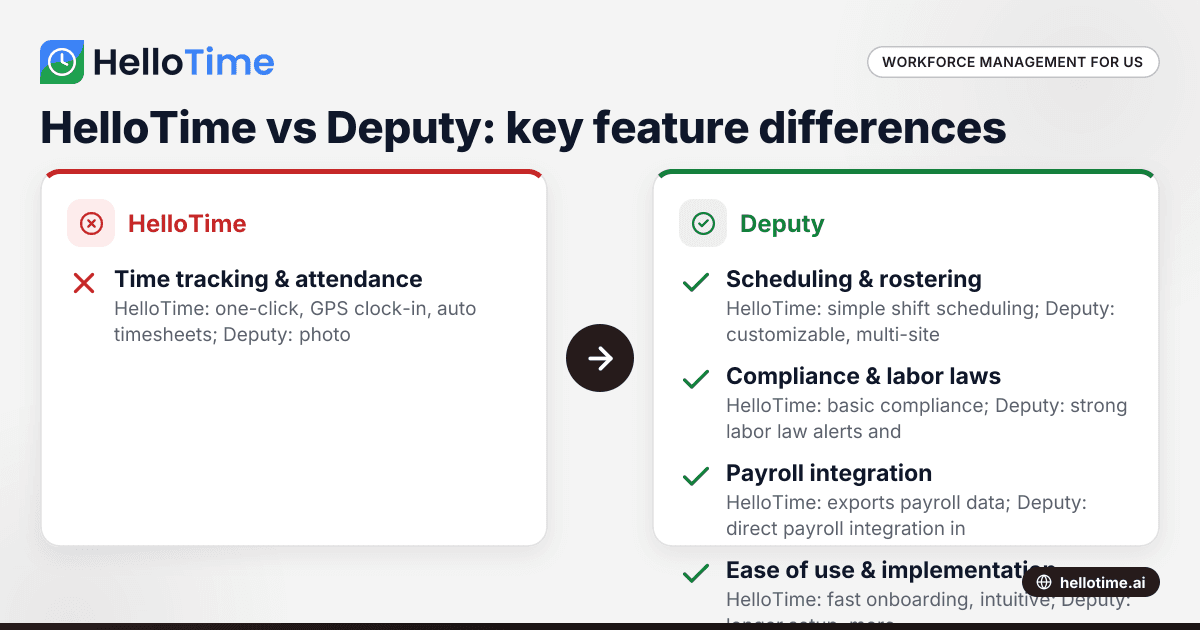
HelloTime vs Deputy: Which Workforce Management Software is Best for United States Small Businesses?
HelloTime and Deputy are popular workforce management tools offering employee scheduling, time tracking, and attendance solutions for US small.
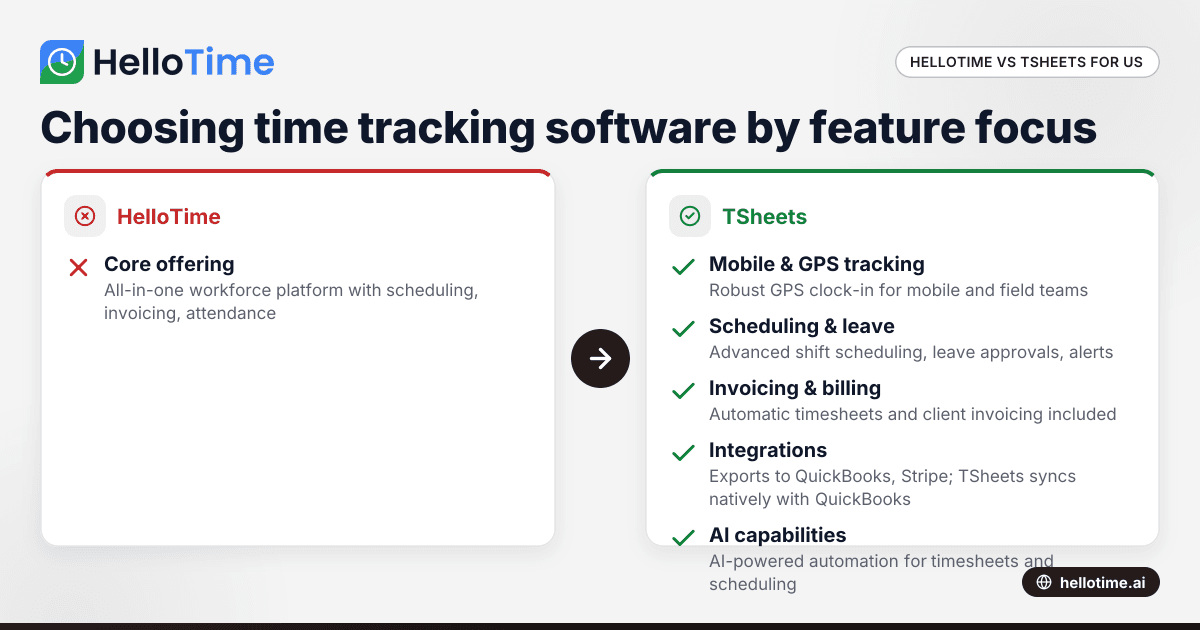
HelloTime vs TSheets: Choosing the Best Time Tracking Software for United States Agencies
HelloTime and TSheets are popular time tracking solutions for agencies and professional services in the United States. Comparing HelloTime vs TSheets.
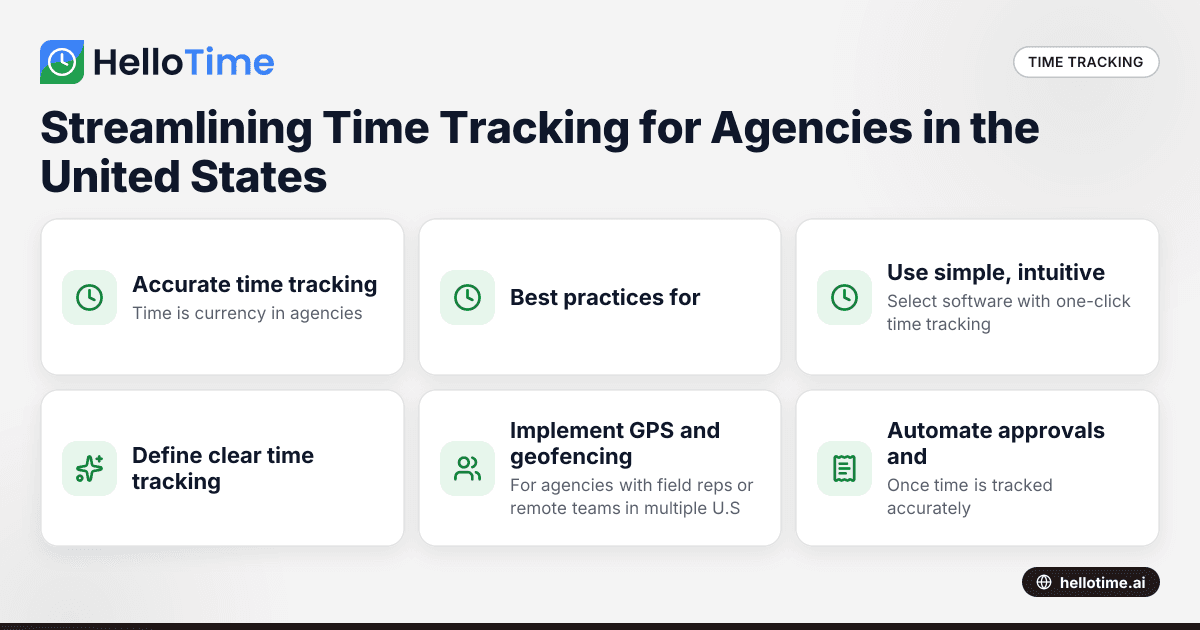
Streamlining Time Tracking for Agencies in the United States: Best Practices to Boost Client Billing Accuracy
Streamlining time tracking for agencies in the United States is essential for ensuring accurate client billing and maximizing profitability. By.