How Biometric Attendance Kiosks with Face Recognition Improve Workforce Management for United States Small Businesses
Biometric attendance kiosks with face recognition use AI technology to capture employee attendance quickly and accurately without physical contact.
The HelloTime team
6 min read
On this page
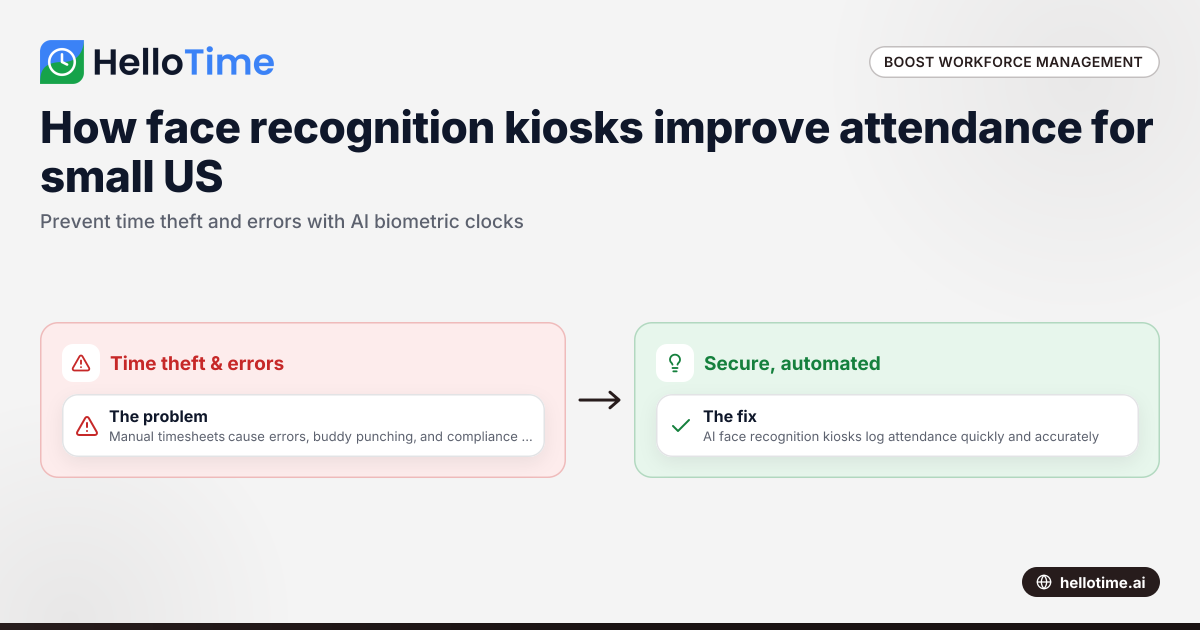
Biometric attendance kiosks with face recognition use AI technology to capture employee attendance quickly and accurately without physical contact. These systems prevent time theft, speed up clock-ins, and provide real-time attendance data to small businesses in the United States.
Key takeaways
- Face recognition biometric attendance kiosks prevent buddy punching and time theft.
- AI face recognition technology supports quick, accurate clock-ins without contact.
- Automated attendance data integration saves time and reduces errors in payroll and compliance.
- Small businesses in retail, hospitality, and field services benefit from improved workforce management.
- Kiosks support shift scheduling, leave management, and transparent attendance reporting.
- Switching from spreadsheets or manual logs to biometric kiosks improves operational efficiency and labor cost control.
What is a face recognition biometric attendance kiosk?
A face recognition biometric attendance kiosk is a device placed at workplace entrances that uses camera technology combined with AI face recognition to verify employee identity. When an employee looks at the kiosk, it automatically logs their clock-in or clock-out without physical contact, making it fast and hygienic.
These kiosks function as digital time clocks, building accurate attendance records automatically. They eliminate errors and prevent buddy punching—where one employee clocks in for another—helping businesses control labor costs and comply with policies.
Why are face recognition biometric attendance kiosks ideal for United States small businesses?
Face recognition biometric attendance kiosks offer a secure, automated way to track working hours, ideal for US small businesses that often use error-prone spreadsheets or paper timesheets. This technology is especially helpful in industries like retail in Chicago or hospitality in Houston, where hourly shift workers are common.
Additionally, AI face recognition meets hygiene needs by eliminating physical contact, a priority after COVID-19. Automated attendance records also assist compliance with diverse state labor laws and federal payroll regulations, reducing administrative risks and costs.
How does AI face recognition work in attendance kiosks?
AI face recognition employs advanced algorithms to analyze facial features captured by the kiosk’s camera. It converts unique characteristics like eye spacing, nose shape, and jaw contours into encrypted digital templates.
Recognition is instant and adapts to variations like lighting or minor appearance changes. Employees stand briefly before the kiosk; attendance is logged without manual entry. AI models improve over time via machine learning, enhancing accuracy and minimizing errors critical for payroll and workforce management.
What are the main benefits of using face recognition biometric attendance kiosks?
Using face recognition biometric attendance kiosks brings several benefits to small businesses including:
- Eliminating buddy punching and reducing time theft
- Speeding up clock-in processes with contactless technology
- Improving attendance accuracy and compliance
- Saving time through automatic data integration with payroll and scheduling
- Enhancing workplace hygiene and safety
- Providing real-time attendance visibility for managers
How do biometric kiosks reduce time theft and buddy punching?
Biometric kiosks identify employees by their unique facial features, preventing buddy punching where one person clocks in for another. This stops inflated hours and labor waste, protecting profitability in hourly wage businesses. The transparent, tamper-proof system also fosters trust between staff and management.
Can biometric attendance kiosks integrate with existing workforce management systems?
Yes, modern kiosks often sync attendance data directly with payroll, HR, and shift scheduling software like QuickBooks. This reduces errors from manual entry and speeds payroll processing, helping businesses comply with Fair Labor Standards Act (FLSA) rules on hours and overtime.
How do biometric kiosks improve employee experience and workplace safety?
AI face recognition kiosks speed up clock-ins, reducing long lines at shift changes. Contactless operation lowers germ spread risks, crucial for hospitality and retail sectors. Real-time data aids managers in monitoring workforce presence and responding promptly to staffing needs or emergencies.
What should small businesses in the US consider when choosing a biometric attendance kiosk?
Before investing, small businesses should evaluate factors like cost, privacy, data security, and ease of integration with existing software. Clear employee consent processes and compliance with privacy laws such as the Illinois Biometric Information Privacy Act (BIPA) are essential to avoid legal risks.
Minimal maintenance requirements, vendor support, and options for fallback attendance methods also matter for smooth daily operations.
How much do biometric attendance kiosks cost for small businesses?
Costs depend on hardware quality, AI features, software integrations, and ongoing support. Scalable pricing models suit small teams, and the return on investment comes from fewer payroll errors and improved labor productivity. Trials or demos help assess fit before purchase.
Are there privacy concerns with using face recognition technology at work?
Yes, privacy is a key concern. US businesses must inform employees about biometric data collection, storage, and usage, complying with laws like BIPA. Choosing vendors who encrypt data and limit access safeguards privacy. Transparent communication and employee consent maintain trust.
What maintenance and support do biometric kiosks require?
Most require only periodic software updates and camera cleaning. Reliable vendor support ensures quick issue resolution. Cloud-based management tools allow remote monitoring of system health, simplifying upkeep for small business IT teams.
How can face recognition biometric attendance kiosks complement HelloTime’s workforce management features?
HelloTime offers tablet kiosk attendance with face recognition that integrates seamlessly with scheduling, leave management, and attendance approvals. This unified platform eliminates spreadsheets and manual logs for US small businesses.
Automated attendance data feeds directly into reporting, helping HR and operations focus on growth. HelloTime supports mobile and deskless workers, ideal for retail, field service, hospitality, and manufacturing teams.
Explore how AI-driven face recognition attendance kiosks improve accuracy and compliance by visiting HelloTime’s features or compare plans at pricing.
Frequently asked questions
Does face recognition work in low light or for employees wearing masks?
Modern kiosks use infrared cameras and AI algorithms to recognize faces in low light. While mask recognition is developing, some systems ask employees to briefly remove masks during clock-in for accuracy.
Can biometric attendance systems replace manual timesheets completely?
Yes, with proper setup, face recognition kiosks can fully replace manual timesheets, improving accuracy and payroll efficiency.
How do biometric kiosks handle employees with appearance changes like glasses or facial hair?
AI face recognition adapts to small changes such as new hairstyles, glasses, or beards. Significant changes may require re-registration of the face template.
Are biometric attendance kiosks compliant with federal labor laws?
While kiosks provide accurate attendance data, businesses remain responsible for complying with FLSA and other laws. Automated tracking assists in fulfilling recordkeeping obligations reliably.
What happens if the kiosk cannot recognize an employee’s face?
Fallback options like PIN entry or supervisor overrides allow attendance logging, ensuring continuous operation and minimizing frustration.
Is facial recognition technology secure against spoofing or hacking?
Advanced kiosks include liveness detection to prevent spoofing with photos or videos. Encryption and secure protocols protect biometric data from unauthorized access.
Explore how AI-powered face recognition biometric attendance kiosks can transform your workforce management by visiting HelloTime in the US. Streamline attendance tracking, scheduling, and approvals while gaining deeper insight into labor costs and compliance for your small business.
Read next
This article covers one part of a bigger topic. For the complete picture, read our guide to face recognition.
Keep reading
Related articles
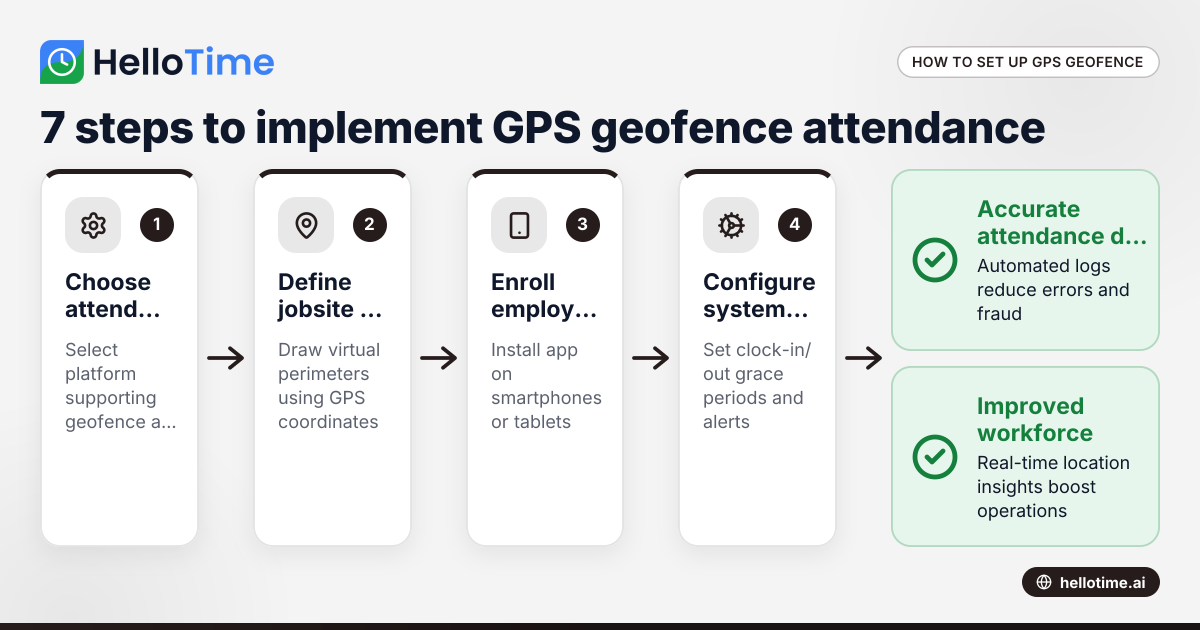
How United States Businesses Can Use GPS Geofence Attendance to Improve Field Staff Management
GPS geofence attendance uses location-based technology to track when field employees enter or leave a designated work zone. This method automates.
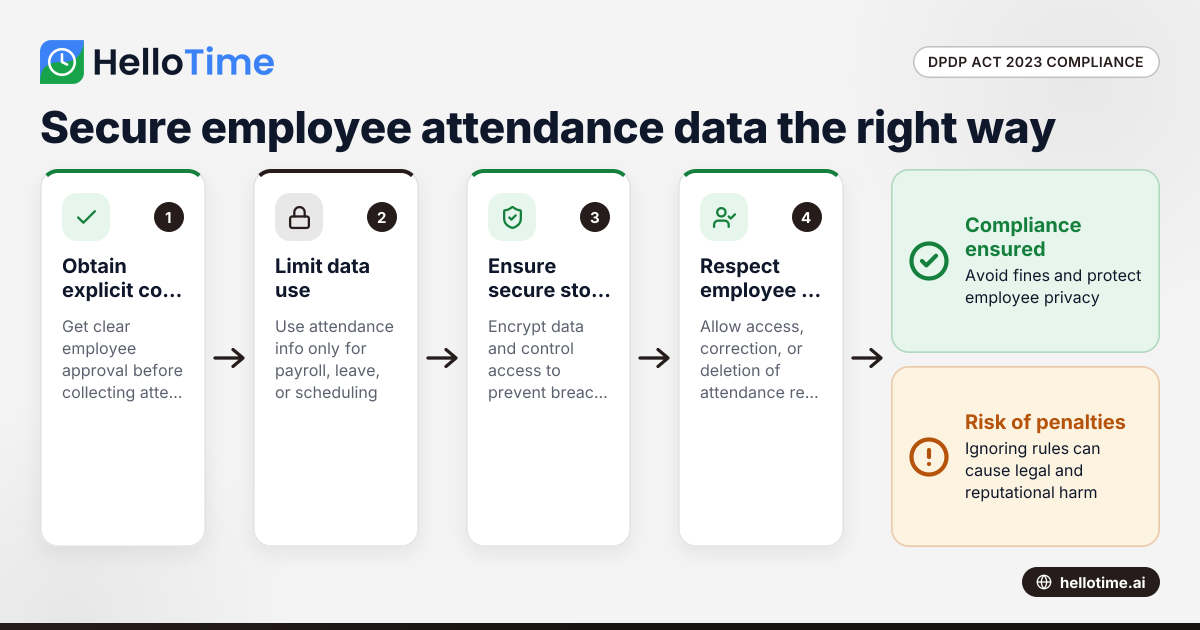
How the DPDP Act 2023 Impacts Employee Attendance and Timesheet Data Management in Indian SMEs
The Digital Personal Data Protection (DPDP) Act 2023 is India’s law regulating how personal data, including employee attendance information, must be.
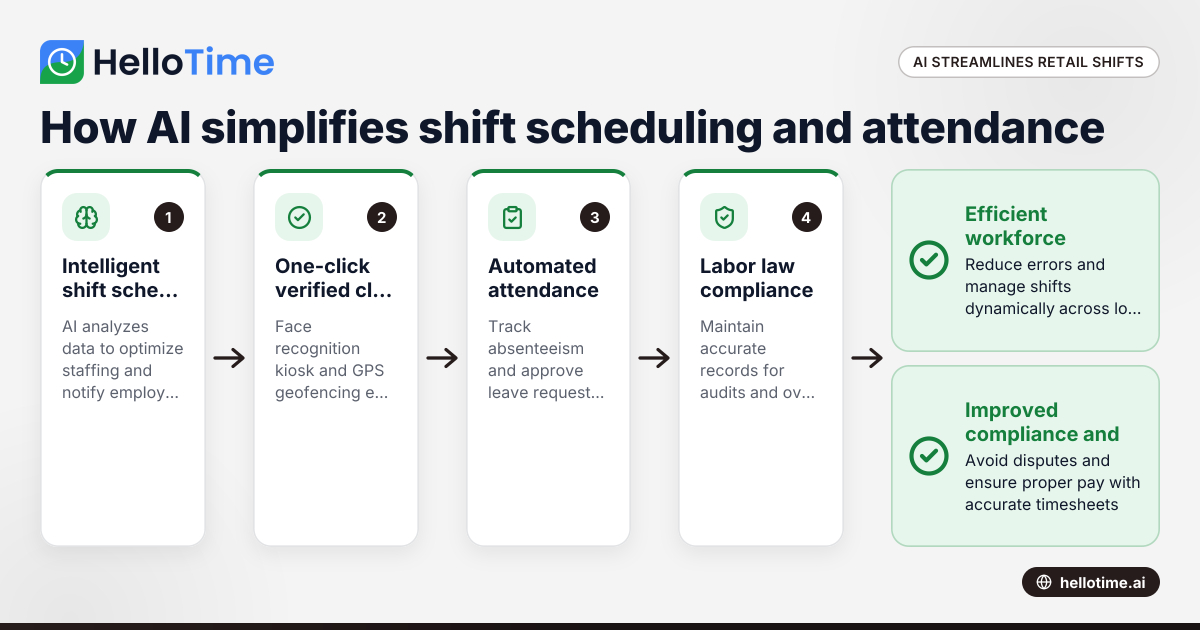
How HelloTime’s AI-Powered Time Tracking Simplifies Shift Scheduling and Attendance in United States Retail
HelloTime’s AI-powered time tracking streamlines shift scheduling and attendance management for U.S. retail businesses by automating key tasks and.