How Device Policy Controllers Enhance Security and Compliance for United States Small Businesses Using Time Tracking Software
Device Policy Controllers (DPCs) are software tools that enforce security policies on mobile devices and computers used for business. For small.
The HelloTime team
10 min read
On this page
Device Policy Controllers (DPCs) are software tools that enforce security policies on mobile devices and computers used for business. For small businesses in the United States using time tracking software, DPCs protect sensitive data like employee hours, GPS locations, and project details by controlling device access and ensuring compliance with security standards.
Key takeaways
- Device policy controllers enforce security rules on devices running time tracking software.
- They protect employee data and support compliance with US labor and privacy laws.
- DPCs enable remote management, app control, and geo-fencing for accurate, secure time tracking.
- Small businesses can reduce risks of data breaches and unauthorized access through DPCs.
- AI-enhanced device policies provide advanced threat detection and automated enforcement.
- Choosing time tracking software with integrated DPCs boosts operational efficiency and compliance.
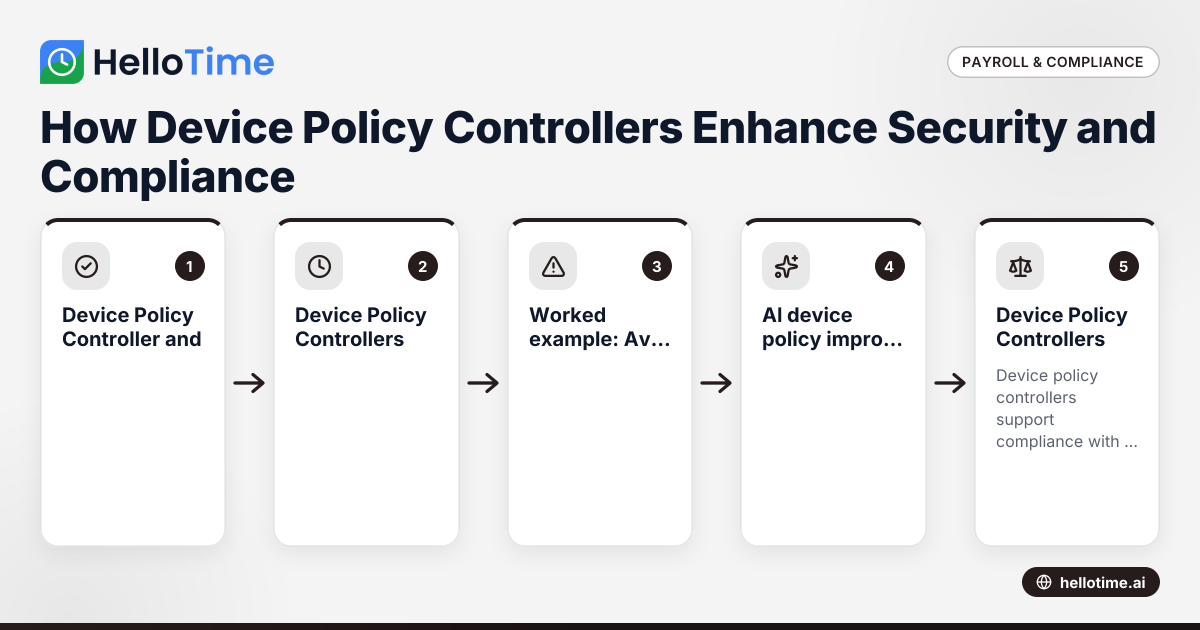
What is a Device Policy Controller and why does it matter?
A device policy controller is a management software that applies company-defined security policies to mobile devices, tablets, and sometimes company-owned desktops. This software controls device settings such as password complexity, encryption enforcement, app permissions, and remote data wipe capabilities.
Small businesses in the US employing time tracking software rely on DPCs to secure the devices that collect employee work hours and attendance. Time tracking apps handle sensitive information including employee personal data, exact work schedules, GPS location for on-site verification, and project billing details. Without strict device policies, this data could be exposed to accidental leaks, unauthorized access, or even manipulated for fraudulent time entries.
For example, a landscaping company in Detroit uses tablets on-site to track job times and locations. A DPC ensures these tablets require strong passwords, encrypt time records stored locally, and restrict app use to authorized time-tracking functions. If a device goes missing, DPC features allow remote wiping of sensitive data to prevent misuse.
How do Device Policy Controllers enhance security for time tracking?
DPCs improve security in several ways specifically for time tracking needs:
- Access control: They mandate PINs, passwords, or biometrics before employees can access the time tracking app, reducing risk of unauthorized clock-ins.
- Device compliance: DPCs verify devices have current security patches and antivirus protections to prevent malware stealing sensitive data.
- App restrictions: Only pre-approved time tracking applications can be installed and run, preventing use of unverified or insecure alternatives.
- Data encryption: Both data stored on the device and data transmitted to cloud servers are encrypted, helping secure payroll and attendance information.
- Remote management: If a device is lost or stolen, administrators can remotely lock or wipe the device to safeguard company and employee data.
- Geo-fencing enforcement: DPCs enable location-based policies that ensure employees can clock in only within specified geofenced areas — reducing time theft and buddy punching.
- Monitoring and alerts: Continuous device behavior monitoring detects suspicious activities, triggering alerts and automated policy actions to contain risks.
For businesses in retail stores in Chicago or hospitality teams in Miami, DPCs verify that staff clock in exactly at work premises. For field service companies operating in multiple neighborhoods or construction contractors in Houston, DPC-enforced geo-fencing preserves accuracy and payroll integrity.
Worked example: Avoiding fraudulent clock-ins with geo-fencing
A cleaning service company uses tablets at client sites to track worker arrivals. By enabling DPC-enforced geo-fencing within the time tracking app, employees can only clock in once their device detects they are within a defined radius (say, 100 feet) of the client’s address. Attempts to clock in outside this area automatically get blocked or flagged. This prevents workers from starting their shift early or logging time from home.
How does AI device policy improve Device Policy Controllers?
AI device policy integrates artificial intelligence algorithms into device management platforms to offer smarter and faster security.
Key benefits of AI-enhanced DPCs include:
- Anomaly detection: AI models analyze behavioral patterns such as login times, device locations, and app usage. If an employee repeatedly clocks in outside approved zones or at unusual times, AI flags these anomalies.
- Adaptive policy enforcement: AI can adjust device restrictions dynamically. For example, if a device shows suspected tampering, AI might temporarily increase authentication requirements.
- Automated alerts: AI-driven systems notify IT administrators immediately when suspicious activity is detected, speeding incident response.
- Threat prediction: AI models learn from historical data to predict and prevent potential security breaches before they happen.
In time tracking software, AI device policies reduce manual oversight. For example, a mid-sized agency in Austin using AI-enhanced DPCs receives automated flags when time entries deviate from expected work patterns, helping management investigate potential payroll discrepancies quickly.
How do Device Policy Controllers support compliance for United States small businesses?
Device policy controllers support compliance with labor, data privacy, and industry regulations relevant to US small businesses, including:
- Fair Labor Standards Act (FLSA): This federal law requires accurate recordkeeping of hours worked and fair compensation. DPCs help maintain trustworthy time records by preventing falsified clock-ins.
- State labor laws: Various states mandate retention of attendance logs and controls against wage theft. For example, California and New York have specific rules on time punches. DPC-enforced geofencing and secured logs support these requirements.
- Data privacy laws: Laws such as the California Consumer Privacy Act (CCPA) require businesses to secure personal data. DPCs enforce encryption and access controls on employee data collected via time tracking.
- Industry-specific rules: Healthcare, construction, and manufacturing often have additional standards for workplace safety and data security. DPCs facilitate compliance by monitoring device integrity and preventing unauthorized access.
While device policy controllers are not explicitly required by law, they demonstrate good faith efforts to safeguard employee data and meet labor law standards. This reduces risk of audits, fines, and legal liability due to inaccurate or manipulated time records.
How can small businesses implement Device Policy Controllers with their time tracking software?
Implementing device policy controllers effectively involves a series of practical steps:
1. Evaluate your device landscape
Identify all devices your employees use for time tracking — smartphones, tablets, laptops, or company-owned hardware. Determine if devices are personally owned (BYOD) or company-managed, and what operating systems they run (iOS, Android, Windows).
2. Choose time tracking software with integrated or compatible DPCs
Many modern time tracking solutions come with built-in device policy management features or integrate with popular mobile device management (MDM) systems. Verify the software supports enforcement of the security policies you need, such as password requirements and geo-fencing.
3. Define your security policies clearly
Create policies covering:
- Password complexity and lockout times
- Biometric authentication options
- Allowed apps and app installation restrictions
- Data encryption standards
- Geo-fencing locations and radius limits
- Remote wipe permissions and procedures
Tailor policies to your industry and workforce setup, balancing security and usability.
4. Enroll and configure devices
Use the DPC management console or the software’s admin panel to enroll devices. This usually involves pushing a configuration profile to the device or requiring employees to install a management app. Apply your defined policies remotely to enforce settings and restrictions.
5. Train your employees
Communicate clearly why these policies are important, how they protect their personal and professional information, and what changes to expect when using the time tracking app. Training reduces resistance and increases compliance.
6. Monitor ongoing compliance
Regularly review device status, update security policies as needed, and act on alerts or anomalies reported by the DPC system. Conduct quarterly audits of device compliance and time tracking accuracy.
Worked example: Implementing a device policy for a restaurant in Chicago
A restaurant in Chicago allows servers to clock in using tablets at the host stand. They select time tracking software with built-in DPC support. The managers define a policy requiring a 6-digit PIN and biometric fingerprint for app access, restrict devices to the restaurant’s Wi-Fi network during clock-in, and enable geo-fencing covering the building’s footprint. Devices are enrolled via employee emails with a setup link. Staff are trained on usage and security importance. Monitoring dashboards alert managers if devices are offline or outside allowed locations.
What challenges can arise when using Device Policy Controllers, and how to address them?
While DPCs improve security, small businesses may face challenges including:
- User resistance: Employees might find additional password or biometric requirements cumbersome. To ease this, choose intuitive authentication methods and explain the benefits clearly.
- Device diversity: Different models and operating systems can cause compatibility issues. Test policies on all device types used in your workforce before full rollout.
- Policy complexity: Overly strict rules can frustrate users or disrupt operations. Start with essential controls and expand gradually.
- Management overhead: Smaller teams might lack dedicated IT staff to manage DPCs. Partner with vendors offering responsive support and training.
- Privacy concerns: In BYOD setups, employees may worry about personal data access. Use DPCs that separate corporate apps from personal device functions, limiting management scope.
Address these by selecting user-friendly time tracking solutions with integrated DPCs, providing employee support, and updating policies based on feedback.
Why is integrating Device Policy Controllers in time tracking software especially valuable today?
Remote work, mobile teams, and BYOD policies have expanded the diversity of devices used for logging work hours. This increases exposure to risks like data breaches, inaccurate attendance records, and regulatory noncompliance.
Embedded device policy controllers ensure consistent enforcement of security policies regardless of where or on what device employees clock in. Automated features such as geo-fencing and AI-driven anomaly detection make the system scalable as your business grows.
For example, a professional services firm in Dallas with remote consultants can confidently manage time tracking across different locations and devices. A retail chain in Houston with multiple store locations secures shift attendance from in-store tablets.
Using software like HelloTime with built-in security and device policy features lets your business focus on operations while maintaining data integrity and meeting compliance requirements.
Explore HelloTime’s time tracking features built to secure employee data and simplify compliance. Find the right plan for your team at pricing.
Frequently asked questions
What exactly does a device policy controller do?
A device policy controller enforces security policies on devices used for business. It manages access controls like passwords and biometrics, restricts app installations, enforces encryption, and enables remote wiping to protect sensitive data such as employee time records.
Do Device Policy Controllers work on personal phones?
Yes. DPCs are designed to manage corporate applications on personal devices under Bring Your Own Device (BYOD) policies. They control access to company apps and data without accessing or interfering with personal information.
Can Device Policy Controllers prevent time theft?
They significantly reduce time theft risks by enabling geo-fencing to restrict clock-ins to approved work sites, requiring secure authentication for app access, and blocking unauthorized app usage or data manipulation.
Are Device Policy Controllers required by law?
There is no legal mandate to use DPCs specifically. However, they help businesses comply with labor and data privacy laws by ensuring accurate, secure time tracking and protecting employee information.
How does AI enhance device policy control?
AI helps by analyzing device and user behavior in real time to detect irregular activities like inconsistent clock-in locations or unusual access patterns. It dynamically adapts policies and alerts administrators promptly to mitigate risks faster than manual processes.
What should small businesses look for when choosing time tracking software with DPC features?
Prioritize software that offers seamless integration with device policy controls, supports geo-fencing, includes AI-based security monitoring, and provides simple management dashboards. Responsive customer support and ease of use for employees are vital for smooth adoption.
By carefully implementing device policy controllers with your time tracking software, your US small business can safeguard employee data, improve payroll accuracy, and reduce compliance risks—all essential for sustainable growth. Learn more about HelloTime’s comprehensive solutions at features and start protecting your workforce today by exploring our pricing.
Read next
This article covers one part of a bigger topic. For the complete picture, read our guide to device policy controller.
Keep reading
Related articles
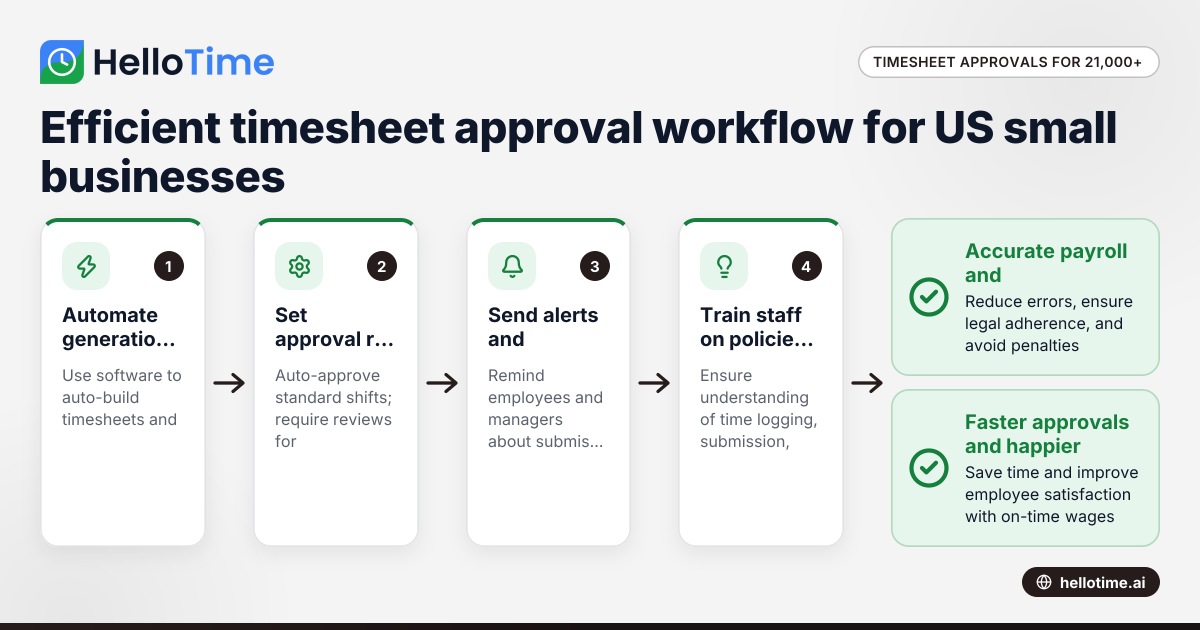
How United States Small Businesses Can Handle Timesheet Approval Workflows with Over 21,000 Minutes Logged
Managing timesheet approvals efficiently becomes critical for US small businesses logging large volumes of employee hours, such as over 21,000 minutes
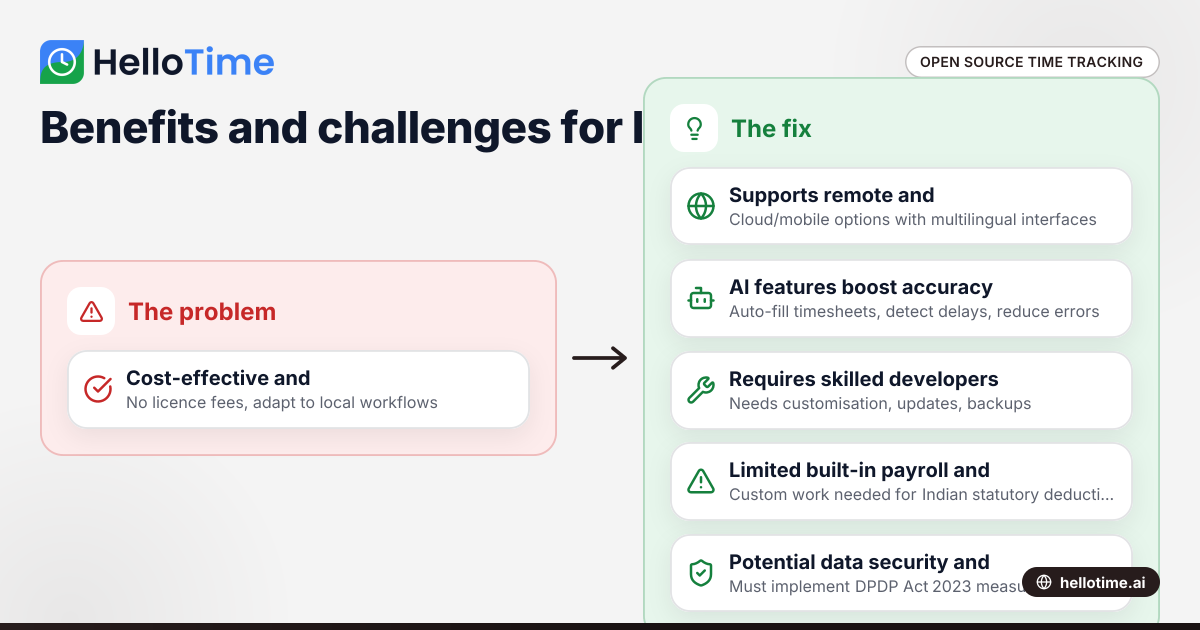
Open Source Time Tracking Tools for Indian Agencies: Benefits and Considerations
Open source time tracking tools are software with publicly accessible code, letting Indian agencies use and customise them without licence fees. They.
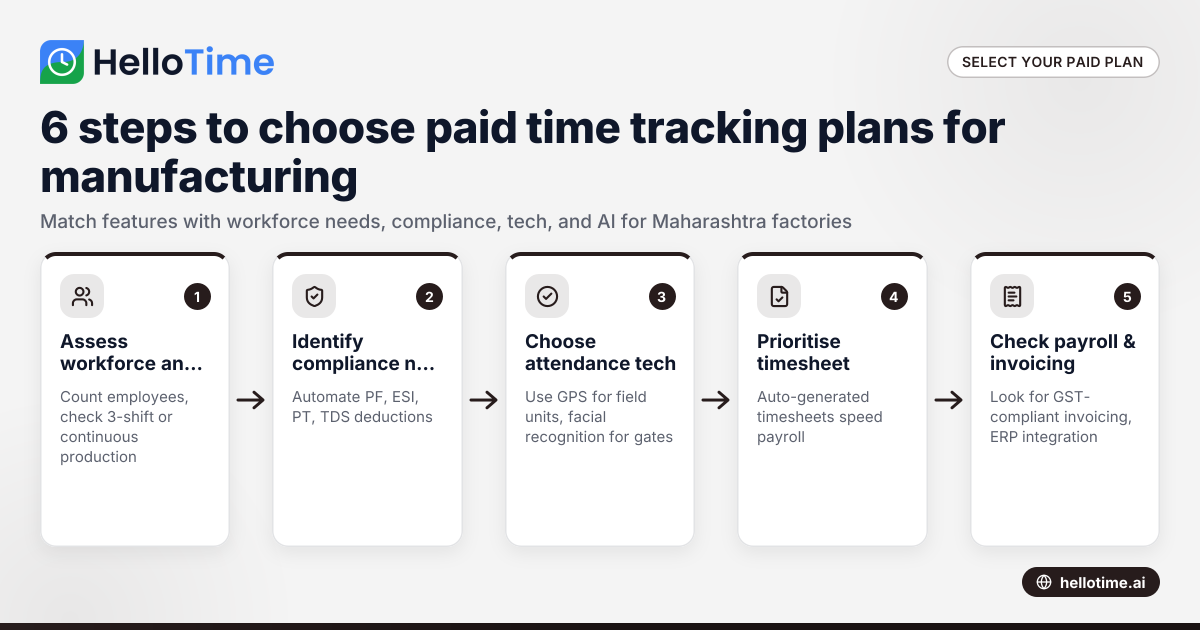
Choosing the Best Paid Plans for Manufacturing Time Tracking Software in Maharashtra, India
Choosing the right paid plan for manufacturing time tracking software in Maharashtra helps your factory optimise labour costs, streamline shift.