How HelloTime’s Desktop Tracker Simplifies Time Tracking for Agencies in the United States
HelloTime’s Desktop Tracker simplifies time tracking for agencies by offering a one-click solution that accurately logs work hours and automatically.
The HelloTime team
6 min read
On this page
HelloTime’s Desktop Tracker simplifies time tracking for agencies by offering a one-click solution that accurately logs work hours and automatically generates timesheets. Its AI-enhanced features improve time allocation precision, helping agencies streamline billing and project management efficiently.
Key takeaways
- The HelloTime desktop tracker offers quick, automatic, and precise time tracking for U.S.-based agencies.
- It integrates with HelloTime’s broader platform to help agencies manage timesheets, approvals, and invoicing.
- Features like project tagging and AI-powered activity recognition improve accuracy and accountability.
- The tracker reduces errors linked to manual time entry common in agency workflows.
- Agencies benefit from detailed reports that reveal project profitability, helping improve cost control.
- HelloTime supports agencies managing mixed remote and on-site teams with geofencing and attendance features.
Why do agencies need a dedicated desktop tracker?
Agencies in marketing, design, and consulting usually bill clients by the hour or project, making accurate time capture critical to profitability. Juggling multiple clients and tasks daily creates challenges for manual time logging, often leading to lost hours and billing errors.
Spreadsheets or memory-based reports can cause inaccuracies and delays in approvals. HelloTime’s desktop tracker automates time capture directly from users’ computers, reducing effort and improving accuracy.
For instance, a Chicago agency running multiple ad campaigns can use HelloTime’s desktop tracker to instantly log time per project. This seamless process frees staff from manual entries and focuses them on their core work.
How does the HelloTime desktop tracker integrate with agency workflows?
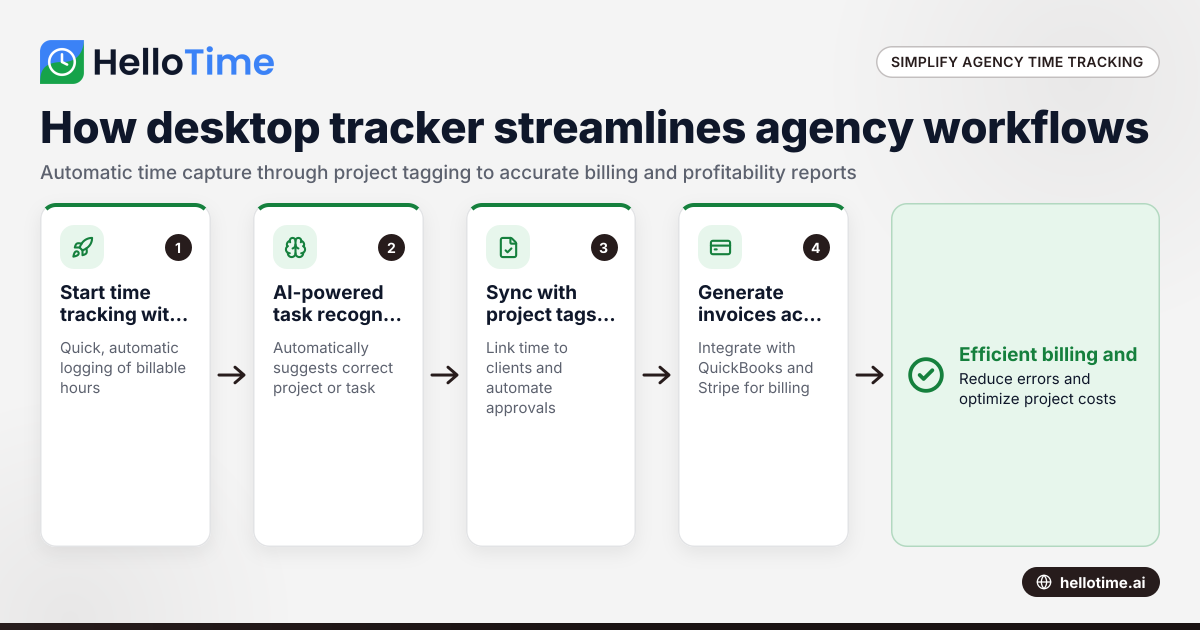
HelloTime’s desktop tracker is part of a unified platform that auto-generates timesheets and workflows timesheet approvals. It links time entries to client projects, enabling direct, accurate invoicing from billable hours.
The tracker supports tagging time by project, task, or client—matching agency organization. This produces detailed reports identifying where time is spent, project profitability, and individual productivity.
Integration with finance tools like QuickBooks and Stripe streamlines billing and payments, eliminating disjointed systems. Time entry flows smoothly into invoices.
Mobile and tablet options complement the desktop tracker for hybrid teams. GPS clock-ins and geofencing verify remote work locations, while facial recognition kiosks assist on-site attendance tracking.
What features make HelloTime’s desktop tracker stand out for agencies?
The HelloTime desktop tracker offers easy one-click time tracking, AI-powered task recognition, and accurate project tagging to reduce manual effort. It works offline, detects idle time automatically, and simplifies timesheet approvals. Detailed reports provide insight into project profitability. The intuitive interface minimizes training time.
These capabilities address common agency pain points: capturing all billable hours reliably, cutting admin overhead, and improving transparency with clients.
How does the ai hellotime desktop feature enhance time tracking?
The ai hellotime desktop feature uses machine learning to analyze user activity and suggest the correct project or task for time logging. This reduces the time employees spend deciding how to categorize their work, especially when switching rapidly between tasks.
For example, a Houston-based graphic designer toggling between Photoshop, Illustrator, and email on a campaign receives AI suggestions to assign the appropriate task automatically. This lowers misclassification and forgotten hours, improving report accuracy without extra user effort.
The AI learns usage patterns over time, becoming smarter at recognizing tasks—a vital aid for agencies managing many simultaneous client projects.
How easy is it for agencies to adopt HelloTime’s desktop tracker?
HelloTime made its desktop tracker straightforward for quick team adoption. It installs easily on Windows and Mac. The one-click timer interface requires minimal training.
Agencies customize project lists, client tags, and break rules on the web dashboard, which syncs instantly with the app. This lets the tracker fit existing workflows without disruption.
Support materials and tutorials help teams onboard rapidly. For tight-deadline agencies, this means faster time management improvements with minimal fuss.
What are the security and privacy considerations for U.S. agencies?
Data security matters for agencies handling sensitive client info. HelloTime encrypts data at rest and in transit, complying with relevant U.S. privacy practices.
Though SOC 2 certification is often expected by clients, HelloTime is actively enhancing its compliance features. Agencies should review their contracts and policies before adoption.
Access to time and activity data is restricted to authorized managers. HelloTime also lets agencies set data retention policies to comply with industry or internal rules.
How does HelloTime support project profitability for agencies?
Accurate time tracking lets agencies know exact hours spent per client project, crucial for profitability. HelloTime compiles time logs into detailed reports on hours, costs, and revenues.
Agencies in Detroit or Houston can identify unprofitable work or billing gaps quickly. The billing feature pulls billable hours from approved timesheets, reducing invoice errors and late payments.
This insight helps owners allocate resources better, price projects properly, and forecast cash flow confidently.
How does the HelloTime desktop tracker fit with hybrid and remote work?
Many U.S. agencies use hybrid or remote teams, requiring flexible tracking tools. HelloTime’s desktop tracker works seamlessly on employees’ personal or work computers regardless of location.
Coupled with GPS clock-ins and geofencing, it verifies remote work locations as needed. This supports consultants or freelancers needing to prove billable time.
Tablet kiosk attendance with facial recognition streamlines tracking of on-site staff, blending tech with agency office routines. This flexibility aids accountability and respects different work styles.
What does it cost to use HelloTime desktop tracker?
Pricing details are available on the pricing page. HelloTime offers plans tailored to agency size and feature needs, including access to the desktop tracker.
Costs vary by user count and advanced feature inclusion. Agencies can start with a free trial or demo to evaluate ROI before subscription.
Ready to improve your agency’s time tracking?
HelloTime’s desktop tracker is designed to simplify daily time management for U.S. agencies. Capture every billable hour automatically, leverage AI for smarter tracking, and keep projects profitable with clear insights. Explore the features and browse pricing to find the right plan.
Frequently asked questions
Can HelloTime desktop tracker integrate with accounting software used by agencies?
Yes, HelloTime integrates with popular U.S. finance platforms like QuickBooks and Stripe. This ensures time and billing data flow smoothly, cutting manual re-entry and errors.
Is it simple for team members to switch projects while tracking time?
Absolutely. The tracker includes an easy project/task tagging system that updates on the fly. Users can quickly assign their ongoing timer to a different project, supporting fast agency workflows.
Does HelloTime desktop tracker help with employee attendance as well?
Yes, beyond time tracking, HelloTime offers GPS clock-in and tablet kiosk attendance with facial recognition to manage attendance for hybrid or on-site agency teams.
How secure is the data collected by the HelloTime tracker?
Data is encrypted and access is controlled per best practices. Agencies retain ownership and control over employee time data. HelloTime complies with applicable U.S. privacy norms.
Can I use the desktop tracker offline?
Yes, offline mode captures work time even without internet. Data syncs automatically once the connection is restored.
How does HelloTime support approval workflows for timesheets?
HelloTime automates timesheet submissions and alerts managers for approvals. Supervisors can review and approve entries online quickly, reducing traditional admin delays.
Read next
This article covers one part of a bigger topic. For the complete picture, read our guide to hellotime desktop tracker.
Keep reading
Related articles
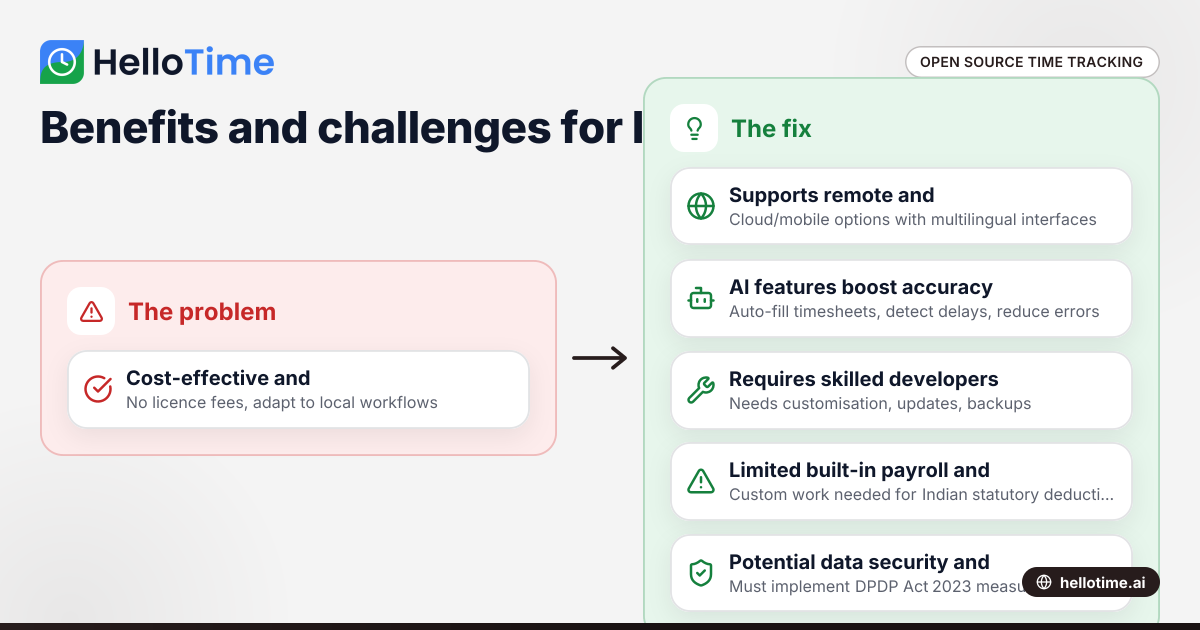
Open Source Time Tracking Tools for Indian Agencies: Benefits and Considerations
Open source time tracking tools are software with publicly accessible code, letting Indian agencies use and customise them without licence fees. They.
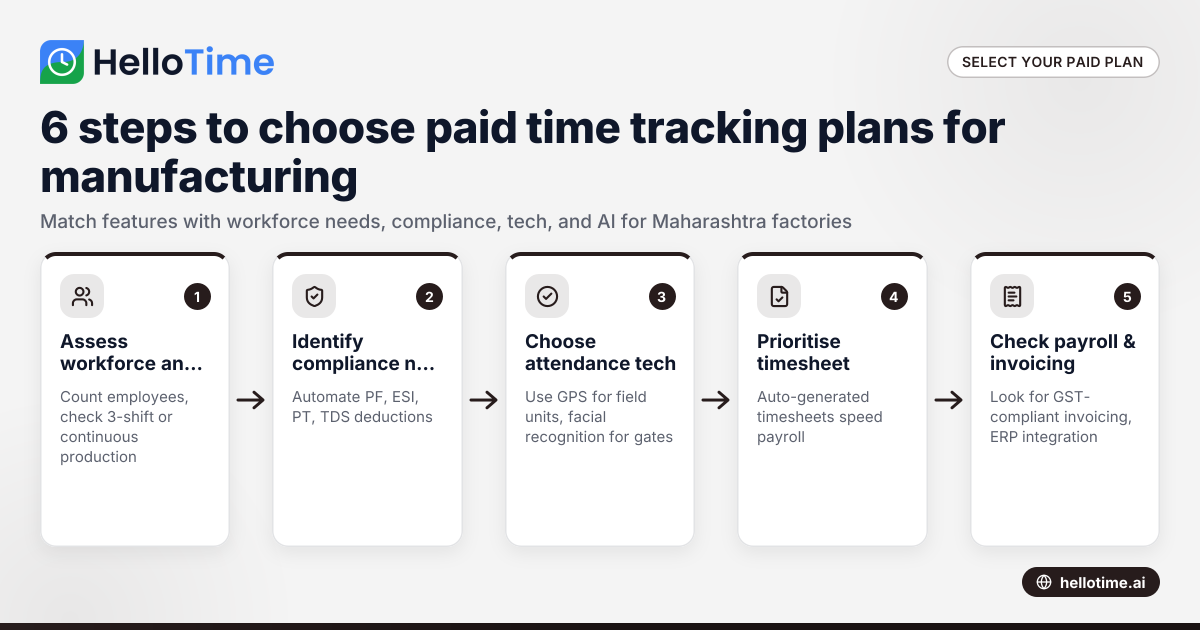
Choosing the Best Paid Plans for Manufacturing Time Tracking Software in Maharashtra, India
Choosing the right paid plan for manufacturing time tracking software in Maharashtra helps your factory optimise labour costs, streamline shift.
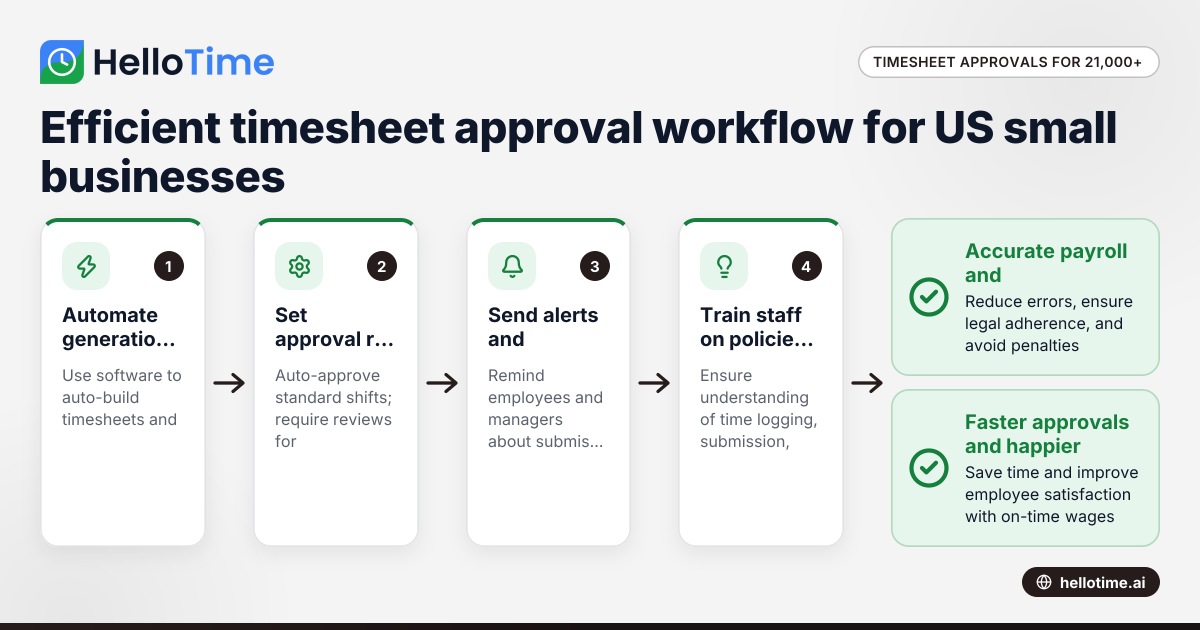
How United States Small Businesses Can Handle Timesheet Approval Workflows with Over 21,000 Minutes Logged
Managing timesheet approvals efficiently becomes critical for US small businesses logging large volumes of employee hours, such as over 21,000 minutes