How to Calculate 90-Minute Overtime Breaks for Shift Workers in United States Retail Stores
Calculating 90-minute overtime breaks for retail shift workers in the United States involves understanding labor laws, accurately tracking work and.
The HelloTime team
8 min read
On this page
Calculating 90-minute overtime breaks for retail shift workers in the United States involves understanding labor laws, accurately tracking work and break times, and applying overtime rules correctly. Proper calculation ensures compliance, fair pay, and efficient workforce management.
Key takeaways
- A 90-minute break for retail shift workers usually affects how overtime is calculated under the Fair Labor Standards Act (FLSA).
- Breaks longer than 20 minutes generally do not count as paid work hours if employees are completely relieved of duties.
- Overtime in retail typically starts after 40 hours in a workweek, and break time may or may not count depending on whether the break is paid or unpaid.
- Using accurate time tracking software like HelloTime can simplify tracking 90-minute breaks and overtime hours.
- Employers must consider state laws as some states have additional break or overtime regulations affecting 90-minute break calculations.
What is 90 minute overtime break calculation?
90 minute overtime break calculation refers to the method of determining how breaks lasting 90 minutes within a shift impact overtime pay calculations. Typically, in retail stores, these are long meal or rest breaks, and employers must decide if those breaks count as paid time when calculating total hours worked.
Breaks that meet criteria for unpaid time off the clock reduce total hours worked and can delay the onset of overtime beyond the standard 40-hour weekly threshold. Conversely, paid breaks add to paid hours and may increase liability for overtime wages. Employers use this calculation to comply with labor law requirements and avoid wage disputes.
How does the Fair Labor Standards Act govern 90-minute break calculation?
The FLSA does not require employers to provide breaks but governs whether they must pay employees during these breaks. Generally, bona fide meal breaks (usually 30 minutes or more) where employees are free from work duties are unpaid. Short breaks (usually 5–20 minutes) must be paid as work time.
A 90-minute break is considered a bona fide meal break and can be unpaid if the employee is fully relieved. This time is excluded from hours worked and thus from overtime calculations. Paid breaks, or breaks where work continues, count toward total hours worked and could trigger overtime pay beyond 40 hours.
How do state laws affect 90 minute overtime break practices in retail?
Each state may have specific labor laws supplementing the FLSA. For example, California requires two meal breaks for shifts over 12 hours, but meal breaks must be unpaid only if employees are relieved completely.
In New York, workers must receive at least a 30-minute unpaid break after 6 hours. Retail employers in states like Illinois (Chicago area) and Texas (Houston) should review state and local wage orders closely since some states have stricter break or overtime rules than the federal standard.
How to ensure accurate 90 minute overtime break calculation with time tracking?
Short answer: Use reliable digital time tracking tools that allow manual or automatic break entry and integrate with payroll for seamless overtime calculation.
Retail shift managers can streamline the complex 90 minute overtime break calculation process by using time tracking software like HelloTime. This technology records clock-in/clock-out times and break durations with GPS and geofence verification.
Steps to ensure accuracy:
- Define policies for paid and unpaid breaks in your system.
- Train employees to clock in/out breaks accurately.
- Use HelloTime’s auto-built timesheets to monitor hours worked excluding unpaid breaks.
- Validate overtime calculations based on net worked hours.
- Review and approve timesheets and overtime before payroll.
This reduces errors from manual spreadsheets and helps comply with labor laws.
What challenges do retail managers face in calculating 90 minute overtime breaks?
Accurate calculation can be tricky due to variables like flexible breaks, shift overlaps, partial break pay, and multiple time tracking methods. Retail managers often juggle:
- Ensuring employees don’t work during unpaid breaks to avoid legal risks.
- Tracking break duration precisely when shifts run over multiple days.
- Differing state/local rules complicating uniform payroll processing.
- Avoiding underpayment or overpayment of overtime wages.
- Integrating time data with payroll and invoicing systems without extra administrative burden.
Using AI 90 minute time tracking features in modern workforce management software helps reduce these challenges by automating calculations and compliance checks.
How can AI help with 90 minute overtime break calculation?
AI-powered workforce management tools analyze clock-in/out data to identify break periods, predict overtime patterns, and flag anomalies in timecard entries. An “ai 90 minute” break feature can automatically detect when employees take breaks close to 90 minutes, verify unpaid status, and adjust paid hours accordingly.
Employers benefit from:
- Reduced manual errors in overtime and break calculations.
- Faster payroll processing.
- Enhanced compliance with federal and state labor laws.
- Insightful reports on break frequency and overtime costs.
HelloTime incorporates AI elements in its time tracking to help retail teams win accurate overtime break calculations.
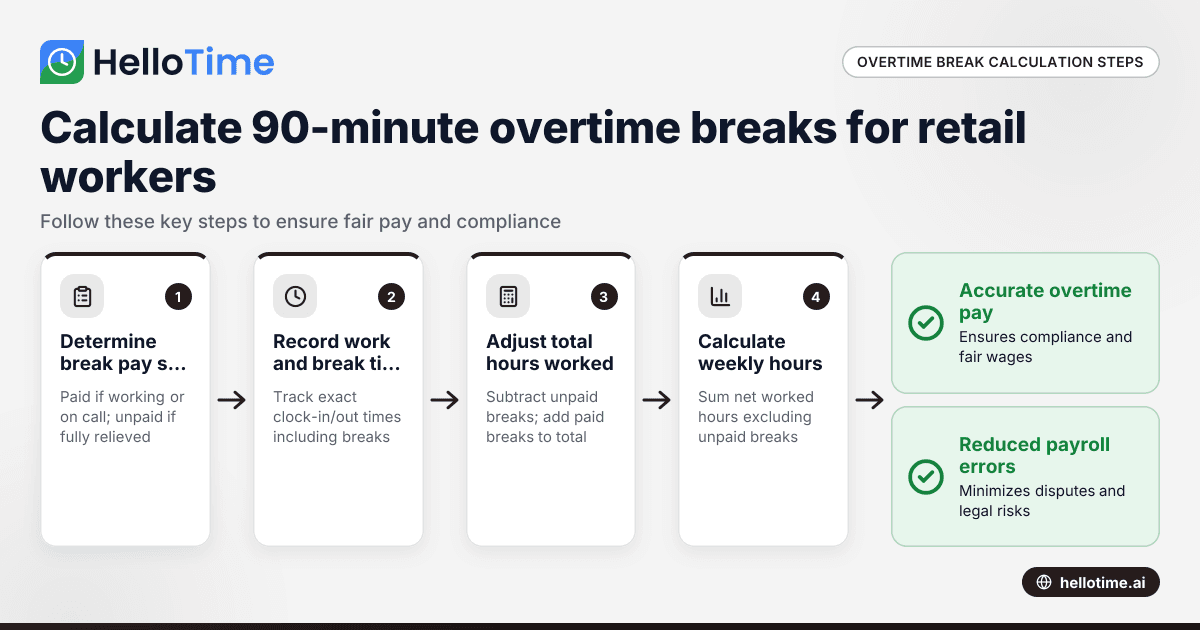
Step-by-step guide to calculate 90 minute overtime breaks for retail shift workers
1. Determine if the 90 minute break is paid or unpaid
- If employees are fully relieved, it usually is unpaid.
- If employees perform duties or remain on call, the break is paid.
2. Record exact clock-in and clock-out times for work and break periods
Accurate time tracking prevents disputes and errors.
3. Subtract unpaid break time from total shift hours
If the break is unpaid, deduct 90 minutes from total hours worked that day.
4. Add paid break time to total worked hours
Paid breaks increase the total hours worked, influencing overtime eligibility.
5. Calculate total hours for the workweek and identify overtime over 40 hours
Only hours worked count toward overtime; break times excluded if unpaid.
6. Compute overtime pay (typically 1.5x regular rate) on hours above 40
Apply the correct overtime rate per federal and applicable state law.
Examples of 90 minute overtime break calculation in a retail store
Imagine a retail employee in Detroit works five days with the following schedule:
- Shift duration: 9 hours daily (including a 90-minute unpaid lunch break)
- Actual paid hours daily: 7.5 hours (9 - 1.5 unpaid break)
- Weekly paid hours: 7.5 x 5 = 37.5 hours
No overtime is triggered this week since hours worked are under 40 despite being physically on-site for 45 hours.
If breaks were paid instead, weekly hours would be 45 → 5 hours overtime payable.
Best practices for retail businesses to handle 90 minute overtime break calculation
- Establish clear break policies distinguishing paid vs unpaid breaks.
- Implement staff training on clocking procedures and break rules.
- Use automated workforce management software with GPS / geofence clock-in features to avoid buddy punching or off-site breaks.
- Regularly audit timesheets to catch errors early.
- Stay updated on federal and state labor laws affecting break and overtime rules.
- Communicate clearly with employees about break and overtime pay policies.
How do automatic features in HelloTime simplify 90 minute overtime break calculation?
HelloTime’s features include one-click time tracking with break segments, auto-built timesheets excluding unpaid breaks, and approvals to verify overtime hours accurately. GPS and geofencing ensure breaks are taken on-site under correct conditions. This easy-to-use system reduces disputes and simplifies compliance for retail operators in the US.
Ready to streamline your retail time tracking?
Explore HelloTime’s features to see how AI-assisted 90 minute overtime break calculations and workforce management tools can help your US retail business improve accuracy and compliance. Compare our pricing to find the best plan for your team.
Frequently asked questions
How long must a break be to count as unpaid in the US?
Generally, bona fide meal breaks lasting at least 30 minutes where employees are fully relieved of duties can be unpaid. Short breaks under 20 minutes are usually paid by FLSA standards.
Does a 90-minute break count as work hours for overtime calculation?
If the 90-minute break is unpaid and the employee is completely relieved, it does not count as working hours and is excluded from overtime calculations. Paid breaks count as hours worked.
Are employers required to provide 90 minute breaks by law?
No federal law mandates a 90-minute break. The FLSA does not require breaks, but some states or contracts may specify break durations.
How can AI help with break and overtime time tracking?
AI analyzes clock-in/out patterns, auto-detects break periods, flags irregularities, and automates payment calculations to reduce errors and improve payroll accuracy.
What if employees don’t clock out for their 90 minute break?
If employees remain on the clock, break time counts as work hours possibly increasing overtime pay. It is best to have clear policies and reliable tracking to avoid this issue.
Can HelloTime integrate with payroll for overtime and break pay?
While direct payroll for the US is coming soon, HelloTime in the US lets you export accurate timesheets with proper break and overtime calculations. This data can be integrated with common payroll tools like QuickBooks and Stripe.
Read next
This article covers one part of a bigger topic. For the complete picture, read our guide to 90 and 100.
Keep reading
Related articles
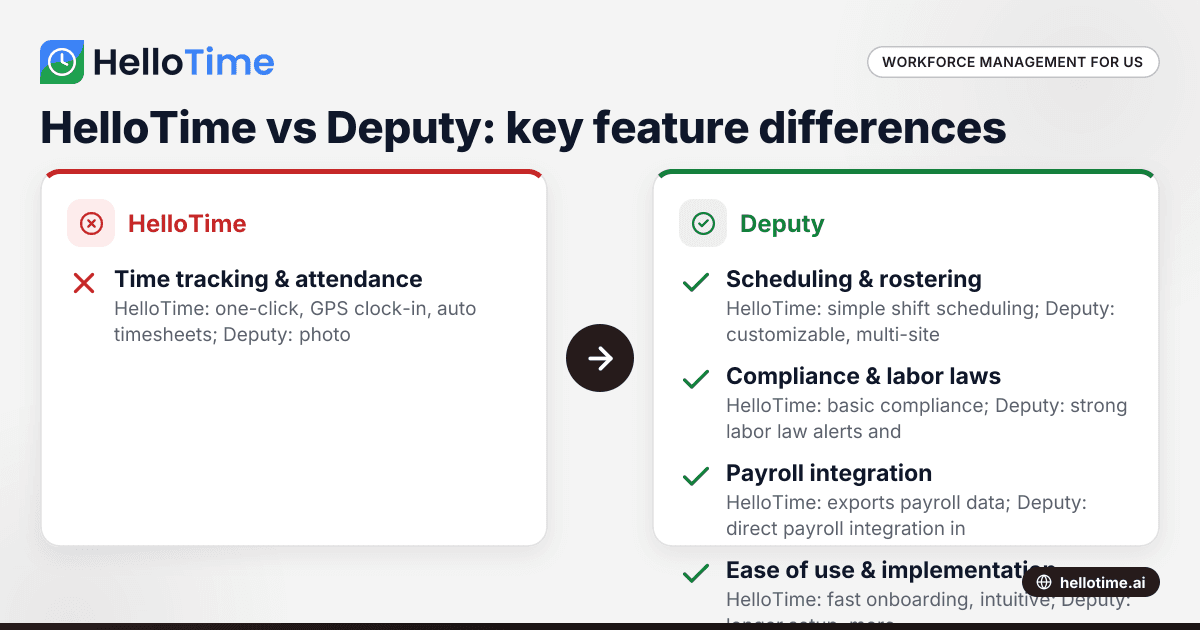
HelloTime vs Deputy: Which Workforce Management Software is Best for United States Small Businesses?
HelloTime and Deputy are popular workforce management tools offering employee scheduling, time tracking, and attendance solutions for US small.
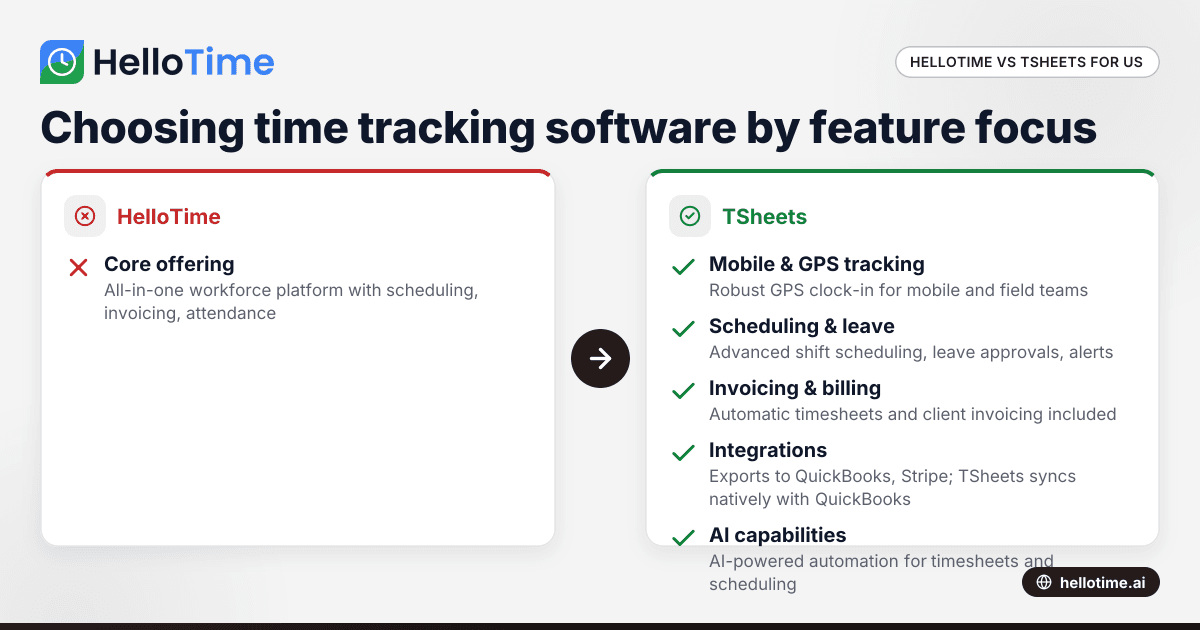
HelloTime vs TSheets: Choosing the Best Time Tracking Software for United States Agencies
HelloTime and TSheets are popular time tracking solutions for agencies and professional services in the United States. Comparing HelloTime vs TSheets.
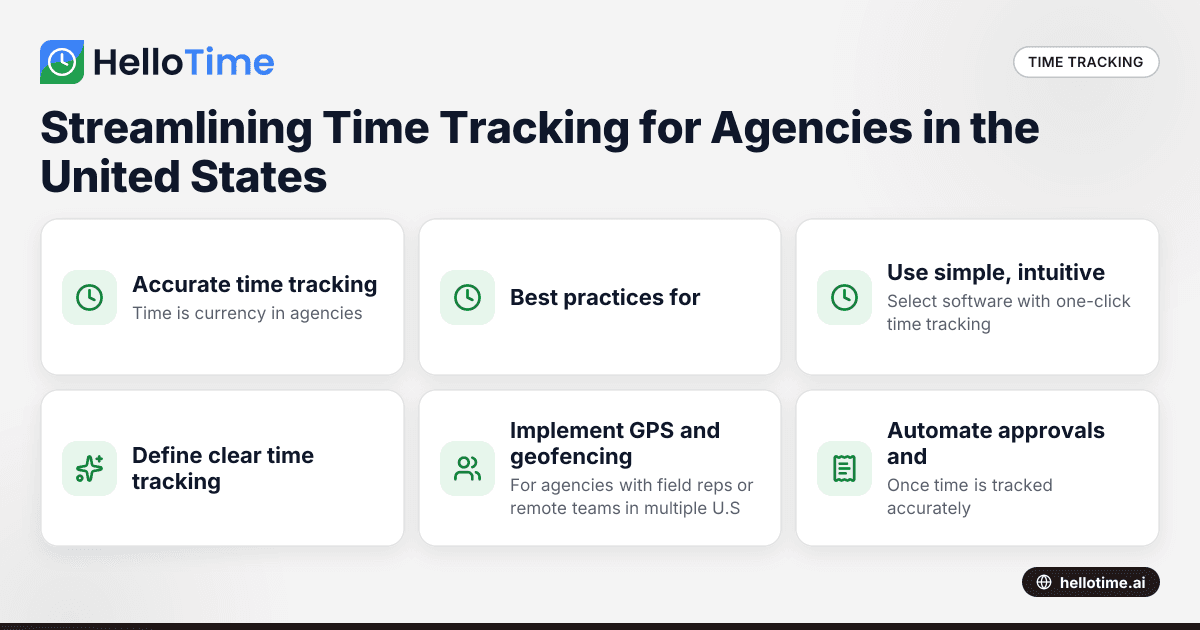
Streamlining Time Tracking for Agencies in the United States: Best Practices to Boost Client Billing Accuracy
Streamlining time tracking for agencies in the United States is essential for ensuring accurate client billing and maximizing profitability. By.