How to Manage a Private Beta Launch for Time Tracking Software in the United States
Launching a private beta for time tracking software in the United States requires careful planning, targeted user selection, and clear feedback.
The HelloTime team
10 min read
On this page
Launching a private beta for time tracking software in the United States requires careful planning, targeted user selection, and clear feedback processes. A private beta lets you test your app with a limited group before a public release, ensuring reliability and usability tailored to your market.
Key takeaways
- Define clear goals and metrics for your private beta launch.
- Select beta testers representing your core US customer profiles.
- Communicate expectations, data privacy, and feedback methods clearly.
- Use iterative testing with real-world scenarios focused on US workforce needs.
- Incorporate an easy-to-access support channel during the beta phase.
- Analyze feedback thoroughly before scaling to public release.
What is a private beta, and why use one?
A private beta is a pre-release version of your software shared with a limited group of users. Unlike public betas open to a broad audience, private betas allow for controlled testing environments and detailed feedback collection.
Launching a private beta for your time tracking software in the US helps identify bugs, improve user flows, verify compliance with labor laws, and validate that your features solve real business problems. For instance, if your software automates shift scheduling for retail teams in Chicago or Houston, testing these features with a handful of real businesses reduces the risk of costly errors later.
This approach also builds early relationships with customers who become advocates and provide invaluable early insights to shape your product before opening it to a wider market.
How do I plan a private beta launch for time tracking software?
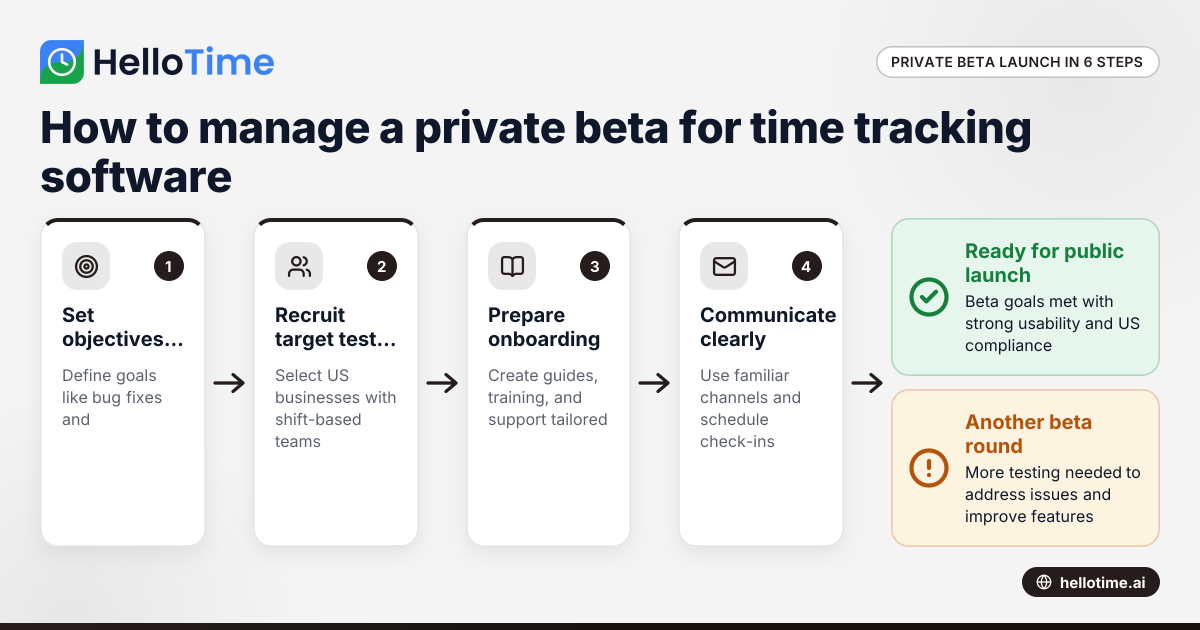
Planning sets the foundation for a successful private beta. Follow these detailed steps:
1. Set Clear Objectives
Decide upfront what you want to learn from your beta:
- Detect and fix bugs that affect key workflows like clock-ins or timesheet approvals.
- Test the usability of features such as GPS geofencing or face recognition clock-ins for US field teams.
- Validate that automated timesheets correctly handle US overtime rules and breaks.
- Assess integration with common US financing tools like QuickBooks or Stripe.
- Confirm your app’s performance under real-world conditions, such as fluctuating network quality in retail or hospitality.
2. Define Success Metrics
Establish measurable indicators tied to the objectives to track progress. Examples include:
- Percentage of testers submitting daily time entries correctly.
- Number and severity of bugs reported.
- Average time taken by testers to complete their first timesheet.
- Feedback volume through surveys or chat.
- Engagement rate on support channels.
Documenting these metrics helps you know when your beta goals are met and it’s time to scale up.
3. Select Your Target Audience
Identify your ideal beta testers among small to midsize US businesses. Target industries where time tracking is mission-critical:
- Agencies and professional-services firms billing by the hour.
- Shift-based teams in hospitality, retail, field service, manufacturing, and construction.
- Businesses currently using manual or spreadsheet timekeeping who face compliance or payroll headaches.
Recruit testers from cities with relevant industry clusters — for example, factories in Detroit or hospitality in Las Vegas — to get geographically and sector-wide perspectives.
4. Develop Legal Agreements
Use Non-Disclosure Agreements (NDAs) and clear terms of use to protect your intellectual property and user data. Include clauses about:
- Confidentiality of the pre-release features.
- Data ownership and privacy.
- Beta software limitations and disclaimers.
These agreements establish professional trust and clear expectations with testers in a US legal context.
5. Prepare Onboarding Materials
Create easy-to-understand guides tailored to US users covering:
- How to set up time tracking for typical US shift patterns.
- Navigating leave requests under US labor standards.
- Submitting approval workflows consistent with US HR practices.
- Using features such as project invoicing and compliance monitoring.
Step-by-step videos, FAQs, and screenshots reduce friction and boost tester confidence.
6. Establish Communication Channels
Set up dedicated email threads, Slack channels, or in-app chat tools familiar to US businesses. Clear communication fosters collaboration and quick issue resolution.
Schedule regular check-ins and feedback reminders using local time zones to maintain momentum.
Who should be the testers in a time tracking software private beta?
Selecting the right testers is essential. Aim for:
- HR managers and operations leaders who approve timesheets and oversee compliance.
- Supervisors and team leads managing shift schedules.
- Employees who clock in and out daily, ideally performing jobs with hourly wages or overtime.
Testers who currently rely on spreadsheets or manual tracking can highlight the pain points your software solves. For example, a retail store manager in Houston juggling multiple shifts can test the shift roster feature under real stress conditions.
Including a mix of testers across roles yields diverse feedback — operational insights from managers and user experience from staff.
Prioritize US businesses compliant with Fair Labor Standards Act (FLSA) rules about overtime and breaks to validate your software handles legal nuances.
What does an AI private beta involve?
If your time tracking software includes AI features — like automated timesheet generation, predictive shift scheduling, or anomaly detection in hours worked — a focused AI private beta is vital.
What to test in an AI beta:
- Accuracy of AI-generated timesheets compared to manual entries.
- How well predictive scheduling balances labor laws and employee preferences.
- Trust and transparency: Are users comfortable with AI suggestions? Do they understand how decisions are made?
Who to involve:
- Testers comfortable experimenting with new tech.
- US-based HR managers interested in automating manual tasks.
- Small teams willing to pilot AI for scheduling or payroll forecasting.
Use frequent feedback loops to tweak AI models based on real-world US labor patterns, for example accounting for varying overtime thresholds in states like California or New York.
How do I recruit private beta testers legally and ethically in the US?
Recruitment should respect US laws such as CAN-SPAM for email outreach and general data privacy principles.
Recruitment tips:
- Leverage Existing Networks: Reach out to clients, business contacts, or industry associations such as SHRM chapters or local chambers of commerce.
- Targeted Outreach: Use LinkedIn or business email campaigns with clear opt-in consent, avoiding spammy tactics.
- Be Transparent: Clearly state the software is in beta, what data you collect, how it will be used, and expectations.
- Offer Incentives: Provide free subscription extensions, priority support, or discounts after launch as motivation.
- Consent for Data Use: Get explicit agreement to use beta data for troubleshooting and product improvement.
Ethical recruitment builds trust and ensures a willing, engaged testing group.
How do I onboard private beta testers effectively?
Great onboarding reduces confusion and accelerates productive testing.
Onboarding steps:
- Welcome Email: Include login details, a link to the user guide, and support contact.
- Training Materials: Share short videos demonstrating key US-focused features — clocking in, requesting leave, managing overtime.
- Highlight Important Features: Emphasize US labor rules built into the app such as breaks, shift differentials, and geofenced clock-in requirements.
- Provide Support Access: Offer a dedicated helpdesk via chat or email with quick response times.
- Set Feedback Timelines: Encourage testers to submit issues or suggestions regularly, using scheduled reminders.
For example, a Boston-based HR lead onboarding the software will appreciate a clear demo on how to approve overtime shifts compliantly.
How to collect and manage feedback during the private beta?
Collecting and managing feedback systematically ensures no issues slip through.
Feedback channels:
- In-app Feedback Forms: Allow immediate issue reporting tied to specific screens.
- Scheduled Surveys: Periodic questionnaires focusing on usability, bugs, compliance features.
- Direct Communication: Chat tools or weekly calls for deeper discussions.
Feedback best practices:
- Prioritize bugs affecting core workflows like payroll-accurate time capture.
- Categorize feedback by frequency and impact on US-specific needs such as compliance monitoring.
- Share status updates on fixed issues with testers.
- Foster a community feel where testers know their input matters.
HelloTime’s beta includes features like time tracking, GPS clock-in, and shift rostering, so feedback on those directly shapes the product roadmap.
How do I analyze private beta results and decide next steps?
Analyzing data is both quantitative and qualitative:
- Track metrics such as daily active users, timesheets submitted, feature usage rates, and bug counts.
- Review qualitative feedback for recurring themes or missed features.
- Compare results against your success metrics.
- Assess whether the software supports complex US labor rules without errors.
- Determine if AI features deliver practical time savings.
- Identify testers who may help with public launch promotion.
Based on analysis:
- Fix high-priority bugs.
- Tweak designs or workflows.
- Update onboarding materials.
- Decide if the product is ready for a broader audience or needs another beta round.
What are the common challenges in private beta testing, and how do I avoid them?
Some challenges and mitigation tips include:
- Low tester engagement: Maintain interest with regular communication, incentives, and public recognition.
- Unclear test objectives: Define clear goals upfront and share them with testers.
- Insufficient feedback: Make it easy to provide input directly in-app and reward detailed reports.
- Testing environment mismatch: Simulate various shift patterns, time zones, and legal contexts (e.g., California overtime laws) to ensure realism.
- Data privacy concerns: Be transparent and secure to build trust.
Avoiding these pitfalls ensures you gain actionable insights.
How do I ensure data privacy and security during the private beta?
Protect sensitive employee and business data with:
- End-to-end encryption for data transmission.
- Secure storage with access controls.
- Compliance with US privacy standards.
- Transparent privacy policy describing data collection, usage, and retention.
- Limited data access for internal teams.
Testers trust software that safeguards their business and employee information, leading to frank feedback and successful beta outcomes.
Launching a successful private beta for your time tracking software in the United States involves targeted recruitment, clear communication, and iterative testing based on real-world use cases. To explore how automation, attendance tracking, and scheduling can enhance productivity in your business, check out our detailed features and compare plans at pricing.
Frequently asked questions
What is the difference between a private beta and a public beta?
A private beta limits access to selected users for focused, confidential testing and feedback. Public beta opens the software to a broad audience for large-scale validation. Private betas reduce risk and allow in-depth fixes before public exposure.
How long should a private beta last?
Four to eight weeks is typical to gather sufficient feedback and address issues without causing user fatigue. The duration depends on software complexity, feedback quality, and your readiness to launch.
Can I charge users during a private beta?
Usually, private beta access is free to encourage honest participation. You can, however, offer early-bird pricing or discounts post-beta to incentivize conversion to paying customers.
How do I handle negative feedback during the beta?
Treat negative feedback as an opportunity for improvement. Respond promptly, thank users for their input, and communicate plans to address problems. Maintaining openness builds trust and product loyalty.
Is AI private beta testing different from regular beta testing?
Yes. AI beta testing focuses on validating intelligent features specifically, including accuracy, usability, and bias detection. Standard beta testing covers overall product features and stability.
How can I keep beta testers engaged throughout the testing period?
Keep testers motivated with regular updates, prompt support, recognition of contributions, sneak peeks of upcoming features, and clear communication of how their feedback makes a difference.
By carefully managing your private beta launch, you lay the groundwork for a successful time tracking product that resonates with US businesses and meets their workforce management needs effectively.
Read next
This article covers one part of a bigger topic. For the complete picture, read our guide to private beta.
Keep reading
Related articles
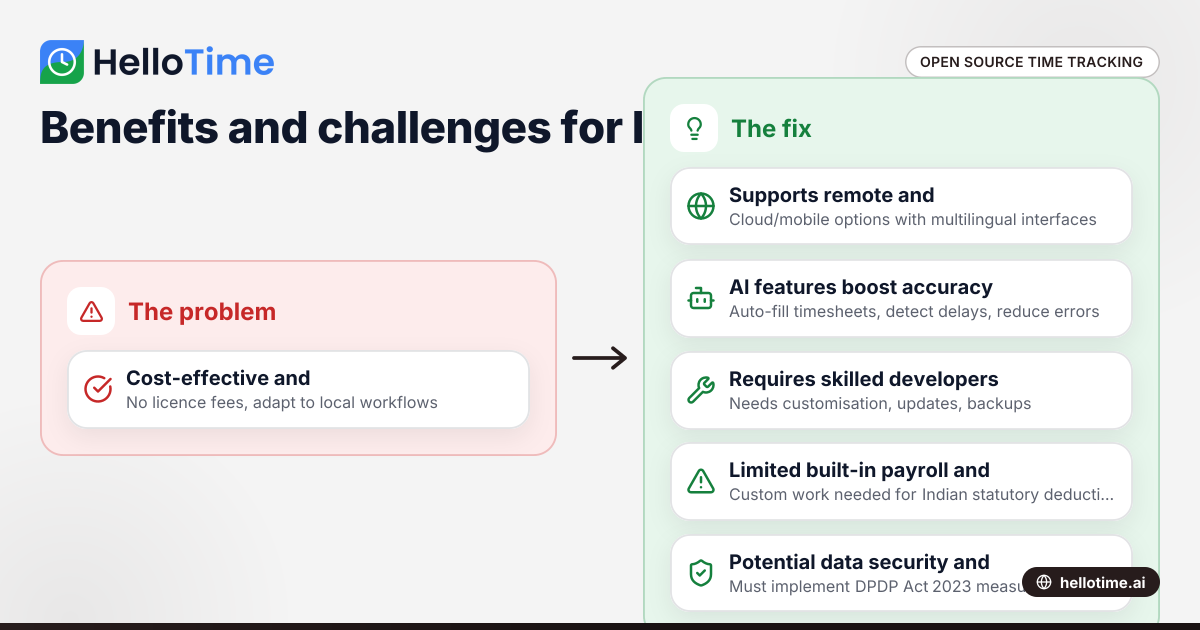
Open Source Time Tracking Tools for Indian Agencies: Benefits and Considerations
Open source time tracking tools are software with publicly accessible code, letting Indian agencies use and customise them without licence fees. They.
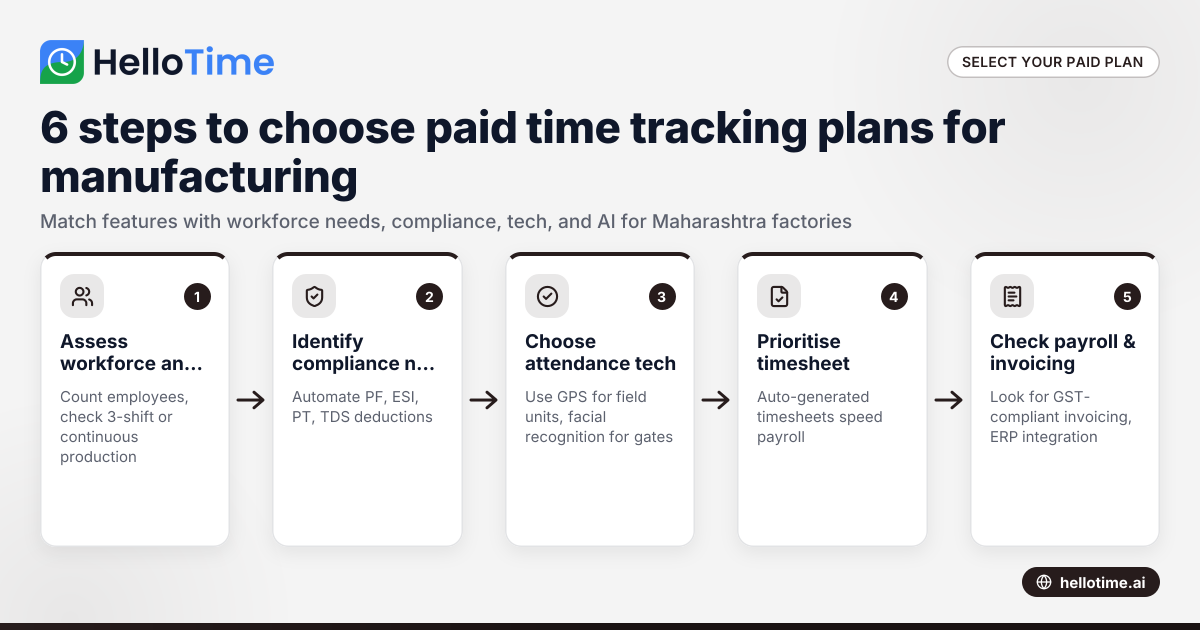
Choosing the Best Paid Plans for Manufacturing Time Tracking Software in Maharashtra, India
Choosing the right paid plan for manufacturing time tracking software in Maharashtra helps your factory optimise labour costs, streamline shift.
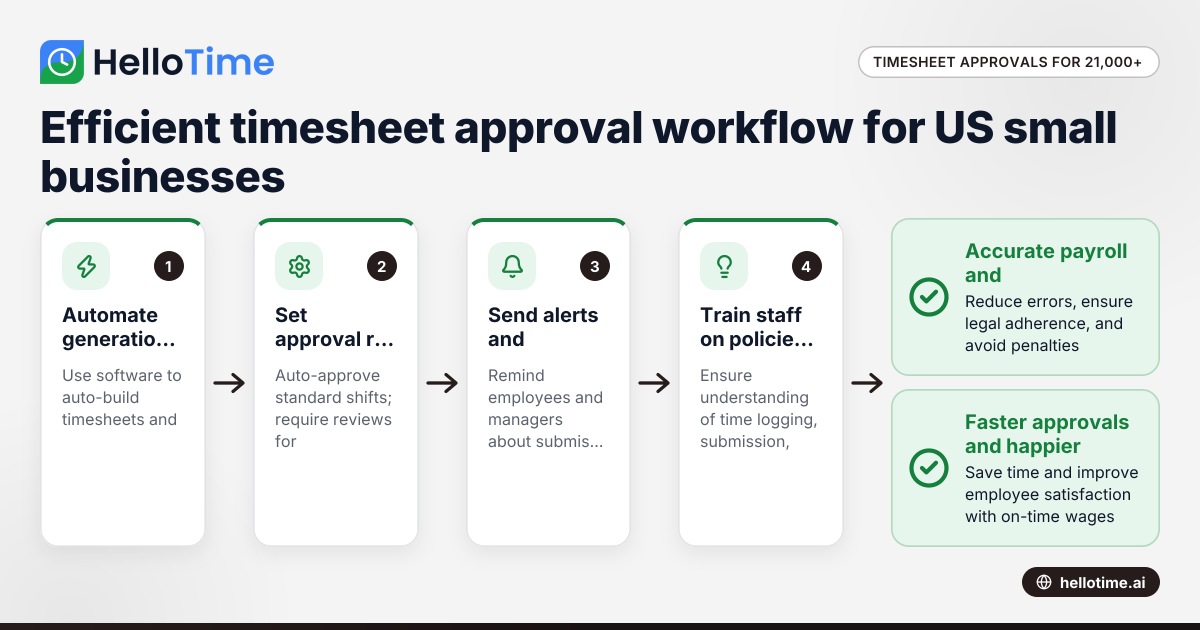
How United States Small Businesses Can Handle Timesheet Approval Workflows with Over 21,000 Minutes Logged
Managing timesheet approvals efficiently becomes critical for US small businesses logging large volumes of employee hours, such as over 21,000 minutes