How User Mode Enhances Time Tracking Efficiency for Agencies in the United States
User mode in time tracking customizes software access and controls based on each team member's role. This ensures that employees log their own hours.
The HelloTime team
5 min read
On this page
User mode in time tracking customizes software access and controls based on each team member's role. This ensures that employees log their own hours accurately while managers gain the right oversight. For US agencies, it supports compliance, billing accuracy, and smooth project management.
Key takeaways
- User mode assigns personalized permissions and dashboards according to roles.
- Employees track their own time, improving accuracy and accountability.
- Managers gain better oversight with role-specific access.
- Supports compliance with US labor laws like FLSA.
- AI user mo functions automate data capture and reduce errors.
- Integrates with common US business tools such as QuickBooks and Stripe.
What is user mode in time tracking?
User mode customizes the time tracking software interface and permissions based on individual user roles. For example, a project manager can approve timesheets, while a creative team member only logs their own hours. This reduces clutter and prevents unauthorized changes.
When team members record their own time, timesheets become more accurate. It also minimizes risks like time misreporting and builds trust between staff and management by assigning clear responsibility.
Why is user mode important for US agencies?
User mode matters because US labor law, especially under the Fair Labor Standards Act (FLSA), requires accurate and transparent records of hours worked. Direct employee entry ensures fewer errors and makes compliance easier.
Additionally, agencies often bill clients differently by project or hourly rates. User mode helps separate billable hours properly, allowing faster generation of client invoices that meet US accounting requirements. It also supports smooth integration with QuickBooks and Stripe for payment processing.
How does ai user mo improve time tracking efficiency?
AI user mo enhances time tracking by automating suggestions and spotting mistakes. It analyzes time entry patterns, recommends task categories, and reminds users to log missing hours. This reduces forgotten entries and inaccuracies common in busy US agencies.
Managers also benefit as AI flags unusual work patterns, helping catch errors early. Agencies in cities like Houston and Chicago can use AI-generated insights to improve workflows and deliver projects more profitably and on time.
How can agencies set up user mode effectively?
To implement user mode well:
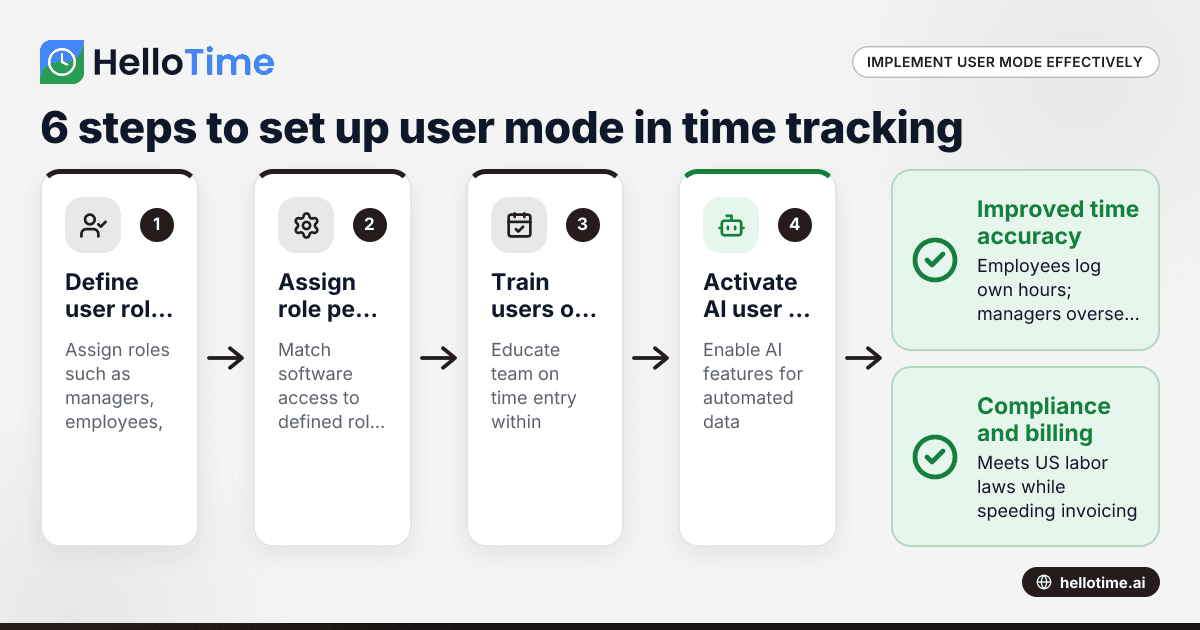
- Define user roles (managers, employees, viewers).
- Assign permissions matching those roles.
- Train users on logging hours within their mode.
- Activate AI user mo features for automated assistance.
- Regularly audit time records and project reports.
- Link the system to accounting software for invoicing.
Following these steps reduces administration, improves accuracy, and speeds up billing, critical for US agencies.
What role does user mode play in managing workforce compliance?
User mode provides audit trails showing who entered and approved hours, vital for US labor audits. Agencies with shift workers in cities like Detroit can assign roster managers limited access to attendance without exposing payroll data.
Features like GPS clock-in and tablet-based face recognition verify hours worked, reducing time theft. This clear separation of duties helps meet FLSA and OSHA record-keeping standards while lightening HR’s burden.
Are there specific challenges agencies face without user mode?
Without user mode, agencies often use shared spreadsheets or manual timecards, causing:
- Data errors from multiple editors.
- Increased risk of time theft.
- Poor visibility into who worked when.
- Higher audit risk from incomplete records.
- Slower, manual approval processes.
User mode solves these by providing tailored access and accountability.
How to choose the right time tracking software with user mode?
Look for these features in software:
- Custom role-based permissions.
- User-friendly interfaces.
- Integration with QuickBooks and Stripe.
- AI user mo for automation.
- Support for mobile GPS and biometric clock-in.
- Reports that support US labor law compliance.
HelloTime offers these capabilities designed for US agencies. Discover the features to see how user mode can improve your workflow.
How can user mode help with client billing accuracy?
User mode lets employees log billable hours linked to specific clients and tasks. This prevents billing errors and speeds invoice generation. Auto-built timesheets and approval workflows under user mode improve transparency and reduce disputes.
US agencies billing hourly gain faster, more accurate invoicing synced with tools like Stripe and QuickBooks, enhancing client satisfaction.
User mode is a key feature for US agencies aiming to streamline time tracking, ensure compliance, and boost efficiency. Combined with AI enhancements, it empowers your team to focus on work while automating tracking accuracy. Explore HelloTime’s pricing and features to learn more.
Frequently asked questions
What is user mode in time tracking software?
User mode customizes access and features based on individual roles, so employees see and manage only the time tracking options relevant to them, improving data accuracy and security.
How does user mode support labor law compliance in the US?
By letting employees enter their own hours and designing clear approvals, user mode ensures accurate work records that help meet FLSA’s requirements for payroll transparency.
Can user mode integrate with US accounting tools?
Yes, time tracking with user mode typically connects to popular tools like QuickBooks and Stripe, streamlining client billing and payroll workflows.
What is ai user mo and how does it help time tracking?
AI user mo uses artificial intelligence to suggest time entries, detect anomalies, and guide users, which reduces errors and speeds approvals in agencies managing multiple projects.
Is user mode suitable for field teams or shift workers?
Absolutely. It controls access based on roles like technicians or supervisors and supports GPS or biometric clock-ins to verify actual attendance.
How do I train my team to use user mode effectively?
Provide simple training materials and emphasize daily use. Highlight the benefits of accurate logging and conduct regular reviews to maintain consistency and reliability.
Read next
This article covers one part of a bigger topic. For the complete picture, read our guide to user mo.
Keep reading
Related articles
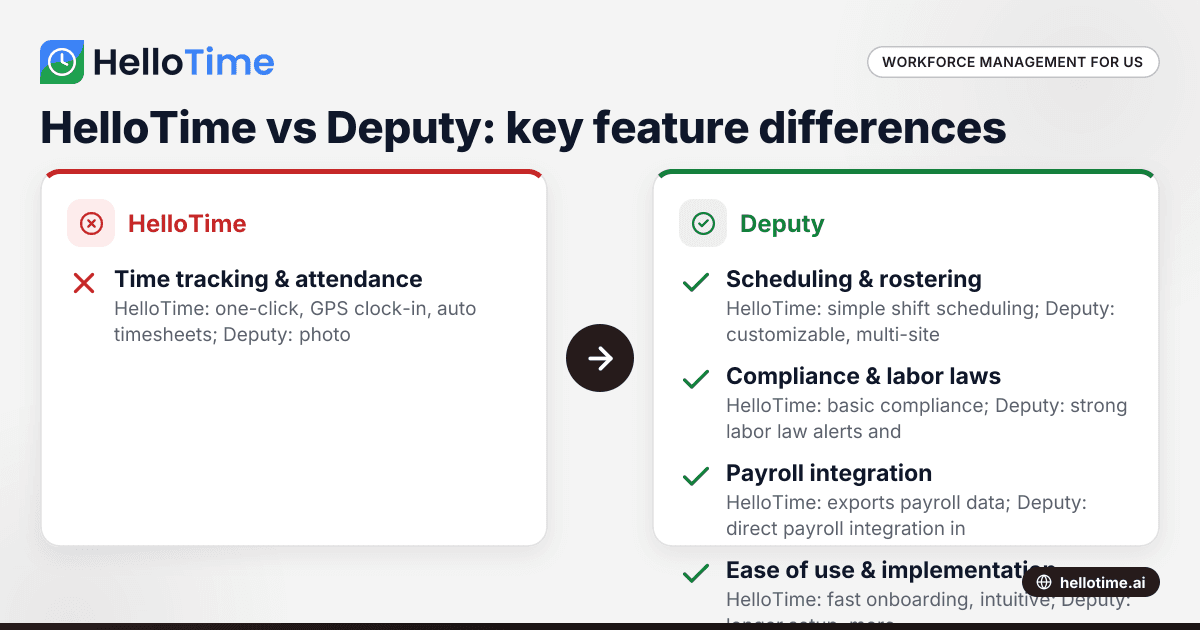
HelloTime vs Deputy: Which Workforce Management Software is Best for United States Small Businesses?
HelloTime and Deputy are popular workforce management tools offering employee scheduling, time tracking, and attendance solutions for US small.
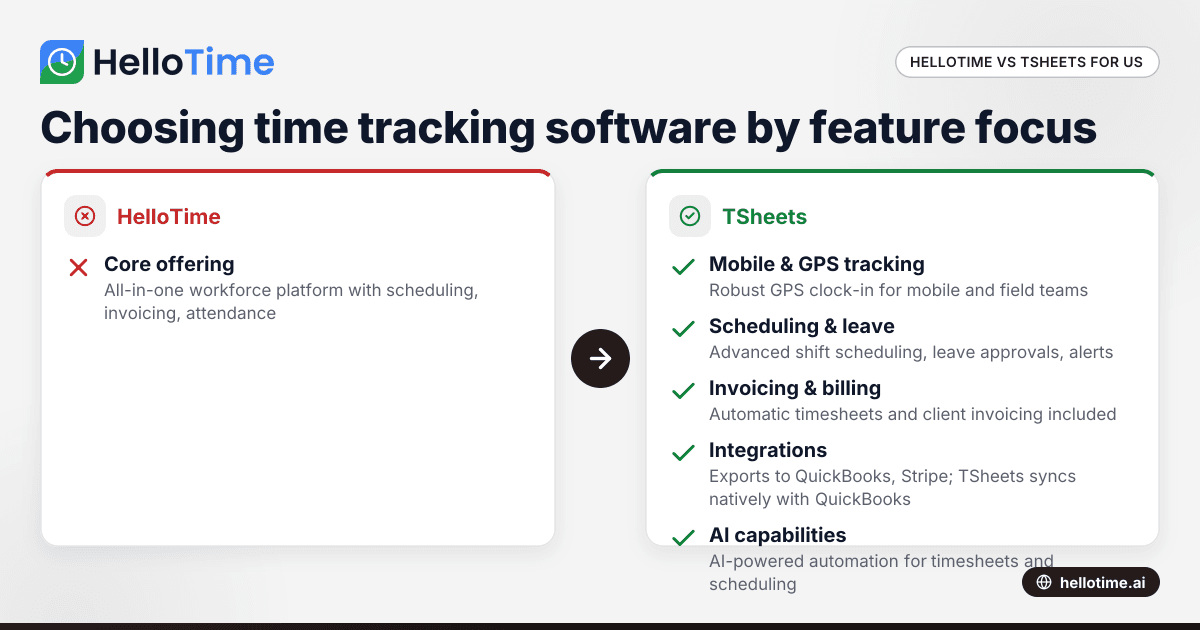
HelloTime vs TSheets: Choosing the Best Time Tracking Software for United States Agencies
HelloTime and TSheets are popular time tracking solutions for agencies and professional services in the United States. Comparing HelloTime vs TSheets.
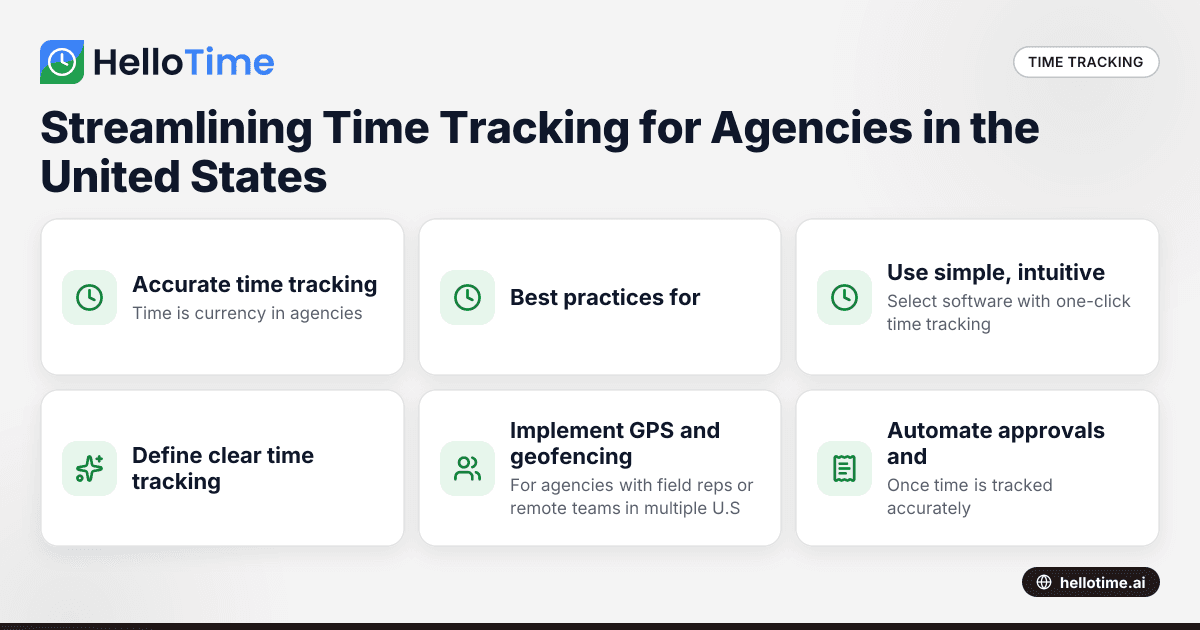
Streamlining Time Tracking for Agencies in the United States: Best Practices to Boost Client Billing Accuracy
Streamlining time tracking for agencies in the United States is essential for ensuring accurate client billing and maximizing profitability. By.