Job Costing from Timesheets in the United States: How Small Businesses Can Track Labor Costs, Billable Hours, and Profit by Project
Job costing from timesheets is the process of turning employee hours into project labor costs, billable amounts, and profit insights. For small.
The HelloTime team
12 min read
On this page
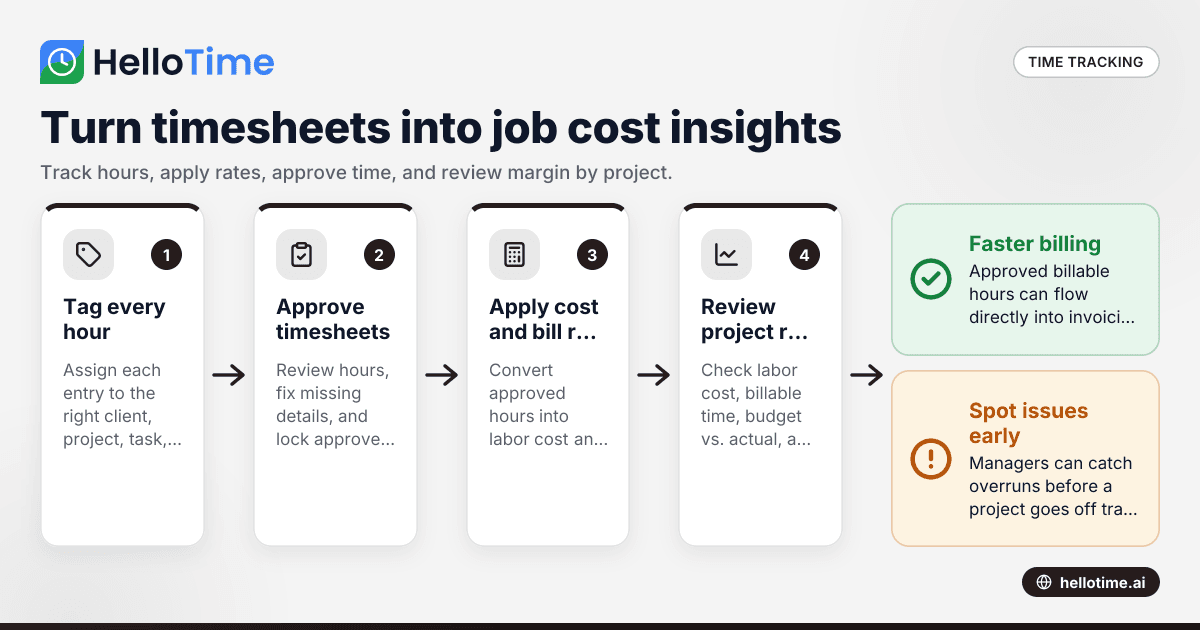
Job costing from timesheets is the process of turning employee hours into project labor costs, billable amounts, and profit insights. For small businesses in the United States, it is one of the simplest ways to see which jobs make money, which teams are over budget, and where billing leaks happen.
Key takeaways
- Job costing from timesheets connects hours worked to labor cost, billable revenue, and project margin.
- It works best when every hour is tagged to the right client, project, task, or job code.
- Small businesses can start with labor costs first, then add bill rates, overtime, and expenses.
- Clean approvals matter. Bad or late timesheets create bad job cost reports.
- The right system can reduce spreadsheet work and help managers spot issues before a project goes off track.
What is job costing from timesheets?
Job costing from timesheets means using time entries to calculate the cost of labor on a specific job. You track who worked, how long they worked, and what project or task they worked on. Then you apply an hourly cost rate, a bill rate, or both.
This matters because labor is often the largest project cost for service businesses and many field teams. If you do not know your labor cost by job, you cannot reliably measure margin. You may still invoice clients. But you will not know whether the work was actually profitable.
For example, a marketing agency in Chicago may log designer, account manager, and copywriter hours to a client campaign. A field service company in Houston may log technician hours to each installation job. A contractor in Detroit may track crew hours to a renovation project. In each case, timesheets become the foundation for job cost reporting.
A basic job costing workflow usually answers three questions:
- How many hours went into the job?
- What did those hours cost the business?
- What revenue and margin did the job produce?
Without that link, managers often rely on estimates, memory, and spreadsheet cleanup at month end. That is when surprises show up.
Why does job costing from timesheets matter for small businesses?
It helps you make better decisions before small issues become expensive problems. You can see where hours are going, whether the team is using too much labor, and whether you should adjust pricing, staffing, or scope.
It also helps different teams do their work faster:
- Owners get a clearer view of profit by client or project.
- Operations managers see where jobs are running long.
- HR and supervisors can improve time-entry discipline.
- Finance teams can invoice faster from approved billable hours.
- Project managers can compare budgeted hours against actual hours.
When businesses skip this process, common problems appear:
- Unbilled hours never make it onto invoices.
- Overtime pushes labor cost above estimate.
- Managers find overruns only after payroll or month close.
- Teams argue about what was worked and when.
- Profitability reports do not match project reality.
For many small businesses, the issue is not a lack of effort. It is that timesheets live in one file, billing in another, and project costing in a third. A connected process is simpler.
How do you calculate job costing from timesheets?
You calculate job costing from timesheets by taking approved hours on a job and multiplying them by each worker’s labor cost rate. If you also bill clients by the hour, multiply billable hours by the bill rate to estimate revenue. Then compare revenue to labor cost and other job costs to see gross profit.
Start with the core formula. Then build detail underneath it.
The basic formula
For each employee on a job:
Labor cost = hours worked × hourly labor cost
If the work is billable:
Billable revenue = billable hours × bill rate
Then at the job level:
Gross profit = billed or billable revenue − labor cost − other direct job costs
Other direct job costs may include materials, subcontractors, travel, or equipment, if you track them separately. Even if you only start with labor, you will still get a much better view than a plain hours total.
A simple example
Say a small creative agency in Chicago is working on a website project.
- Designer: 18 hours at a $35 labor cost per hour
- Developer: 22 hours at a $50 labor cost per hour
- Account manager: 10 hours at a $40 labor cost per hour
Total labor cost:
- Designer: 18 × $35 = $630
- Developer: 22 × $50 = $1,100
- Account manager: 10 × $40 = $400
Total labor cost = $2,130
If the agency bills:
- Designer hours at $95 per hour
- Developer hours at $125 per hour
- Account manager hours at $110 per hour
Then total billable revenue is:
- Designer: 18 × $95 = $1,710
- Developer: 22 × $125 = $2,750
- Account manager: 10 × $110 = $1,100
Total billable revenue = $5,560
Before other direct costs, the project’s gross profit from labor is:
$5,560 − $2,130 = $3,430
That is the value of job costing from timesheets. You move from “we spent 50 hours” to “we spent $2,130 in labor and generated $5,560 in billable value.”
What counts as labor cost?
Labor cost is more than the employee’s wage rate. Some businesses use a simple hourly wage for early reporting. Others use a burdened labor rate that includes payroll taxes, benefits, and other employment costs.
The more accurate your labor cost rate, the better your job costing will be. But do not let perfect stop you from starting. A consistent internal rate is better than no rate at all.
If you discuss wage and hour compliance, overtime, or employee classification in the United States, use current legal guidance and professional advice. This article is general information, not legal or tax advice.
What should you track on every timesheet?
To make job costing useful, you need more than clock-in and clock-out times. Every entry should carry enough detail to assign cost and revenue correctly.
Minimum fields to capture
At a minimum, a timesheet should include:
- Employee name
- Date worked
- Total hours
- Client or customer
- Project or job
- Task, service item, or cost code
- Billable or non-billable status
- Notes when needed
- Manager approval status
For shift-based teams, you may also need location, crew, supervisor, and break details. For field teams, GPS or geofenced clock-in can help confirm that hours were logged at the correct site.
Why approvals matter
Unapproved timesheets cause three problems. First, finance cannot trust the numbers. Second, invoices get delayed. Third, job cost reports become moving targets.
A weekly approval rhythm usually works well for small businesses. Managers review hours, check job codes, flag missing entries, and lock approved times before invoicing or reporting.
What are the biggest mistakes businesses make?
The biggest mistakes are using inconsistent job codes, mixing billable and non-billable time, and waiting too long to review timesheets. Those three issues can make project reports look precise while hiding real leakage.
Here are the most common breakdowns.
1. Hours are not tied to the right job
If employees pick from a long, messy list of project names, errors are inevitable. One project may appear under several names. That makes reporting unreliable.
Use clear naming rules. Archive old jobs. Keep the selection list short for each team.
2. Labor rates are missing or outdated
If rates are wrong, cost reports are wrong. Review labor cost rates whenever compensation changes or when you update your costing method.
3. Billable status is inconsistent
Many businesses lose revenue because staff forget to mark billable time. Others overbill because internal rework gets mixed with client-approved work.
Create simple rules. Define what is billable. Train teams on examples.
4. Timesheets are submitted late
Late entries are less accurate. People forget details. Managers approve in a rush. Month-end cleanup grows.
Daily or same-week entry is much better than end-of-month reconstruction.
5. Managers do not compare estimate vs. actual
Job costing is not only about historical reporting. It should help you act while a project is still active.
Compare actual hours against budget every week. If a project is trending over, adjust scope, staffing, or client communication quickly.
How can small businesses set up job costing from timesheets?
Start simple. Build a clean structure for clients, projects, tasks, and rates. Then train the team to log time consistently and review reports every week.
Step 1: Define your job structure
Decide how work will be organized. This may be:
- Client > project > task
- Customer > job > phase
- Site > cost code > activity
Choose one structure and use it consistently.
Step 2: Set labor cost rates
Create an hourly labor cost for each role or employee. If individual rates feel too complex at first, use role-based averages.
Examples:
- Junior designer: $30 per hour
- Service technician: $38 per hour
- Project manager: $55 per hour
Step 3: Set bill rates where needed
If you bill clients by time, define the bill rate by employee, role, service type, or project agreement.
Some projects are fixed fee. Even then, billable time tracking still matters because it shows whether the fixed fee was profitable.
Step 4: Standardize time entry rules
Tell employees exactly what to do:
- Enter time daily.
- Pick the correct client and project.
- Choose the right task or code.
- Mark billable status correctly.
- Add notes for exceptions.
Short rules prevent long cleanup sessions later.
Step 5: Add approvals
Assign one manager per team or project. That person reviews and approves time on a set schedule.
Step 6: Review reports weekly
Look at:
- Hours by project
- Labor cost by project
- Billable vs. non-billable hours
- Budget vs. actual hours
- Margin by client or project
This is where the process starts paying off.
Where does ai job costing fit in?
ai job costing helps businesses detect missing entries, suggest the right job code, and surface labor overruns faster. It does not replace manager review. It makes the review process faster and more consistent.
In practical terms, AI is most useful when your team handles many jobs at once. It can help flag unusual patterns, such as a technician logging time to the wrong site or a project burning hours faster than expected. It can also help summarize what changed this week so managers do not have to scan every line manually.
The key is still data quality. If employees do not log time correctly, no smart system can fix every error. But when your time data is clean, AI can help you spot risk earlier.
For a small business, the best use of AI is not flashy automation. It is reducing admin work and helping managers focus on exceptions.
How does job costing from timesheets help invoicing and profitability?
Approved billable hours can flow directly into invoicing, which shortens billing cycles and reduces missed revenue. The same data also shows which projects, clients, or service lines create the strongest margins.
Faster billing
When timesheets are reviewed and approved on time, finance teams can pull billable hours quickly. That means fewer delays between work completed and invoice sent.
This matters for cash flow. A two-week invoicing delay can create a meaningful gap for a small business with payroll, rent, and vendor bills due.
Better profitability analysis
Timesheet-based costing also shows where your profit is coming from.
You can compare:
- One client against another
- One location against another
- One service type against another
- One project manager against another
- Estimated hours against actual hours
That insight supports better pricing. It also helps you decide which work to pursue.
Stronger client conversations
If a client questions an invoice or requests extra work, detailed time records make the conversation easier. You can show what was done, when it was done, and how much effort it required.
What reports should you review every week?
Review hours, labor cost, billable utilization, and project margin every week. Those four views usually reveal whether jobs are on track, whether work is being billed properly, and where labor is drifting above plan.
Here are the most useful reports for small teams.
1. Hours by project
This shows where time went. It helps operations managers spot jobs that are consuming too much labor.
2. Labor cost by project
This converts hours into dollars. It is often the clearest report for owners.
3. Billable vs. non-billable time
This helps service businesses understand utilization. If non-billable time keeps rising, margin often suffers.
4. Budget vs. actual
This is essential for project control. It tells you whether the team is ahead or behind on labor usage.
5. Profitability by client or job
This combines revenue and labor cost to show which work is actually worth keeping.
Choosing software for job costing from timesheets
Spreadsheets can work when the team is very small and projects are simple. But they break down once you have multiple supervisors, mobile employees, billable work, or frequent job changes.
What to look for
Choose a system that supports:
- Fast time entry
- Project and task tagging
- Approvals
- Billable hour tracking
- Labor cost and profitability views
- Shift and attendance support if you run field or site teams
- Exportable data for invoicing and accounting workflows
If your team moves between job sites, mobile tracking, GPS, geofencing, or a tablet kiosk may also matter. If you bill from approved hours, invoicing support matters too.
HelloTime is built for this kind of workflow. Teams can track time, approve timesheets, manage shifts, monitor attendance, and turn billable hours into invoices. If you want to see the available tools, explore the features page. If you are evaluating options for your business in the United States, you can also review HelloTime in the US.
Keep the rollout simple
Do not launch every feature at once. Start with:
- Time tracking
- Project tags
- Approvals
- Basic cost reports
Then add scheduling, attendance controls, invoicing, and deeper reporting as your process matures.
A practical rollout plan for the next 30 days
A good rollout does not need months. Most small businesses can build a working job costing process in a few weeks.
Week 1: Clean up your job list
Archive old projects. Standardize names. Define billable rules.
Week 2: Set rates and approvals
Assign labor cost rates. Set bill rates if needed. Choose approvers.
Week 3: Train the team
Show employees how to enter time daily and select the right job. Keep training short and practical.
Week 4: Review first reports
Check for coding errors, missing time, and rate issues. Fix the workflow before expanding reporting.
By the end of the month, you should be able to answer basic questions with confidence:
Keep reading
Related articles
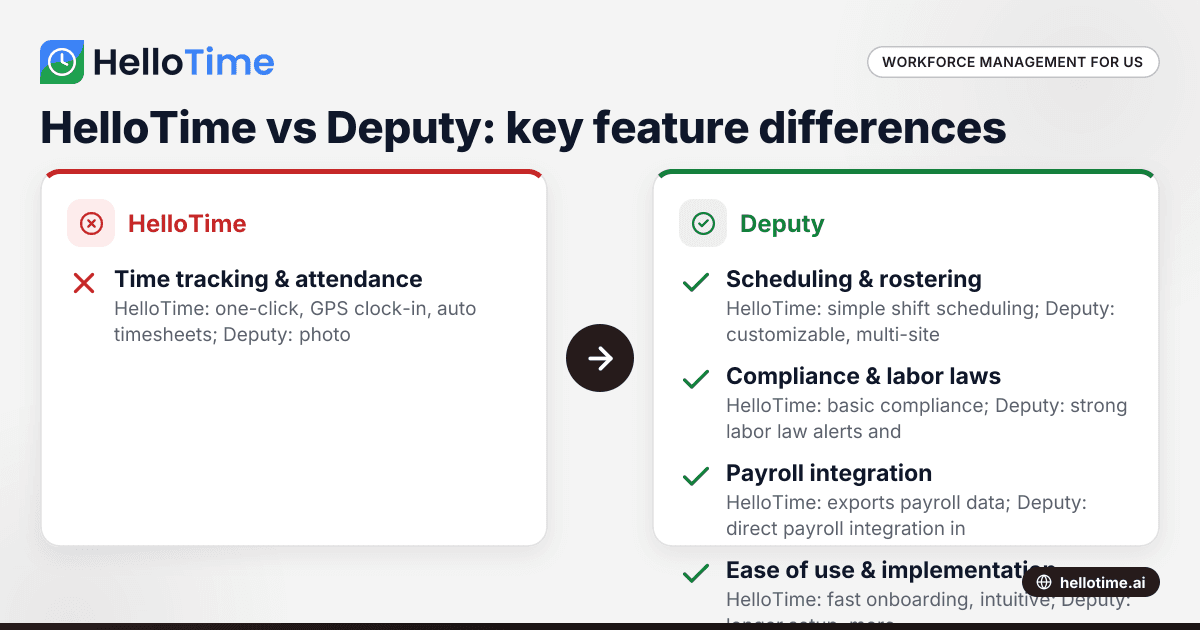
HelloTime vs Deputy: Which Workforce Management Software is Best for United States Small Businesses?
HelloTime and Deputy are popular workforce management tools offering employee scheduling, time tracking, and attendance solutions for US small.
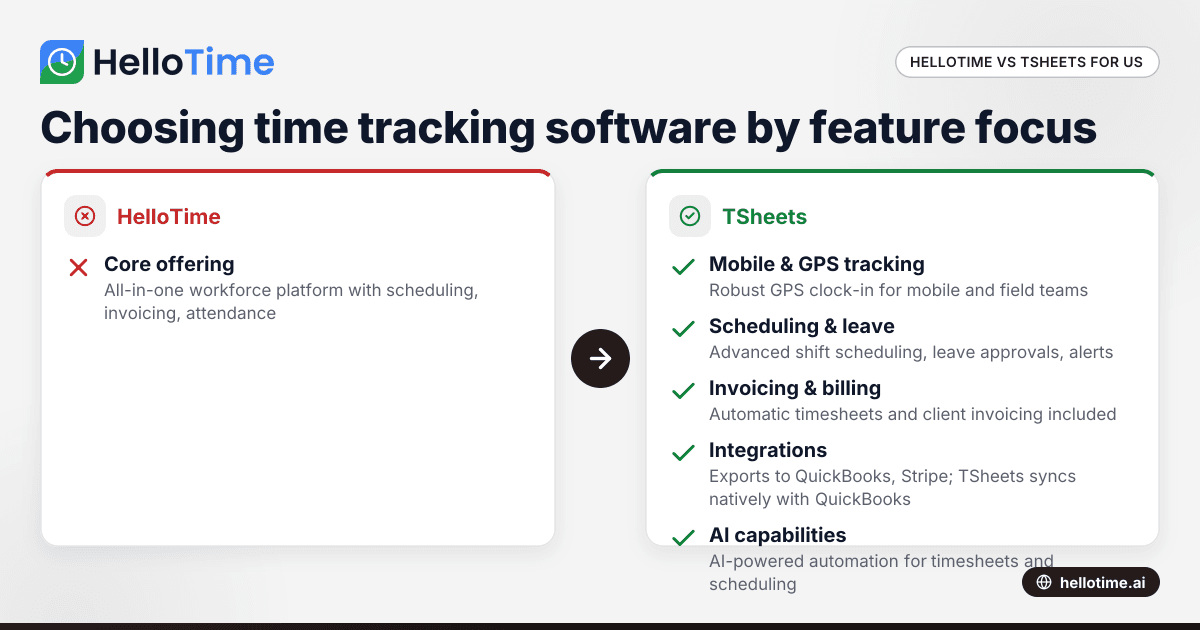
HelloTime vs TSheets: Choosing the Best Time Tracking Software for United States Agencies
HelloTime and TSheets are popular time tracking solutions for agencies and professional services in the United States. Comparing HelloTime vs TSheets.
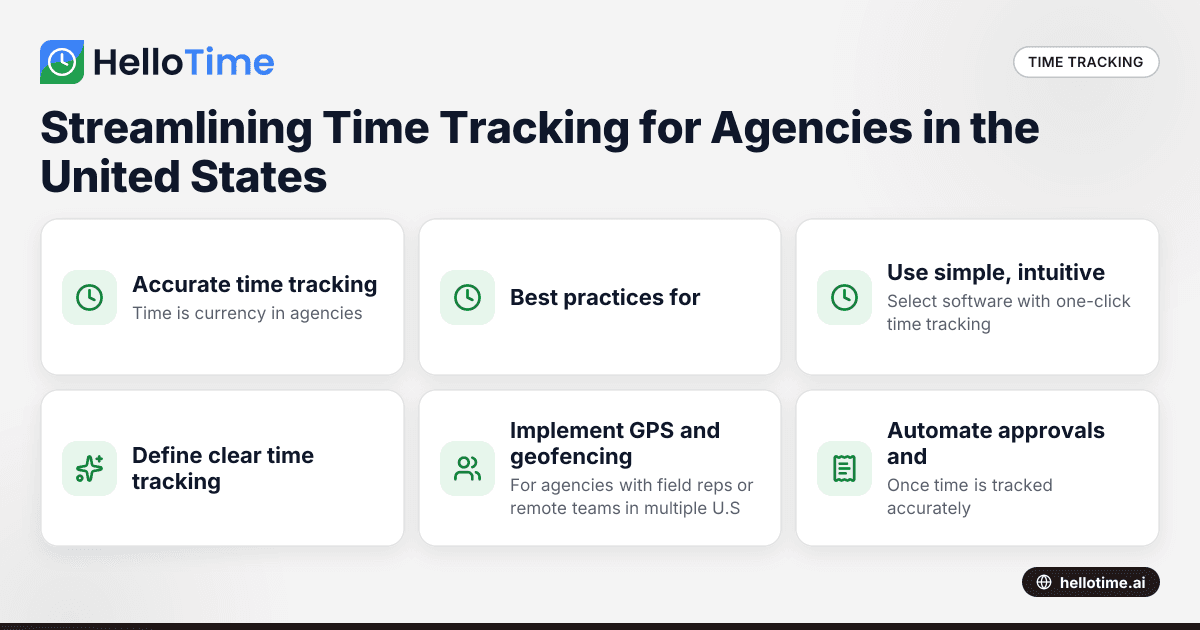
Streamlining Time Tracking for Agencies in the United States: Best Practices to Boost Client Billing Accuracy
Streamlining time tracking for agencies in the United States is essential for ensuring accurate client billing and maximizing profitability. By.