Overtime Rules in Canada: How Small Businesses Can Calculate Extra Hours from Timesheets and Shift Schedules
Overtime rules in Canada decide when extra hours must be paid at a higher rate, but the exact rule depends on the worker’s jurisdiction and role. For.
The HelloTime team
12 min read
On this page
Overtime rules in Canada decide when extra hours must be paid at a higher rate, but the exact rule depends on the worker’s jurisdiction and role. For small businesses, the practical challenge is not just knowing the rule. It is capturing accurate hours from timesheets and shift schedules, then applying the right overtime logic every pay period.
Key takeaways
- Overtime rules in Canada are not one-size-fits-all, because employment standards vary by jurisdiction.
- Accurate overtime starts with reliable records for worked hours, breaks, schedules, edits, and approvals.
- Timesheets and shift rosters should be reviewed together, because scheduled hours and worked hours are often different.
- Small businesses should set one clear process for calculating regular hours, overtime hours, and exceptions.
- Good time tracking reduces payroll errors, disputes, and manual spreadsheet work.
- This article is general information, not legal or tax advice.
What are overtime rules in Canada?
Overtime rules in Canada are the employment standards that say when extra hours must be paid above the regular wage rate. In most cases, the threshold depends on the province, territory, or federal jurisdiction that covers the employee.
That means a business with staff in Toronto, Vancouver, and Montreal may need to check more than one set of rules. It also means you should avoid using one blanket overtime formula for every worker.
For small businesses, overtime errors often happen for simple reasons:
- Timesheets are submitted late
- Shift changes are not recorded
- Managers approve hours without checking schedules
- Breaks are handled inconsistently
- Spreadsheet formulas are copied incorrectly
- Different teams follow different rules
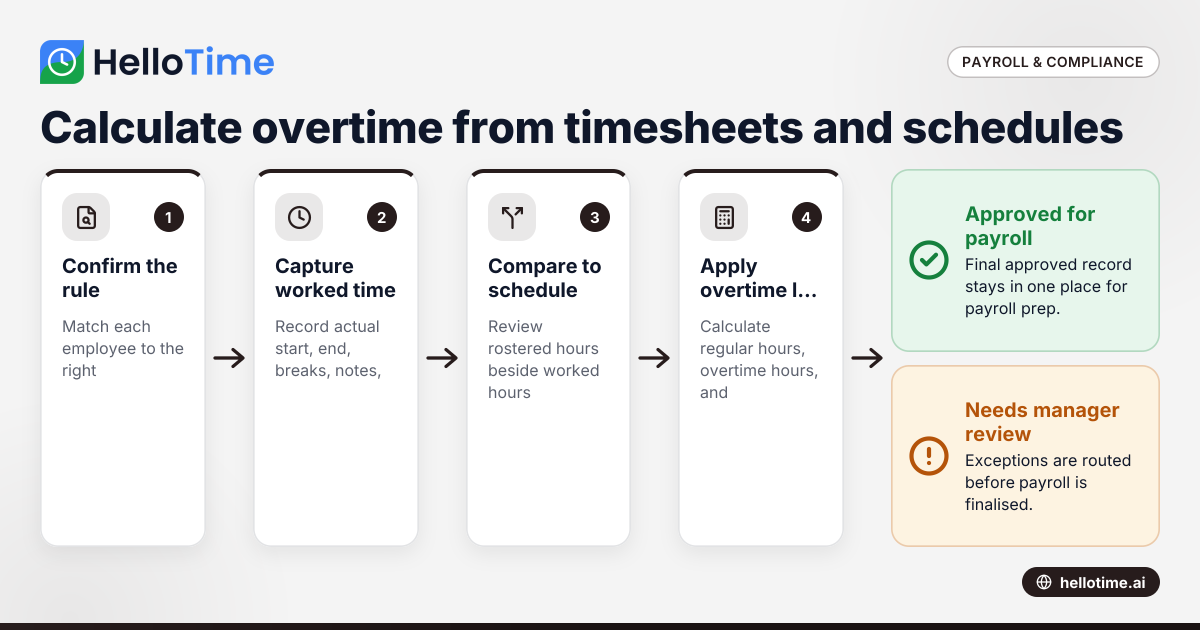
A practical overtime process should answer four questions every pay period:
- Which rule applies to this employee?
- How many hours did they actually work?
- Which of those hours count as overtime?
- Has the result been reviewed and approved?
If you can answer those four questions consistently, payroll becomes much easier.
Why do small businesses struggle with overtime calculations?
Small businesses struggle with overtime because the raw data is usually messy. The schedule says one thing, the timesheet shows another, and the manager remembers a third version.
This is common in shift-based businesses such as restaurants, retail stores, clinics, warehouses, construction crews, and field service teams. It also happens in agencies and professional-services firms when staff move between billable work, internal work, and after-hours client requests.
Here are the most common problem areas.
Scheduled hours are not the same as worked hours
A roster may show an eight-hour shift. The employee may clock in early, finish late, miss a break, or stay for an urgent handover. Overtime should usually be based on hours worked under the applicable rule, not just what was scheduled.
Manual edits create confusion
If a supervisor changes start or end times in a spreadsheet, the reason may not be documented. Later, payroll may not know whether the change fixed an error or removed real work time.
Multi-location teams add complexity
A business with a downtown Toronto store, a Mississauga warehouse, and mobile staff in the field may collect hours in different ways. Some workers use paper sheets. Others text their manager. Some clock in on a shared tablet. Inconsistent inputs lead to inconsistent overtime results.
Approvals happen too late
When managers approve time after payroll is already being prepared, there is pressure to rush. That is when overtime mistakes slip through.
How can a small business calculate overtime from timesheets and schedules?
Use worked hours as your source, compare them with the planned shift, apply the employee’s governing overtime rule, then review exceptions before payroll closes. A clear workflow matters more than a complex spreadsheet.
The simplest approach is to build one repeatable process. That process should combine time tracking, shift records, manager review, and payroll preparation.
Step 1: Confirm which jurisdiction and rule applies
Start with the employee’s work arrangement. Determine which employment standards framework applies to that role. Do this before you calculate any overtime.
For each worker, keep a simple record of:
- Work location
- Team or department
- Employment status
- Whether special exemptions or industry-specific rules may apply
- The overtime threshold and method you use for that role
Do not rely on memory. Keep the rule attached to the employee record or payroll checklist.
Step 2: Capture actual worked time
Use a consistent method to record hours. That may be:
- Individual clock-in and clock-out
- Mobile time tracking with location checks
- A tablet kiosk for site attendance
- Daily or weekly timesheets with manager approval
The key is that the record should show what actually happened, not just what was planned.
Good records usually include:
- Start time
- End time
- Breaks
- Job, project, or location
- Notes for unusual shifts
- Audit trail for edits
Step 3: Compare scheduled hours against worked hours
The schedule still matters. It helps you spot patterns and exceptions quickly.
For example:
- An employee scheduled for 40 hours worked 44
- A supervisor approved a double shift after a callout
- A worker clocked in early every day this week
- A team member skipped recorded breaks on several shifts
These are not just attendance details. They affect payroll cost, overtime exposure, and staffing decisions.
Step 4: Apply your overtime logic
Once you have the worked hours, apply the correct threshold and rate based on the employee’s applicable rule. Keep the calculation visible and easy to review.
A simple overtime worksheet should show:
- Total worked hours in the relevant period
- Regular hours
- Overtime hours
- Overtime pay rate used
- Any manager notes or approvals
If you use software, this is where automated or even ai overtime rules can help flag extra hours and route them for approval. The software should still be configured and reviewed by someone who understands your obligations.
Step 5: Review exceptions before payroll
Do not wait until the final payroll run to look for issues. Review exception reports first.
Look for:
- Missing punches
- Unapproved edits
- Unusually long shifts
- Repeated early starts
- Missed or shortened breaks
- Overtime above expectations
This step catches mistakes before they become wage disputes.
What should timesheets include for overtime calculations?
Timesheets should show the exact hours worked, unpaid breaks, edits, approvals, and any notes needed to explain exceptions. If your record is vague, your overtime calculation will also be vague.
That sounds obvious, but many small businesses still use weekly spreadsheets with only one total number for each day. That is not enough when someone questions their pay later.
Minimum practical data to capture
A useful timesheet should include:
- Employee name
- Date
- Start time
- End time
- Break duration
- Total hours worked
- Worksite or project
- Manager approval
- Reason for any manual change
For billable teams, project codes also help. They let you separate overtime cost by client, service line, or internal work.
Why schedules should sit beside timesheets
A shift schedule tells you what was expected. A timesheet tells you what happened. You need both.
If someone was rostered for a standard shift but worked late to close the site, the schedule explains why the overtime may have occurred. If someone works beyond their roster every Friday, that suggests a staffing issue, not a one-off event.
Scheduling data also helps businesses plan better. If one location in Vancouver shows frequent overtime on weekend shifts, you may need to adjust staffing levels instead of absorbing extra payroll cost every week.
How do you reduce overtime errors without adding more admin?
Standardise one time-capture method, one approval path, and one overtime review step before payroll. Most overtime mistakes come from inconsistent records, not difficult maths.
The goal is not to create more paperwork. The goal is to remove rework.
Build one simple overtime workflow
A small business can manage overtime more confidently with a workflow like this:
- Publish the shift schedule in advance.
- Ask staff to clock actual time worked.
- Require notes for missed breaks, callouts, or shift extensions.
- Route exceptions to a manager daily or weekly.
- Review overtime before payroll is finalised.
- Keep the final approved record in one place.
This works for both office teams and site-based operations.
Use approvals as a control, not a formality
An approval should mean the manager checked the hours against what actually happened. It should not just mean they clicked “approve all” at the end of the week.
Managers should know what they are reviewing:
- Late finishes
- Early starts
- Extra shifts
- Break irregularities
- Location mismatches
- Hours beyond roster
Keep an audit trail
If a record changes, the system should show:
- What changed
- Who changed it
- When it changed
- Why it changed
That matters for payroll accuracy and for any future dispute. It is also a sensible practice for handling personal employee records under privacy obligations such as PIPEDA and Quebec Law 25, where applicable.
A simple overtime example for a Canadian small business
Imagine a retail business in Toronto with a weekly schedule for store staff. One employee is rostered for five shifts of eight hours each, for 40 scheduled hours in total.
During the week:
- They stay 30 minutes late on two days
- They cover a three-hour callout on Saturday
- Their unpaid breaks are properly recorded
- Their total worked time for the week is 44 hours
Your overtime worksheet might show:
- Scheduled hours: 40
- Worked hours: 44
- Regular hours: based on the applicable rule
- Overtime hours: based on the applicable rule
- Overtime pay: regular pay plus the required premium for overtime hours
The exact overtime result depends on the rule that covers that worker. The point is that the schedule alone would have missed four hours of additional work.
Now imagine the same business tracks this in a spreadsheet. One manager forgets to enter the Saturday callout. Payroll processes only 41 hours. The worker notices the shortfall later. Then HR spends time reviewing messages, camera logs, and handwritten notes to reconstruct the shift.
That is the real cost of weak overtime records. It is not just underpayment or overpayment. It is delay, confusion, and avoidable admin.
Where software helps with overtime rules Canada
Software helps by bringing schedules, attendance, timesheets, and approvals into one workflow. That makes overtime rules Canada easier to apply consistently, especially when you run more than one team or site.
For example, a business may want to:
- Build rosters in advance
- Capture actual attendance by mobile app or kiosk
- Set approvals by manager
- Flag extra hours automatically
- Export approved time for payroll or invoicing
- Review labour cost by team, site, or project
This is where a tool like HelloTime in Canada can help. HelloTime supports one-click time tracking, auto-built timesheets, approvals, shift scheduling, leave management, GPS and geofenced clock-in, and tablet kiosk attendance with face recognition. Those features help businesses collect cleaner hour data before payroll is prepared.
For service businesses, there is another benefit. If overtime affects billable client work, clear time records also support invoicing and project profitability reporting. That makes it easier to see whether a rush project was actually profitable after extra hours were paid.
If your finance team uses QuickBooks Online or Xero, clean approved time data is also easier to work with than spreadsheet totals copied from several managers.
Setting an internal overtime policy that people can follow
A legal rule tells you the minimum standard. An internal policy tells your team how overtime should be recorded, approved, and paid inside your business.
Your policy should be short and practical. It should cover:
- Who can approve overtime
- How staff must record extra time
- When timesheets are due
- How missed breaks should be noted
- What happens if someone forgets to clock in or out
- Who reviews exceptions before payroll
Keep the language simple. If you have bilingual teams, make sure the policy is easy to understand in the languages your staff use at work.
Train managers first
Managers shape the quality of your overtime records. If they treat timekeeping as an afterthought, the whole process weakens.
Train them on:
- The difference between scheduled and worked hours
- How to handle edits
- When to escalate unusual shifts
- Why approvals must be accurate
- How payroll deadlines affect the team
Review your process every quarter
A short quarterly review can uncover patterns such as:
- One location generating frequent overtime
- One team submitting late timesheets
- Regular shift overruns at close or handover
- High labour cost on certain clients or projects
Those patterns help you improve staffing and scheduling, not just payroll accuracy.
If you want to see how this can work in practice, explore HelloTime’s features or compare plans on the pricing page.
Frequently asked questions
Do overtime rules in Canada apply the same way everywhere?
No. Overtime rules in Canada can vary by jurisdiction and by the type of work involved. Small businesses should confirm which employment standards framework applies to each employee before setting payroll rules.
Can I calculate overtime from the shift schedule alone?
Usually, no. A schedule shows planned hours, but overtime depends on hours actually worked under the applicable rule. You should compare the schedule with clock-ins, clock-outs, breaks, and approved edits.
What records should I keep if an employee disputes overtime pay?
Keep timesheets, shift schedules, approvals, edit history, and notes explaining exceptions. A clear audit trail helps you verify what happened and resolve questions faster.
Is software necessary for overtime compliance?
Not always, but software makes the process easier when your team grows or works across sites. It reduces manual errors, improves approvals, and keeps time records in one place.
Can overtime affect project profitability?
Yes. If extra hours are spent on client work, your labour cost rises. Tracking those hours accurately helps you invoice correctly and see whether a project is still profitable after overtime is paid.
Keep reading
Related articles
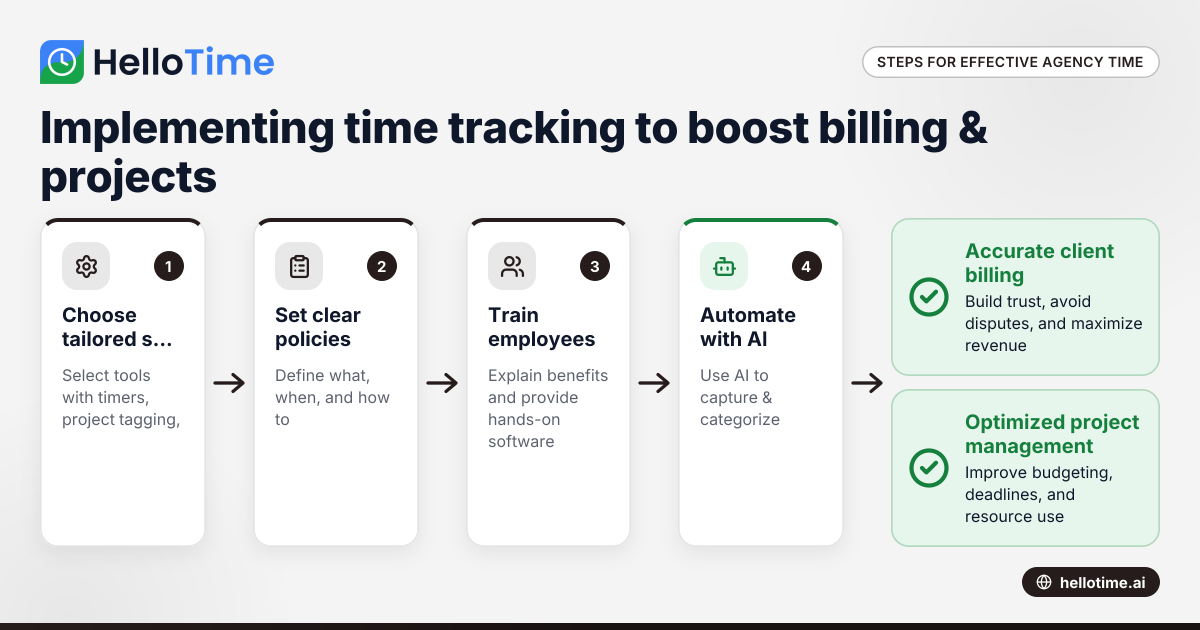
Effective Time Tracking Strategies for United States Agencies to Enhance Client Billing and Project Management
Effective time tracking is essential for agencies in the United States to improve client billing accuracy and optimize project management. With.
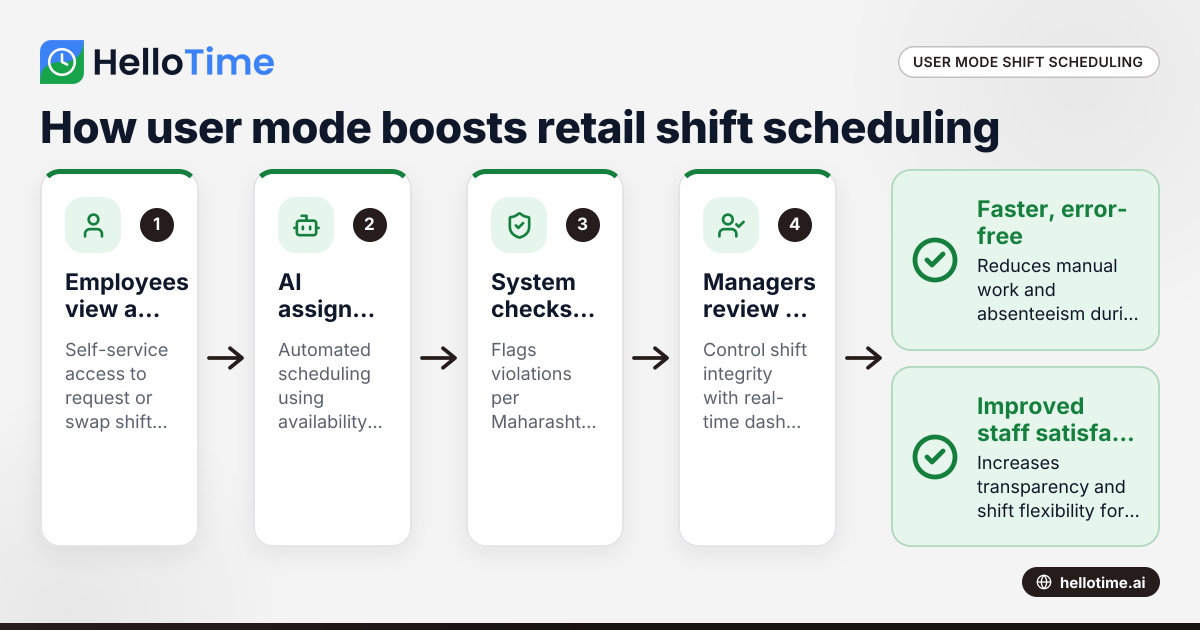
How User Mode Enhances Shift Scheduling Efficiency for Retail Stores in Mumbai, India
User mode shift scheduling in Mumbai retail stores means giving employees controlled access to view, request, or swap shifts themselves, while.
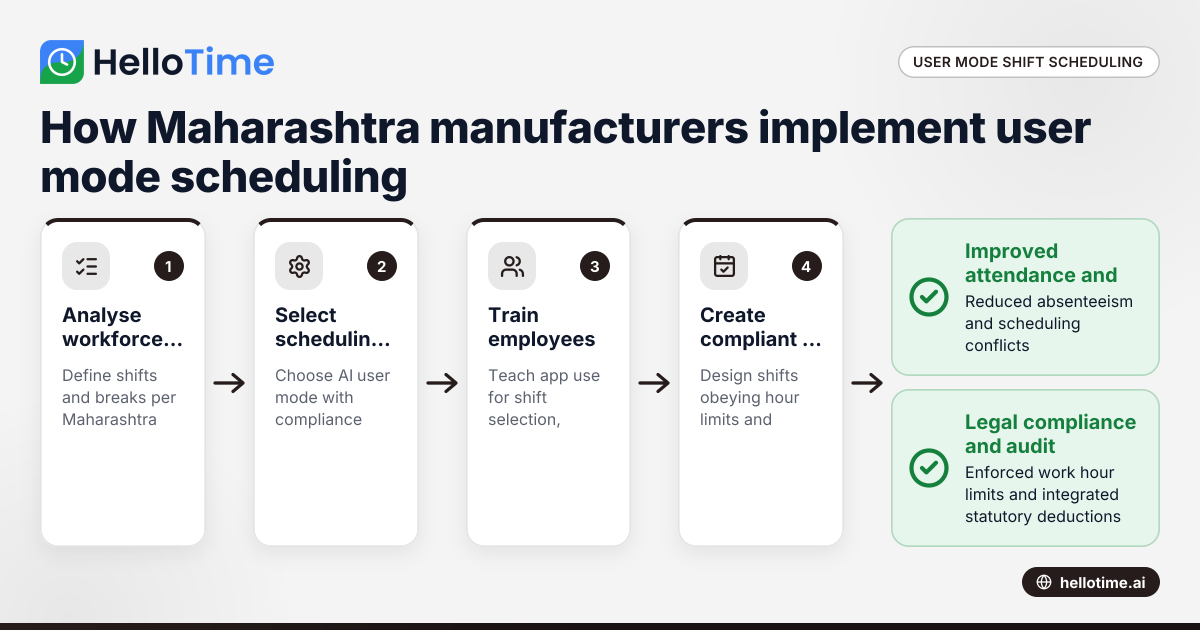
How User Mode Simplifies Shift Scheduling for Manufacturers in Maharashtra, India
User mode shift scheduling lets manufacturers in Maharashtra give workers control to pick or swap shifts via an app. This improves attendance.