Project Profitability Dashboard for Delaware Small Businesses in the United States: How to Turn Timesheets Into Client Margin Reports
A project profitability dashboard from timesheets turns daily hours into a simple view of revenue, labor cost, and margin by client, project, or job.
The HelloTime team
12 min read
On this page
A project profitability dashboard from timesheets turns daily hours into a simple view of revenue, labor cost, and margin by client, project, or job. For a small business owner in Delaware, it helps you spot overruns early, price new work with more confidence, and stop relying on spreadsheet guesswork.
Key takeaways
- A project profitability dashboard from timesheets shows whether each client job is making or losing money.
- Clean time entries are the foundation. If hours are late, vague, or missing, margin reports will mislead you.
- Delaware small businesses can use one dashboard to review billable hours, labor cost, write-offs, and unbilled work.
- The best setup starts with a few clear fields: client, project, employee, billable rate, cost rate, and status.
- Weekly reviews matter more than perfect reports. Small course corrections protect margin before a job goes off track.
- Time tracking software can automate timesheets, approvals, invoicing, and profitability reporting from the same data.
What is a project profitability dashboard from timesheets?
A project profitability dashboard from timesheets is a report that converts employee time into business results. It uses approved hours, billable rates, and labor cost rates to show revenue, cost, gross profit, and margin for each project.
For a Delaware small-business owner, this is useful because time is often the biggest cost. That is true for marketing agencies in Wilmington, consultants serving clients across New Castle County, and service businesses running crews between Dover and Newark. If you only look at total sales, you can miss the fact that one client is highly profitable while another keeps consuming extra hours.
The dashboard usually answers a few core questions:
- How many hours have we spent on this project?
- How many of those hours are billable?
- What revenue do those hours represent?
- What did that work cost us in wages or labor cost?
- What margin is left after labor?
This is where many small businesses get stuck. The timesheets exist, but they live in email threads, paper sheets, or several spreadsheets. That makes it hard to see the full picture until the month is over.
A better setup starts with one source of truth. Employees track time against the correct client and project. Managers approve hours. Then the business can turn those approved timesheets into invoices and margin reports without rebuilding the data by hand.
Why does a Delaware small business need this?
It gives you a fast way to see which jobs are healthy and which need attention. In a small business, one underpriced project can wipe out profit from several good ones.
In Delaware, many owners run lean teams. You may be handling sales, operations, hiring, and cash flow yourself. That makes it hard to monitor every client job closely. A dashboard helps by putting the most important numbers in one place.
Common signs you need a profitability dashboard
If any of these sound familiar, you likely need a better reporting setup:
- You invoice clients based on hours, but still cannot tell which projects are profitable.
- Employees submit timesheets late, so invoices go out late too.
- A project looked profitable when quoted, but actual labor cost ended up much higher.
- You have one spreadsheet for hours, another for payroll data, and a third for invoices.
- You often discover over-servicing only after the job is done.
- You rely on memory instead of reports when deciding whether to renew or reprice an account.
For Delaware firms that sell services by the hour, this is not just an accounting issue. It is an operations issue. Better visibility helps with staffing, client communication, and cash flow timing.
What should a project profitability dashboard include?
It should show approved hours, billable revenue, labor cost, gross profit, margin, and unbilled time by client and project. Keep it simple enough to review weekly, not just at month-end.
After that core view, add details that support decisions instead of creating clutter.
The essential metrics
A useful dashboard for a Delaware small business should include:
Total hours worked This shows the actual time spent on a project.
Billable hours These are the hours you can invoice under the client agreement.
Non-billable hours These include internal work, rework, admin time, or hours you choose not to charge.
Realization This compares hours worked to hours billed or billable value recognized.
Labor cost This is the internal cost of the time spent. Many businesses use an employee cost rate for this.
Billed revenue or billable value This can be based on actual invoices or the billable value of approved time.
Gross profit Revenue minus direct labor cost.
Gross margin percentage Gross profit divided by revenue.
Budget versus actual hours This helps you catch scope creep early.
Unbilled time These are approved billable hours not yet invoiced.
The useful filters
For day-to-day decisions, your dashboard should let you filter by:
- Client
- Project
- Date range
- Employee
- Team
- Billable versus non-billable
- Active versus completed projects
If you want to explore features, HelloTime includes project profitability reports built from tracked time and billable hours. The value is not the report alone. The value is having one clean workflow from time entry to approval to reporting.
How to build a project profitability dashboard from timesheets
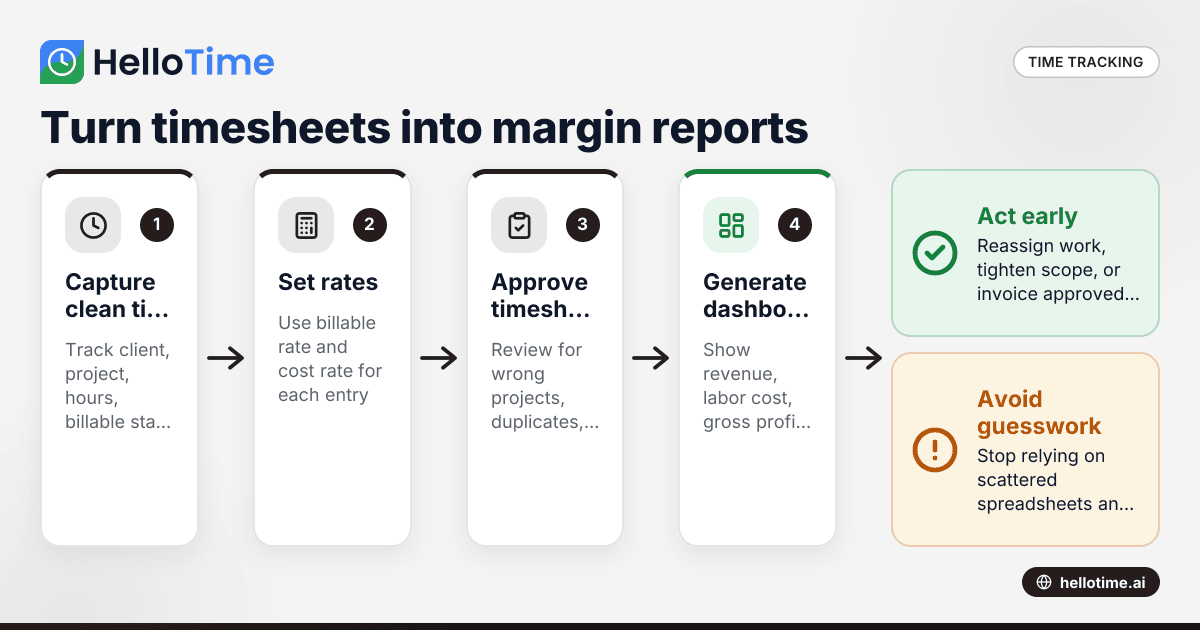
Start with clean time data, then assign both a billable rate and a cost rate. Once those are in place, your dashboard can calculate revenue, labor cost, and margin automatically.
That sounds simple, but the setup matters. Here is a practical process for a Delaware owner who wants useful reports fast.
1. Define the reporting level
Choose whether you want profitability by:
- Client
- Project
- Job or phase
- Service line
- Employee or team
Most small businesses should start with client and project. That gives enough detail without making time entry too complex.
For example, a Wilmington creative agency may track time by client and campaign. A field service business near Dover may track by customer site and work order. A small construction subcontractor may track by job and phase.
2. Set clear billable and cost rates
To calculate margin, your system needs two rate types:
- Billable rate: what you charge the client
- Cost rate: your internal labor cost for that employee or role
Some businesses use employee-level billable rates. Others use project or service-level rates. Either can work if the rules are consistent.
Your cost rate should be practical, not perfect. The goal is decision-making, not theoretical precision. If you keep changing assumptions, your reports will become hard to trust.
3. Standardize time entry rules
Your employees need simple rules such as:
- Track time daily.
- Select the right client and project.
- Mark entries as billable or non-billable.
- Add a short note that explains the work.
- Submit timesheets by the same cutoff each week.
Small businesses often skip this step because it feels basic. But it is the foundation of every margin report.
4. Use approvals before reporting
Do not build profitability reports from unreviewed time. A manager should approve the timesheet first. This catches errors like wrong projects, duplicate entries, and vague notes.
Approvals also reduce billing disputes. If your team corrects entries before invoicing, you are less likely to send a client a confusing invoice.
5. Connect timesheets to invoicing
If you bill by the hour, the same approved time should support both:
- client invoices
- internal margin reports
This prevents one of the most common spreadsheet problems: the invoice and the profitability report use different numbers.
6. Review the dashboard weekly
A weekly review is often enough for a Delaware small business. You do not need a finance team to do this. A 20-minute review can help you answer:
- Which projects are over budget on hours?
- Which clients have lots of unbilled time?
- Which jobs have low margin this week?
- Where are we writing off too much time?
This is where ai project profitability tools can help. They can surface patterns faster, but only if your underlying time data is accurate and approved.
Which timesheet fields matter most for margin reports?
Use client, project, employee, date, hours, billable status, billable rate, and cost rate. If one of those fields is missing or inconsistent, your margin report will be harder to trust.
Under that core answer, the goal is simplicity. You do not need dozens of fields. You need a small set of fields your team will actually fill in correctly.
The minimum data set
For most Delaware small businesses, these fields are enough:
- Employee name
- Date
- Hours worked
- Client
- Project or job
- Task or work type
- Billable or non-billable
- Billable rate
- Cost rate
- Notes
If you run a shift-based business, you may also want location, department, or crew. But keep your first version lean.
What to avoid
Avoid requiring too many codes or long descriptions. If time entry takes too long, your team will delay it or enter low-quality data. That creates bad reports and owner frustration.
Also avoid free-form project names. Set up a clear list of clients and projects. That keeps reporting clean across your whole business.
How do you use the dashboard to protect profit every week?
Review the bottom-performing projects, unbilled hours, and budget overruns once a week. Then take one action right away, such as reassigning work, tightening scope, or invoicing approved time.
That short weekly discipline matters more than fancy reporting. The point is not to admire charts. The point is to make faster business decisions.
A simple weekly review routine
Use this five-step process every Friday or Monday:
Sort projects by margin percentage Look for the weakest jobs first.
Check budget versus actual hours If hours are rising too fast, find out why.
Review non-billable time Some non-billable work is expected. Too much may point to rework or poor planning.
Look at unbilled approved time This helps cash flow. Hours that sit unbilled too long delay collections.
Decide on one action per problem project That may be a client conversation, a change order, a staffing shift, or a tighter approval step.
Questions to ask when a project margin drops
When margin falls, ask:
- Did we underquote the work?
- Did the scope expand without approval?
- Are senior employees doing work a junior person could handle?
- Are too many hours being logged as non-billable?
- Is the team spending time on revisions that should be limited?
A dashboard does not solve those problems by itself. It helps you see them while there is still time to act.
Common mistakes Delaware owners make with profitability reporting
The biggest mistake is trusting incomplete timesheets. If your team enters time late or uses the wrong project, every margin number becomes less useful.
Here are other common issues.
Mixing invoicing logic and reporting logic
Some owners invoice one way and calculate profitability another way. For example, the invoice uses approved hours, but the internal report uses estimated hours. That leads to confusion.
Use the same approved time as your source. Then your invoice totals and project reports stay aligned.
Ignoring non-billable work
Non-billable time is not always bad. Sales support, client communication, and internal planning can all matter. But if you do not measure it, you cannot manage it.
Track it clearly. Then you can see which clients or projects need too much unpaid effort.
Waiting until month-end
By month-end, the damage may already be done. A project that quietly burned extra hours for three weeks is much harder to fix after the fact.
Weekly visibility is usually enough for a small business. It creates a steady habit without becoming a burden.
Making the dashboard too complex
If your dashboard has 30 charts, nobody will use it. Start with:
- revenue
- labor cost
- gross profit
- margin
- billable hours
- unbilled time
Once those are working, you can add more detail.
Delaware-specific points to keep in mind
Delaware small businesses often serve clients across nearby states, but your reporting still needs one internal system. Keep your timesheet process consistent even if client billing terms vary.
If your team is small, avoid tools that require a full-time admin to maintain. Many owners in Delaware want a setup that works with their existing finance stack, such as QuickBooks for accounting and Stripe for payments. The key is to reduce duplicate entry, not create more back-office work.
If you manage employees across Wilmington, Newark, and Dover, mobile time tracking and approvals can help keep records current. That matters even more if some staff work remotely and others work on-site. The more scattered your team is, the more valuable a single source of truth becomes.
When reviewing labor rules, wage rules, or overtime questions, use care because requirements can change and depend on the facts. This article is general information, not legal or tax advice.
A practical example for a Delaware service business
Imagine you run a small marketing firm in Wilmington with six employees. You manage three active client retainers and several smaller one-off projects.
You charge one client $125 per hour for strategy and design work. Over two weeks, your team logs 62 approved hours. At first glance, that sounds strong. But your dashboard shows something more useful:
- 62 total hours
- 49 billable hours
- 13 non-billable hours
- $6,125 billable value
- $3,900 labor cost
- $2,225 gross profit
- 36.3% gross margin
That is a solid view, but now compare a second client:
- 58 total hours
- 38 billable hours
- 20 non-billable hours
- $4,750 billable value
- $4,060 labor cost
- $690 gross profit
- 14.5% gross margin
Revenue alone would not show the problem clearly enough. The margin report does. The second client is taking too much unpaid effort. That may call for a scope reset, a staffing change, or a price increase at renewal.
This is why a project profitability dashboard from timesheets is so useful. It helps you move from “we are busy” to “we are profitable.”
Turning spreadsheet reporting into a better workflow
Many Delaware owners start with spreadsheets because they are familiar. The trouble begins when your business grows. One person edits hours. Another updates rates. A third builds invoices. Soon, nobody trusts the final numbers.
A better system uses one workflow:
- Employees track time
- Managers approve timesheets
- Approved hours flow into invoices
- The same approved hours feed margin reports
- Owners review profitability weekly
That reduces errors and saves admin time. It also gives you cleaner records for client conversations. When a customer questions a bill, you can review approved entries instead of reconstructing work from memory.
Keep reading
Related articles
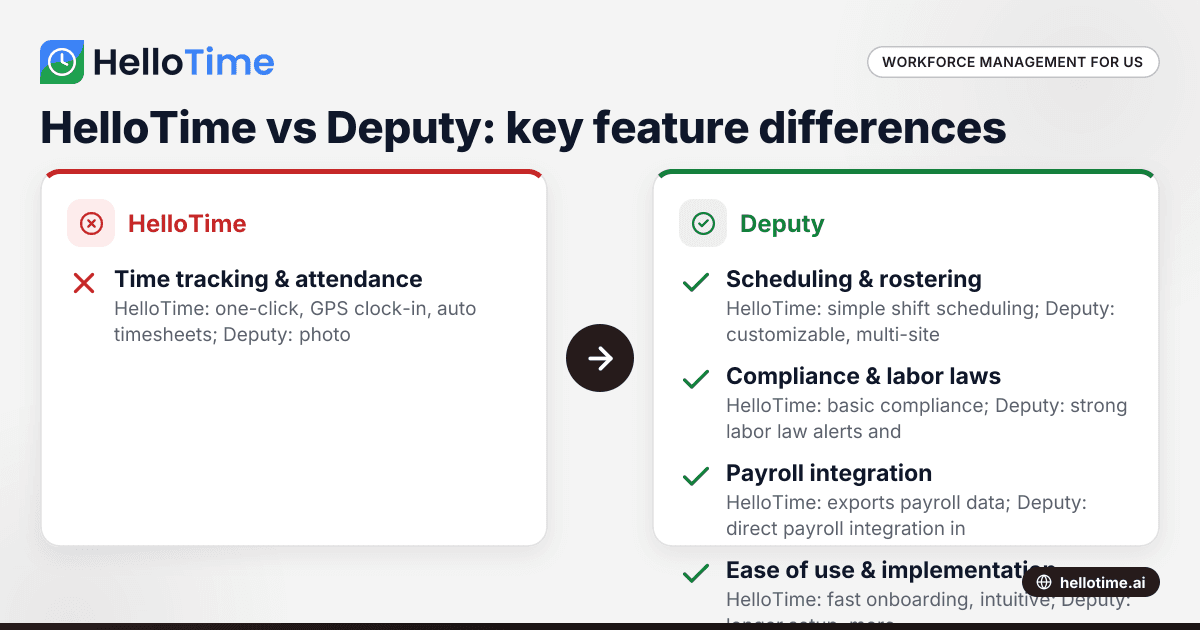
HelloTime vs Deputy: Which Workforce Management Software is Best for United States Small Businesses?
HelloTime and Deputy are popular workforce management tools offering employee scheduling, time tracking, and attendance solutions for US small.
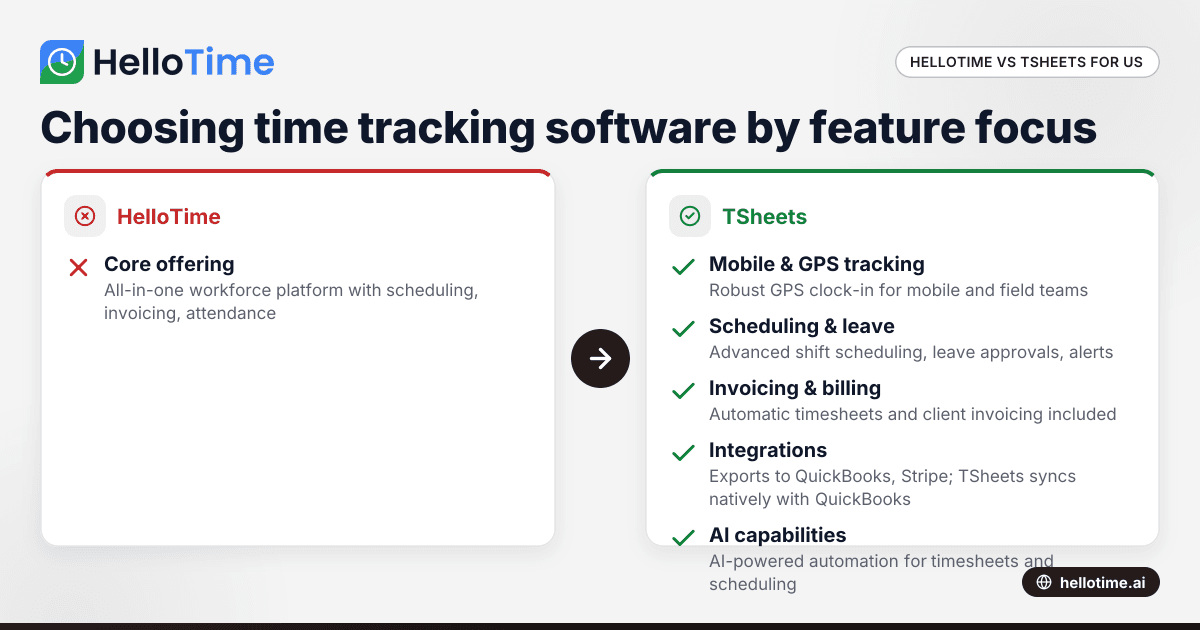
HelloTime vs TSheets: Choosing the Best Time Tracking Software for United States Agencies
HelloTime and TSheets are popular time tracking solutions for agencies and professional services in the United States. Comparing HelloTime vs TSheets.
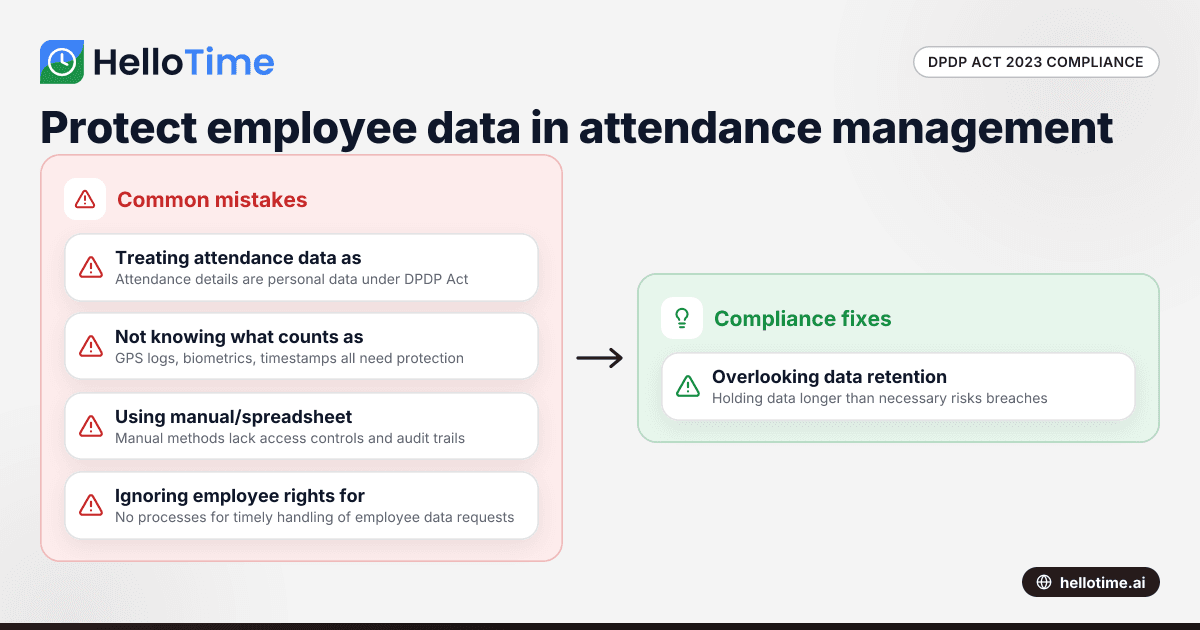
What Indian Businesses Need to Know About Data Protection Under the DPDP Act 2023 When Managing Attendance and Timesheets
Businesses tracking employee attendance and timesheets in India face growing risks if they overlook the DPDP Act 2023’s mandate for protecting.