Streamlining Time Tracking for Agencies in the United States: Best Practices to Boost Client Billing Accuracy
Streamlining time tracking for agencies in the United States is essential for ensuring accurate client billing and maximizing profitability. By.
The HelloTime team
8 min read
On this page
Streamlining time tracking for agencies in the United States is essential for ensuring accurate client billing and maximizing profitability. By adopting best practices and leveraging the right tools, agencies can reduce errors, save time, and build client trust through transparent invoicing.
Key takeaways
- Accurate time tracking is critical for agencies that bill clients by the hour.
- One-click tracking and automatic timesheet generation reduce manual errors.
- Clear policies and employee training improve time data reliability.
- GPS and geofencing features help validate remote or field staff hours.
- Using AI user mo tools in time tracking software can boost efficiency and accuracy.
- Integration with invoicing and project profitability tools streamlines billing processes.
Why is accurate time tracking important for agencies?
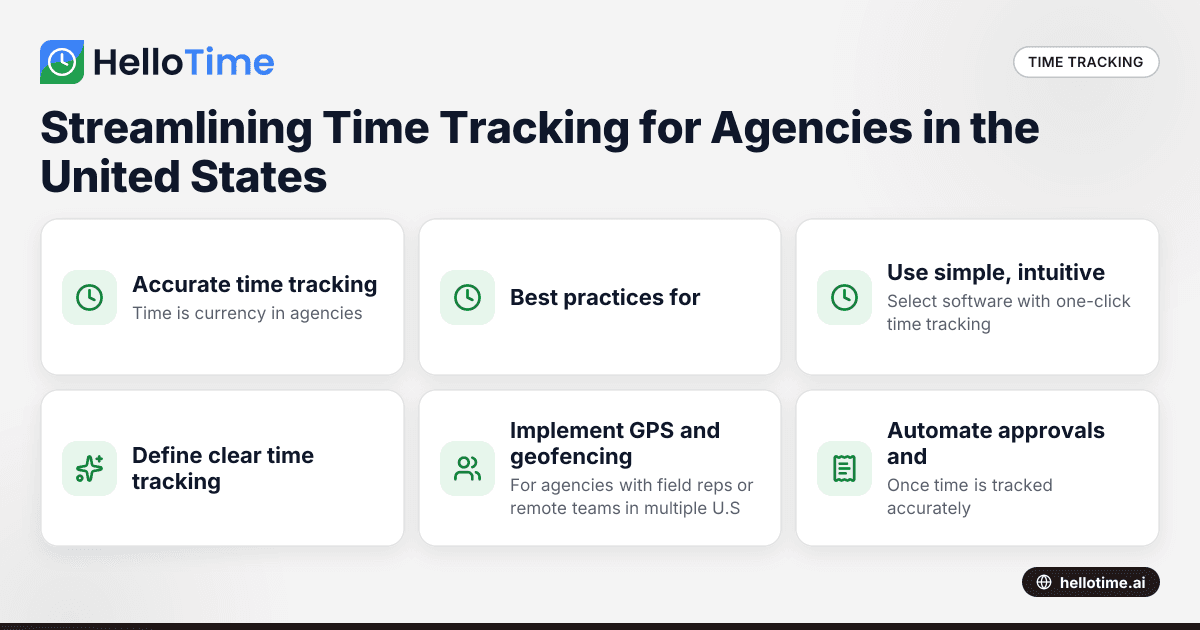
Time is currency in agencies, especially marketing, design, consulting, and professional services firms. When you bill clients by the hour, every minute matters. Inaccurate time logs can lead to underbilling—hurting your revenue—or overbilling, which can damage client relationships and reputation.
Traditional manual methods like spreadsheets or paper timesheets are prone to human error, misremembered hours, and delays in approval. These create bottlenecks and disputes over client invoices. Streamlined time tracking ensures your teams capture detailed, accurate hours in real-time, simplifying approvals and making client billing transparent and fair.
What are the best practices for streamlining agency time tracking?
The best practices for streamlining agency time tracking focus on simplicity, accuracy, and automation to reduce errors and save time. Using intuitive digital tools, setting clear policies, leveraging GPS features, and integrating billing workflows establish a solid system that benefits both staff and clients.
1. Use simple, intuitive digital time tracking tools
Select software with one-click time tracking, automatic timesheet building, and approval workflows. This reduces the need for manual input and enables employees to start and stop timers quickly. Look for features like:
- Mobile apps for on-the-go tracking
- Project and task categorization
- Automatic reminders for employees to submit timesheets
Such tools vastly improve accuracy by capturing time as it happens and minimizing forgotten or approximate entries.
2. Define clear time tracking policies and train teams
Set guidelines about what constitutes billable time and how to record it. Examples include:
- Tracking all client calls, meetings, and focused work sessions
- Avoiding rounding up hours excessively
- Logging time daily rather than weekly or monthly
Well-informed staff are critical to reliable time records. Training should cover how to use your chosen software and why honesty in reporting benefits everyone. Encourage open communication if employees find tracking difficult or confusing.
3. Implement GPS and geofencing for remote work validation
For agencies with field reps or remote teams in multiple U.S. cities like Chicago or Houston, verifying where and when work happens is vital. Geofenced clock-in ensures employees can only log hours within designated workzones. GPS stamps add an extra layer of accountability for client-site visits or offsite collaboration.
These features prevent time theft and make audits easier. Employees know their reported hours are verified, which promotes integrity.
4. Automate approvals and integrate billing workflows
Once time is tracked accurately, streamline the approval process using automated reminders and manager sign-offs. Completed and approved timesheets should feed directly into your invoicing and project management systems.
For agencies running QuickBooks or Stripe, syncing hours to invoices reduces data duplication and billing errors. Project profitability dashboards help monitor which clients and projects yield the best returns, allowing smarter resource allocation.
5. Leverage AI user mo capabilities for smarter tracking and analysis
AI-driven tools embedded in time tracking software can recommend optimal billing rates based on historical data, detect anomalies like unusually high billable hours ("user mo" spikes), and even identify time leakage on non-billable activities.
By analyzing patterns, AI helps agencies optimize teams’ workloads and client invoices, ensuring accuracy while increasing profitability. This technology is evolving rapidly and is an investment worth exploring for agencies seeking a competitive edge.
How does AI user mo improve time tracking for agencies?
AI user mo refers to artificial intelligence functionalities designed to monitor, analyze, and optimize user time tracking data. Such tools can flag inconsistencies, predict billing irregularities, and suggest adjustments to prevent revenue loss or client dissatisfaction.
In practice, AI integrations in the best time tracking software for agencies in the U.S. analyze timesheets and usage behavior to automate routine tasks like timesheet verification and identify areas of inefficiency. This helps managers focus on higher-value activities and ensures clients are billed precisely for actual work done.
What are common challenges agencies face in time tracking and how to overcome them?
Common agency challenges in time tracking include employee resistance, multitasking complexities, and billing delays. Overcoming these requires user-friendly tools, clear policies, and workflow automation that improve compliance and speed up invoicing.
Challenge: Employee resistance or forgetfulness in logging time
Employees may see time tracking as tedious or intrusive, leading to incomplete or inaccurate entries.
Solution: Use mobile apps with reminders and one-click timers, provide training to show how accurate time tracking benefits their workload balance and client trust. Leadership should regularly communicate its importance.
Challenge: Tracking multi-project and multitasking hours accurately
Agency staff often juggle several clients and tasks in a day, complicating time allocation.
Solution: Employ software that supports task-level tracking and allows easy switching of timers between projects. Encourage breaking up the day into smaller tracked segments rather than recording one lump sum.
Challenge: Managing approvals and client billing delays
Manual timesheet approvals slow down invoicing cycles, impacting cash flow.
Solution: Automate approval workflows with notifications and adopt invoicing tools integrated with time tracking. This sync helps generate accurate client bills faster, reducing disputes.
How to choose the right time tracking software for your agency?
Choosing the right software starts with understanding your agency’s workflow and needs. Focus on ease of use, essential features, and integration capabilities to ensure smooth adoption and long-term efficiency.
1. Identify must-have features
Focus on tools designed for agency workflows such as:
- Billable hour tracking with granular task categorization
- Mobile and desktop apps
- GPS and geofencing for remote teams
- Custom approval workflows
- Integration with QuickBooks, Stripe, or project management tools
2. Evaluate user experience
Ease of use encourages consistent employee adoption. Request demos or trials to test intuitive interfaces and reporting capabilities.
3. Consider AI capabilities
Look for platforms offering AI user mo features to automate error detection and optimize billing accuracy. This adds long-term efficiency.
4. Review pricing and scalability
Compare plans, keeping future growth in mind. Ensure subscription costs align with budget and number of users.
5. Seek customer support and data security
Choose vendors with responsive support and strong data protection standards, as agencies handle sensitive client information.
How to implement effective time tracking in your agency step-by-step?
Start with assessing your current process and choosing the right software. Then, establish policies, train your team, and roll out with a pilot before full deployment to ensure smooth adoption and accuracy.
- Assess current processes: Audit your existing time management methods and identify gaps.
- Choose suitable software: Select a platform matching your agency’s size, workflow, and integration needs.
- Create time tracking policies: Develop clear guidelines on what to track and how.
- Train employees: Conduct onboarding sessions and provide written instructions.
- Pilot the system: Test with a small team, gather feedback, and adjust procedures.
- Roll out agency-wide: Launch with communication emphasizing benefits.
- Regularly review: Monitor usage, troubleshoot issues, and refine policies to improve compliance.
- Integrate invoicing: Connect approved timesheets to billing for faster client payments.
Conclusion
For U.S. agencies that bill hourly, streamlining time tracking boosts client billing accuracy, operational efficiency, and profitability. Using tools that incorporate AI user mo capabilities, GPS tracking, and seamless invoicing integrations helps agencies deliver transparent, error-free invoices that build client confidence. Implementing clear tracking policies and training teams are equally critical to success.
Explore how HelloTime’s features can transform your agency’s time tracking and billing processes. Check out HelloTime’s pricing plans tailored to meet small and mid-sized agencies’ needs.
Frequently asked questions
What is the best way to ensure employees track time accurately?
Combine simple-to-use digital timers with clear guidelines on what to record. Provide training and use automated reminders to encourage daily logging.
Can GPS tracking be used for all agency employees?
It is most effective for remote or field-based staff who work outside traditional offices. Employees working primarily in-house may not require GPS features.
How does AI improve time tracking software?
AI analyzes patterns, detects anomalies, and automates verification to reduce errors and suggest ways to improve billing accuracy and team productivity.
What integrations should an agency look for in time tracking tools?
Look for compatibility with popular accounting software like QuickBooks, payment gateways such as Stripe, and project management platforms you already use.
How frequently should timesheets be reviewed and approved?
Weekly or biweekly timesheet approval cycles keep billing timely while giving managers enough time to review employee entries.
Is time tracking legally required for agencies in the U.S.?
While federal law requires employers to keep accurate payroll records, specific time tracking practices depend on company policies and client contracts. Accurate tracking protects both employers and clients.
Read next
This article covers one part of a bigger topic. For the complete picture, read our guide to user mo.
Keep reading
Related articles
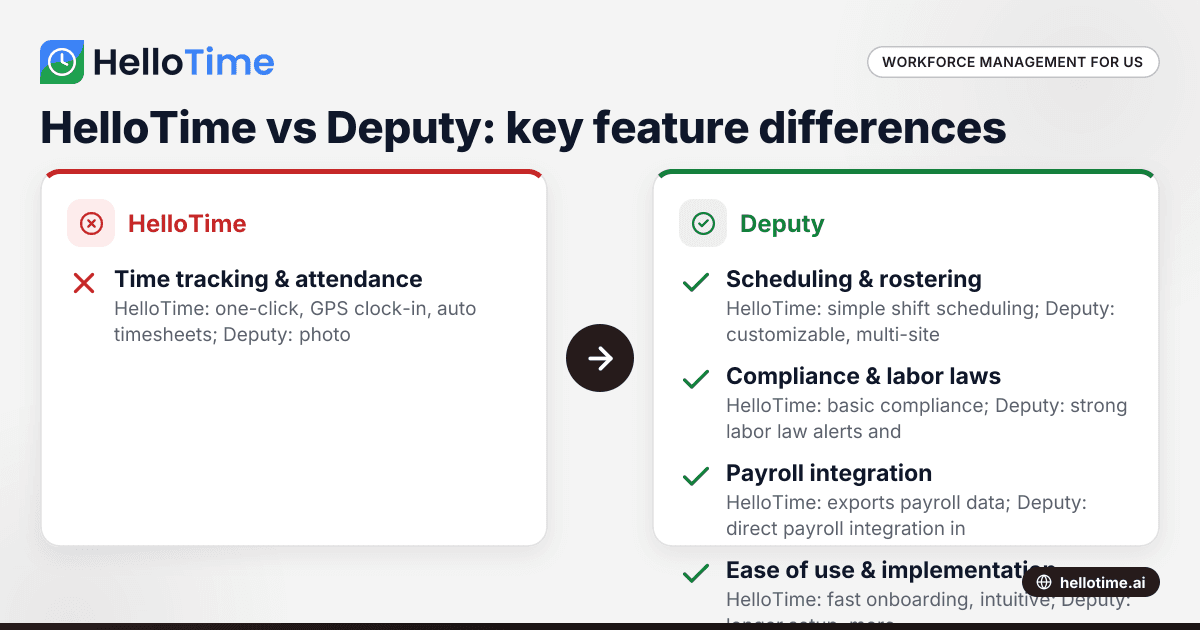
HelloTime vs Deputy: Which Workforce Management Software is Best for United States Small Businesses?
HelloTime and Deputy are popular workforce management tools offering employee scheduling, time tracking, and attendance solutions for US small.
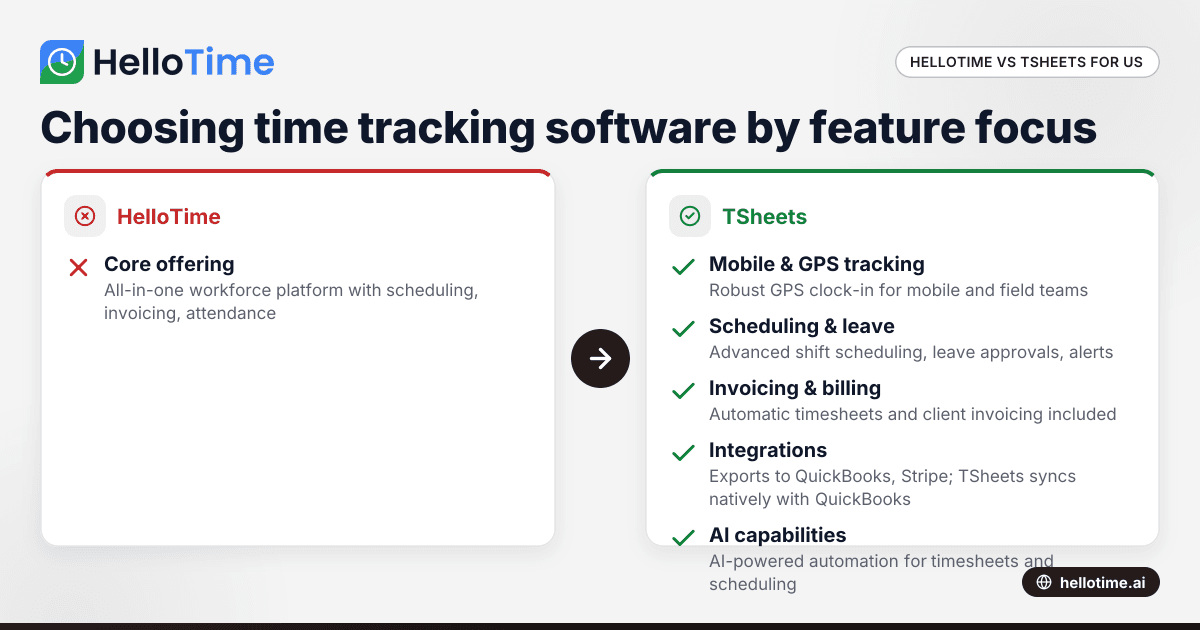
HelloTime vs TSheets: Choosing the Best Time Tracking Software for United States Agencies
HelloTime and TSheets are popular time tracking solutions for agencies and professional services in the United States. Comparing HelloTime vs TSheets.
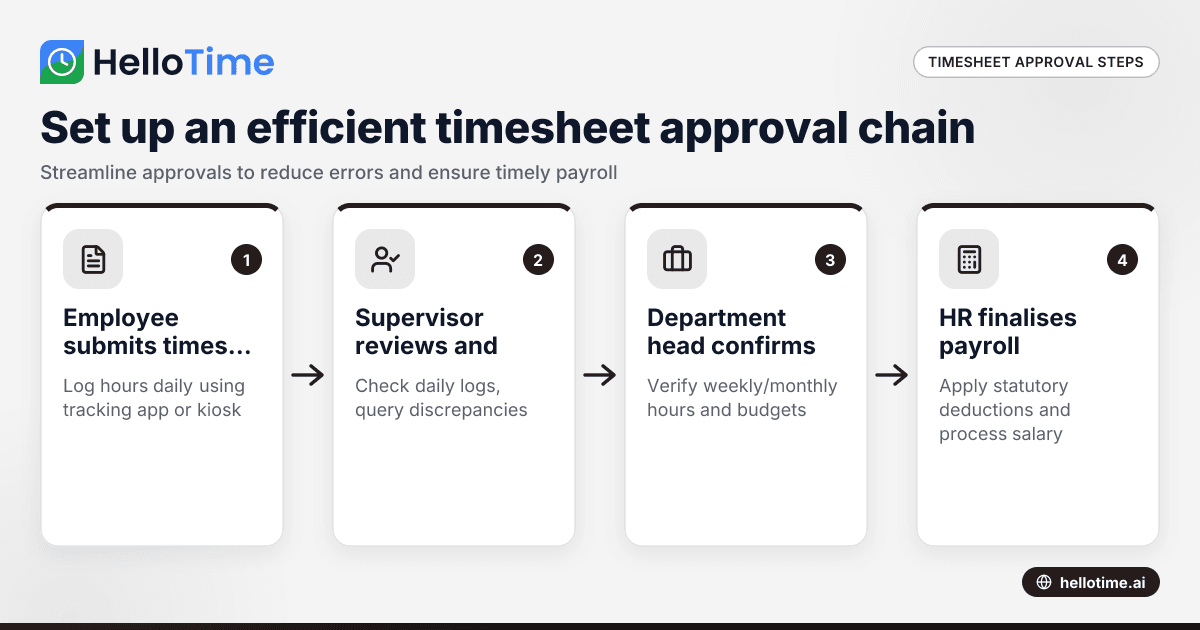
How to Set Up an Efficient Timesheet Approval Chain for Indian SMEs
How to Set Up an Efficient Timesheet Approval Chain for Indian SMEs This guide is for owners, HR, and operations managers at Indian small and.