User Mode in Time Tracking Software for United States Agencies: How Managers Can Tailor Access and Permissions for Remote and Onsite Teams
User Mode in Time Tracking Software for United States Agencies: How Managers Can Tailor Access and Permissions for Remote and Onsite Teams User mode.
The HelloTime team
7 min read
On this page
User Mode in Time Tracking Software for United States Agencies: How Managers Can Tailor Access and Permissions for Remote and Onsite Teams
User mode in time tracking software refers to the ability of managers to customize access levels and permissions for different users based on their roles, work location, or job functions. It allows agencies in the United States to manage remote and onsite teams efficiently, ensuring data security, accurate reporting, and streamlined workflows.
Key takeaways
- User mode features let managers control who can track time, view reports, approve timesheets, and manage schedules.
- Tailored permissions help agencies secure sensitive employee and project data while enabling task-specific access.
- Remote and onsite teams benefit from different user modes, supporting GPS clock-ins, kiosk attendance, or mobile apps as needed.
- AI user mode capabilities can automate role assignment and enhance productivity by adapting to workforce changes dynamically.
- Clear user mode policies improve compliance with US labor laws and support accurate client billing and payroll integration.
What is user mode in time tracking software?
User mode defines how software restricts or grants access and actions to individual users based on their role within the organization. In time tracking systems used by US agencies, user modes help ensure that employees, managers, and HR staff see only the information relevant to their responsibilities.
For instance, a frontline employee might only have permission to clock in and out and enter project hours. In contrast, a manager might review timesheets, approve leaves, and generate reports. Admins typically have broader control, including user management and system configuration.
This layered access supports data security, operational efficiency, and accountability. It also ensures compliance with privacy regulations and internal controls. Structured user modes are essential for agencies juggling remote workers, field staff, and onsite personnel, each with unique tracking needs.
How does AI user mode improve time tracking management?
AI user mode is a feature where artificial intelligence assists in assigning and adjusting user permissions dynamically based on usage patterns and organizational changes.
AI user mode analyzes employee roles, schedules, and performance data to suggest optimal access levels, automating permission updates and flagging unusual activity. This reduces administrative burden and improves security by adapting user access in real time.
By leveraging AI, agencies can keep their user mode settings aligned with evolving team structures or shifting project needs. For example, when a remote employee transitions to an onsite role, AI can recommend switching from mobile GPS clock-in permissions to kiosk face recognition access automatically. This functionality helps US businesses manage hybrid teams more effectively and maintain data integrity.
Why do agencies need user mode in time tracking software?
Agencies in the United States often face challenges such as varied work settings, labor law compliance, and client billing accuracy. User mode addresses these challenges by:
- Protecting sensitive data: Restricts who can see employee salary, personal info, and project financials.
- Simplifying workflows: Employees get only relevant features, reducing confusion and errors.
- Supporting diverse tracking methods: Enables GPS for field staff, face-recognition for onsite workers, and manual entry for remote consultants.
- Enhancing accountability: Managers oversee approvals, reducing time theft and payroll disputes.
- Facilitating compliance: Helps meet Department of Labor attendance and recordkeeping standards.
Well-designed user modes align software capabilities with agency policies and US regulatory requirements, improving workforce management outcomes.
How can managers tailor user mode for remote and onsite teams?
Setting up effective user modes starts with understanding different team needs and the appropriate permissions required to balance access with security.
Steps to tailor user mode:
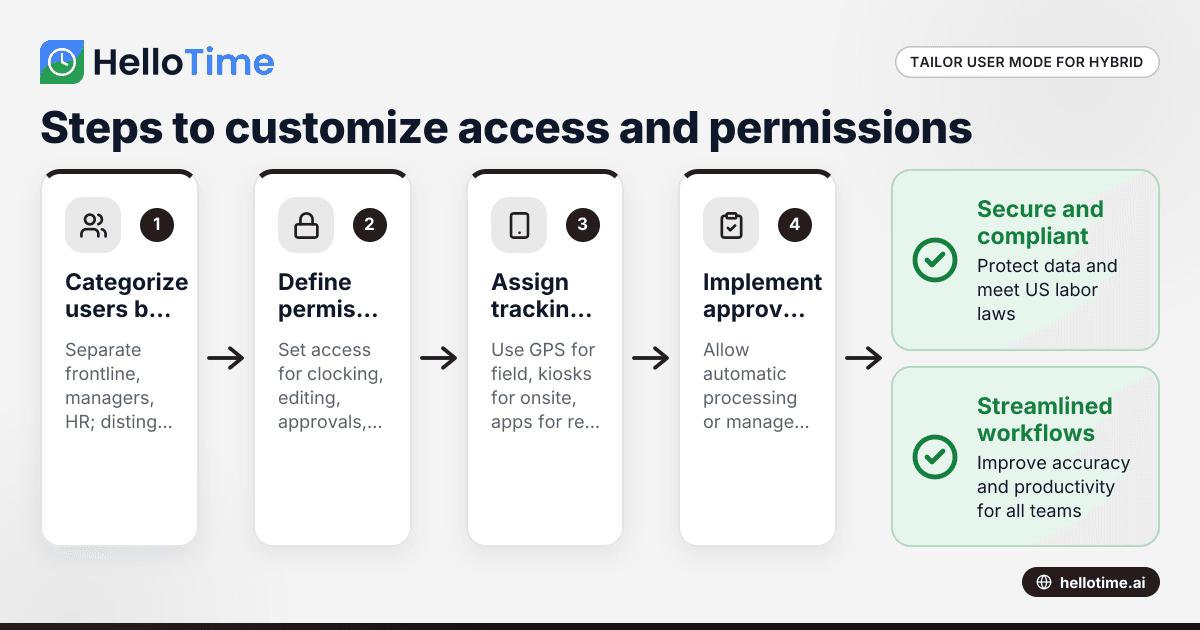
- Categorize users by role and location: Separate frontline employees, managers, HR, and finance staff. Distinguish onsite workers from remote or field workers.
- Define permission levels: Examples include basic time clock access, timesheet editing, approval authority, report viewing, and user management.
- Assign tracking methods per user mode: Onsite staff may use tablet kiosks with face recognition; field employees rely on GPS clock-in; remote workers submit hours via mobile apps or web portals.
- Implement automatic approvals or manager reviews depending on role to speed up processing without sacrificing oversight.
- Review and adjust regularly in response to staffing changes, new projects, or compliance updates.
Using software with flexible user modes simplifies these tasks. Agencies benefit from visual role templates and bulk updating capabilities. HelloTime, for example, supports detailed user mode setup adapted to complex shift scheduling, attendance tracking, and invoicing workflows tailored for US teams.
What are some best practices for managing user modes in US agencies?
To maximize benefits of user mode in time tracking software, consider these guidelines:
- Limit admin access to prevent unauthorized data changes. Use audit logs to track modifications.
- Train staff on their software permissions so users understand their capabilities and limits.
- Implement strong authentication, especially for remote or mobile users to secure access.
- Combine user modes with leave management and project controls to streamline payroll and billing accuracy.
- Perform periodic audits of user access and permissions to identify outdated or redundant entries.
These efforts help agencies maintain operational control while fostering transparency and trust among employees.
How does user mode support compliance with US labor laws?
Labor regulations in the US require employers to track hours worked accurately, manage breaks, and maintain employee records. User mode in time tracking software supports compliance by:
- Allowing designated managers or HR staff to access detailed attendance logs.
- Enforcing clock-in restrictions through geofencing or kiosk authentication, limiting buddy punching.
- Generating audit-ready reports for Department of Labor review or wage dispute resolution.
- Facilitating accurate PTO accrual and leave request management with proper approvals.
Agencies should consult with labor law experts to ensure their time tracking policies and software permissions align with federal and state laws. User mode customization makes it easier to implement these policies consistently.
How does user mode help improve client billing and project profitability?
Accurate time tracking is vital for billing clients precisely in service agencies. User mode ensures that:
- Only authorized users can log billable hours or edit records, preventing fraudulent time entries.
- Managers can review and approve timesheets before invoicing, reducing errors.
- Project managers access real-time reports showing labor costs, enabling better budgeting and resource allocation.
- Integration with invoicing and accounting software (such as QuickBooks or Stripe) becomes reliable, ensuring seamless billing workflows.
By controlling data entry and approval rights through user modes, agencies increase transparency and avoid costly billing disputes.
What features in HelloTime support user mode for US agencies?
HelloTime provides the flexibility to customize user mode efficiently, including:
- Role-based access control to define employee, manager, and admin permissions.
- Multiple tracking options tailored for onsite kiosks with face recognition and GPS clock-ins for mobile teams.
- Auto-built timesheets with layered approval workflows to speed up payroll preparation.
- Leave management integrated into user mode for transparent absence tracking.
- Project and client-based permissions to safeguard sensitive financial data.
These features help US agencies manage hybrid workforces with ease, improving productivity and compliance. Explore more on HelloTime in the US.
Frequently asked questions
What is the difference between user mode and user roles in time tracking software?
User roles refer to predefined categories like employee, manager, or admin, while user mode encompasses how these roles are configured with specific permissions and restrictions. User mode tailors each role’s access to features and data, creating customized workflows.
Can user mode limit employees from editing their logged hours?
Yes, managers can set user mode permissions to allow employees only to submit or view their time entries without editing past records. This helps maintain accurate and auditable timesheets.
How does user mode handle remote employee clock-ins?
In systems supporting GPS-based clock-ins like HelloTime, user mode sets permissions for remote employees to check in from authorized locations using mobile devices, ensuring data integrity.
Are managers able to approve timesheets within user mode?
Absolutely. User modes typically grant managers approval rights, letting them review, modify if needed, and approve timesheets before payroll or invoicing processes.
Does user mode contribute to data security compliance?
Yes, by restricting access to sensitive payroll or HR data and enabling audit trails, user mode helps meet best practices for data security and compliance frameworks.
Managing multiple access levels effectively is critical for agencies with diverse workforces. To explore how tailored user modes enhance your team’s time tracking, scheduling, and attendance, check out HelloTime’s features and compare plans at pricing.
Read next
This article covers one part of a bigger topic. For the complete picture, read our guide to user mo.
Keep reading
Related articles
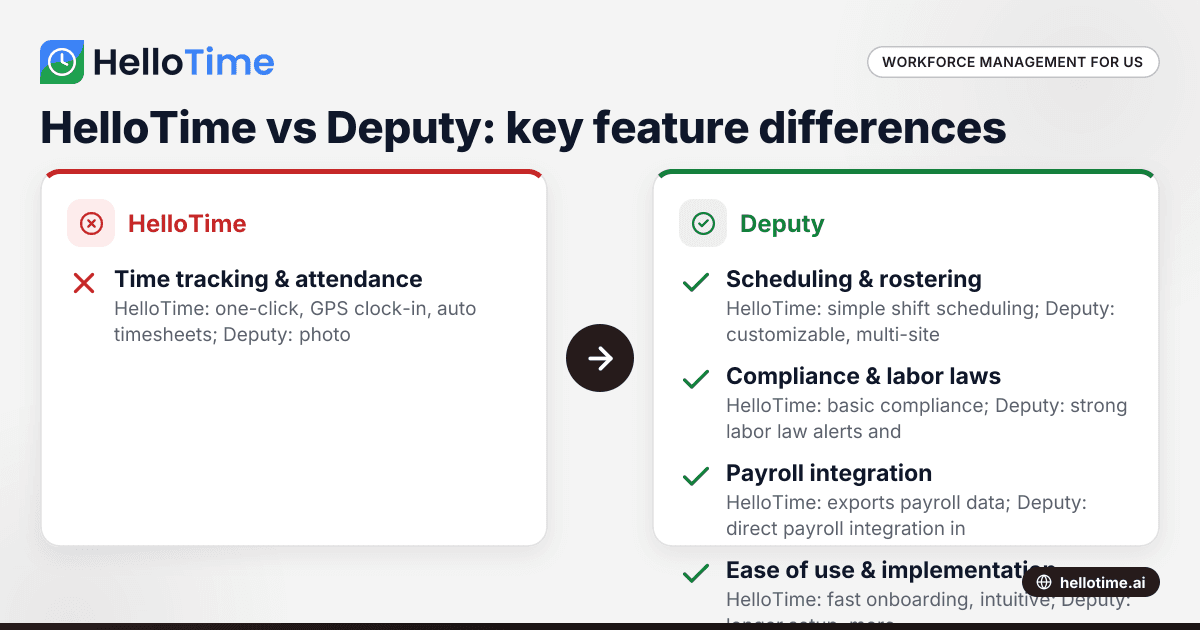
HelloTime vs Deputy: Which Workforce Management Software is Best for United States Small Businesses?
HelloTime and Deputy are popular workforce management tools offering employee scheduling, time tracking, and attendance solutions for US small.
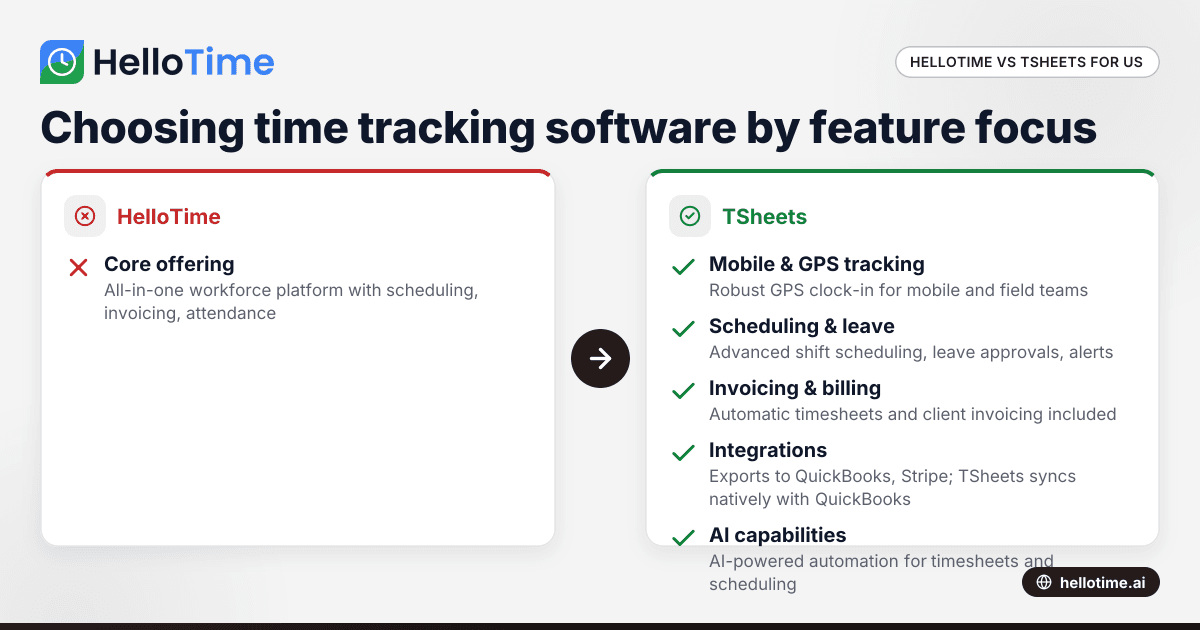
HelloTime vs TSheets: Choosing the Best Time Tracking Software for United States Agencies
HelloTime and TSheets are popular time tracking solutions for agencies and professional services in the United States. Comparing HelloTime vs TSheets.
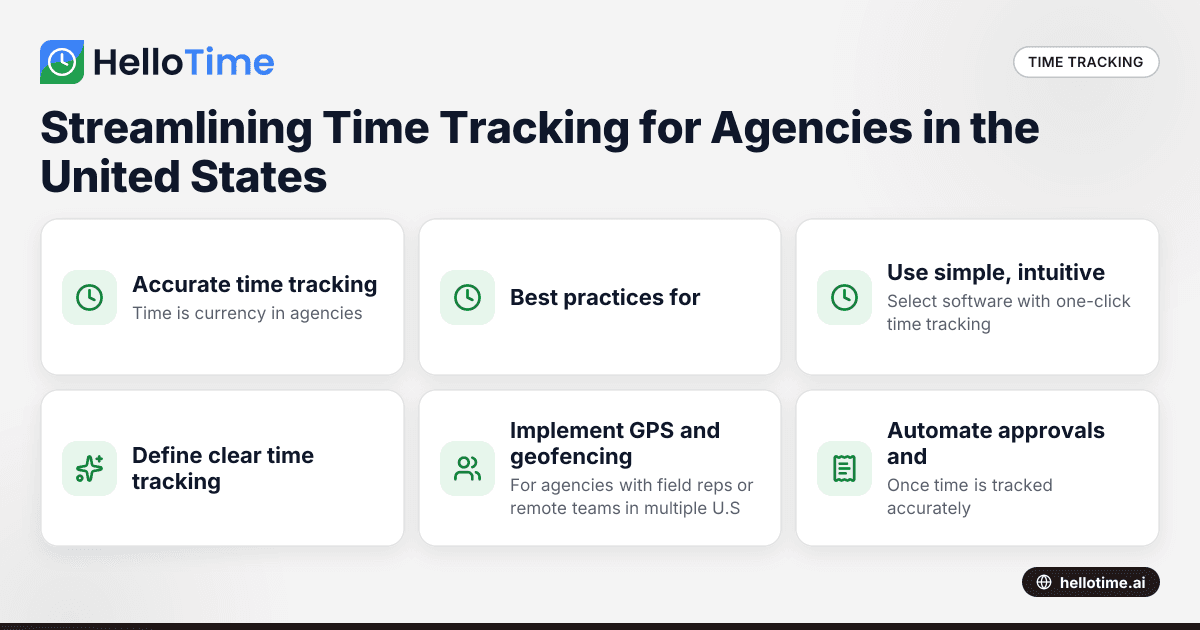
Streamlining Time Tracking for Agencies in the United States: Best Practices to Boost Client Billing Accuracy
Streamlining time tracking for agencies in the United States is essential for ensuring accurate client billing and maximizing profitability. By.