User Mode in Time Tracking Software for United States Agencies: How Project Managers Can Control Access Without Overcomplicating Employee Experience
User mode in time tracking software lets US agency project managers control employee access to features and data, tailoring interfaces for hourly.
The HelloTime team
5 min read
On this page
User mode in time tracking software lets US agency project managers control employee access to features and data, tailoring interfaces for hourly staff while securing sensitive information. AI user mode automates these access settings, simplifying role management and improving compliance for agencies billing by the hour.
Key takeaways
- User mode defines role-based access in time tracking software.
- It simplifies use for hourly employees and secures management controls.
- AI user mode automates permission adjustments based on roles or activity.
- Proper user mode helps ensure accurate billing, compliance, and payroll.
- Agencies benefit from flexible user modes that scale with their growth.
- Clear user mode settings reduce errors and protect sensitive data.
What is ai user mode in time tracking software?
AI user mode uses artificial intelligence to dynamically assign and update user permissions based on roles, project involvement, or behavior. It helps agencies automate access control, reduce manual errors, and balance security with convenience.
AI user mode streamlines user management by adapting permissions automatically as teams and projects change.
How to set up user mode for an agency billable by the hour?
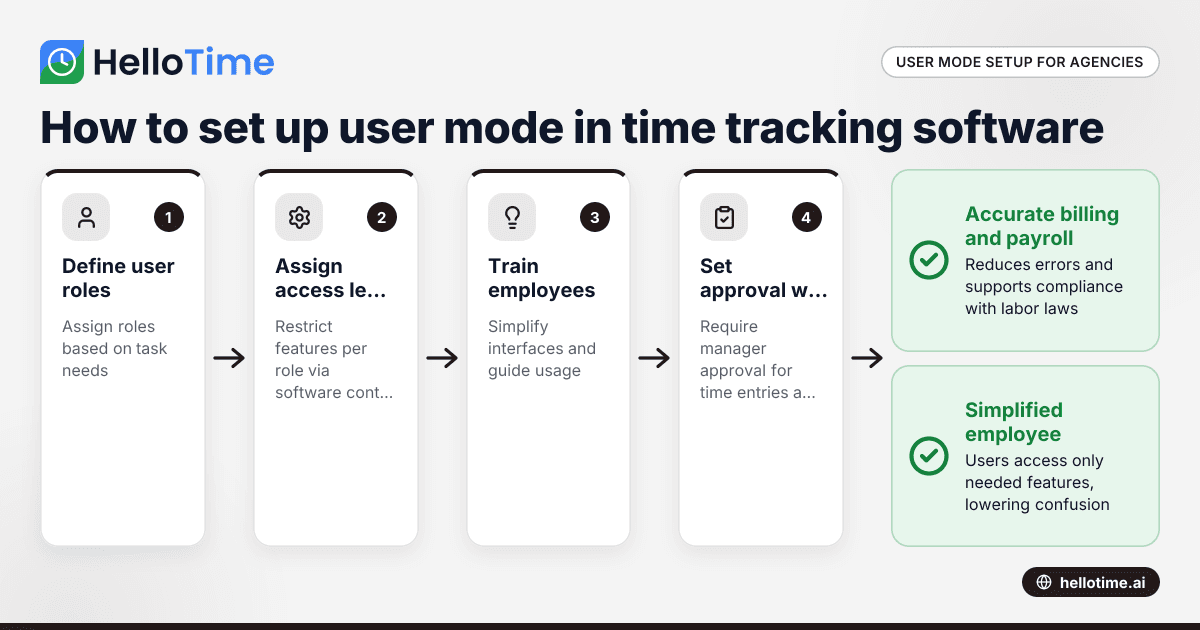
Setting up user mode begins with defining clear roles and restricting features accordingly. Train employees on their simplified interfaces, implement approval workflows, monitor activity with audit logs, and adjust permissions as teams evolve for accurate timesheets and billing.
- Define clear user roles based on task needs.
- Assign role-based access levels via software controls.
- Train employees on their specific user modes.
- Set approvals for time entries and leave requests.
- Monitor timesheet accuracy using logs and reports.
- Update roles when staff or projects change.
This process helps agencies in US cities like Chicago or Houston maintain precise billing and smooth cash flow.
How does user mode help project managers manage teams better?
User mode allows project managers to give employees only the tools they need, lowering confusion and mistakes. Supervisors get approval rights without full admin access, while leads can access relevant reports. Sensitive payroll or financial data stays restricted to HR or finance.
This tailored approach boosts compliance, speeds billing, and keeps time data consistent.
Can user mode prevent employees from editing their time entries?
Yes. Agencies configure user modes so employees submit time but cannot edit after approval. Changes require manager permission, reducing errors and avoiding timesheet tampering.
How does user mode support compliance with US labor laws?
User mode enforces role-based controls on overtime approvals, leave requests, and shift changes to comply with FLSA and state rules. Audit trails of user actions help with legal record keeping and demonstrate adherence to labor standards.
How can agencies implement user mode without complicating employee experience?
Keep employee interfaces simple by hiding unneeded features, focusing on clock-in/out, schedule viewing, and leave requests. Use mobile-friendly modes for remote or shift workers, provide focused training, and enable easy support channels.
The right software automatically syncs user modes with changing roles to avoid disruption.
How does user mode improve data security in time tracking?
By limiting access, user mode protects sensitive payroll and billing info. Employees cannot see colleagues’ data or modify approved timesheets. Manager approvals and audit logs maintain accountability. Integration with secure login protocols further shields data.
What common user roles exist in United States agencies’ time tracking systems?
Typical user roles include:
- Employee: clock-in/out, view schedule, submit leave.
- Team lead: approve time and leave, view team reports.
- Project manager: full project time visibility, billing and reporting.
- HR/payroll: access timesheets, payroll data, compliance reports.
- Admin: complete system and user control.
Each role has tailored access for security and efficiency.
How do user mode features affect payroll and invoicing accuracy?
User mode ensures only authorized users can alter billable hours, minimizing invoice errors. Managers review and approve timesheets before payroll to prevent overpayments or missed wages. Integration with finance tools like QuickBooks or Stripe relies on these clean data workflows.
What to look for in time tracking software regarding user mode?
US agencies should seek software that offers:
- Customizable roles and permissions.
- Simple, role-specific user interfaces.
- AI-enhanced user mode for automatic access management.
- Detailed audit logs and reporting.
- Mobile and kiosk clock-in with restricted access.
- Integrations with common payroll and financial systems.
- Clear documentation and support for user mode setup.
HelloTime provides these features to help agencies control access without complicating user experience.
Explore user mode with HelloTime
User mode empowers US agencies to streamline time tracking and protect sensitive data while keeping employees’ interfaces simple. With AI-driven automation and flexible roles, project managers can enhance compliance and operational efficiency. Learn more about HelloTime’s features and choose a plan at pricing.
Frequently asked questions
What is user mode in time tracking software?
User mode customizes access to features and data based on employee roles. It secures sensitive information and simplifies interfaces for hourly workers while giving managers needed controls.
Can user mode prevent employees from editing their time entries?
Yes, user mode can restrict employees from editing time entries after submission, requiring approval from supervisors, which reduces errors and potential fraud.
Is AI user mode available now?
AI user mode is increasingly integrated into time tracking tools like HelloTime. It automates permission changes to reduce manual effort and scale user management efficiently.
How does user mode support compliance with US labor laws?
User mode enforces role-based approval workflows for overtime, leave, and attendance. It logs changes to ensure auditability and supports compliance with FLSA and state regulations.
Will user mode affect employee productivity?
Properly configured user mode simplifies workflows by limiting options to relevant tasks, typically boosting productivity and improving time tracking accuracy.
Can user mode be adjusted as the agency grows?
Yes, user modes are flexible and can be updated as roles and team sizes change, ensuring sustained control and security as the agency evolves.
Read next
This article covers one part of a bigger topic. For the complete picture, read our guide to user mo.
Keep reading
Related articles
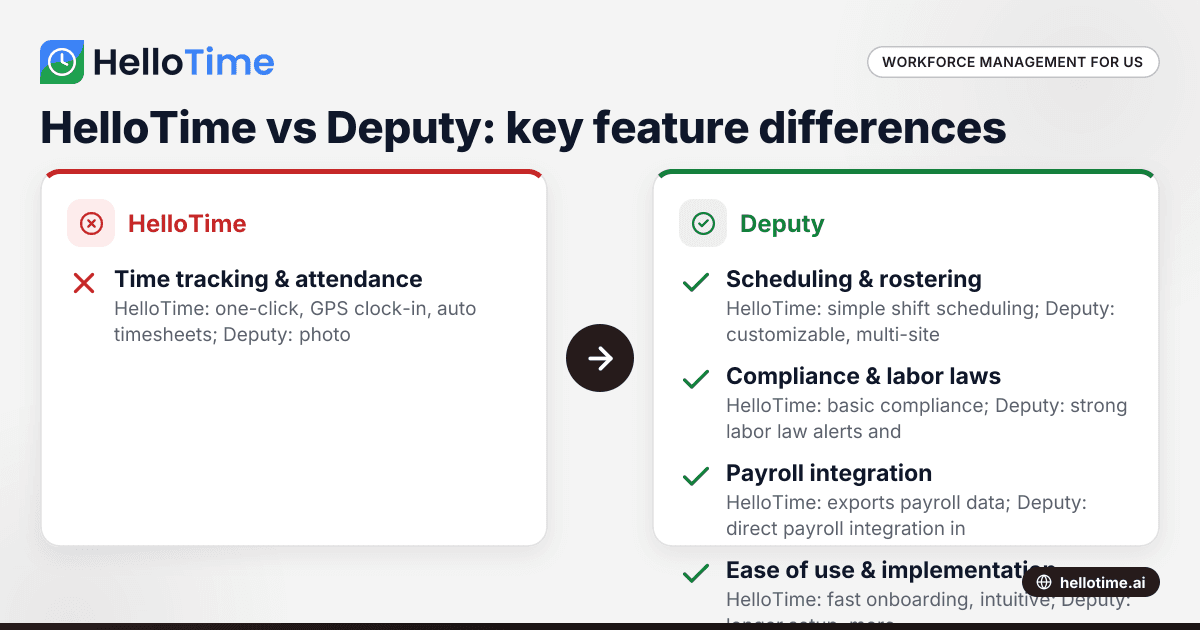
HelloTime vs Deputy: Which Workforce Management Software is Best for United States Small Businesses?
HelloTime and Deputy are popular workforce management tools offering employee scheduling, time tracking, and attendance solutions for US small.
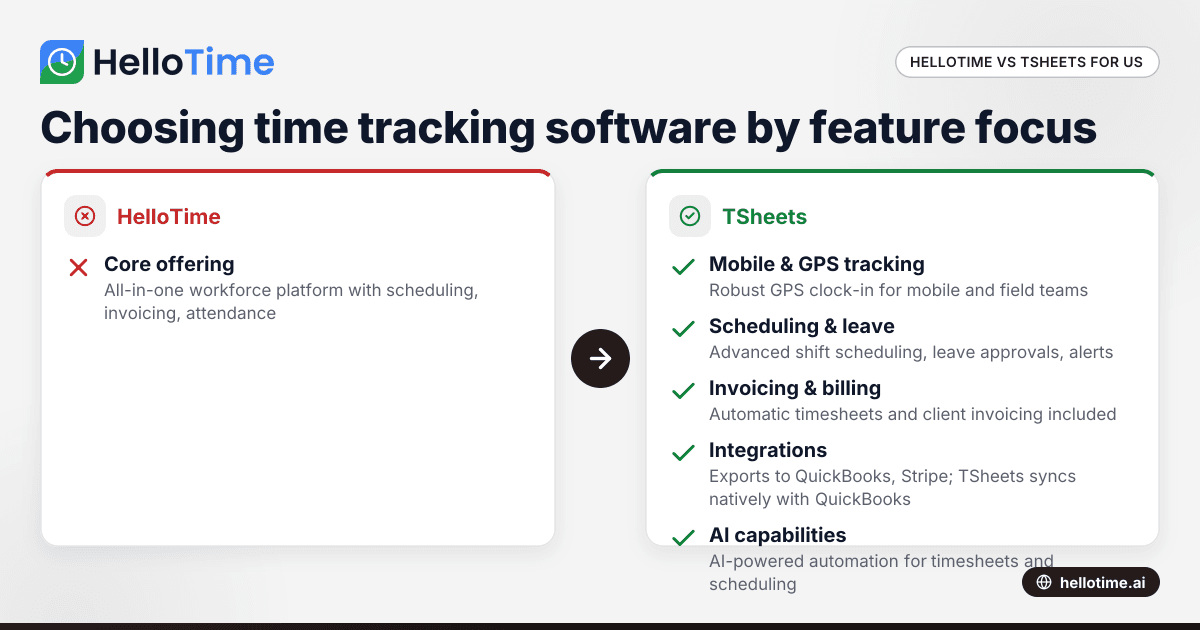
HelloTime vs TSheets: Choosing the Best Time Tracking Software for United States Agencies
HelloTime and TSheets are popular time tracking solutions for agencies and professional services in the United States. Comparing HelloTime vs TSheets.
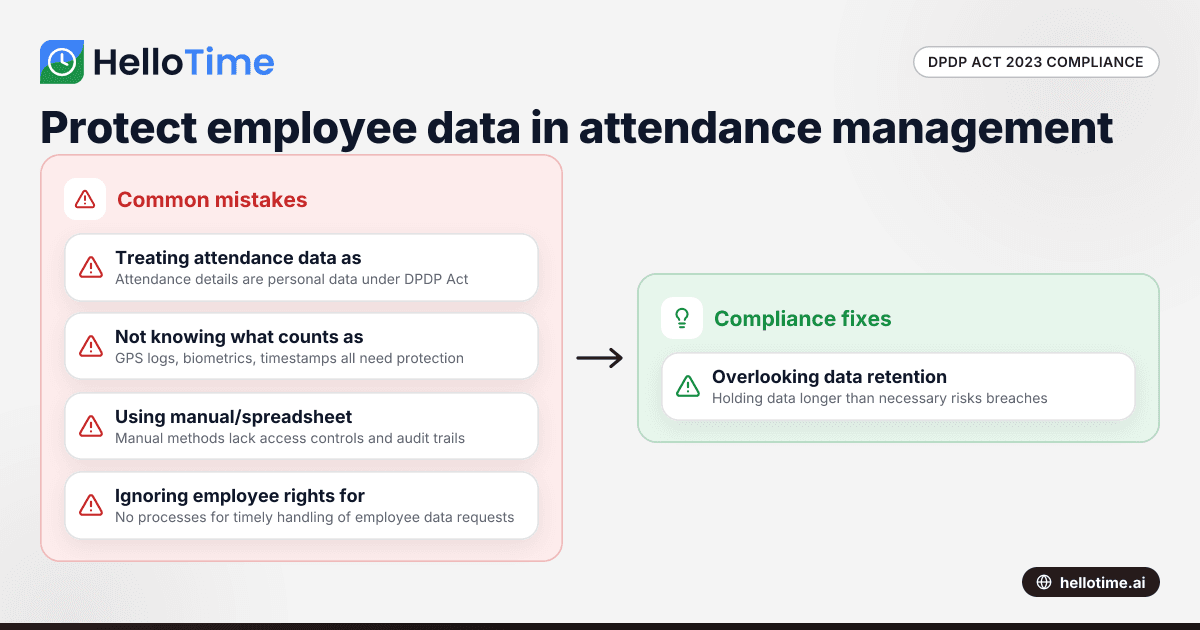
What Indian Businesses Need to Know About Data Protection Under the DPDP Act 2023 When Managing Attendance and Timesheets
Businesses tracking employee attendance and timesheets in India face growing risks if they overlook the DPDP Act 2023’s mandate for protecting.