Appointment Scheduling Software for Small Business: What to Look For
Appointment scheduling software for small business helps owners and teams manage bookings without endless calls, emails, and calendar mistakes. The.
The HelloTime team
12 min read
On this page
Appointment scheduling software for small business helps owners and teams manage bookings without endless calls, emails, and calendar mistakes. The right tool should save time, reduce no-shows, and make it easier for customers to book with confidence.
Key takeaways
- The best appointment scheduling software for small business should be easy for both staff and customers to use.
- Look first at core needs like online booking, calendar sync, reminders, and staff availability management.
- Good software should fit your current workflow, not force your team into complex new processes.
- Reliability, clear reporting, and a simple setup matter more than long feature lists.
- Small businesses should compare tools based on customer experience, team efficiency, and room to grow.
Why appointment scheduling software matters for small businesses
Small businesses often run on tight schedules and limited staff time. Every missed call, double booking, or manual calendar update creates extra work. It can also hurt the customer experience.
Appointment scheduling software for small business solves a basic but costly problem. It gives customers a simple way to book time while helping your team stay organised. Instead of going back and forth to confirm availability, the system handles the process in one place.
This matters even more when your business depends on appointments to generate revenue. A service business, consultancy, clinic, salon, agency, or repair company needs a reliable way to control time. If your schedule is messy, your operations become messy too.
The software can also reduce small daily interruptions. Staff do not need to answer the same booking questions again and again. Customers can see available slots, choose a time, and receive confirmation without extra effort from your team.
For a small business, these gains add up fast. You protect staff time. You improve customer convenience. You reduce avoidable admin. That creates space for more valuable work.
Common booking problems small businesses face
Many small businesses start with shared calendars, phone calls, spreadsheets, or inbox-based booking. That can work at first, but it often breaks down as demand grows.
Here are some common problems:
- Double bookings caused by poor visibility
- Missed appointments due to weak reminder processes
- Delays in confirming appointments
- Limited booking options outside business hours
- Confusion about staff availability
- Too much admin work for a small team
These issues are not just inconvenient. They affect revenue, customer trust, and staff workload. A scheduling system should reduce those risks.
What small businesses should look for first
Not every scheduling platform is built with small businesses in mind. Some are too complex. Others focus on large enterprises with needs you may never have. The best choice usually starts with simple, practical requirements.
Before comparing products, define what your business actually needs. Think about your services, your staff, your customers, and your booking volume. Then focus on tools that support those needs directly.
1. Easy online booking
Online booking is one of the most important features in any appointment scheduling software for small business. Customers expect convenience. They want to book when it suits them, including outside working hours.
A good booking experience should be clear and fast. Customers should understand what service they are booking, how long it takes, and what times are available. Too many steps can lead to drop-off.
Look for software that makes the process simple on both desktop and mobile devices. Many customers will book from their phones. If the process feels slow or confusing, they may give up.
2. Real-time availability
Availability must be accurate. If customers can book a time that is no longer free, your team will have to fix the problem manually. That defeats the purpose of the software.
Real-time availability helps prevent double bookings and keeps schedules current. It also makes life easier for staff because they do not need to check multiple calendars before confirming a time.
This is especially important if you have multiple employees, locations, or service types. The software should reflect actual capacity at all times.
3. Calendar syncing
Your scheduling tool should work well with the calendars your team already uses. If appointments sit in one system while personal or operational schedules sit elsewhere, conflicts can happen.
Calendar sync helps keep everything aligned. It gives staff a complete view of their day and reduces the chance of overlap. For small businesses, this is often a major operational benefit.
When assessing software, ask how easy it is to connect existing calendars and whether updates appear quickly and reliably.
Features that improve day-to-day operations
Core booking features matter most, but the best tools also improve everyday business processes. This is where software moves from being useful to being genuinely valuable.
Automated reminders and confirmations
No-shows and late arrivals can be costly for a small business. Automated confirmations and reminders help reduce that risk. They also reassure customers that their booking is in place.
Look for software that sends clear updates at the right moments. This usually includes confirmation after booking, reminders before the appointment, and updates if changes happen.
These messages should be simple and timely. Customers should know the date, time, service, and any next steps.
Staff scheduling and service rules
If different team members offer different services, your software needs enough control to handle that. Not every employee has the same hours, skills, or appointment durations.
You may need to set rules such as:
- Which services each staff member can provide
- Different working hours by employee
- Buffer times between appointments
- Limits on same-day bookings
- Minimum notice periods
- Breaks, holidays, and time off
This level of control helps you avoid manual corrections. It also supports a smoother customer experience because people only see valid options.
Booking flexibility for different business models
Small businesses operate in many ways. Some take one-to-one appointments. Others manage group sessions, consultations, classes, demos, or recurring bookings.
Your software should match the way your business works today. It should also support reasonable changes as your services evolve. A rigid setup can create extra work later.
Choose a tool that lets you structure appointments clearly. Customers should understand what they are booking and what to expect.
Customer experience should be a top priority
Business owners often focus on internal needs first. That makes sense, but the customer experience is just as important. Poor booking experiences can lose sales before the service even begins.
Appointment scheduling software for small business should make booking feel quick, clear, and trustworthy. Customers should not need training to use it.
What a good customer booking journey looks like
A strong booking journey usually includes these steps:
- The customer sees available services clearly.
- The customer chooses a suitable date and time.
- The system collects the right booking details.
- The customer receives immediate confirmation.
- The system sends reminders before the appointment.
Each step should feel simple. If the customer has to guess what happens next, confidence drops.
Important usability questions to ask
When reviewing software, ask practical questions from the customer perspective:
- Is the booking page easy to understand?
- Can customers book quickly on mobile?
- Are service names and durations clear?
- Is confirmation immediate?
- Can customers reschedule or cancel easily if needed?
- Does the process feel professional and reliable?
These details influence how customers view your business. Scheduling is often one of the first direct interactions they have with you.
Integration, admin, and reporting considerations
Scheduling software does not work in isolation. It becomes part of your daily operating system. That means integrations, admin controls, and reporting deserve careful attention.
Integration with your existing tools
Most small businesses already use some mix of calendars, email, communication tools, and customer records. Your scheduling platform should fit into that setup with minimal friction.
A disconnected tool creates extra admin. Staff may need to copy information between systems or check multiple places for updates. That increases errors and wastes time.
When assessing software, list the tools you already depend on. Then check whether the scheduling platform can support those workflows in a practical way.
Simple admin for small teams
Many small businesses do not have a dedicated operations manager or IT team. Setup and administration often fall to the owner, office manager, or a busy team lead.
That means software should be easy to configure and maintain. Day-to-day changes such as updating hours, adjusting availability, or adding staff should not require technical support.
A good small business tool should help you stay in control without creating a new administrative burden.
Useful reporting
Reporting helps you understand how your schedule affects performance. You may want to track booking volume, staff utilisation, cancellations, or busy periods.
The right reports can help you answer practical questions:
- Which services are booked most often?
- What days or times are busiest?
- Where do cancellations happen most?
- Do you need to adjust staffing patterns?
- Are reminders helping reduce missed appointments?
For small businesses, reports should support decisions, not overwhelm people with data.
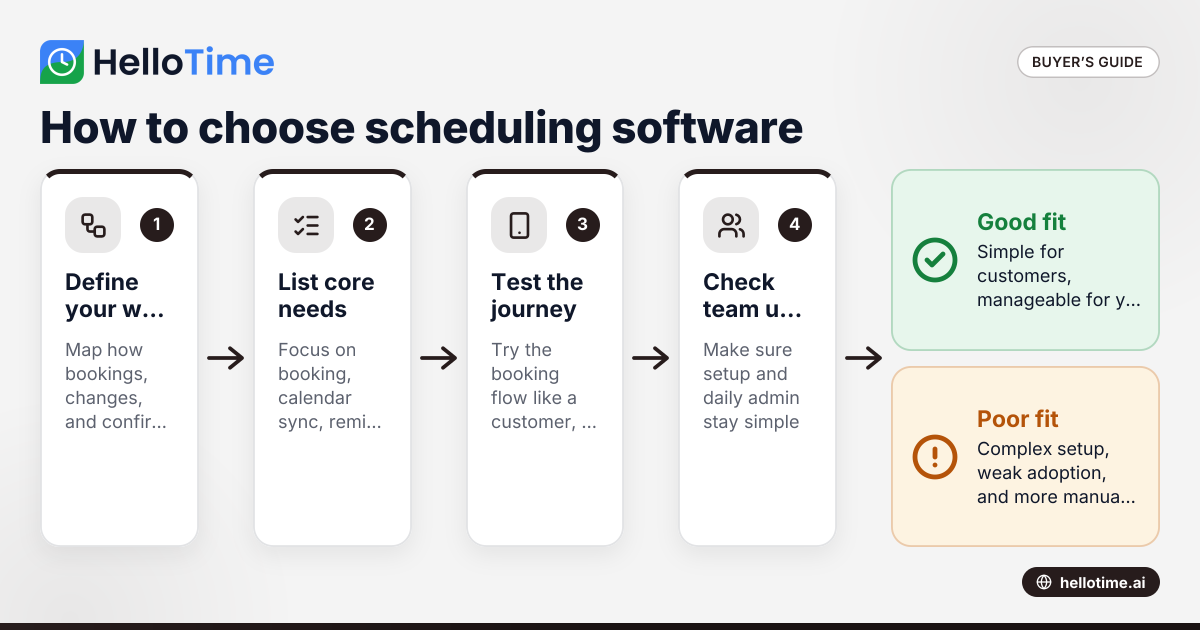
How to choose the right software step by step
Choosing appointment scheduling software for small business becomes easier when you use a clear process. This reduces the chance of picking a tool based only on marketing or feature overload.
Step 1: Define your booking workflow
Start with your current process. Write down how appointments are booked, confirmed, changed, and delivered. Note who handles each step and where problems occur.
This gives you a simple list of requirements based on real work. It also helps you separate must-haves from nice-to-haves.
Step 2: Identify your non-negotiable features
Next, decide which features matter most. For many small businesses, these include online booking, calendar sync, reminders, and availability controls.
If you have multiple staff members or complex service options, you may need stronger scheduling rules as well. Keep your list focused.
Step 3: Test the customer experience
Do not evaluate software only from the admin side. Test the booking journey as if you were a customer. Try it on a mobile device too.
Check how long it takes to book, what information is shown, and whether the process feels clear. A smooth customer journey often matters more than advanced back-end settings.
Step 4: Check setup effort and team usability
Consider how quickly your team can learn the system. Small businesses need software that people can use confidently without long training periods.
Ask whether common tasks are easy. This includes changing hours, blocking time, updating services, and viewing daily schedules.
Step 5: Review reliability and support
Even simple tools need to work consistently. Booking errors can create immediate customer and operational problems.
Check what help is available if issues arise. Also consider whether the platform feels stable and well maintained.
Mistakes to avoid when comparing options
Small businesses can make avoidable mistakes when selecting scheduling software. These usually happen when the buying process moves too fast or focuses on the wrong things.
Choosing based on feature volume alone
More features do not always mean better value. A crowded product can be harder to use and slower to adopt. If your team avoids the system, the extra features do not help.
Focus on whether the tool handles your core workflow well. Practical value matters more than long checklists.
Ignoring the customer side
Some businesses choose software that works for staff but frustrates customers. This can reduce completed bookings and increase support questions.
The booking experience should feel easy, polished, and trustworthy. If it does not, customers may look elsewhere.
Underestimating internal adoption
Even good software fails if staff do not use it properly. If the interface is confusing or setup is too complex, people may fall back to manual workarounds.
Choose a system your team can adopt without resistance. Simplicity is a real advantage.
Failing to plan for growth
Your business may add new services, staff, or locations over time. If the scheduling tool cannot support that, you may need to switch platforms sooner than expected.
You do not need the most advanced system on the market. You do need one that can grow with reasonable changes in your business.
Where HelloTime can fit in
If you are comparing scheduling options, it helps to look for a tool that keeps booking simple for customers and manageable for your team. That is often where small businesses see the greatest value.
HelloTime is designed around making appointment scheduling easier to run and easier to use. If your goal is to reduce admin, improve booking flow, and give customers a smoother scheduling experience, it is worth exploring further.
Frequently asked questions
What is appointment scheduling software for small business?
It is software that helps small businesses accept, manage, and organise appointments in a more efficient way. It usually replaces manual booking through calls, emails, paper diaries, or spreadsheets.
What features matter most in appointment scheduling software for small business?
The most important features are usually online booking, real-time availability, calendar syncing, and automated reminders. Beyond that, the right choice depends on your services, staff structure, and customer needs.
How does scheduling software help reduce no-shows?
It helps by sending appointment confirmations and reminders automatically. These messages keep the booking visible and reduce the chance that customers forget or arrive at the wrong time.
Is appointment scheduling software only useful for service businesses?
No. It can help any small business that books time with customers, prospects, or partners. This includes consultants, agencies, repair teams, healthcare providers, trainers, and many other business types.
How should a small business compare scheduling tools?
Start by mapping your current workflow and listing the problems you want to solve. Then compare tools based on ease of use, customer booking experience, staff controls, reliability, and fit with your existing systems.
When is the right time to switch from manual booking to software?
The right time is usually when manual booking starts causing delays, errors, or too much admin. If appointments are becoming harder to manage or customers want more convenient booking options, software is likely worth considering.
Keep reading
Related articles
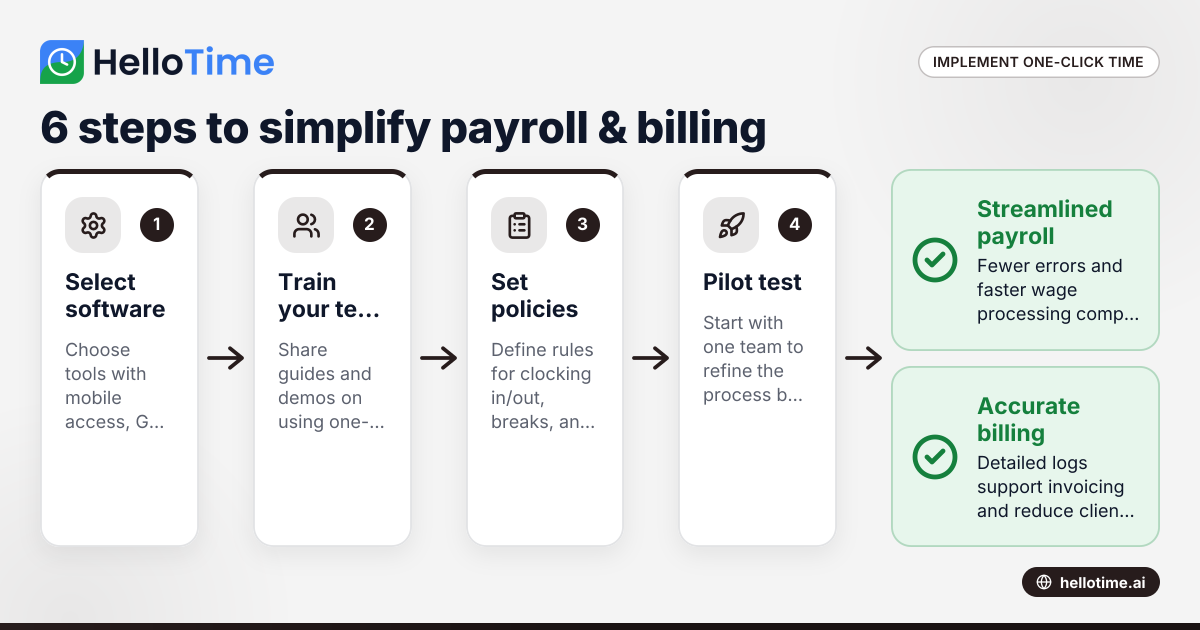
How United States Small Businesses Can Implement One-Click Time Tracking to Simplify Payroll and Billing
Time tracking is the process of logging the hours employees spend on tasks or projects. For small businesses in the United States, adopting one-click.
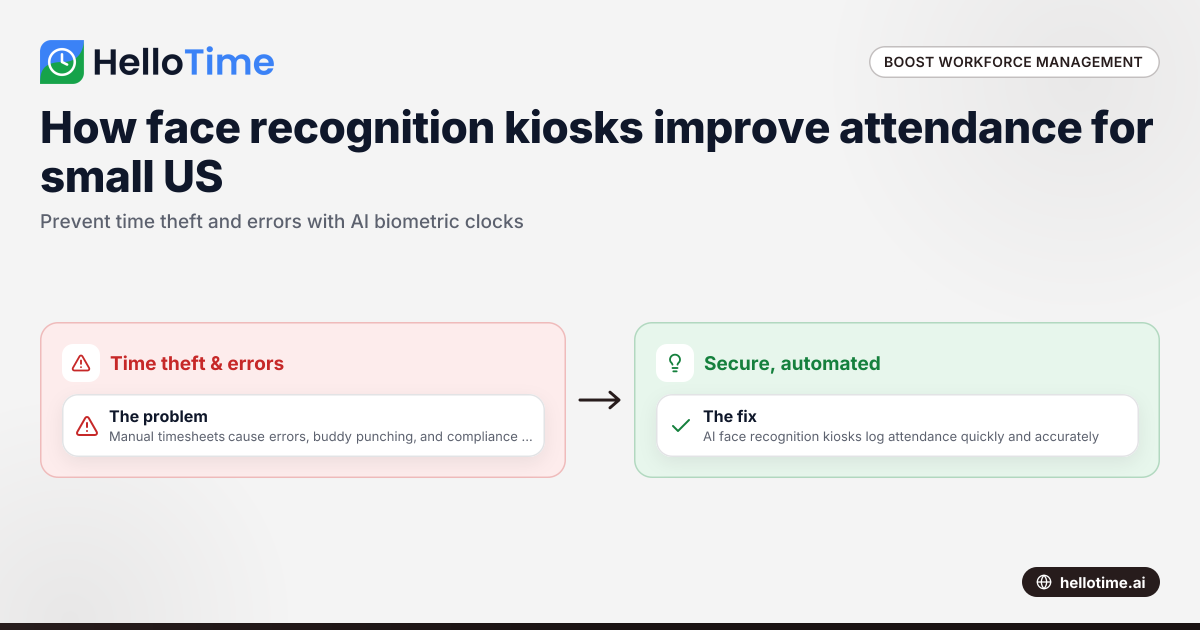
How Biometric Attendance Kiosks with Face Recognition Improve Workforce Management for United States Small Businesses
Biometric attendance kiosks with face recognition use AI technology to capture employee attendance quickly and accurately without physical contact.
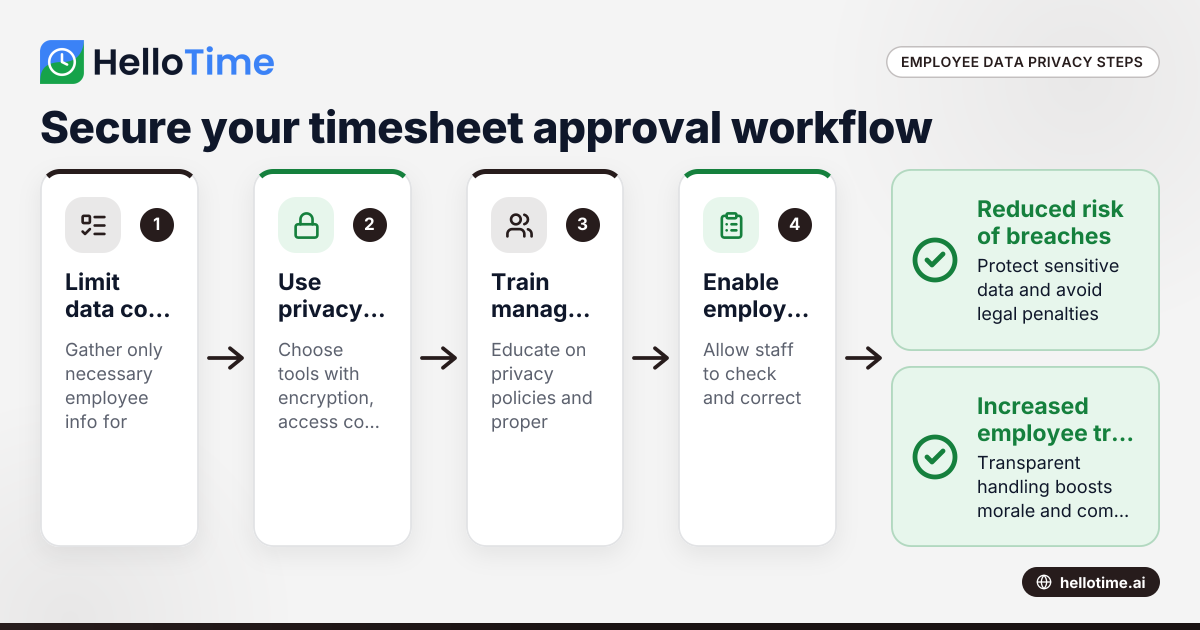
Navigating Employee Data Privacy Under United States Laws in Timesheet Approval Workflows
Navigating employee data privacy in timesheet approval workflows requires careful attention to US laws, as well as awareness of international.