How United States Small Businesses Can Implement One-Click Time Tracking to Simplify Payroll and Billing
Time tracking is the process of logging the hours employees spend on tasks or projects. For small businesses in the United States, adopting one-click.
The HelloTime team
7 min read
On this page
Time tracking is the process of logging the hours employees spend on tasks or projects. For small businesses in the United States, adopting one-click time tracking can drastically simplify payroll, invoicing, and overall workforce management. It reduces errors, saves time, and improves project billing accuracy.
Key takeaways
- One-click time tracking automates recording employee hours with minimal input.
- Accurate time data streamlines payroll and billing, reducing mistakes and disputes.
- AI time tracking tools add efficiency by auto-building timesheets and providing insights.
- Small businesses benefit from integrated features like shift scheduling, GPS clock-in, and leave management.
- Compliance with US labor laws requires precise time records, best handled digitally.
- Using software like HelloTime helps centralize workforce management and reporting.
Why time tracking matters for small businesses in the US
Tracking employee time accurately is essential for small businesses, especially in sectors like retail, hospitality, field service, and agencies billing by the hour. Many small companies start with spreadsheets or paper timesheets, but these methods invite errors, lost data, and time-consuming calculations.
For US businesses, the benefits of time tracking include:
- Accurate payroll processing: Federal and state wage laws require keeping precise time records to pay employees correctly for regular and overtime hours.
- Simplified invoicing: Hourly billing clients need detailed work logs to justify charges.
- Improved project management: Managers can view actual hours spent vs. estimated, adjusting schedules or resources.
- Legal compliance: The Fair Labor Standards Act (FLSA) mandates maintaining time records for non-exempt employees.
- Better leave management: Holidays, vacation, and sick time tracked alongside working hours prevent payroll miscalculations.
Switching to one-click digital time tracking software ensures consistency, removes manual errors, and organizes data for quick approvals and reports.
What is one-click time tracking and how does it work?
One-click time tracking lets employees start and stop their work timers using a simple button. No more timesheets to fill out manually or guessing hours later. This method captures accurate timestamps automatically.
Typical features include:
- Timer buttons: On mobile apps or desktop, employees clock in/out with one tap.
- Auto-generated timesheets: The software compiles hours logged into a timesheet needing minimal review.
- Approvals: Managers can quickly approve or query timesheets before payroll runs.
- Integration: Time entries sync with payroll, invoicing, and scheduling modules.
This streamlined process saves administrative hours and increases accuracy.
How do small businesses implement one-click time tracking effectively?
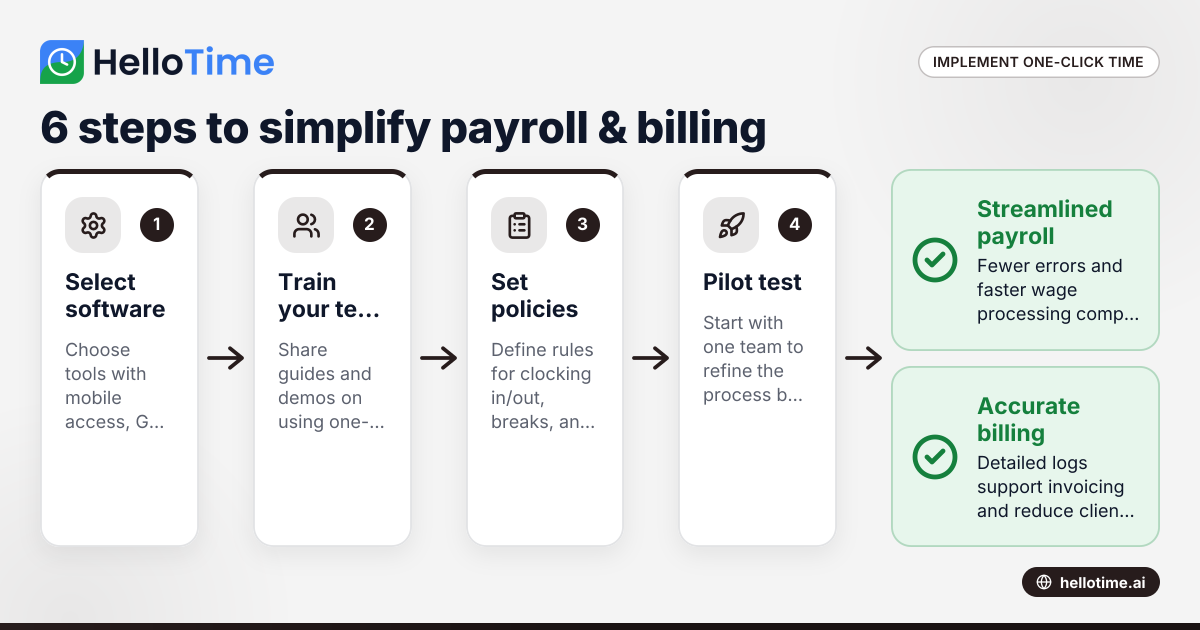
Implementing one-click time tracking requires thoughtful steps to ensure adoption and smooth operations:
- Select the right software: Look for solutions tailored to your industry and business size. Ensure mobile access for field teams, GPS clock-in for location verification, and integration with your payroll or accounting software such as QuickBooks or Stripe.
- Train your team: Communicate benefits and provide simple guides or demos on using the app’s timer buttons and features.
- Set clear policies: Define rules on clocking in/out, breaks, overtime approval, and handling forgotten punches.
- Pilot test: Start with one department or team to identify glitches, then refine processes before company-wide rollout.
- Monitor and analyze: Regularly review timesheets, exceptions, and approve or adjust hours promptly.
- Use AI features: Adopt ai time tracking for automatic timesheet generation, error detection, or productivity insights.
By following these steps, businesses minimize disruption and maximize the advantages of one-click tracking.
How does AI time tracking add value for US small businesses?
AI time tracking uses artificial intelligence to automate and optimize time management. It can recognize patterns, detect anomalies, and suggest improvements.
Short answer: AI time tracking automates timesheet building, flags irregularities, and offers insights to boost workforce productivity and compliance.
In practice, AI features include:
- Auto-categorizing tasks: AI can assign time entries to specific projects or clients without manual tagging.
- Predictive alerts: The system notifies managers of potential overtime or missing clock-outs.
- Productivity analysis: Identifies where employees spend time to optimize workflows.
- Accuracy enhancements: AI reduces human error by verifying data consistency.
Combining AI with one-click time tracking improves payroll accuracy, prevents wage disputes, and enhances billing transparency.
What is the impact of one-click time tracking on payroll and billing accuracy?
Using one-click time tracking minimizes manual data entry and errors that commonly occur with paper or spreadsheet systems. This leads to:
- Accurate wage calculation: Automatic capture ensures all work hours, including overtime and breaks, comply with labor laws.
- Reduced payroll processing time: Digital timesheets with approvals shorten payroll cycles.
- Clear client billing: Time logged on projects directly generates invoices, supporting client trust.
- Compliance with IRS and labor regulations: Proper records aid during audits and 1099 reporting for contractors.
For example, a small marketing agency in Chicago billing clients hourly found that switching to one-click tracking reduced invoice errors by 30% and sped up billing by a week each month.
How does GPS and geofencing improve attendance for remote or field staff?
One-click time tracking with GPS and geofenced clock-in ensures employees are onsite when they log hours. This is invaluable for small businesses with remote teams, such as field service or hospitality.
GPS location data verifies punch times from authorized locations. Geofencing creates virtual boundaries around job sites, allowing clock-in only within predefined perimeters.
Benefits:
- Prevents buddy punching: Employees can't clock in for others.
- Improves accountability: Managers see real-time location data.
- Simplifies audits: Time records include accurate location stamps.
Businesses in Houston's construction sector often use these features to comply with safety regulations and client contracts.
How to handle shift scheduling alongside time tracking?
Effective workforce management combines scheduling with time tracking. One-click tools often include shift roster features that:
- Create and publish schedules: Employees view shifts on their phones.
- Track scheduled vs. actual hours: Helps reconcile variances or no-shows.
- Simplify shift swaps and leave requests: Leave management tools update schedules automatically.
This integration reduces administrative burdens and ensures accurate staffing and payroll.
How do American labor laws affect time tracking requirements?
US labor laws, especially under the Fair Labor Standards Act (FLSA), require employers to keep detailed records of hours worked for non-exempt hourly employees. These include:
- Start and end times of shifts.
- Break and meal periods.
- Overtime hours.
Failure to maintain accurate records can result in wage claims or penalties. Digitally capturing these details with one-click time tracking ensures compliance. Note that state laws may add stricter requirements, so consult a labor law expert or HR advisor for details.
How can small businesses get started with one-click time tracking on HelloTime?
HelloTime offers an easy solution for US small businesses needing streamlined time tracking. Features include one-click timers, auto-built timesheets, GPS and geofencing punch-in, shift scheduling, and leave management.
To get started:
- Visit the features page to explore tools tailored for hourly and shift-based teams.
- Compare options on the pricing page to find a plan that fits your business size.
- Sign up for a free trial to test functionalities risk-free.
With HelloTime, reduce payroll headaches and boost billing transparency today.
Frequently asked questions
What types of businesses benefit most from one-click time tracking?
Businesses with hourly employees, such as retail stores, hospitality teams, field service, construction, and agencies billing by the hour, benefit most. These sectors require accurate, compliant work-hour records and often manage shifts or remote staff.
Can one-click time tracking integrate with payroll software like QuickBooks?
Yes. Many time tracking platforms, including HelloTime, integrate smoothly with popular US payroll and accounting software such as QuickBooks and Stripe, streamlining wage processing and invoicing.
How does AI time tracking improve productivity?
AI time tracking automates timesheet creation and identifies irregularities or inefficiencies. It provides insights on how time is spent, enabling managers to reduce unproductive activities and optimize workflows.
Is GPS tracking compliant with US privacy laws?
GPS tracking must comply with privacy laws and employee consent requirements. Inform employees about tracking policies and use geofencing responsibly, limiting location monitoring to work hours and job sites.
How frequently should timesheets be approved?
Timesheets should be reviewed and approved before each payroll cycle to ensure data accuracy and avoid payment errors. Weekly or biweekly approvals are common in most US businesses.
Does online time tracking help with labor law audits?
Yes. Digital records created by time tracking software provide clear audit trails showing exact clock-in/out times, breaks, and overtime, meeting regulatory requirements and aiding dispute resolution.
Ready to simplify your payroll and billing with one-click time tracking? Explore the full range of features and find the plan that fits your small business at pricing.
Read next
This article covers one part of a bigger topic. For the complete picture, read our guide to time tracking.
Keep reading
Related articles
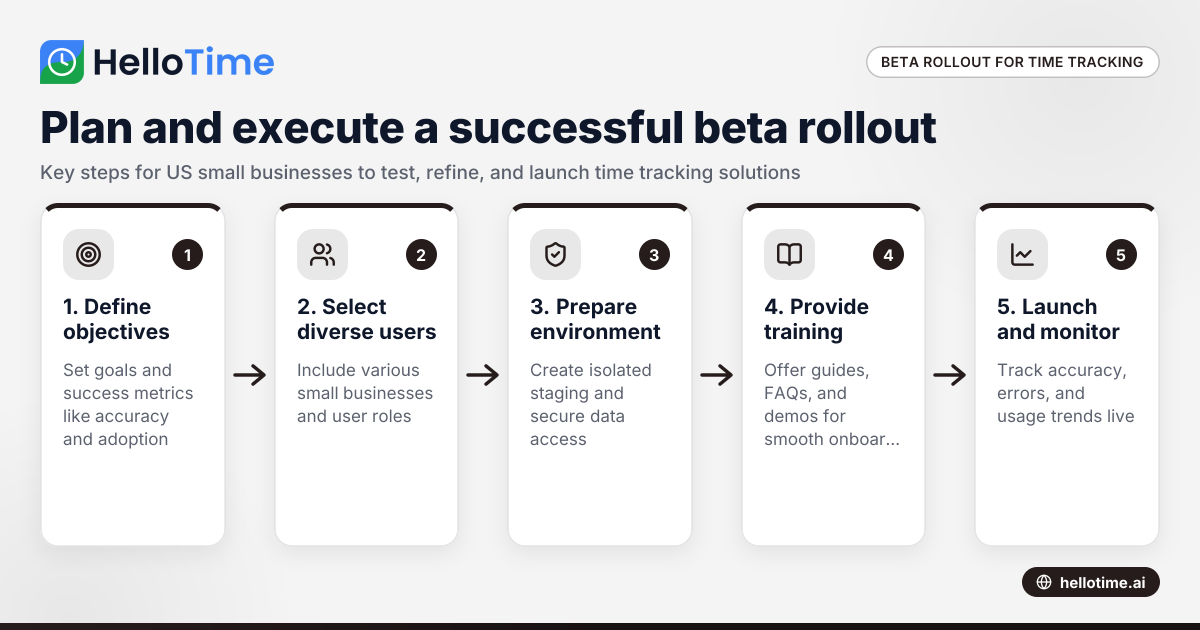
How to Plan and Execute a Successful Beta Production Rollout for Time Tracking Software in United States Small Businesses
Launching a beta production rollout means releasing your time tracking software to a limited group of real users in live conditions before full.
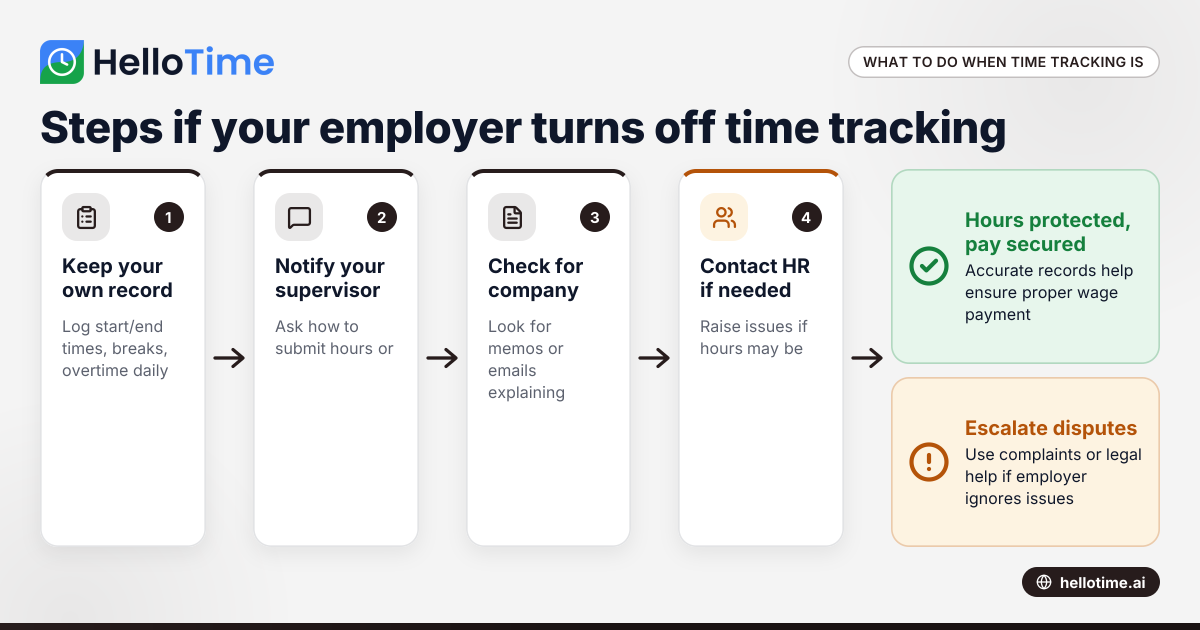
What to Do When an Employer Has Turned Off Your Time Tracking in the United States
When an employer has turned off time tracking, employees lose a key method to log their hours accurately. This can disrupt payroll, affect wage.
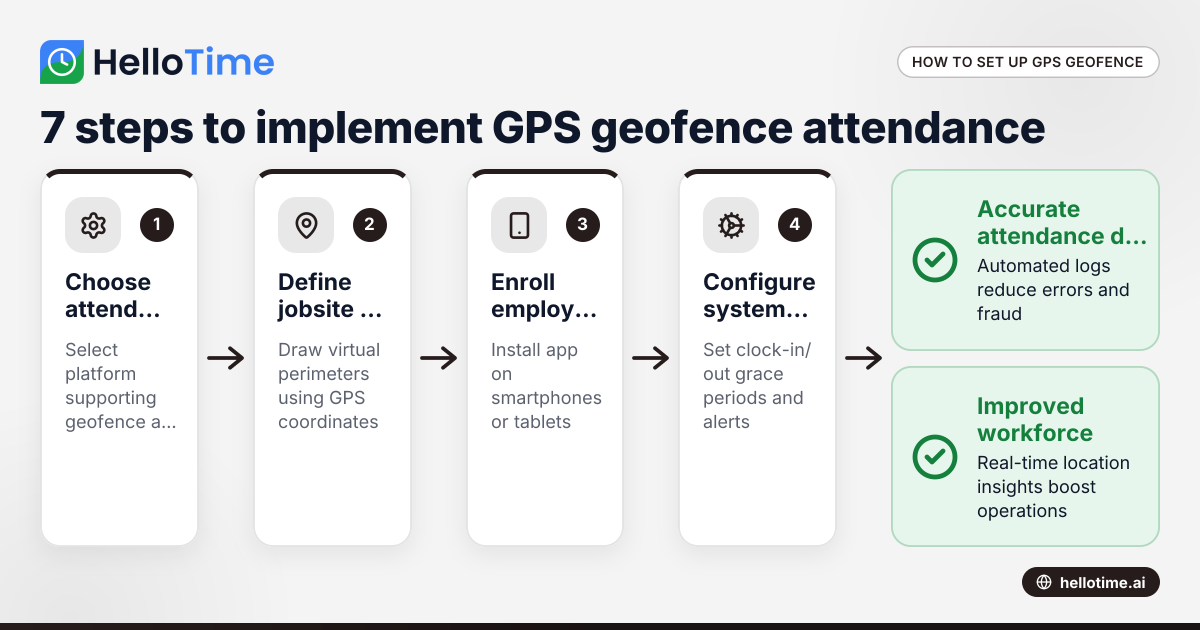
How United States Businesses Can Use GPS Geofence Attendance to Improve Field Staff Management
GPS geofence attendance uses location-based technology to track when field employees enter or leave a designated work zone. This method automates.