How to Plan and Execute a Successful Beta Production Rollout for Time Tracking Software in United States Small Businesses
Launching a beta production rollout means releasing your time tracking software to a limited group of real users in live conditions before full.
The HelloTime team
4 min read
On this page
Launching a beta production rollout means releasing your time tracking software to a limited group of real users in live conditions before full launch. This phase helps identify issues and tailor the system to small business workflows, reducing errors and boosting satisfaction.
Key takeaways
- Beta production rollout tests software with actual users in a live environment.
- Clear goals and success criteria guide the beta phase.
- Selecting varied small business users ensures relevant feedback.
- Support and communication ease software adoption.
- Analyzing user data refines features and fixes bugs.
- A structured transition plan readies the move to full production.
What is a beta production rollout and why is it important for small businesses?
A beta production rollout deploys software to selected users in a live setting before full release. Small businesses using time tracking can detect issues and adjust the system to match operational needs, minimizing costly errors and improving user experience.
How does AI beta production improve software rollout strategies?
AI beta production uses automated testing and smart user behavior analysis to speed up issue detection and personalize onboarding, making software rollouts more efficient and adaptive.
AI tools simulate real use cases and prioritize bug fixes by impact. For small businesses, this means faster problem resolution and features tailored to roles, encouraging smoother adoption.
How to plan a beta production rollout for time tracking software
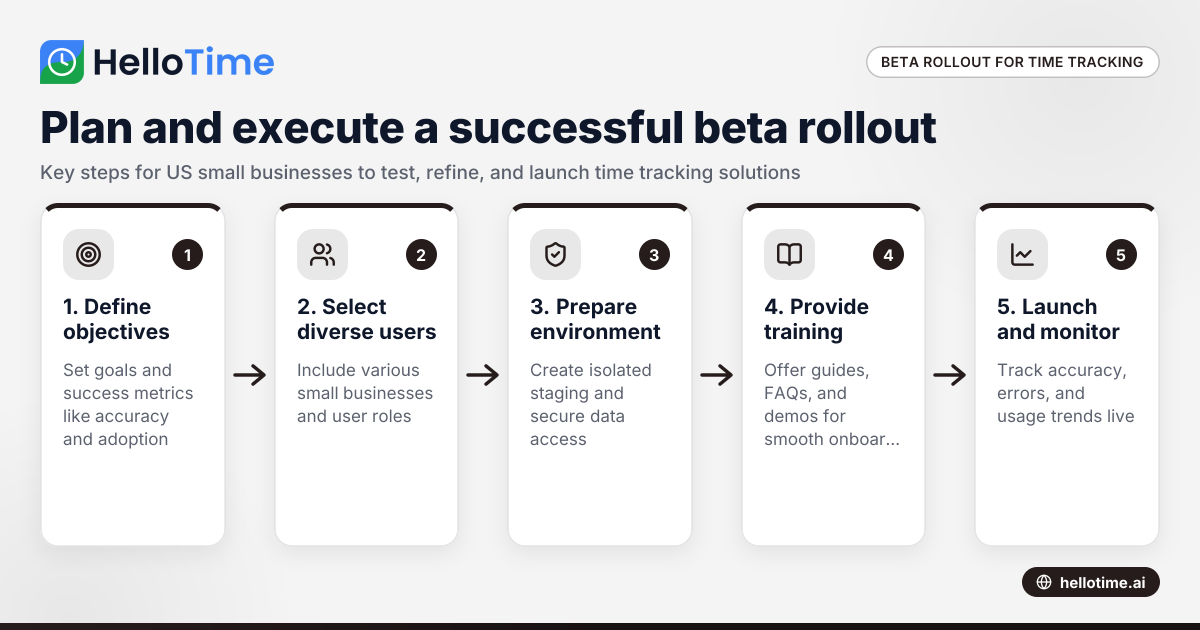
Careful preparation is crucial for success. Follow these key steps:
1. Define Objectives and Success Criteria
Establish what the beta should achieve:
- Verify time tracking accuracy
- Evaluate user experience
- Test integrations with payroll or scheduling
- Get feedback on usability
Set measurable criteria like adoption rates and error frequency to measure success.
2. Select the Beta User Group
Choose a mix of small businesses such as retail stores in Chicago and field teams in Houston. Include:
- Different shift and billing types
- Current spreadsheet or manual trackers
- Managers and staff users
This variety provides well-rounded insights.
3. Prepare the Deployment Environment
Create a mirrored but isolated staging system to protect data. Configure user permissions and separate beta data for security.
4. Provide Documentation and Training
Offer simple guides, FAQs, and live demos tailored to users. Clear onboarding reduces resistance and supports early engagement.
How to execute and manage the beta production rollout effectively
Execution ensures smooth operation and meaningful feedback.
1. Launch and Monitor
Release the software and track:
- Clock-in accuracy and missed punches
- System performance and errors
- Usage trends via dashboards
2. Establish Feedback Channels
Enable easy input through surveys, chat support, and scheduled check-ins to catch issues early.
3. Provide Ongoing Support
Respond quickly to questions with help desks or chatbots, building user trust and lowering drop-off.
4. Analyze Data and Iterate
Regularly review feedback to fix bugs, refine features, and improve workflows. Communicate updates clearly.
5. Decide When to Close Beta
Check if criteria are met:
- Reliable operation daily
- Target satisfaction reached
- Major bugs fixed
Prepare users for full rollout.
What should small businesses consider before joining a beta production rollout?
Businesses must consider:
- Available staff time for testing and feedback
- Data privacy and security safeguards
- Potential workflow disruptions
- Support and training resources offered
Proper preparation ensures a better experience.
Post-beta steps for a successful full rollout
After beta completion:
- Share findings with stakeholders
- Finalize features and fixes
- Update onboarding materials
- Plan phased rollout to all users
- Maintain monitoring and support
Small businesses gain a proven, customized solution.
Using HelloTime for your beta production rollout
HelloTime offers time tracking and workforce management features ideal for beta rollouts. From one-click tracking and auto-built timesheets to tablet attendance with face recognition, HelloTime supports a variety of US businesses including retail and field service teams. Explore features or find the right plan at pricing.
Frequently asked questions
What duration is ideal for a beta production rollout?
Typically 4 to 8 weeks, allowing users to cover different shifts and billing cycles and reveal hidden issues without delaying launch.
Can beta participants modify or suggest new features?
Yes, they are encouraged to provide feedback and suggest improvements via surveys and focus groups, helping prioritize future updates.
How do you protect sensitive employee data during beta testing?
Data segregation, strict access controls, encryption, and compliance with US privacy standards help safeguard information throughout beta testing.
What is the difference between alpha and beta production rollouts?
Alpha testing is internal and done by developers before user exposure. Beta production rollouts test software live with real users before general release.
How do I measure user adoption during the beta phase?
Track metrics such as active users, clock-in frequency, timesheet submissions, and error reports to assess usability and engagement.
Should small businesses expect disruptions in operations during beta testing?
Minor disruptions may occur but good planning, training, and prompt support minimize impact for smooth integration.
Read next
This article covers one part of a bigger topic. For the complete picture, read our guide to beta production rollout.
Keep reading
Related articles
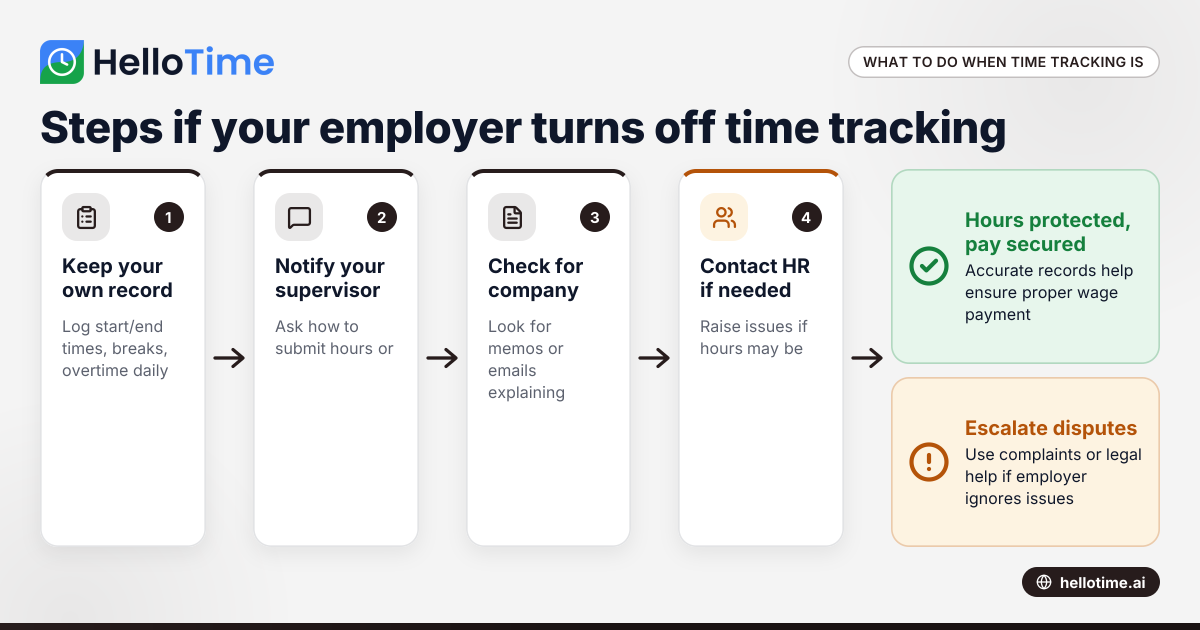
What to Do When an Employer Has Turned Off Your Time Tracking in the United States
When an employer has turned off time tracking, employees lose a key method to log their hours accurately. This can disrupt payroll, affect wage.
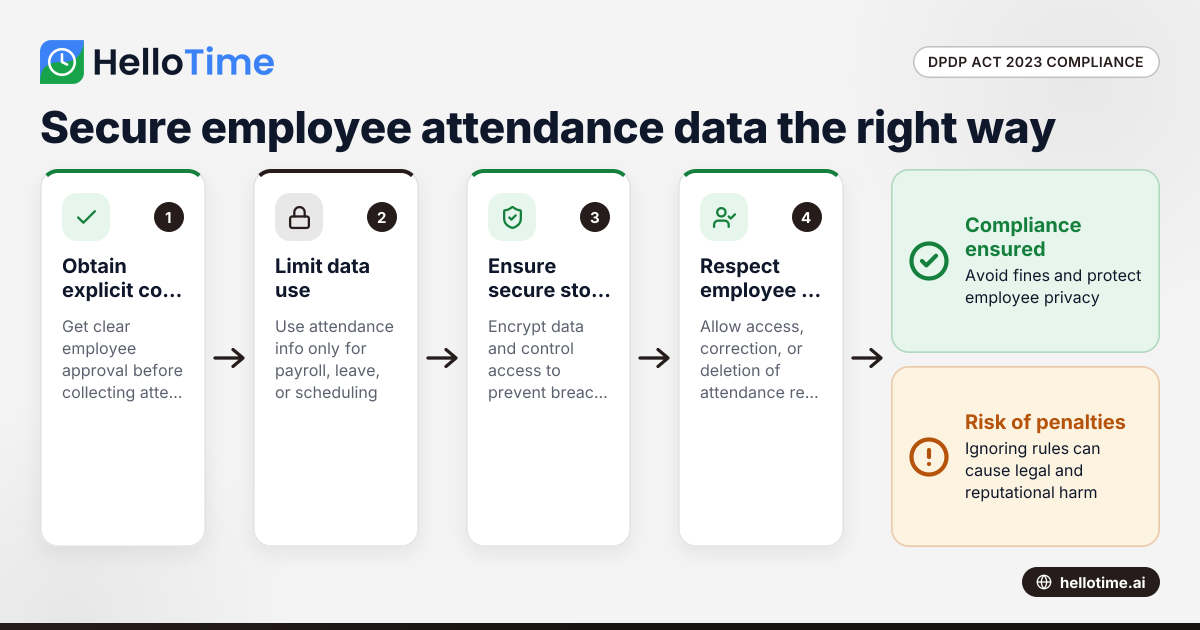
How the DPDP Act 2023 Impacts Employee Attendance and Timesheet Data Management in Indian SMEs
The Digital Personal Data Protection (DPDP) Act 2023 is India’s law regulating how personal data, including employee attendance information, must be.
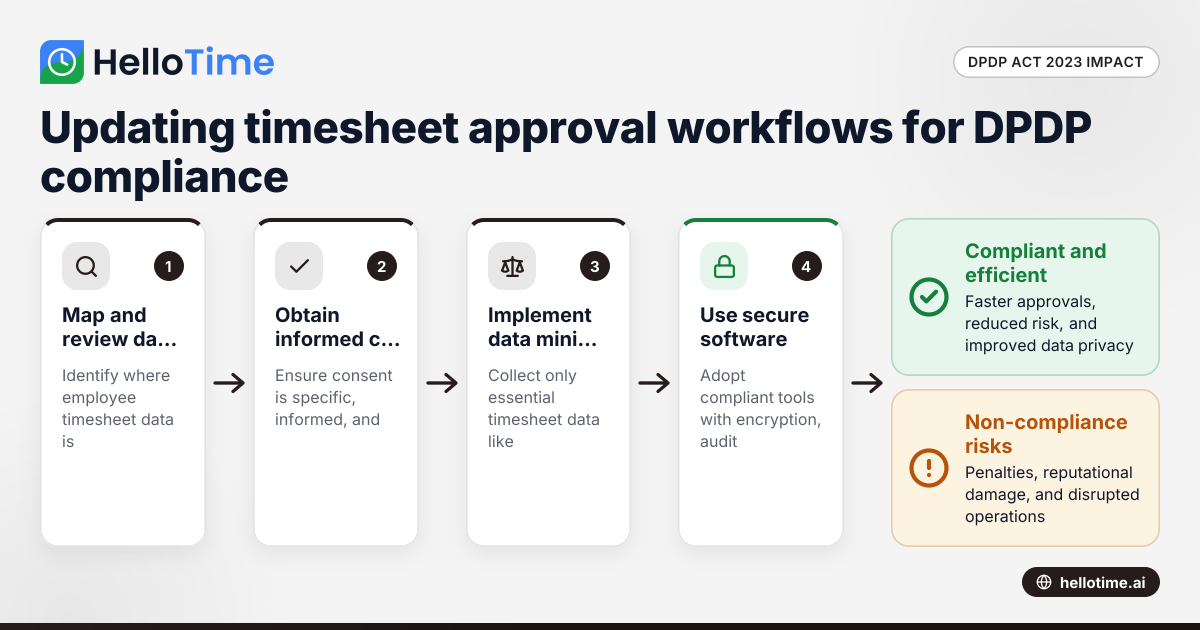
How the DPDP Act 2023 Affects Timesheet Approval Workflow for Manufacturers in Maharashtra, India
How the DPDP Act 2023 Affects Timesheet Approval Workflow for Manufacturers in Maharashtra, India The Digital Personal Data Protection (DPDP) Act 2023