Attendance App with GPS and Kiosk for Small Businesses in United States: How to Choose One System for Field Crews and Fixed Sites
An attendance app helps small businesses record who worked, when, and where, without paper timesheets or guesswork. If you manage both mobile crews.
The HelloTime team
12 min read
On this page
An attendance app helps small businesses record who worked, when, and where, without paper timesheets or guesswork. If you manage both mobile crews and fixed-site teams in the United States, the best setup is usually one system that supports GPS clock-ins for field staff and a kiosk for shared, on-site attendance.
Key takeaways
- A good attendance app should handle both mobile clock-ins and shared kiosk check-ins in one place.
- GPS and geofencing help confirm field attendance, while kiosk mode fits job sites, stores, warehouses, and front desks.
- One system reduces payroll disputes, buddy punching, manual approvals, and duplicate data entry.
- Small businesses should focus on clear clock-in rules, easy approvals, and useful reports before adding advanced features.
- If you track billable work or project labor, time, attendance, leave, and scheduling should connect.
- In the United States, attendance practices may intersect with wage and hour rules, so this article is general information, not legal advice.
Why small businesses in the United States need one attendance system
Many small businesses do not have one workforce. They have a mix of people and places.
A plumbing company in Houston may have technicians driving to customer sites all day. The same business may also have office staff, a dispatcher, and a warehouse team that starts each morning from one location. A retail business in Chicago may have store employees clocking in at a shared tablet while regional managers travel between sites. A construction contractor in Detroit may have crews at job sites and supervisors moving between projects.
When these businesses use different attendance methods for different teams, problems start quickly. One team uses paper. Another texts arrival times. A third uses spreadsheets. Someone in payroll then spends hours combining records, fixing missing punches, and chasing managers for approvals.
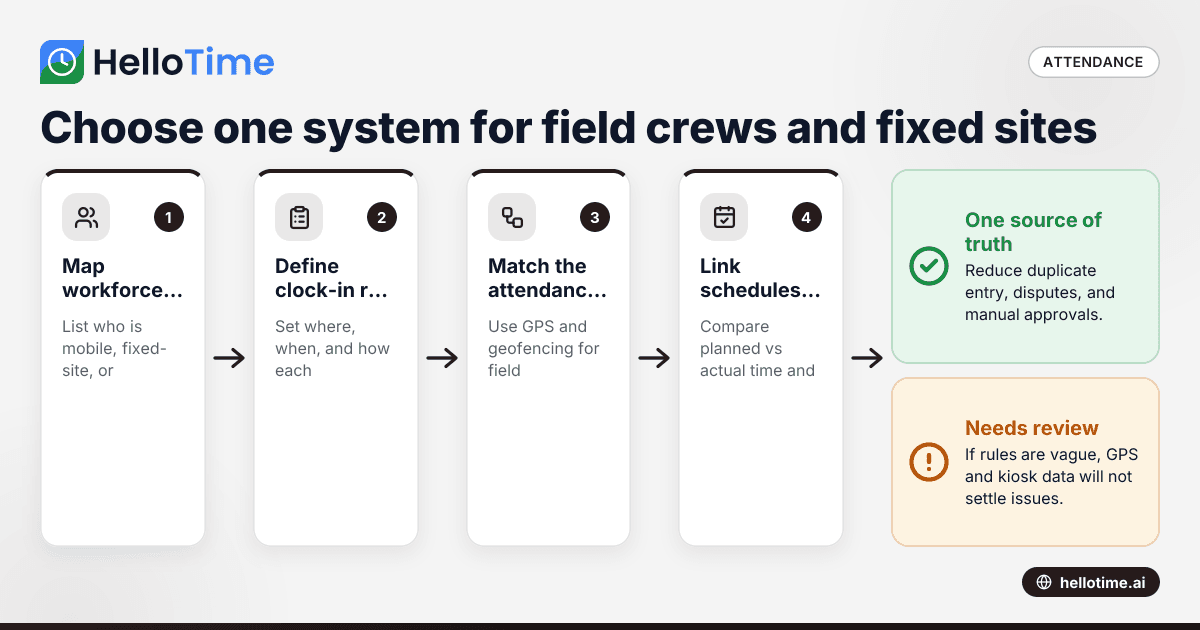
One attendance app solves this by creating a single source of truth. Everyone clocks in through the same platform, but in a way that matches their work. Field employees can use a phone with GPS. Fixed-site staff can use a kiosk on a tablet. Managers can approve time in one workflow. HR can review attendance, leave, and exceptions without digging through separate systems.
That matters for more than convenience. It affects payroll accuracy, labor costs, scheduling, client billing, and employee trust. If people believe time records are inconsistent, every paycheck becomes a debate.
What should an attendance app do for field crews and fixed sites?
The right attendance app should let each team record attendance in the simplest possible way, while giving managers enough control to trust the data.
For field crews, the app should support:
- Mobile clock-in and clock-out
- GPS location capture at clock-in
- Geofenced attendance for approved sites
- Break tracking
- Job, project, or customer tagging
- Offline or low-connectivity support where possible
- Manager review of late, missed, or unusual entries
For fixed sites, the app should support:
- Shared tablet kiosk mode
- Fast clock-in for many workers at shift start
- Face recognition or identity checks where used
- Role-based restrictions so staff cannot edit each other's records
- Clear shift assignment and attendance status
- Real-time visibility for managers
For both groups, you want the same basics:
- Auto-built timesheets
- Approval workflows
- Leave visibility
- Overtime review
- Simple reporting
- Export options for payroll or accounting workflows
This matters because attendance is not just a morning event. It affects the whole workday. If a worker clocks in at the right site but then gets assigned to the wrong job code, your project costs are wrong. If a kiosk records arrivals but does not connect to schedules, managers still have to compare planned versus actual attendance by hand.
How does GPS attendance work?
GPS attendance records the location of a mobile employee when they clock in or out. It helps confirm that the employee was at or near an approved work location when the punch happened.
GPS attendance is useful for technicians, cleaners, delivery support teams, sales reps, inspectors, and supervisors who move between sites. It is most effective when paired with clear rules. For example, define whether workers must clock in from the customer location, from a yard, or from a staging area. If your rules are vague, GPS data will not settle disputes.
A strong setup usually includes geofencing. A geofence is a virtual boundary around a location, such as a job site, warehouse, or customer property. If a worker tries to clock in outside that area, the system can flag it or block it based on your settings.
That can reduce time theft and buddy punching, but only if the process fits the reality of the job. In field service, crews may park down the street. In construction, the entrance gate may be far from the active work zone. In those cases, geofence size and exceptions matter more than strictness.
Managers should also think about privacy and communication. Employees need to know what location data is captured, when it is captured, and how it is used. Keep your policy simple and specific. Do not assume people will understand the difference between location capture at clock-in and all-day tracking.
Why use a kiosk at fixed sites?
A kiosk gives fixed-site teams a fast, shared way to check in and out. It works well for stores, restaurants, manufacturing floors, warehouses, clinics, and front desks where employees begin shifts in one place.
The biggest benefit is speed. During a shift change, a shared tablet near the entrance or break room can handle attendance for multiple people in minutes. That is easier than asking every employee to install and use a mobile app, especially if not everyone works at a desk.
Kiosk mode also standardizes the process. Everyone clocks in the same way. Supervisors know where attendance happens. New hires learn it quickly. Managers can spot no-shows earlier because there is one attendance point to monitor.
Some businesses also want face recognition on kiosk devices to reduce buddy punching. If you use that approach, be clear about consent, notice, storage, and access. Biometric privacy obligations can vary by state and use case. Keep your policy and legal review current before rollout.
A kiosk is often the best fit when:
- Employees begin work at the same site
- Shift start times create lines or bottlenecks
- Workers do not need individual mobile clock-in
- Supervisors need instant attendance visibility
- You want a low-friction method for large teams
What is the best setup for a mixed workforce?
For most small businesses, the best setup is one attendance app with mobile GPS clock-ins for field teams and kiosk attendance for fixed locations, all connected to the same timesheets, schedules, and approvals.
That hybrid model works because it matches how different teams actually work. You are not forcing a warehouse picker to use the same attendance flow as a field technician. You are also not making HR or payroll manage two separate systems.
Here is what to look for in that mixed setup.
1. One employee directory
Every worker should exist once in the system. That sounds basic, but it prevents duplicate records across teams and locations. It also makes transfers easier. A worker can move from warehouse duty to field service without being rebuilt in a second tool.
2. Location-based attendance options
The same system should support mobile clock-ins, geofencing, and shared kiosks. You want the freedom to assign attendance methods by role, team, or site.
3. Scheduling linked to attendance
Attendance is far more useful when it is compared to the schedule. Managers should be able to see who was late, absent, early, or unscheduled. This is especially important for hospitality, retail, and manufacturing operations with tight shift coverage.
4. Simple manager approvals
Supervisors should review exceptions, not rebuild timesheets from scratch. The app should surface missing punches, late arrivals, and overtime risks clearly.
5. Leave built into the same workflow
If an employee is approved for leave, the attendance system should reflect that. Otherwise, managers waste time investigating absences that were already approved.
6. Reports that help operations
Good attendance data should help you answer practical questions. Which sites have the most lateness? Which crews regularly start late? Which shifts generate the most overtime? Which project is running over labor budget?
This is where an ai attendance app may get your attention, but the real test is whether it removes admin work in daily operations. Fancy labels do not matter if managers still chase missing punches in text messages.
How do you choose the right attendance app?
Start with your operating reality. The best attendance app for your business is the one your team will actually use correctly every day.
Here is a practical selection process.
1. Map your workforce types
List your employee groups by how they work, not by department name.
For example:
- Field technicians who travel to customer sites
- Warehouse staff who start at one location
- Supervisors who move between sites
- Office staff on standard hours
- Temporary or seasonal workers
This tells you whether you need GPS, geofencing, kiosk mode, scheduling, or a mix.
2. Define your clock-in rules
Before buying software, write down the rules.
Ask questions like:
- Where should each team clock in?
- Do they need to clock in per shift or per job?
- Are early clock-ins allowed?
- How are missed punches corrected?
- Who approves exceptions?
- Are breaks required or optional by role?
If these rules are unclear, no app will fix attendance problems.
3. Identify your biggest pain points
Do not buy based on a feature checklist alone. Buy based on the problems you need to remove.
Common examples include:
- Paper attendance sheets
- Buddy punching
- Missed or disputed hours
- Long payroll prep time
- No visibility into tardiness
- Hard-to-manage leave overlaps
- Poor shift coverage
- Inaccurate billable hours
Rank these in order. Then test whether the app solves the top three.
4. Test real workflows, not just demos
A polished demo is not enough. Ask your managers to try the real actions they do each week.
Examples:
- Create next week's shifts
- Clock in from a field site
- Check in at a kiosk
- Fix a missed punch
- Approve a team's timesheet
- Review late arrivals
- Export hours for payroll
If those steps feel clumsy, adoption will suffer.
5. Check reporting and finance handoff
Most small businesses do not just need attendance logs. They need usable payroll inputs, labor reports, and in some cases billable time summaries. If your team uses QuickBooks or Stripe in the broader finance stack, make sure your attendance process can fit around those workflows without extra manual entry.
6. Consider security and buyer expectations
Even small businesses are asked about security by customers and partners. If you handle employee attendance records, buyer questions about access controls and general security practices are common, especially when larger companies expect a SOC 2-minded vendor posture.
What features matter most for small businesses?
For small businesses, the most important features are the ones that save manager time every week. That usually means fewer corrections, fewer approval delays, and fewer payroll surprises.
Focus on these first.
Fast clock-in methods
The app should be easy to use in under a minute. If clock-in is slow, people skip it or queue up at the start of the shift.
Accurate time records
Look for GPS, geofencing, kiosk controls, and clear edit histories. You need confidence in the record without creating friction for honest employees.
Timesheets and approvals
Attendance data should build into timesheets automatically. Managers should only need to review exceptions and approve.
Scheduling and attendance together
This helps managers compare planned labor with actual labor. It also helps catch absences before they become service problems.
Leave visibility
Approved leave should appear alongside attendance. That reduces confusion and unnecessary back-and-forth.
Useful reports
You want practical reports, not a long list of exports no one reads. Start with daily attendance, lateness, missed punches, overtime, site attendance, and labor by project or team.
Kiosk and mobile in one system
This is the key requirement for mixed teams. Without it, you end up maintaining two processes again.
What does implementation look like?
Most small businesses can roll out an attendance app in phases. That reduces disruption and gives managers time to build good habits.
A simple rollout plan looks like this:
Phase 1: Set policy and locations
Document clock-in rules, break rules, correction rules, and approval ownership. Then create your sites, job locations, and geofences.
Phase 2: Start with one team
Choose a team with clear attendance patterns. A warehouse shift, one retail location, or one field crew often works best. Use the pilot to catch policy gaps before a company-wide launch.
Phase 3: Train managers first
Managers shape adoption. They need to know how to handle missed punches, exceptions, and approvals. If supervisors are unsure, employees will work around the system.
Phase 4: Add employee training
Keep training short. Show people exactly how to clock in, when to do it, and what to do if something goes wrong.
Phase 5: Review the first two payroll cycles
The first two cycles usually reveal edge cases. Watch for early clock-ins, location disputes, missed breaks, and approval delays.
Phase 6: Expand by role and site
Once the process works, add more locations and teams. Keep your policies consistent unless a work pattern truly requires a different rule.
Common mistakes to avoid
Even a strong attendance app fails if the setup is rushed.
Using the same method for every worker
Not every role should use the same clock-in flow. Field teams and fixed-site teams have different needs.
Making geofences too tight
If the boundary is unrealistic, honest employees get blocked. That creates support work and frustration.
Ignoring manager workflow
If managers cannot review and approve quickly, the app becomes another admin burden.
Treating attendance as payroll only
Attendance data is also operational data. It helps with staffing, service coverage, client billing, and labor control.
Rolling out without written rules
Software should reinforce your attendance rules, not replace them. Write the rules first.
Overbuying advanced features
An ai attendance app can sound impressive, but many small businesses need clean attendance basics more than automation buzzwords. Start with accurate records and easy approvals.
Where HelloTime fits
HelloTime is useful for businesses that want one system for attendance, time tracking, scheduling, leave, and approvals. Teams can use GPS and geofenced clock-ins for mobile work, kiosk attendance with face recognition for fixed sites, and auto-built timesheets for manager review.
Read next
This article covers one part of a bigger topic. For the complete picture, read our guide to attendance app.
Keep reading
Related articles
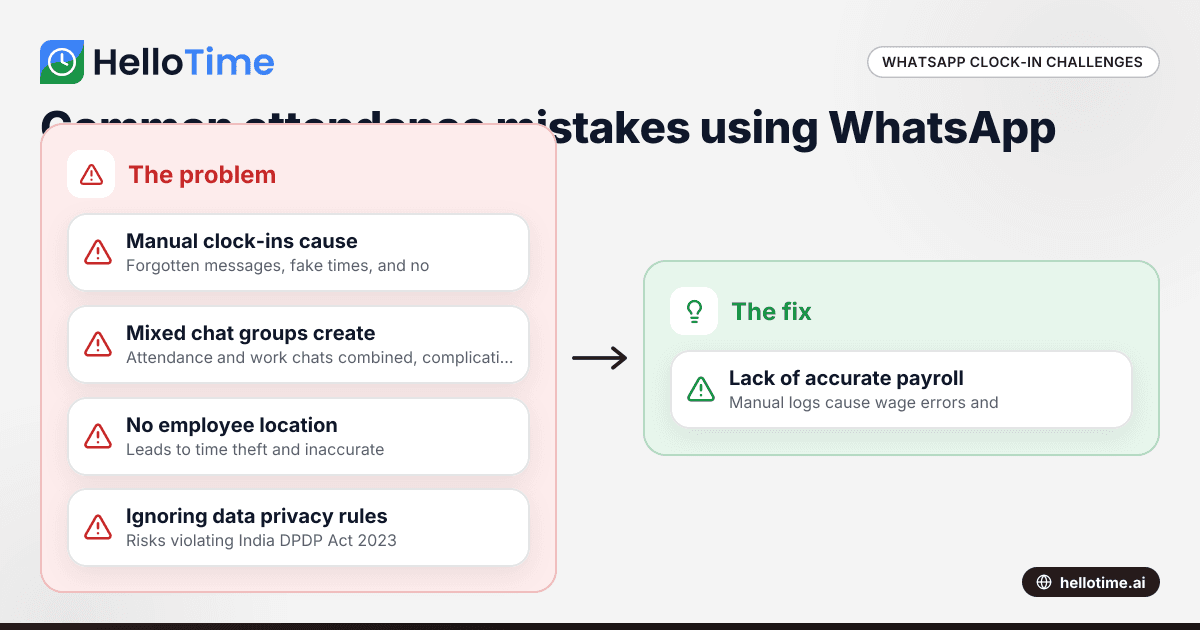
Using WhatsApp for Clock-In and Attendance Tracking in Indian Small Businesses
Using WhatsApp for Clock-In and Attendance Tracking in Indian Small Businesses The cost of managing attendance poorly can be high for small.
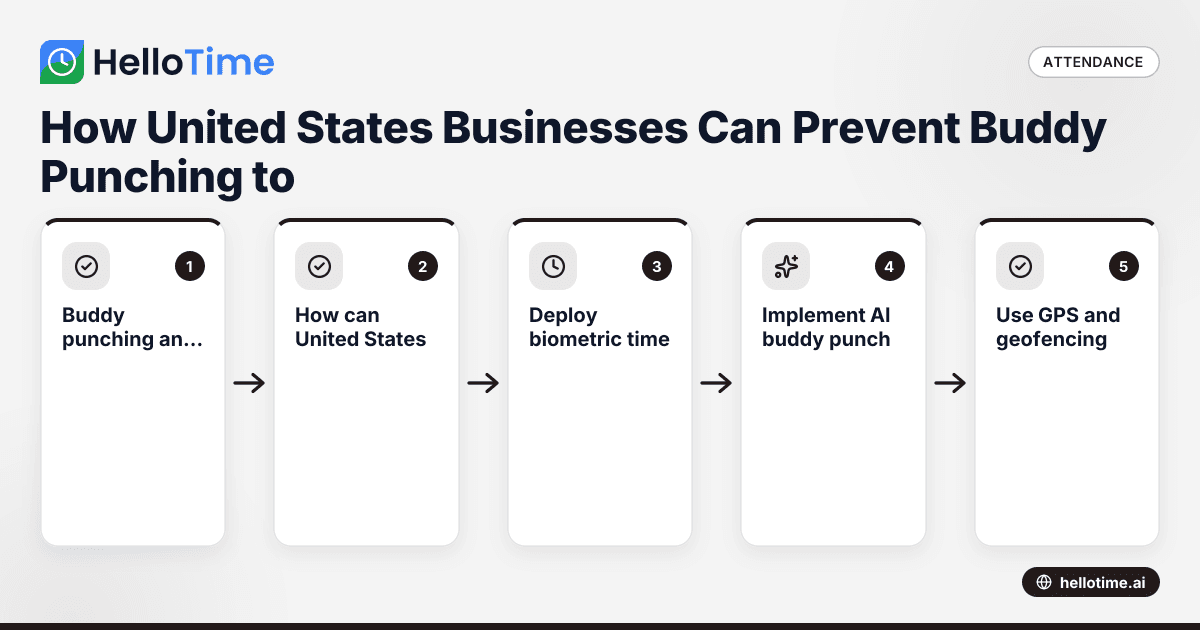
How United States Businesses Can Prevent Buddy Punching to Ensure Accurate Time Tracking
Buddy punching occurs when one employee clocks in or out for a coworker, undermining accurate time tracking and payroll. United States businesses can.
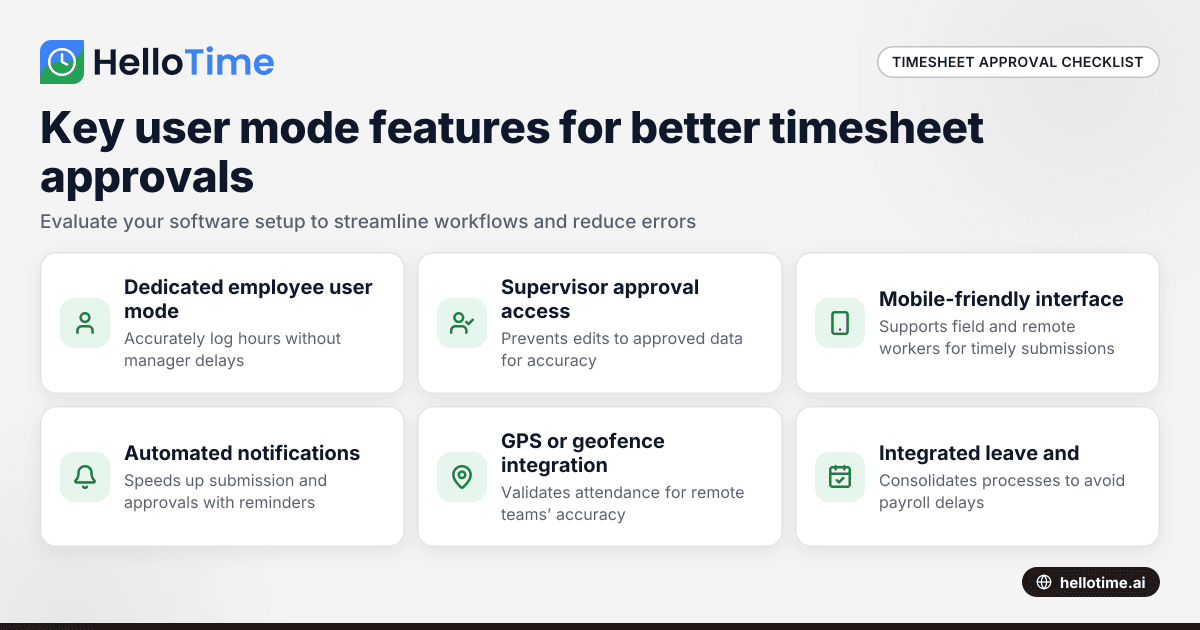
How User Mode Enhances Timesheet Approval Workflow for Indian Small Businesses
How User Mode Enhances Timesheet Approval Workflow for Indian Small Businesses.