Benefits of Using Biometric Attendance Kiosks for Small Businesses in the United States
Biometric attendance uses unique physiological features like fingerprints or facial recognition to record employee time and attendance. For small.
The HelloTime team
6 min read
On this page
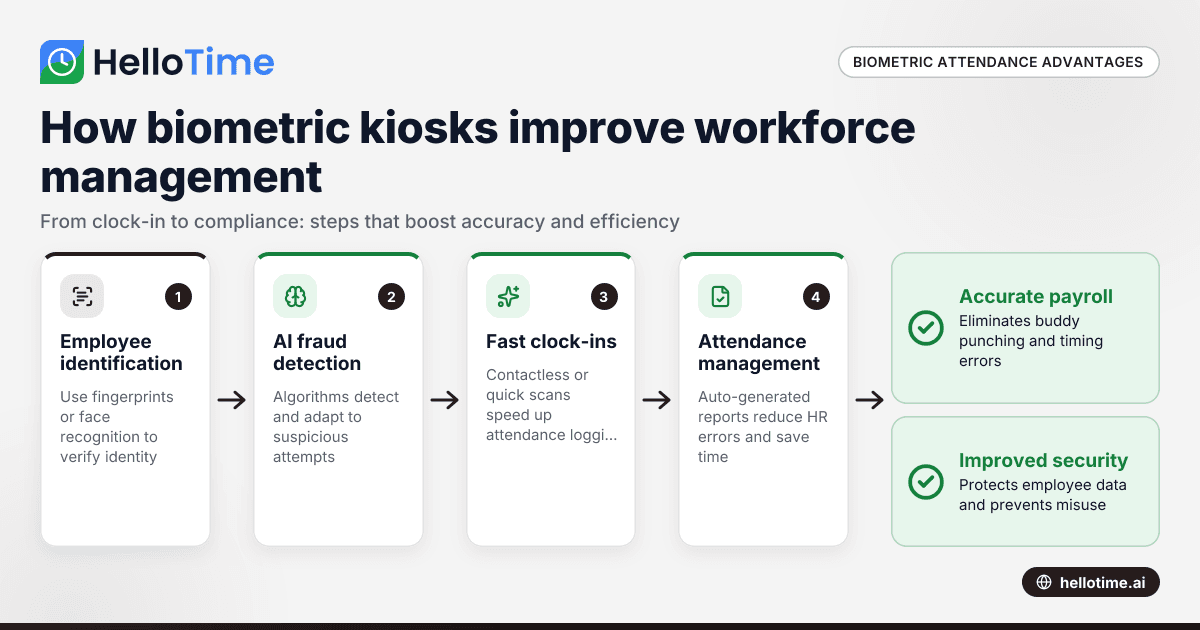
Biometric attendance uses unique physiological features like fingerprints or facial recognition to record employee time and attendance. For small businesses in the United States, biometric attendance kiosks offer accurate, secure, and efficient workforce management. These smart devices replace outdated paper or spreadsheet systems, helping businesses reduce errors and save time.
Key takeaways
- Biometric attendance kiosks improve accuracy and reduce buddy punching in time tracking.
- They streamline attendance management, saving HR time and minimizing errors.
- Compliance with US labor laws and data privacy regulations is essential when using biometric systems.
- AI biometric attendance systems enhance security by learning and adapting to fraud attempts.
- Kiosks support faster clock-ins through face recognition or fingerprint scans, improving workflow.
- Small businesses can benefit from scalable, easy-to-use kiosks that integrate with payroll and scheduling tools.
What is biometric attendance and why is it important for small businesses?
Biometric attendance refers to systems that use physical identifiers like fingerprints, facial patterns, or iris scans to track employee attendance. Unlike traditional punch cards or manual entries, biometric systems verify identity with precision, eliminating errors caused by manual time recording.
For small businesses in the US, especially retail, hospitality, and services, biometric attendance is vital. It reduces time theft such as “buddy punching” — when one employee clocks in for another — and ensures payroll accuracy. It also speeds up clock-ins and clock-outs, helping managers and staff focus on core tasks rather than attendance paperwork.
How does AI biometric attendance work?
AI biometric attendance combines biometric data capture with artificial intelligence algorithms to recognize employees more reliably.
AI algorithms analyze patterns in biometric traits like facial features, adjusting to changes such as lighting or minor facial hair differences. This improves accuracy and reduces false rejections or acceptances. AI systems also detect suspicious attempts at fraud, enhancing security.
These intelligent devices enable fast, hands-free clock-ins and real-time attendance tracking, especially useful in busy workplaces such as Chicago retail stores or Houston hospitality venues.
What types of biometric attendance kiosks are available for small businesses?
There are several biometric options popular with US small businesses:
- Fingerprint scanners: Most common biometrics, easy to set up, secure, and cost-effective.
- Facial recognition kiosks: Contactless and fast, suitable in post-pandemic workplaces.
- Iris scanners: Very accurate but often pricier and more common in high-security industries.
- Hand geometry readers: Measure hand shapes; less common for standard business attendance.
Biometric kiosks may also include features like touchscreen interfaces, badge scanning, and GPS location tracking to prevent offsite clock-ins in field service or construction.
What are the benefits of using biometric attendance kiosks for small businesses?
Biometric attendance kiosks bring several important benefits to small businesses:
- They increase accuracy and eliminate buddy punching by using unique physical traits.
- They save time with fast clock-in methods and auto-generated attendance reports.
- They support compliance with labor laws through precise time logs and audit-ready records.
- They enhance security by encrypting biometric data and offering touchless options like facial recognition.
- They integrate with payroll and scheduling tools, improving workforce management efficiency.
How much do biometric attendance kiosks cost for small businesses?
Initial costs depend on the biometric technology and features chosen. Fingerprint scanners usually start at a few hundred dollars, while facial recognition kiosks are more expensive due to advanced hardware. Software licenses and installation may add to expenses.
Ongoing operational costs are generally low. Small businesses can often choose scalable options such as monthly subscriptions that combine hardware and software. Over time, savings come from reducing payroll errors and administrative work.
Are there any legal considerations for biometric attendance in the United States?
US businesses must comply with federal and state regulations governing biometric data:
- States like Illinois, Texas, and Washington require notice and consent before collecting biometric information.
- Businesses must secure biometric data against theft or misuse, typically through encryption and access controls.
- Data retention policies should limit how long biometric information is stored.
- Employees may have rights to access or request deletion of their biometric data.
Staying compliant reduces legal risks and increases employee trust. This is general information, not legal advice; consult professionals when implementing biometric systems.
How do biometric attendance kiosks improve employee experience?
Biometric kiosks simplify clock-in/out processes, making them faster and more reliable. Employees don’t need badges or PINs and benefit from fewer payroll disputes due to accurate timing. Touchless AI biometric attendance options enhance hygiene, crucial in sectors like hospitality or retail in cities such as Detroit or Houston.
User-friendly kiosks reduce frustrations and help maintain smooth daily operations.
How to choose the right biometric attendance system for your small business?
Choosing the right biometric attendance system starts with understanding your workforce and needs.
AI biometric attendance brings added security and adaptability, but consider these factors first:
- Evaluate your workforce: Look at shift types, remote presence, and total employees.
- Select biometric method: Fingerprint scanners are affordable; facial recognition enables touchless use.
- Check software integration: Ensure compatibility with payroll, scheduling, or HR systems you use.
- Prioritize data security: Choose systems with encrypted storage and compliance with consent laws.
- Ease of use and vendor support: The device should be intuitive, with a responsive customer service team.
Using these steps will help find the best-fit biometric kiosk.
How does biometric attendance enhance workforce management beyond just clocking hours?
Biometric kiosks integrated with AI offer more than attendance logs. They validate employee presence for shift scheduling, provide detailed reports on absenteeism and overtime, and help identify compliance gaps.
These insights empower small businesses in managing labor costs, improving project profitability, and automating leave adjustments seamlessly.
With biometric attendance kiosks, small businesses in the United States can transform workforce management. These systems increase accuracy, save time, and improve compliance without complex manual processes. For a hands-on look at how such features can streamline your attendance tracking, explore HelloTime’s features or see which plan suits your business best at HelloTime pricing.
Frequently asked questions
What types of biometric attendance are best for small businesses?
Fingerprint and facial recognition kiosks are the most popular choices. Fingerprints provide secure and cost-effective tracking, while facial recognition offers contactless speed, ideal for busy environments.
Can biometric attendance systems integrate with payroll software?
Yes. Many biometric kiosks integrate seamlessly with payroll and HR systems like QuickBooks, streamlining attendance data flow into wage processing.
Are biometric attendance kiosks secure under US laws?
When vendors follow state biometric data laws and implement encryption and consent mechanisms, kiosks can securely handle employee data. Compliance is critical to protect privacy and avoid penalties.
How does biometric attendance prevent buddy punching?
Biometrics use unique physical features that cannot be replicated or shared, ensuring only the actual employee can clock in or out, drastically reducing buddy punching.
Can biometric systems work remotely or offsite?
Some biometric kiosks support GPS and geofencing to confirm offsite clock-ins, useful for field service or construction teams needing location verification.
Is AI biometric attendance better than traditional biometric methods?
AI biometric attendance improves accuracy by adapting to environmental changes and user variations, reducing errors and fraud. This leads to more reliable attendance records and stronger security.
Read next
This article covers one part of a bigger topic. For the complete picture, read our guide to biometric attendance.
Keep reading
Related articles
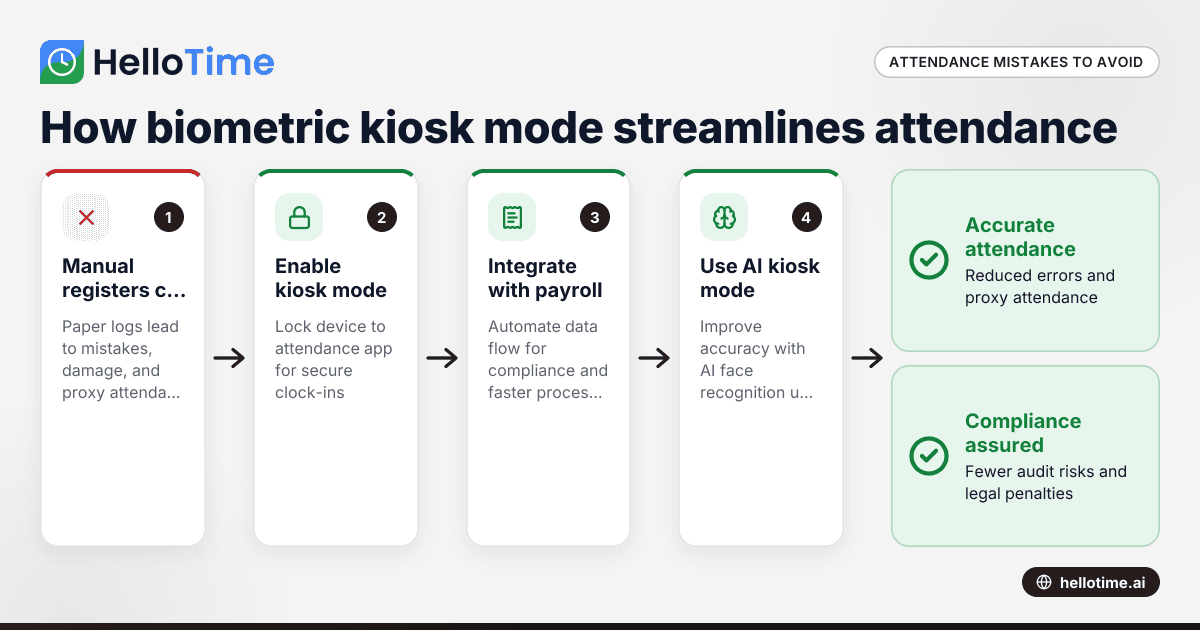
How Biometric Attendance Kiosk Mode Can Streamline Workforce Management for Indian Manufacturing Units
Manufacturing units in India often struggle with managing workforce attendance accurately and efficiently. Errors in attendance tracking lead to.
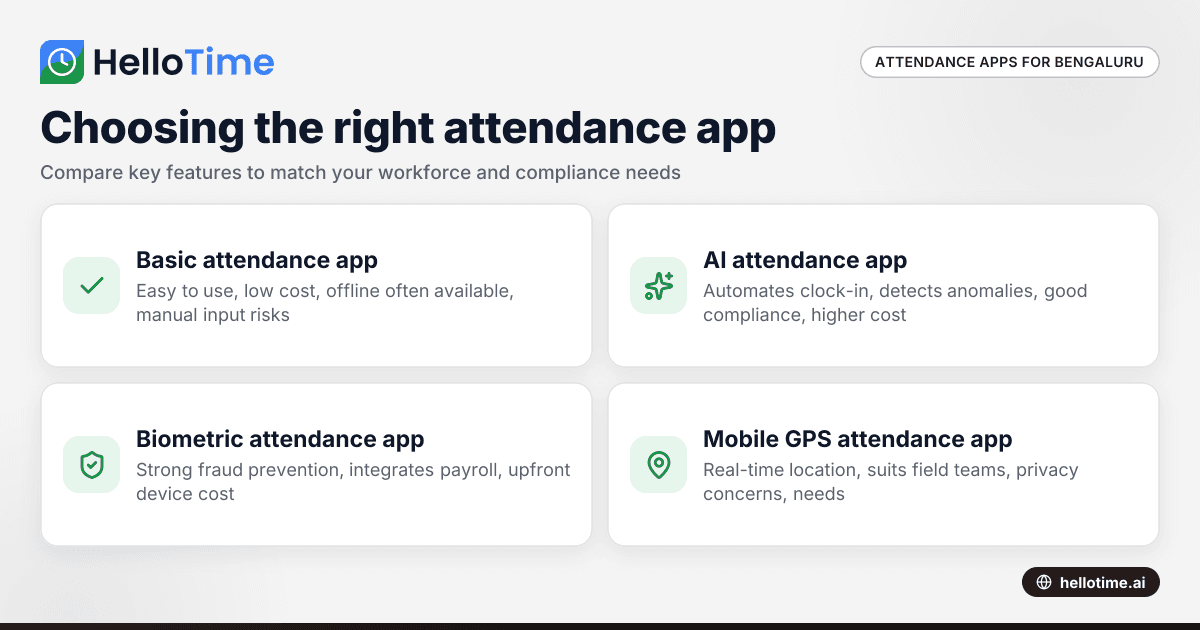
Choosing the Right Attendance App for Small Businesses in Bengaluru
Choosing the Right Attendance App for Small Businesses in Bengaluru ===================================================================== If you run.
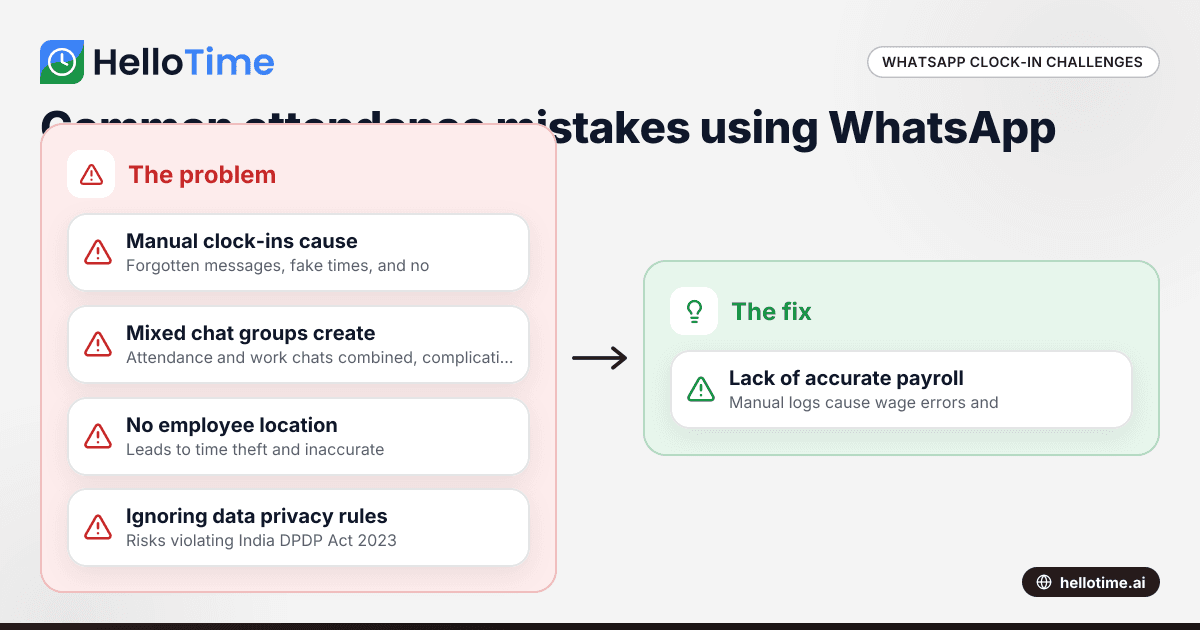
Using WhatsApp for Clock-In and Attendance Tracking in Indian Small Businesses
Using WhatsApp for Clock-In and Attendance Tracking in Indian Small Businesses The cost of managing attendance poorly can be high for small.