Best Attendance Apps for Small Businesses in the United States: Features, Compliance, and Ease of Use
An attendance app is a digital tool that helps small businesses track employee hours, attendance, and leave efficiently. It replaces manual.
The HelloTime team
6 min read
On this page
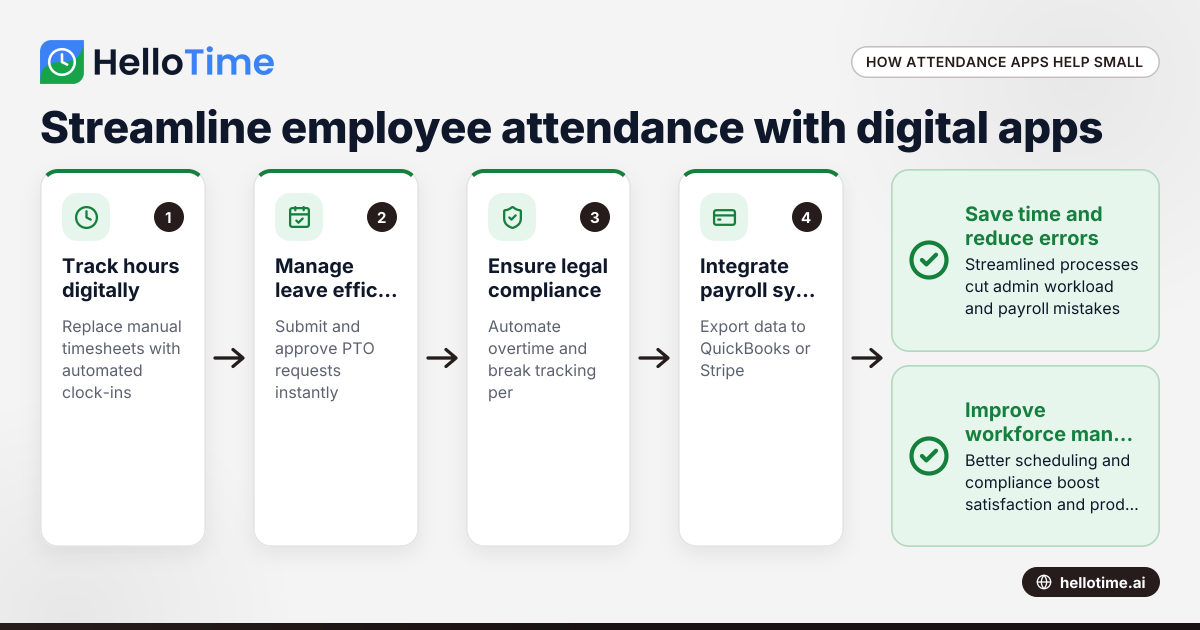
An attendance app is a digital tool that helps small businesses track employee hours, attendance, and leave efficiently. It replaces manual timekeeping with automated clock-ins, shift scheduling, and reporting to improve accuracy, save time, and support labor law compliance.
Key takeaways
- Attendance apps simplify time tracking, reduce payroll errors, and save administrative effort for small businesses.
- Critical features include geofenced clock-ins, shift scheduling, leave management, and automated reporting.
- Compliance with federal Fair Labor Standards Act (FLSA) and state-specific labor laws is essential.
- Apps that integrate with payroll and invoicing systems like QuickBooks and Stripe streamline financial workflows.
- AI-powered attendance apps enhance accuracy by detecting anomalies and automating routine tasks.
- Choosing the right app depends on business size, workforce type (hourly or salaried, remote or onsite), and operational needs.
What is an attendance app and why do small businesses need one?
An attendance app tracks employee work hours, attendance, and leave digitally to replace error-prone manual methods. Small businesses with hourly or shift-based workers in retail, hospitality, or construction often face time-consuming payroll errors without effective tracking.
Manual paper timesheets or spreadsheets cause mistakes that lead to inaccurate pay and compliance issues. For example, a retail store in Detroit with 15 employees working variable shifts risks overpaying or understaffing without automated tracking.
Attendance apps offer:
- Instant mobile or kiosk clock-ins
- Automated shift scheduling and alerts
- Digital leave requests and approvals
- Real-time attendance monitoring
- Compliance-ready reporting
These features save managers time and improve employee satisfaction.
How does an AI attendance app improve workforce management?
AI attendance apps automate routine tasks and flag issues to improve accuracy and efficiency. They detect missed clock-ins, flag overtime violations, forecast staffing needs, and suggest leave approvals based on data patterns. This lowers administrative workload and supports strategic planning.
Beyond simple tracking, AI anticipates labor demands and personalizes employee notifications. However, AI is a support tool and must be used alongside managerial oversight to ensure compliance and fairness.
How to ensure your attendance app complies with US labor laws?
Federal and state labor laws require accurate timekeeping and overtime calculations. Your app should automate these to avoid costly errors. The Fair Labor Standards Act (FLSA) mandates overtime after 40 hours/week, while states like California add meal break rules and paid sick leave.
Choose apps that support customizable settings per state, securely store records for required retention periods, and protect employee data privacy. Regularly update configurations to match evolving laws.
Can an attendance app handle leave management effectively?
Yes. Modern attendance apps allow digital submission and approval of vacation, sick, and personal leave. They track PTO balances, update schedules instantly, maintain audit trails, and generate reports on leave patterns to avoid understaffing and disputes.
For example, a Chicago customer service team benefits from leave automation that reduces paperwork and prevents conflicts caused by overlapping absences.
What features should small businesses look for in an attendance app?
Selecting the right app requires prioritizing these features:
- One-click time tracking: Simple clock-in/out via mobile or kiosk to minimize errors.
- GPS and geofencing: Ensures employees clock in only at authorized locations.
- Shift scheduling and notifications: Creates rosters, assigns shifts, and sends instant updates.
- Leave management: Enables digital PTO requests, approvals, and balance tracking.
- Automated timesheets and export: Generates payroll-ready reports and exports to QuickBooks or Stripe.
- Compliance support: Automates overtime, break tracking, and record retention by law.
- Reporting and analytics: Identifies attendance trends and project profitability.
- Integration: Connects with payroll and invoicing tools to reduce manual data entry.
Test apps with your team for ease of use and reliability before committing.
How do you choose the best attendance app for your small business?
Choosing the right app involves:
- Assess workforce needs: Hourly, salaried, remote, or multi-location considerations.
- Identify essential features: Based on business operations and compliance requirements.
- Evaluate integration options: Compatibility with QuickBooks, Stripe, or other finance systems.
- Verify compliance support: Flexibility for state-specific labor laws.
- Request trials: Gather feedback from managers and employees.
- Consider support and pricing: Transparent plans and responsive customer service.
Selecting apps designed for small businesses avoids unnecessary complexity and costs.
What are the benefits of using HelloTime as an attendance app?
HelloTime offers US small businesses easy time and attendance tracking with one-click clock-ins, GPS-geofencing, and automated timesheets. Its shift scheduling, leave management, and reporting features reduce errors and boost productivity.
While payroll integration is live only in India, US users can export timesheet data for QuickBooks or Stripe. AI-powered anomaly detection and streamlined approvals help improve compliance and reduce manual work.
HelloTime adapts well to both professional services and shift-based teams in retail or hospitality. Explore HelloTime’s features or compare plans on pricing to see which option fits your business best.
Frequently asked questions
What is the difference between an attendance app and a time tracking app?
Attendance apps focus on recording employee presence, clock-in/out times, leave tracking, and scheduling. Time tracking apps monitor hours worked on projects or tasks, often for billing. Some platforms, like HelloTime, combine both for complete workforce management.
How does geofencing improve attendance accuracy?
Geofencing creates a virtual boundary around work locations, allowing clock-ins only within that zone verified by GPS. This prevents buddy-punching and unauthorized time logging, protecting labor costs and ensuring correct payroll.
Can attendance apps handle remote or field employees?
Yes, many attendance apps offer mobile clock-ins with GPS verification ideal for remote or field teams. For example, Houston-based field technicians can log hours securely from job sites, keeping records accurate regardless of location.
Are attendance apps compliant with US labor laws?
Leading attendance apps automate adherence to the federal FLSA and customizable state laws. They calculate overtime, track breaks, and securely retain records to minimize legal risk. Proper setup and regular updates are essential for compliance.
Can I integrate an attendance app with QuickBooks?
Most attendance apps provide direct export or integration with QuickBooks payroll and accounting software. This streamlines wage processing, tax calculations, and reporting by minimizing manual data entry and errors.
How do AI features benefit attendance tracking?
AI enhances accuracy by detecting missing punches, excessive overtime, and attendance anomalies. It alerts managers, forecasts staffing needs, and automates routine approvals, saving time while improving compliance and operational efficiency.
Read next
This article covers one part of a bigger topic. For the complete picture, read our guide to attendance app.
Keep reading
Related articles
How Small Businesses in India Can Use Face Recognition Biometric Attendance Kiosks for Efficient Shift Tracking
Face recognition biometric attendance kiosks use AI face recognition technology to automate employee attendance tracking. These devices offer.
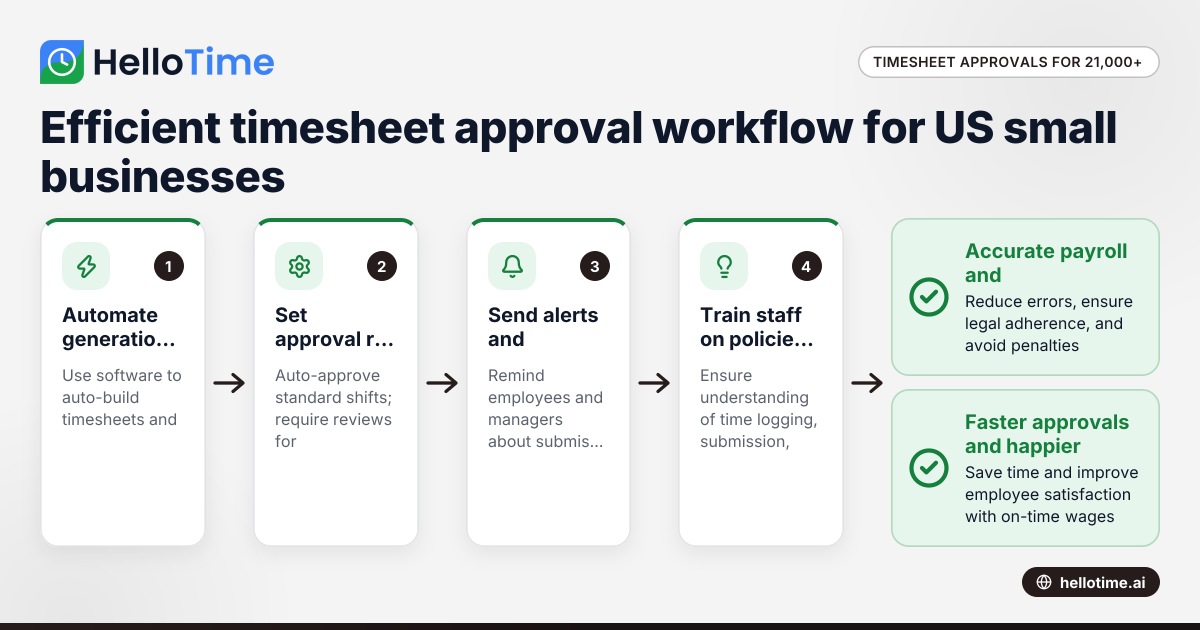
How United States Small Businesses Can Handle Timesheet Approval Workflows with Over 21,000 Minutes Logged
Managing timesheet approvals efficiently becomes critical for US small businesses logging large volumes of employee hours, such as over 21,000 minutes
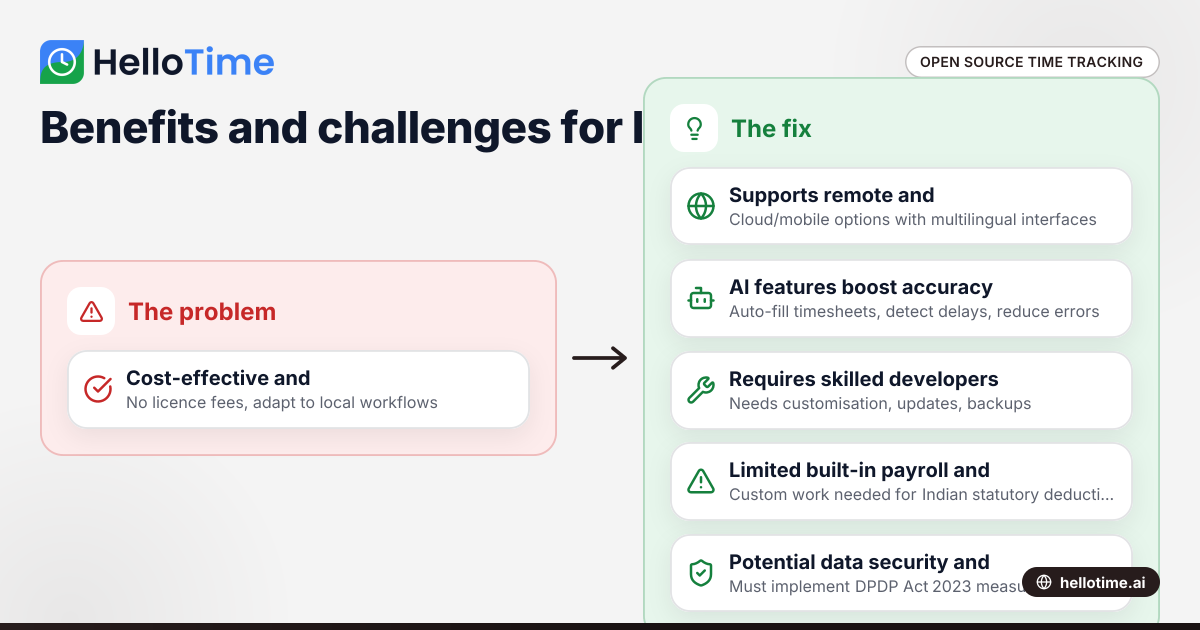
Open Source Time Tracking Tools for Indian Agencies: Benefits and Considerations
Open source time tracking tools are software with publicly accessible code, letting Indian agencies use and customise them without licence fees. They.