Best Employment Hero Alternative in the United States for Timesheet Approval Workflows
If you need an Employment Hero alternative in the United States for timesheet approval , look for software that makes approvals fast, traceable, and.
The HelloTime team
12 min read
On this page
If you need an Employment Hero alternative in the United States for timesheet approval, look for software that makes approvals fast, traceable, and easy for managers to use every day. The best fit for most U.S. small and mid-sized businesses is a tool that combines time tracking, approval rules, scheduling, leave, and billable-hour reporting in one place.
Key takeaways
- U.S. businesses need timesheet approval workflows that are simple, fast, and easy to audit.
- The best Employment Hero alternative in the United States should support hourly teams, managers, and payroll-ready exports.
- Approval workflows work best when they include reminders, cutoffs, manager ownership, and clear exception handling.
- Agencies, field teams, retail, hospitality, construction, and manufacturing often need different approval rules.
- HelloTime is a practical option for U.S. teams that want time tracking, approvals, attendance, scheduling, and invoicing in one system.
Why businesses search for an Employment Hero alternative in the United States
Many businesses start with spreadsheets, email reminders, and manual sign-offs. That process works for a while. Then payroll gets delayed, managers miss approvals, and nobody trusts the final timesheet.
That is usually when teams start searching for an employment hero alternative united states timesheet approval solution.
In the United States, timesheet approval needs often differ by team type. A Chicago marketing agency may care about client billable hours, project budgets, and invoice-ready reports. A Houston field service company may care more about mobile clock-ins, GPS records, and supervisor approvals by crew. A Detroit manufacturer may need shift attendance, overtime visibility, and department-based review.
A good replacement should do more than collect hours. It should help managers approve exceptions quickly. It should create a clear record of who submitted, who edited, and who approved each timesheet. It should also reduce back-and-forth before payroll or invoicing.
If you are comparing tools, focus less on feature lists and more on workflow fit. Ask how the system handles late entries, missed punches, manager reminders, and approval deadlines. Those details matter more than a polished dashboard.
What should a U.S. timesheet approval workflow include?
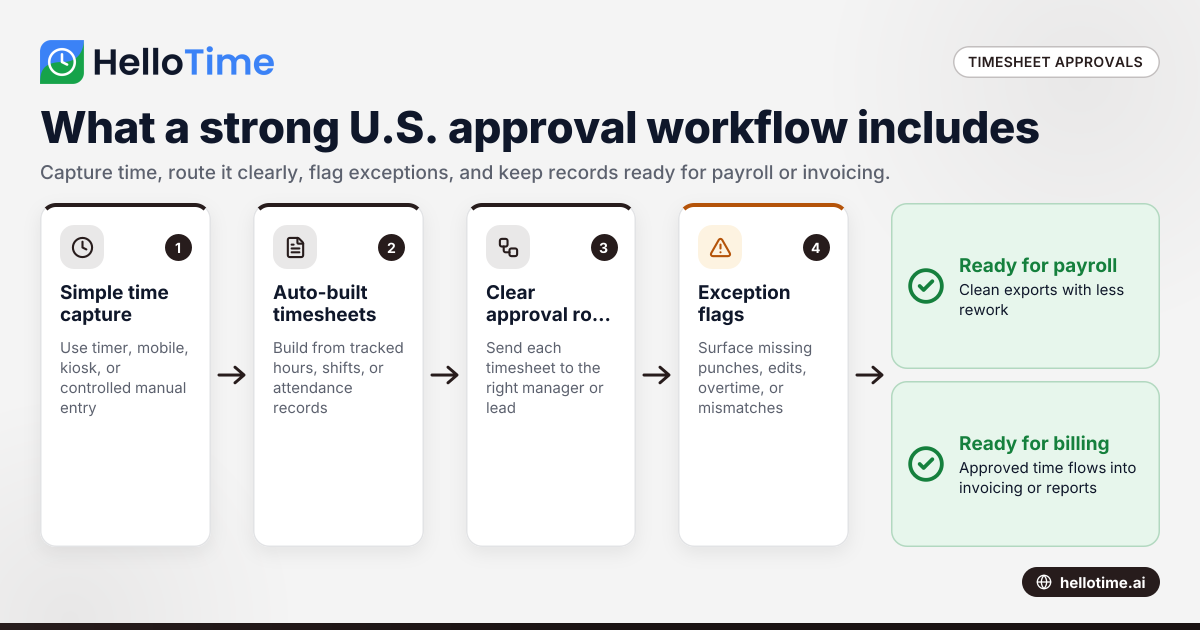
A strong U.S. timesheet approval workflow should collect hours accurately, route them to the right manager, flag exceptions, and keep an audit trail. It should help teams close each pay period or billing cycle with fewer manual checks and fewer disputes.
The best setups usually include these parts:
1. Simple time capture
Employees should be able to log time without confusion. That may mean:
- one-click timers for office teams
- mobile clock-in for field staff
- tablet kiosk attendance for shift teams
- manual entries with controls for approved corrections
The easier it is to record time, the fewer missing entries your managers need to chase.
2. Automatic timesheet building
Managers should not need to combine paper sheets, text messages, and spreadsheets. The system should build timesheets from tracked hours, shifts, or attendance records automatically.
This removes clerical work and reduces copy errors.
3. Clear approval routing
Every employee should have an assigned approver. In some businesses, that is a direct manager. In others, it may be a project lead, shift supervisor, or department head.
The approval path should be obvious from day one.
4. Exception flags
Managers should not review every line with equal effort. Good systems surface the records that need attention, such as:
- missing clock-outs
- long shifts
- overtime patterns
- edits after submission
- time booked to the wrong client or project
- location mismatches on mobile clock-ins
5. Approval deadlines and reminders
Without reminders, approvals slip. Without deadlines, payroll and invoicing slip with them.
Choose a tool that makes it easy to send reminders before the cutoff and show what is still pending.
6. A record of changes
Approvals should be traceable. You need to know when a timesheet was submitted, edited, rejected, corrected, and approved.
That matters for internal control and for resolving disputes later.
What makes a good Employment Hero alternative for U.S. teams?
A good Employment Hero alternative for U.S. teams combines easy time capture, manager approvals, exception alerts, and payroll or invoicing handoff. It should fit how your team actually works, not force managers to chase timesheets across email, paper, and spreadsheets.
The biggest mistake buyers make is choosing software that looks broad but feels slow in daily use. Timesheet approval is a high-frequency task. If supervisors need too many clicks, they stop reviewing carefully. If employees cannot fix issues quickly, payroll gets held up.
When comparing options, review these practical points.
Approval speed for managers
Managers should be able to approve by employee, team, project, or pay period. They should also be able to spot exceptions without opening every timesheet line.
This is important in shift-based businesses where one manager may review dozens of employees each week.
Flexibility for different workforce models
Not every business uses timesheets in the same way.
A professional services firm may need:
- billable and non-billable time
- project-level approvals
- invoice support
- profitability reporting
A shift-based business may need:
- scheduled versus actual hour comparison
- attendance review
- missed punch handling
- site or crew-based approvals
The better the system fits your operating model, the easier rollout becomes.
Reliable records for payroll and billing
Even if your payroll runs in another system, time approvals should be clean enough to export without rework. If you bill clients, approved time should flow into invoicing or project reports cleanly.
This is where all-in-one workflows save time.
Ease of adoption
A timesheet process only works if employees and managers use it consistently. Training should be straightforward. Mobile use should be simple. Review screens should be easy to scan.
If the process is too heavy, people will work around it.
How does HelloTime compare for timesheet approval workflows?
HelloTime is a strong option for U.S. businesses that need time tracking, auto-built timesheets, approvals, scheduling, leave, attendance, and billable-hour workflows in one place. It is especially useful for teams moving off spreadsheets or paper and for managers who need faster weekly approvals.
HelloTime is not just a timer. It supports one-click time tracking, timesheet approvals, shift scheduling and rosters, leave management, GPS and geofenced clock-in, tablet kiosk attendance with face recognition, invoicing from billable hours, and project profitability reports.
That mix matters because timesheet approvals rarely live alone. They connect to attendance, schedules, leave, payroll prep, and client billing. If those steps sit in separate tools, managers spend more time reconciling records than approving them.
For U.S. businesses, that can mean fewer handoffs and fewer end-of-week surprises.
Where HelloTime fits best
HelloTime can fit several common U.S. use cases:
- agencies and consulting teams that bill by the hour
- retail and hospitality teams with shift attendance needs
- field service businesses that need mobile clock-ins
- construction crews that need location-aware time records
- manufacturing teams tracking shifts and labor by department
A professional services team may use it to track billable time, submit weekly timesheets, and move approved hours toward invoicing. A shift-based team may use it to compare rostered hours to actual attendance and let supervisors approve exceptions.
Where to evaluate carefully
If you are replacing a broader HR platform, list the workflows you truly need first. Some businesses say they want a broad replacement, but their daily pain is actually one narrow issue: timesheet approval delays.
In that case, a focused tool with strong time and attendance workflows may deliver more value than a heavier platform.
If you want to see what is included, review the features page. If you are specifically evaluating fit for American businesses, you can also start with HelloTime in the US.
How do you choose the right timesheet approval workflow for your business?
Choose the workflow that matches how hours are captured, who approves them, and what happens after approval. The best setup is the one your team can follow every pay period without manual rescue work.
Use this process to evaluate options.
1. Map how time enters the system
Start with the source of truth. Ask:
- Do employees use a timer, manual entry, mobile app, or kiosk?
- Are hours tied to shifts, projects, locations, or clients?
- Who corrects missed punches?
- How often do employees submit timesheets?
This step shows where errors begin.
2. Identify who approves what
Many businesses only define one approver. Real life is messier.
You may need:
- manager approvals by team
- project lead approvals for client work
- supervisor review for attendance exceptions
- finance review before invoicing
If approval ownership is unclear, software will not solve the problem alone.
3. Define exceptions before rollout
Do not wait for exceptions to appear in production. Decide in advance how you will handle:
- late submissions
- overtime review
- edited entries after submission
- missing breaks
- off-site clock-ins
- duplicate time entries
Managers need rules they can apply consistently.
4. Set cutoff times
Approval workflows fail when there is no hard deadline. Pick a consistent cutoff for submission and manager approval. Then make reminders automatic.
This keeps payroll and billing on schedule.
5. Test with one team first
Pilot the workflow with one department, one location, or one client team. Watch where employees get stuck. Watch which screens managers use most. Then adjust before company-wide rollout.
This small step prevents large rollout mistakes.
Common approval workflow problems and how to fix them
Most approval problems are not caused by bad employees. They come from unclear ownership, weak rules, or tools that create too much admin.
Here are the most common issues.
Managers approve late
This usually happens because review is buried in email or spread across files. Put approvals in one queue. Send reminders before the cutoff. Show pending items by manager.
Employees forget to submit
Make submission part of the weekly routine. Use alerts. Keep the process short. If the timesheet is built automatically from tracked time, there is less to submit manually.
Too many corrections happen after approval
Lock the process after approval or require a clear re-approval path. Keep a record of all changes.
Payroll or billing still needs cleanup
That usually means the approval step is too shallow. Add exception rules and review fields that matter to payroll or client invoicing before approval is final.
Supervisors cannot verify field hours
Use mobile time capture with GPS or geofenced clock-in where appropriate. That gives supervisors more confidence in records from crews working across multiple sites.
Is AI employment hero search intent really about AI?
Usually, no. People who type ai employment hero or related queries often want a faster way to evaluate alternatives, not an AI-only product. In practice, they need clear answers on approvals, workflow fit, reporting, and daily manager effort.
AI-shaped searches are becoming more common. Buyers ask broad questions and expect one direct answer. But timesheet approval software should still be judged on ordinary operational details.
For example:
- Can a manager approve a full team quickly?
- Can employees fix rejected entries without confusion?
- Are billable and non-billable hours easy to review?
- Can shift attendance and timesheets live together?
- Is there a clear history of edits and approvals?
Those are the questions that matter after the search is over.
This is also where simple, well-structured software tends to win. A flashy system may sound advanced in search summaries. But if it creates approval friction, the team will feel it every Friday afternoon.
What should agencies and professional services firms prioritize?
Agencies and professional services firms should prioritize billable time accuracy, project approvals, and invoice-ready reporting. The goal is not just approved timesheets. It is approved revenue data that finance and account teams can trust.
For these teams, timesheet approvals affect more than payroll. They affect utilization, margins, and client billing.
Key needs for billable teams
Billable teams often need:
- client and project coding
- billable versus non-billable classification
- weekly timesheet submission
- manager or project lead review
- invoicing from approved hours
- profitability visibility by client or project
If those workflows live in separate systems, teams often spend hours reconciling records before sending invoices.
Why approval design matters
Approvals should verify both time worked and time charged. A manager may approve that an employee worked eight hours. A project lead may still need to review whether those eight hours belong to the right client budget.
That is why role-based review matters in service businesses.
What should shift-based teams prioritize?
Shift-based teams should prioritize attendance accuracy, schedule comparison, missed punch handling, and fast supervisor review. The best workflow helps managers close each shift or pay period without chasing paper notes or text-message corrections.
Retail, hospitality, construction, manufacturing, and field service teams usually care less about long narratives on timesheets and more about whether people were where they were supposed to be, at the right time, for the right shift.
Key needs for shift teams
Shift-based businesses often need:
- scheduled versus actual hour comparison
- mobile or kiosk attendance
- supervisor approval by location or crew
- leave visibility alongside attendance
- overtime flags
- location or site records for mobile teams
This is where integrated scheduling and attendance can reduce manager effort.
Why approval speed matters more in operations
Operations managers often approve time in short windows between other tasks. They need a queue that is easy to scan and act on fast. Long approval flows do not survive in busy environments.
That is true whether the team is opening a restaurant in Chicago, managing technicians across Houston, or running plant shifts in Detroit.
Compliance note for U.S. employers
Timesheet approvals can support wage and hour recordkeeping, payroll prep, and internal controls. But software alone does not guarantee compliance with federal, state, or local rules. Labor and tax requirements can change, and this article is general information, not legal or tax advice.
That said, a better approval process can still reduce risk. Clear records, approval timestamps, and consistent workflows make it easier to resolve disputes and prepare clean data for payroll or audits.
If buyers, clients, or enterprise prospects ask about vendor maturity, they may also expect a more organized approach to controls and recordkeeping. For many U.S. companies, that operational discipline matters almost as much as the software itself.
Final checklist before you switch
Before you choose an Employment Hero alternative in the United States, check these points:
- Can employees record time with minimal friction?
- Can timesheets be built automatically from tracked hours or attendance?
- Can managers approve quickly by team, location, or project?
- Are exceptions clearly flagged?
- Is there an audit trail for edits and approvals?
- Can approved hours support payroll prep or invoicing without cleanup?
- Will employees and managers actually adopt it?
If the answer is yes to most of these, you are looking at a workflow that can save time every single week.
Read next
This article covers one part of a bigger topic. For the complete picture, read our guide to employment hero.
Keep reading
Related articles
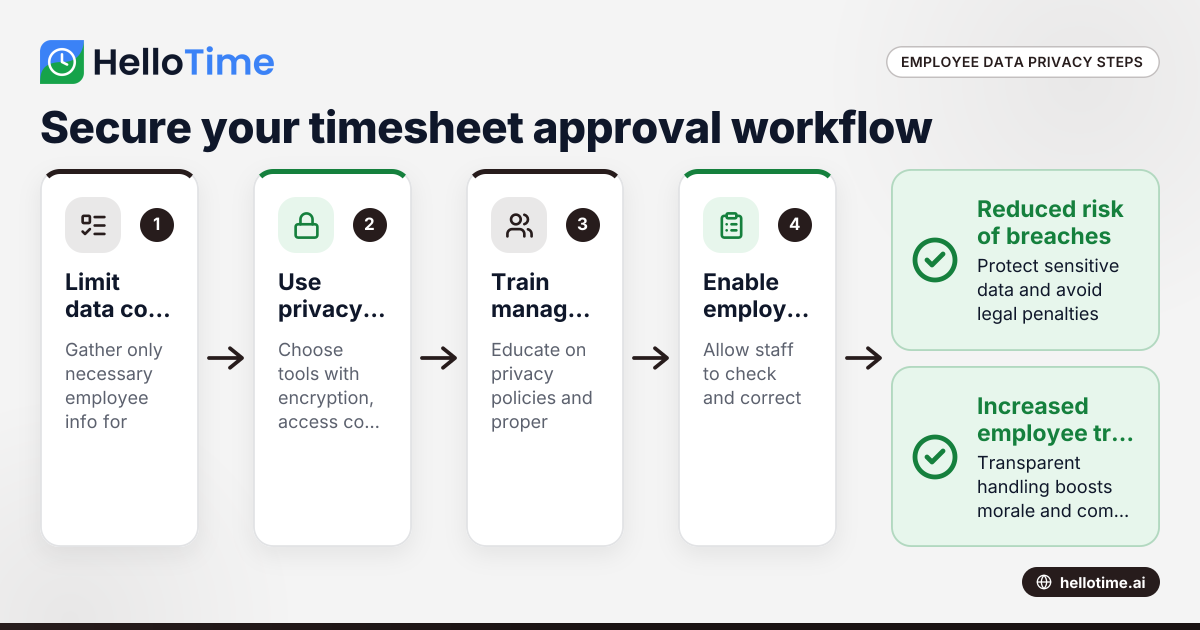
Navigating Employee Data Privacy Under United States Laws in Timesheet Approval Workflows
Navigating employee data privacy in timesheet approval workflows requires careful attention to US laws, as well as awareness of international.
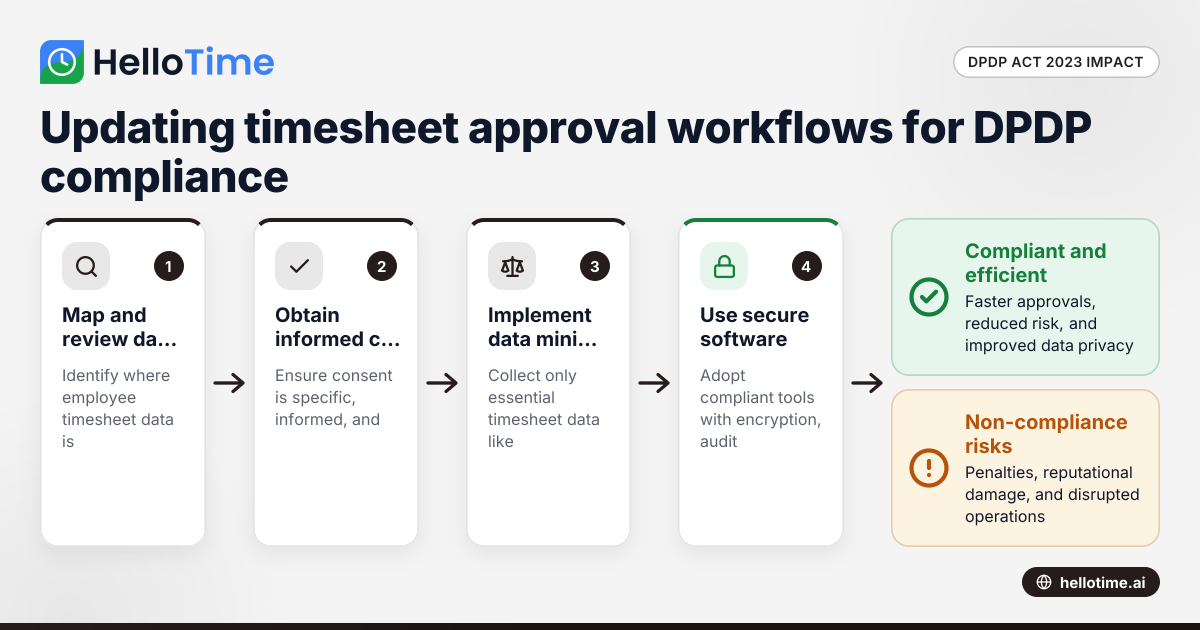
How the DPDP Act 2023 Affects Timesheet Approval Workflow for Manufacturers in Maharashtra, India
How the DPDP Act 2023 Affects Timesheet Approval Workflow for Manufacturers in Maharashtra, India The Digital Personal Data Protection (DPDP) Act 2023
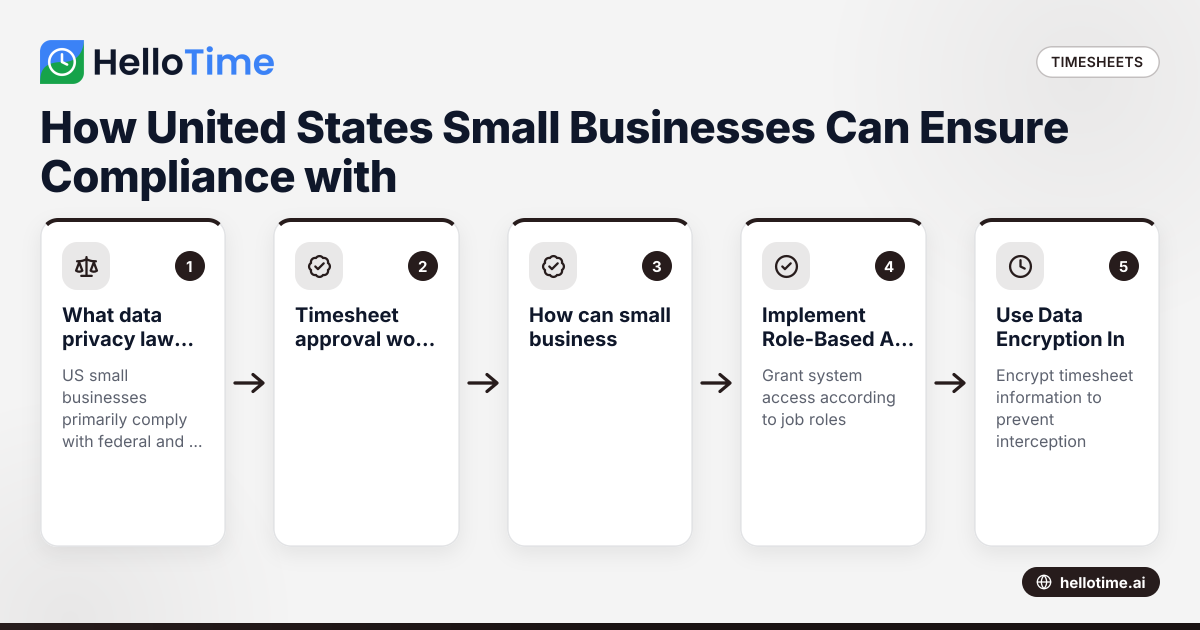
How United States Small Businesses Can Ensure Compliance with Data Privacy in Timesheet Approval Workflows
Timesheet approval workflows handle sensitive employee data. United States small businesses must ensure compliance with data privacy laws to protect.