Best Practices for Automated Timesheet Approval Workflow in United States Small Businesses
Implementing an automated timesheet approval workflow streamlines payroll, reduces errors, and saves time for small businesses in the United States.
The HelloTime team
7 min read

On this page
Implementing an automated timesheet approval workflow streamlines payroll, reduces errors, and saves time for small businesses in the United States. Using software tools tailored for US labor law and business practices ensures accuracy and compliance.
Key takeaways
- Automated timesheet approval workflows improve accuracy and reduce manual errors.
- Integration with scheduling and payroll systems enhances workflow efficiency.
- AI-driven timesheet approval can help flag anomalies quickly.
- Clear policies and employee training are essential for smooth adoption.
- Compliance with US labor laws requires accurate tracking of hours, breaks, and overtime.
- Choosing a solution with GPS and geofenced clock-in improves attendance reliability.
What is an automated timesheet approval workflow?
An automated timesheet approval workflow is a system where employee work hours are tracked digitally, submitted automatically to managers, and approved or corrected electronically. This replaces paper or spreadsheet processes with a streamlined, often real-time, review and approval process that integrates with payroll and billing systems.
For small businesses in the US, automating timesheet approvals reduces the administrative burden on HR and operations teams. It ensures that pay complies with federal and state wage laws, including overtime regulations, while minimizing human errors that cause payroll delays or disputes.
Why is a timesheet approval workflow important for US small businesses?
Manual timesheet approvals often cause delays, errors, and misreported work hours. Small businesses especially feel the impact because they usually have fewer staff dedicated to payroll or workforce management. An effective timesheet approval workflow:
- Improves accuracy and consistency by using digital records.
- Saves time by reducing paperwork and manual data entry.
- Helps enforce compliance with Fair Labor Standards Act (FLSA) rules.
- Provides audit trails for payroll and client billing.
- Helps identify attendance or scheduling issues early.
By automating the workflow, businesses from Chicago to Houston can improve operational efficiency and protect themselves from wage and hour compliance risks.
How does AI timesheet approval improve the workflow?
AI timesheet approval uses artificial intelligence algorithms to review submitted timesheets for anomalies such as unusual clock-in times, overtime inconsistencies, or missing breaks. This technology helps managers quickly identify potential errors or fraud before approving payroll.
The AI can learn typical employee patterns and automatically flag deviations, speeding up the review process. Small businesses benefit by reducing disputes and ensuring timely corrections, ultimately leading to more accurate payroll and billing.
For example, if a field service team in Detroit submits hours that exceed a typical workday, AI-driven alerts help supervisors investigate before payroll processes begin.
How do I set up an automated timesheet approval workflow?
Setting up a workflow involves these key steps:
Choose suitable software: Select a time tracking tool that supports automated approvals, integrates with your scheduling and payroll systems, and suits your business size. Solutions like HelloTime provide one-click time tracking and auto-built timesheets.
Define approvers and rules: Decide who in your organization can approve timesheets, typically managers or HR staff. Set rules for approving overtime, breaks, and handling exceptions.
Train employees and managers: Educate staff on how to use the system to submit and approve timesheets promptly.
Customize notifications and reminders: Use automatic alerts to notify employees of pending submissions and approvers of required reviews.
Test and refine: Run pilot periods, gather feedback, and adjust settings for accuracy and user convenience.
Automating approvals reduces payroll bottlenecks, ensuring everyone from retail shift workers in Houston to construction crews in Chicago gets paid timely.
What are common challenges in timesheet approval workflows?
Several pitfalls can undermine automation benefits:
- Resistance to change from staff used to manual timesheets.
- Incorrectly configured approval hierarchies causing delays.
- Ignoring break and overtime rules leading to non-compliance.
- Integration issues with payroll or billing software.
- Insufficient training resulting in inaccurate time entry.
Address these by communicating clearly, involving users early, and regularly reviewing workflow rules. Choosing tools with user-friendly interfaces helps adoption.
How to ensure compliance with US labor laws in your timesheet workflow?
Timesheet workflows must track hours accurately, including regular, overtime, and holiday pay according to federal and state laws. For example, FLSA requires paid overtime after 40 hours per week for most non-exempt employees.
Breaks and meal periods have varying state regulations; your system should allow recording unpaid breaks and ensure managers verify compliant scheduling.
Keep timesheets auditable with date and time stamps and retain records for at least three years per OSHA and wage laws. Consult legal advice for specific state nuances, as each state has differences in break requirements and overtime calculations.
How can GPS and geofenced clock-in improve timesheet accuracy?
Using GPS location or geofencing technology ensures employees clock in and out from designated work sites or client locations. This is especially useful for field service, retail, or hospitality businesses in cities like Chicago or Houston where remote work or travel makes time tracking complex.
Geofenced clock-in prevents buddy punching or inaccurate reporting. Managers get confidence that reported hours reflect actual work time, supporting accurate payroll and billing.
What features should small businesses look for in timesheet software?
Key features include:
- One-click time tracking with mobile and kiosk options.
- Automated timesheet creation and submission.
- Manager approval workflows with reminders.
- AI-driven anomaly detection.
- Integration with payroll, invoicing, and project management.
- Leave and holiday tracking.
- Compliance with US labor standards.
- GPS and geofencing clock in/out options.
- Reporting tools showing project profitability and labor costs.
Choosing scalable, easy-to-use software helps small businesses streamline administration. HelloTime offers these features designed for service agencies, retail, hospitality, and field teams.
How to handle exceptions and disputes in timesheet approvals?
Even with automation, some timesheets require manual review due to:
- Missing or incorrect clock-ins.
- Disputes over hours worked.
- Overtime or break rule exceptions.
- Leave days or sick absences not recorded properly.
Set clear escalation pathways for employees and managers to submit corrections or disputes. Use your software to log changes and approvals to maintain a clean audit trail. Encourage prompt resolution before payroll deadlines to avoid payment delays.
How does automated timesheet approval benefit billing and invoicing?
For service businesses billing by the hour, automated approvals ensure timesheets feed accurate data directly into invoicing systems. This reduces manual work and errors associated with transferring hours into billing.
Business owners in agencies or consultancies benefit from faster client invoicing and improved cash flow. Software like HelloTime links billable hours to projects and generates ready-to-send invoices, saving time and improving revenue management.
Conclusion
Automated timesheet approval workflows help small businesses in the United States save time, improve accuracy, and maintain compliance with labor law. AI-powered features, integration with payroll and invoicing, and GPS clock-in options enhance efficiency. Clear policies and employee training make adoption smoother. Explore features and compare pricing to find the right time tracking solution for your organization.
Frequently asked questions
What is the best way to automate timesheet approvals for a small business?
The best approach is to choose software tailored for your business size that automates timesheet submissions, approvals, and integrates with payroll. Training your team and setting clear approval rules are essential steps.
How does AI timesheet approval save time?
AI reviews timesheets quickly, flags anomalies, and reduces the need for manual checking. This speeds up approvals and minimizes errors that cause payroll delays.
Can I customize approval workflows for different departments or teams?
Yes. Most timesheet software allows setting different approval paths and rules by team, location, or role, ensuring flexibility for varied business needs.
How can I ensure my timesheet system complies with US labor laws?
Use software that tracks regular and overtime hours, records breaks, and provides audit trails. Review local and federal labor laws regularly and consult legal experts if needed.
What happens if an employee disputes their recorded hours?
A good workflow includes an easy way to submit corrections or disputes, which managers can review and approve or reject with documented reasons, maintaining transparency.
Is GPS clock-in necessary for timesheet approval?
It is highly recommended for mobile or remote teams to improve accuracy and prevent fraudulent reporting but may not be necessary for fixed-location office teams.
Read next
This article covers one part of a bigger topic. For the complete picture, read our guide to time tracking.
Keep reading
Related articles
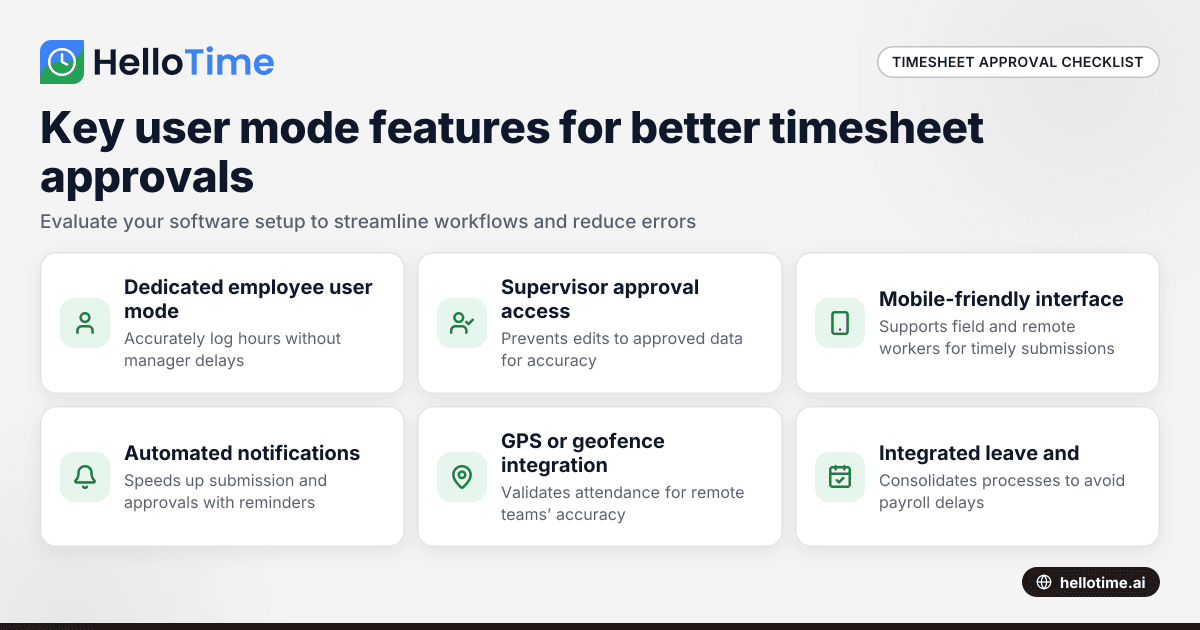
How User Mode Enhances Timesheet Approval Workflow for Indian Small Businesses
How User Mode Enhances Timesheet Approval Workflow for Indian Small Businesses.
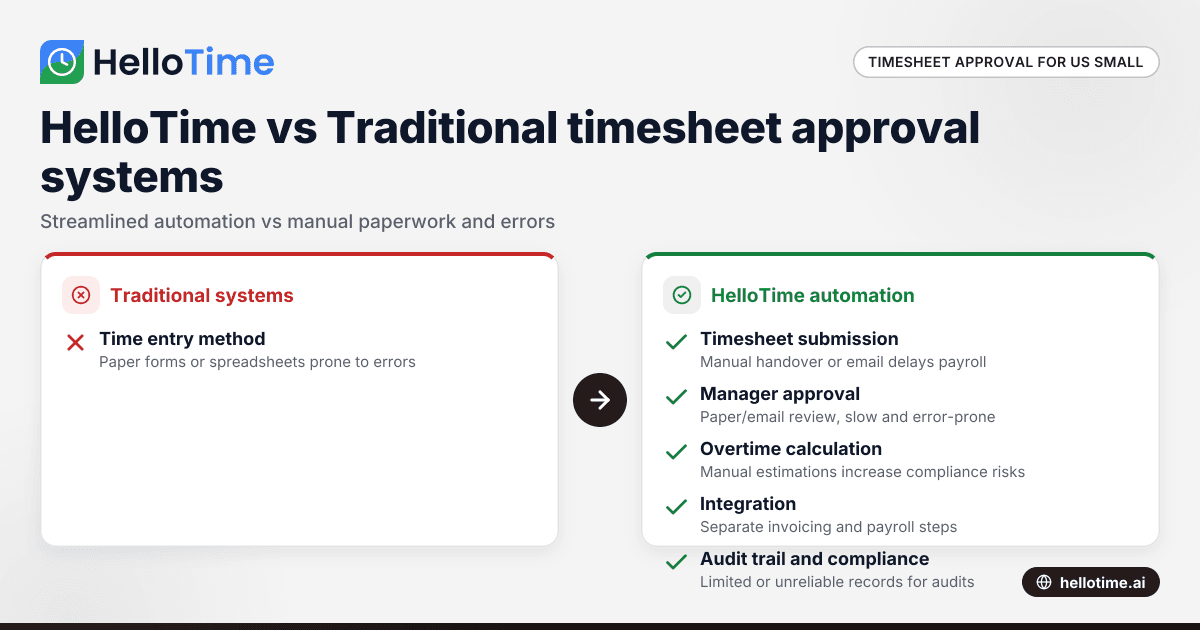
HelloTime vs Traditional Timesheet Approval Systems: Advantages for United States Small Businesses
HelloTime vs Traditional Timesheet Approval Systems: Advantages for United States Small Businesses When comparing HelloTime vs traditional timesheet.
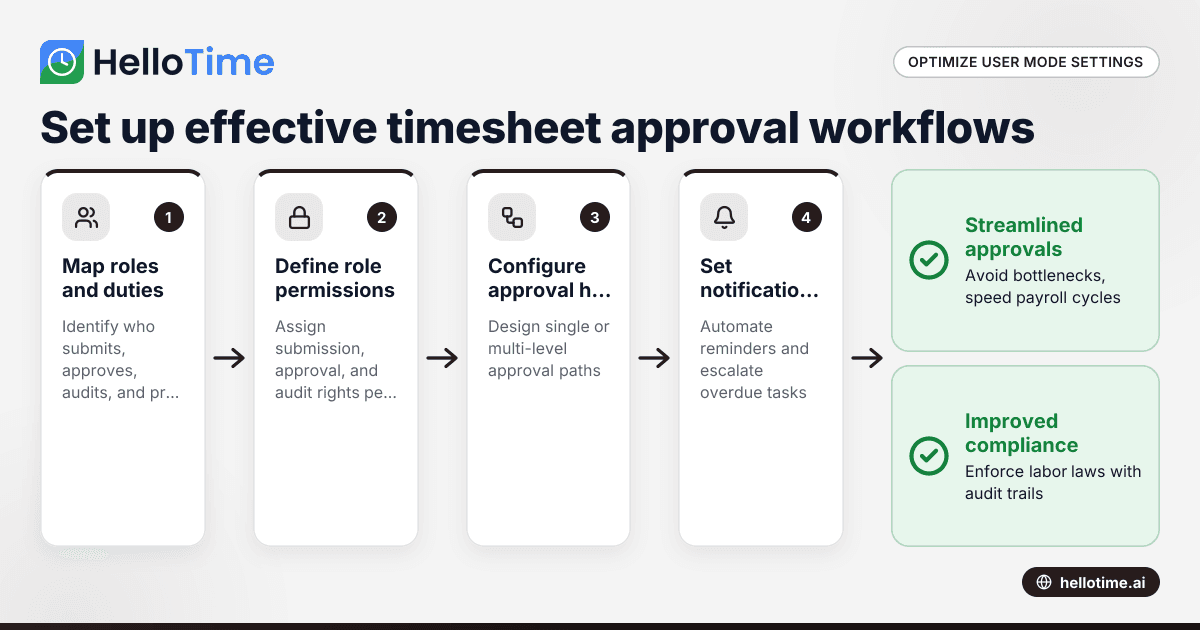
How United States Small Businesses Can Optimize User Mode Settings to Streamline Timesheet Approval Workflows
In timesheet approval workflows, user mode customizes access and approval steps based on employee roles, allowing roles like employees, managers, and.