How User Mode Enhances Timesheet Approval Workflow for Indian Small Businesses
How User Mode Enhances Timesheet Approval Workflow for Indian Small Businesses.
The HelloTime team
5 min read
On this page
How User Mode Enhances Timesheet Approval Workflow for Indian Small Businesses
If you manage a small business in India, you know that timesheet approvals can be a daily hurdle. Keeping track of billable hours, shift attendance, and leave requests from spreadsheets or paper is tedious, error-prone, and time-consuming. Using user mode in your time tracking software transforms this process, cutting down approval delays and boosting data accuracy. This checklist helps you evaluate if your current setup leverages user mode effectively and how to improve your timesheet approval workflow.
What is User Mode and Why Should I Use It in Timesheet Approval?
User mode is a specialised software feature that tailors interactions with timesheet data depending on the user's role. In this mode, employees, supervisors, and HR see only what they need — enabling seamless submission, review, and approval of timesheets.
In Indian small businesses with hourly or shift-based workers, this division reduces confusion and prevents unauthorized changes. For example, employees can submit daily hours without modifying approval data, and supervisors get a clear view for fast, accurate validation.
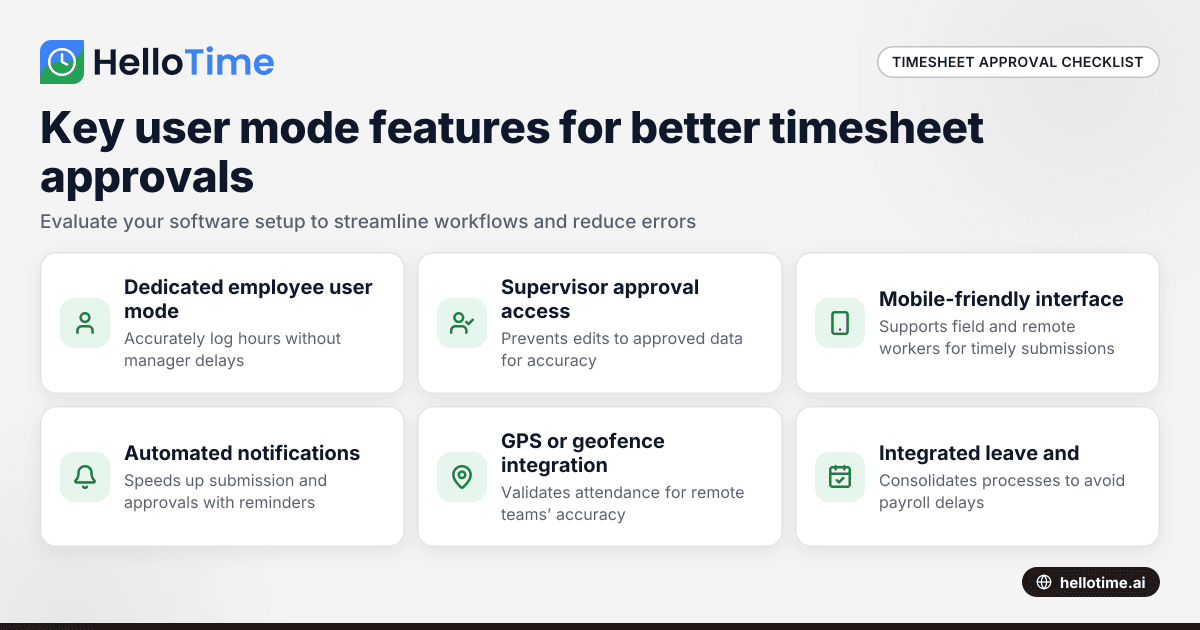
Does your software have a dedicated user mode for employees to submit daily hours? It helps teams accurately log attendance and work hours without waiting for managers.
Can supervisors access a separate user mode to view and approve timesheets? This reduces errors by blocking employees from editing approved data.
Is the user mode mobile-friendly to support field or remote employees? Allows real-time reporting and faster approvals regardless of location, beneficial for cities like Mumbai and Bengaluru where onsite teams travel frequently.
Are notifications or reminders automated within user mode? It accelerates submission and approval cycles by prompting users proactively.
Does your user mode integrate with GPS or geofenced clock-ins? This validates attendance for teams working across Maharashtra or Punjab, improving accuracy for payroll and invoicing.
Is leave applied and approved through the same user mode dashboard? Consolidating approvals prevents delays and keeps HR updated automatically.
How does AI user mode improve timesheet approval specifically?
AI user mode leverages artificial intelligence to support accurate timesheet entry and smarter approvals. It flags unusual hours or gaps and suggests corrections to avoid errors.
This intelligent assistance routes timesheets to the right supervisor automatically based on shifts and project assignments. For Indian firms managing deductions like PF and ESI, AI user mode ensures compliance by validating hours before payroll processing.
AI user mode reduces manual reviews and helps employees stay accountable. For instance, if a Pune-based employee misses clock-in, the AI prompts for justification, helping managers spot payroll risks early.
Can streamlined user mode reduce payroll errors tied to Indian statutory compliance?
User mode designed with Indian payroll laws in mind can dramatically reduce common payroll errors related to timesheets.
You want user mode tools that:
- Calculate PF, ESI, TDS, and other statutory deductions directly from approved work hours.
- Automatically sync approved timesheets with payroll modules for seamless salary processing.
- Provide audit trails showing who approved what when — critical for legal compliance and internal control.
- Integrate leave and attendance data to avoid payment mistakes.
For SMEs in Delhi or Hyderabad, avoiding payroll errors means smoother salary disbursals on time and fewer disputes with staff or tax authorities.
Common gaps small businesses overlook in implementing user mode for timesheets
Failing to separate employee and manager permissions causes mix-ups and lost approvals. When all users share the same access, data edits can happen after approval, causing errors.
Not automating notifications leads to manual follow-ups. Busy HR or supervisors forget to check for pending approvals, slowing payroll.
Ignoring mobile access cuts off remote workers and field staff. Delhi-based construction sites or Bengaluru delivery teams cannot submit timesheets promptly.
Lack of GPS or biometric integration leads to inaccuracies and attendance disputes. Indian labour laws require reliable attendance data, especially for shift workers.
Overlooking the integration of leave with timesheets complicates payroll and compliance. Separately managing leave increases chances of overtime miscalculations.
How to choose the right user mode for your Indian business needs?
Look for software tailored to Indian labour laws and payroll deductions while supporting local workflows. Features like multilingual interfaces, Indian public holidays, and state-specific regulations enhance usability. Centralising time tracking, leave management, and payroll into one system reduces errors and saves admin time.
Consider HelloTime for small and mid-sized Indian businesses. It offers tailored user modes for employees and supervisors, GPS and face recognition attendance, leave and shift scheduling, plus payroll with automatic TDS, PF, ESI, PT, and LWF calculations. You can explore all features or compare plans at pricing.
Optimising your timesheet approval workflow with user mode is a clear step forward for Indian small businesses. It accelerates approvals, reduces payroll errors, and saves HR valuable hours traditionally lost to manual tracking and reconciliation. Moving away from spreadsheets and paper towards a user mode-based digital solution creates a trustworthy and transparent environment between employees and managers. For any business where billing and payroll accuracy directly impact revenues and compliance, investing in robust user mode capabilities pays off quickly.
Related reading
- How United States Small Businesses Can Optimize User Mode Settings to Streamline Timesheet Approval Workflows
- How to Set Up User Access Levels in Timesheet Approval Workflows for US Small Businesses
Read next
This article covers one part of a bigger topic. For the complete picture, read our guide to user mo.
Keep reading
Related articles
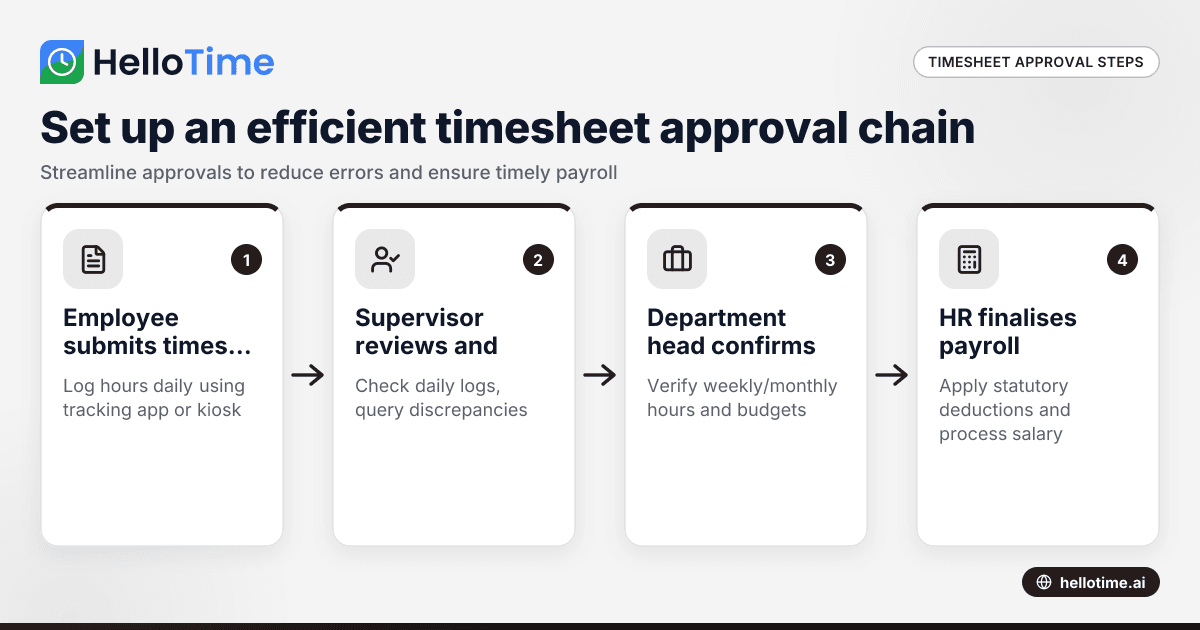
How to Set Up an Efficient Timesheet Approval Chain for Indian SMEs
How to Set Up an Efficient Timesheet Approval Chain for Indian SMEs This guide is for owners, HR, and operations managers at Indian small and.
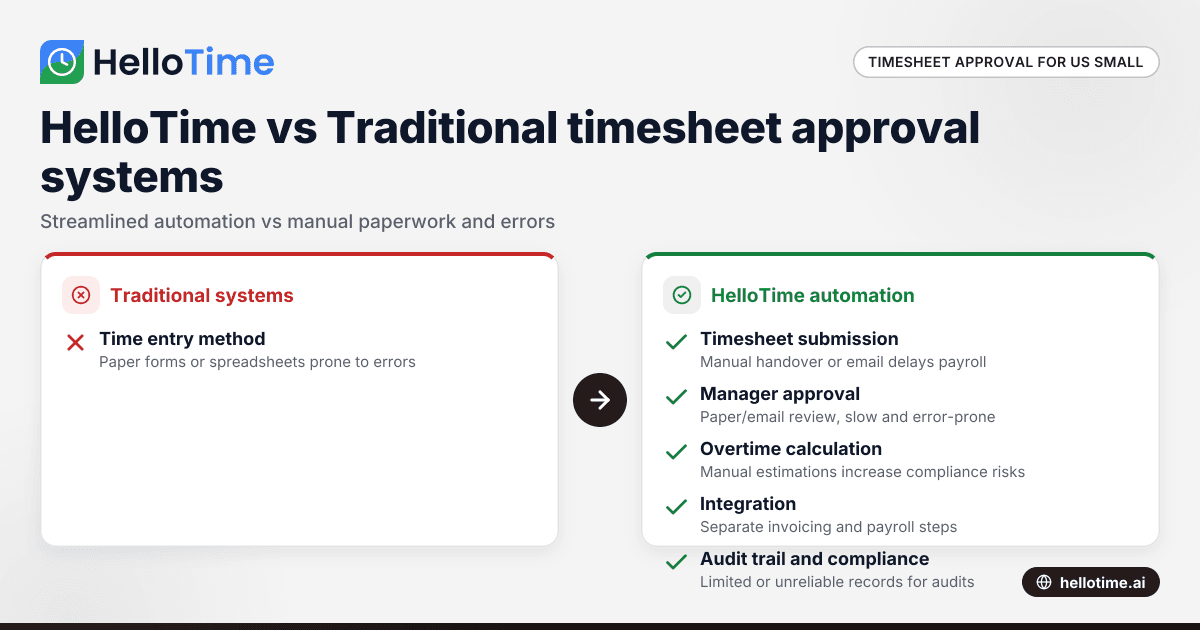
HelloTime vs Traditional Timesheet Approval Systems: Advantages for United States Small Businesses
HelloTime vs Traditional Timesheet Approval Systems: Advantages for United States Small Businesses When comparing HelloTime vs traditional timesheet.
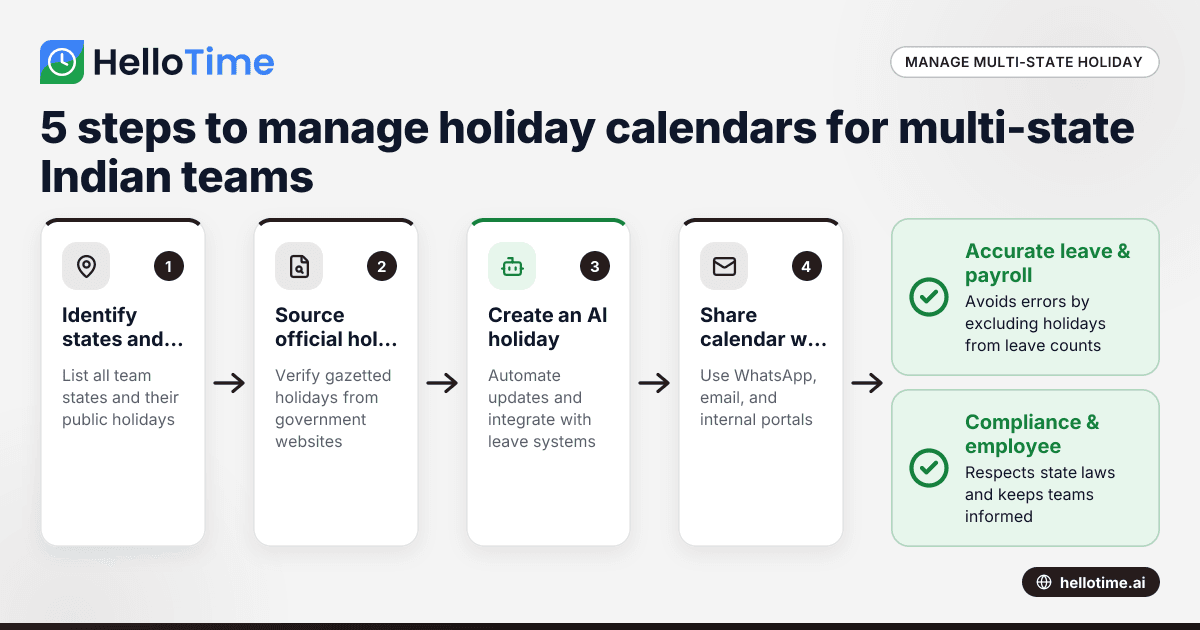
How to Manage Holiday Calendars for Multi-State Teams in India
Managing holiday calendars for multi-state teams in India can be complex due to different state-specific holidays and observances. By the end of this.