How to Manage Holiday Calendars for Multi-State Teams in India
Managing holiday calendars for multi-state teams in India can be complex due to different state-specific holidays and observances. By the end of this.
The HelloTime team
5 min read
On this page
Managing holiday calendars for multi-state teams in India can be complex due to different state-specific holidays and observances. By the end of this guide, you will know how to organise an accurate holiday calendar that keeps your teams aligned, stays compliant with local labour laws, and integrates smoothly with leave management systems.
Before you start
- List all the states where your teams operate and identify their official public holidays.
- Understand the Labour Laws and Shops & Establishment Acts applicable for leave and holidays in each state.
- Choose a software tool or system that supports multi-state holiday calendars and easy leave approvals.
- Have clear communication channels for employees to understand which holidays apply to them.
Step 1: Why does your business need a multi-state holiday calendar?
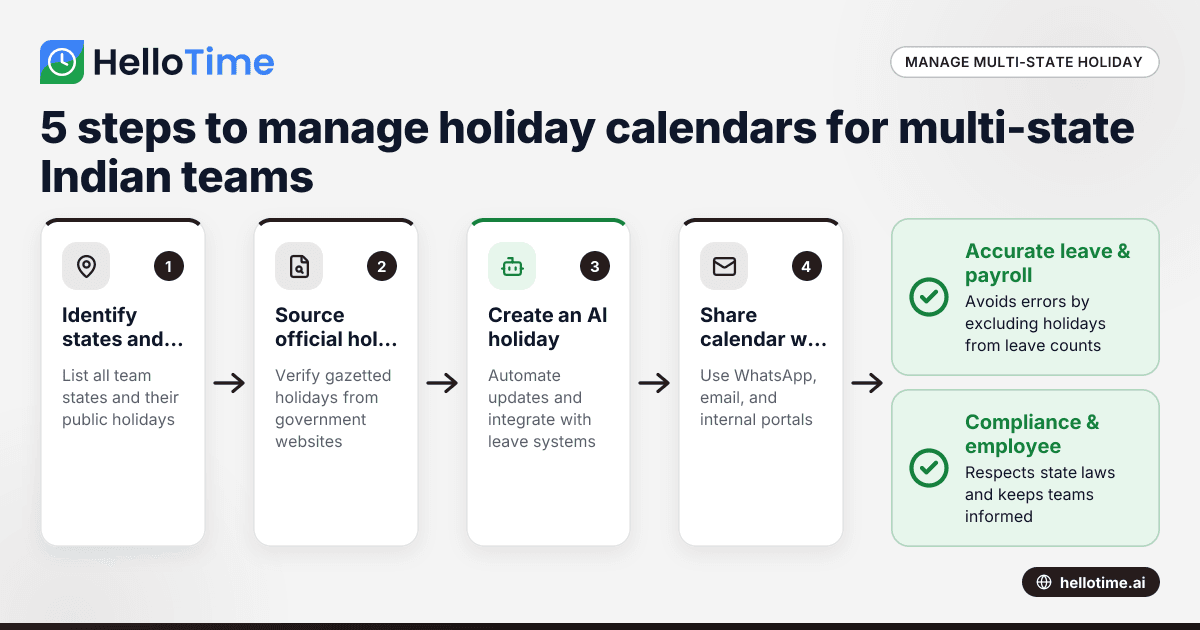
Your business needs this calendar to ensure compliance with state labour laws and to respect the cultural and religious diversity across India. A generic holiday list risks non-compliance and confused employees. For example, Maharashtra celebrates Maharashtra Day on 1 May, while Tamil Nadu has Pongal holidays in mid-January.
A common mistake is using a one-size-fits-all holiday list without customising for each state, which can cause payroll errors and employee dissatisfaction.
Step 2: How do you gather all the relevant public holidays for your teams?
The next step is to source the official gazetted public holidays for each state in which your teams work. You can check the Ministry of Personnel’s website or respective state government portals. Include national holidays like Republic Day (26 January) and Independence Day (15 August), plus fixed state holidays.
Many companies also take note of additional holidays observed locally by schools or banks in the state. Do not rely solely on unofficial lists shared informally among employees as they may omit or add holidays incorrectly.
A key mistake is assuming holidays within the state apply uniformly to every city or district—verify carefully, as regional holidays can differ.
Step 3: How to create an ai holiday calendar that simplifies management?
An ai holiday calendar leverages automation and intelligence to update and manage holidays dynamically. Such a calendar can pre-populate relevant holidays per employee location and integrate with your leave management system to prevent confusion.
The benefit is that when a new holiday is announced or changes occur, the calendar updates automatically without manual data entry. This reduces administrative work and human error.
Many HR teams overlook the power of AI calendars and attempt manual spreadsheets, which become unusable as the team grows.
Step 4: How do you make holiday calendars available to employees?
Once your holiday calendar is ready and verified for each state, share it widely. Use WhatsApp groups, internal communication portals, and email to circulate the calendar at year start or when an update happens.
The calendar can be integrated with time tracking and leave systems so employees see their applicable holidays alongside their leave balance. This transparency avoids disputes during payroll or leave approvals.
Avoid using a static PDF emailed once and forgotten; employees may miss updates or use outdated versions.
Step 5: How to align leave policies with your multi-state holiday calendar?
Your leave policy must distinguish between paid holidays, leave types (casual, sick, earned), and their accrual rules per state. Some states have holidays that are compulsory paid holidays under the Shops & Establishment Act; others may leave it to employer discretion.
Use your holiday calendar to block public holidays from deduction during leave approvals. If an employee takes leave around a holiday, the system should not count that holiday against their leave balance, avoiding incorrect deductions.
A common error is treating all holidays as optional or treating them like leave days, which violates labour norms and causes payroll inaccuracies.
Worked Example: Managing holidays for a multi-state team in Mumbai and Bengaluru
Imagine you have a 50-member team with 30 employees in Mumbai, Maharashtra, and 20 in Bengaluru, Karnataka.
- Step 1: Identify state holidays
- Maharashtra: Maharashtra Day (1 May), Ganesh Chaturthi (varies), Diwali (varies).
- Karnataka: Karnataka Rajyotsava (1 November), Ugadi (varies), Diwali.
- Step 2: Confirm dates for the current year from official government websites and the Ministry of Personnel.
- Step 3: Use an ai holiday calendar tool to create location-wise holiday lists for each employee.
- Step 4: Share the calendar through your WhatsApp workgroup and via email early in January.
- Step 5: Configure your leave management system to automatically exclude these holidays from leave counting.
If an employee in Mumbai applies for leave on 30 April and 2 May, the holiday on 1 May will not be counted as a leave day, ensuring accurate payroll and leave balances.
How do you update your holiday calendar when new state holidays are declared?
Keep an eye on official state government announcements and the Ministry of Personnel updates. An ai holiday calendar automatically monitors and updates holidays, saving time and reducing errors.
If you rely on manual calendars, set a regular monthly check-in to verify any new or updated holidays.
What pitfalls should you avoid when managing a holiday calendar for multi-state teams in India?
Common pitfalls include ignoring regional differences within states, overlooking variable date holidays such as Eid, failing to communicate updates promptly, and not integrating the calendar with timesheets or payroll. Avoid these to ensure smooth operations.
Managing your multi-state holiday calendar well helps maintain employee satisfaction, stay compliant with Indian labour laws, and streamline payroll processing. Once set up, you save time and reduce mistakes.
To make managing multiple state holiday calendars easier and integrated with leave and attendance tracking, explore the features of modern workforce management software. Compare plans suited to your business size and industry at pricing to find the best fit.
Related reading
- time tracking software in India
- How United States Small Businesses Can Integrate Holiday Calendars into Leave Management and Shift Scheduling
- How to Plan and Manage Shift Rosters for Multi-Site Retail Chains in Mumbai and Bengaluru
Read next
This article covers one part of a bigger topic. For the complete picture, read our guide to holiday calendars.
Keep reading
Related articles
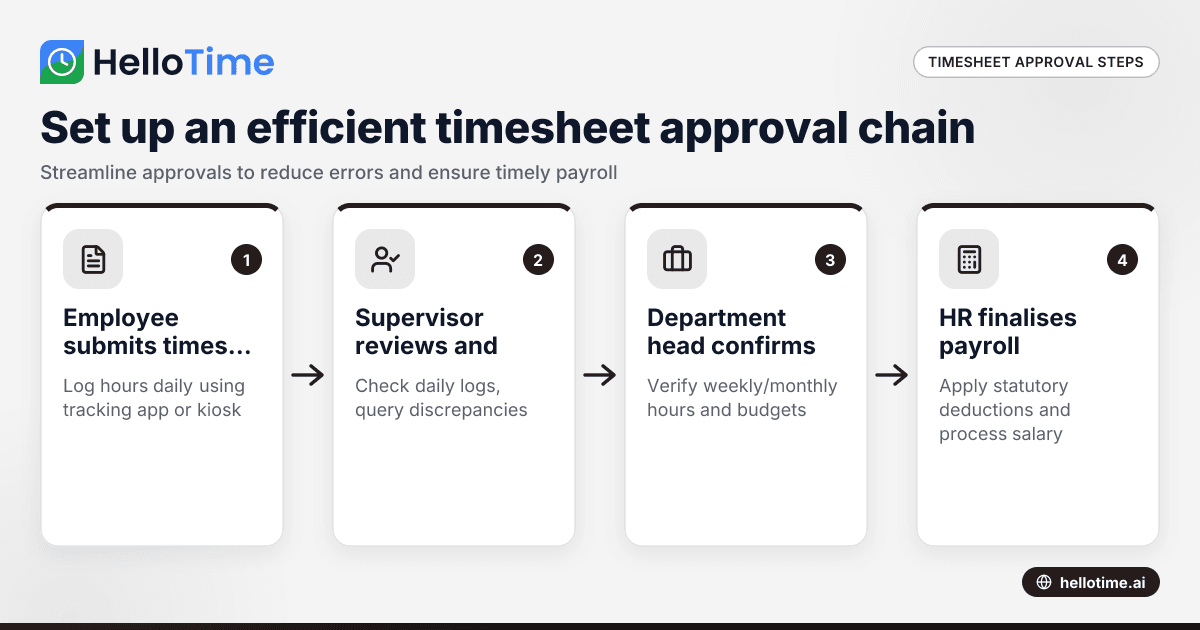
How to Set Up an Efficient Timesheet Approval Chain for Indian SMEs
How to Set Up an Efficient Timesheet Approval Chain for Indian SMEs This guide is for owners, HR, and operations managers at Indian small and.
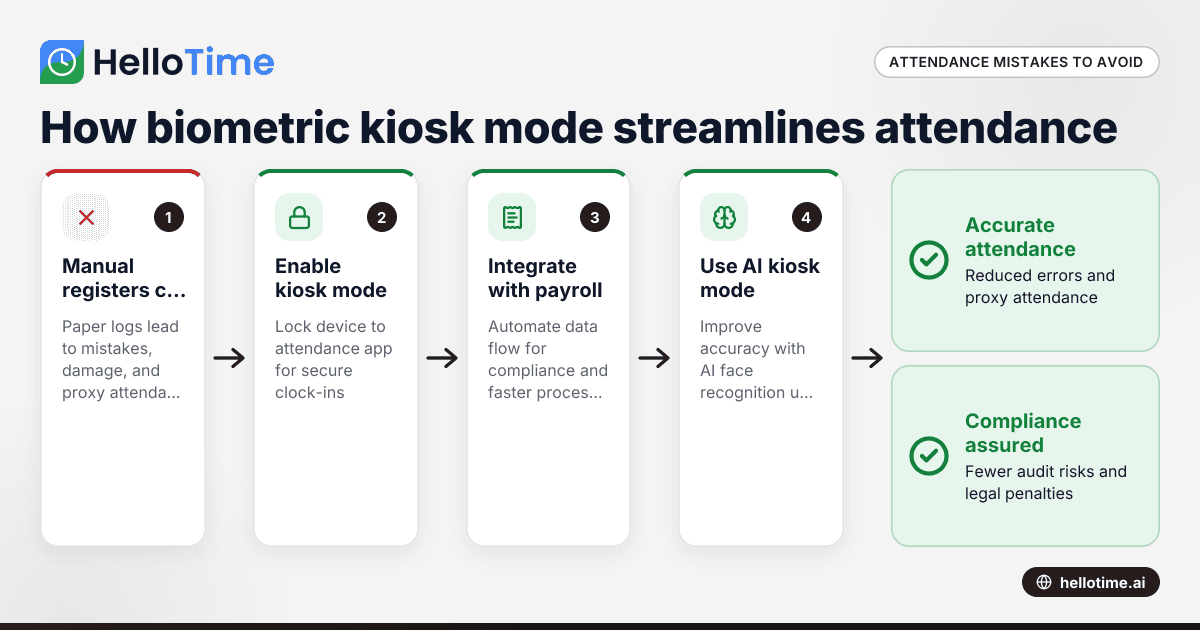
How Biometric Attendance Kiosk Mode Can Streamline Workforce Management for Indian Manufacturing Units
Manufacturing units in India often struggle with managing workforce attendance accurately and efficiently. Errors in attendance tracking lead to.
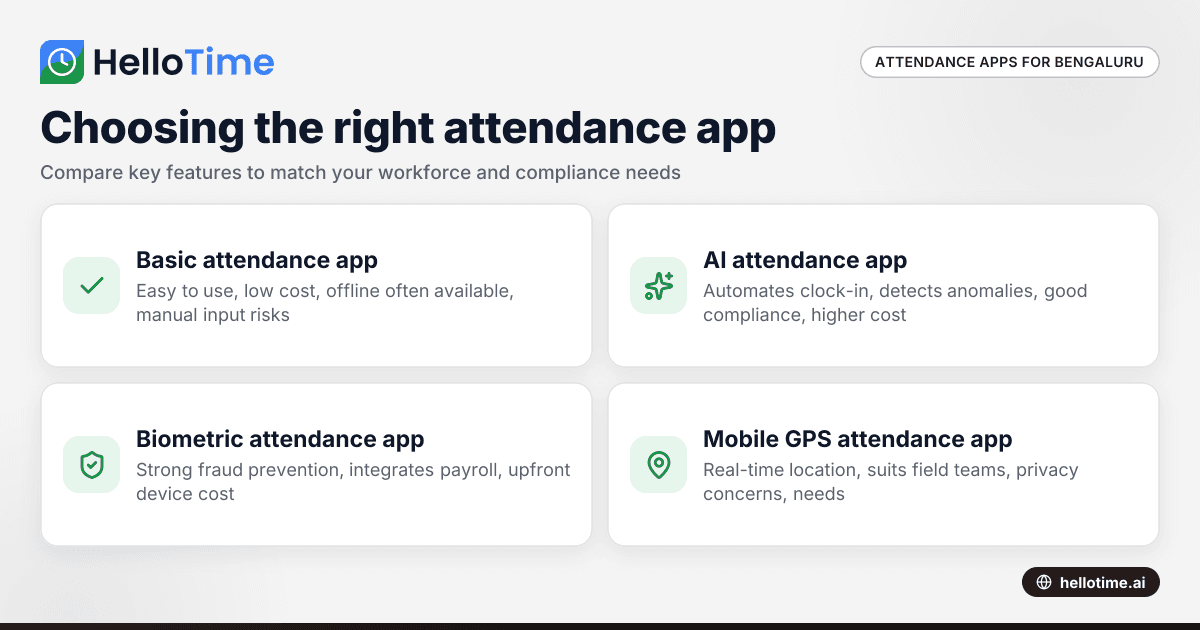
Choosing the Right Attendance App for Small Businesses in Bengaluru
Choosing the Right Attendance App for Small Businesses in Bengaluru ===================================================================== If you run.