How United States Small Businesses Can Integrate Holiday Calendars into Leave Management and Shift Scheduling
Integrating holiday calendars into leave management and shift scheduling helps United States small businesses streamline workforce planning, reduce.
The HelloTime team
5 min read
On this page
Integrating holiday calendars into leave management and shift scheduling helps United States small businesses streamline workforce planning, reduce scheduling conflicts, and maintain compliance with labor laws. Automating holiday tracking lets managers plan staff availability accurately and boost employee satisfaction during peak times.
Key takeaways
- Holiday calendars incorporate federal, state, and local holidays into scheduling and leave requests.
- Integration helps prevent understaffing and ensures fair leave management.
- AI holiday calendars generate smart schedules and suggest leave adjustments automatically.
- Compliance requires recognizing holidays relevant to your employees’ locations.
- Digital tools minimize manual errors common in spreadsheets.
- Using integrated systems improves employee communication and transparency.
Why should small businesses in the U.S. integrate holiday calendars?
Integrating holiday calendars helps small businesses avoid scheduling conflicts and understaffing around holidays. Automating holiday tracking ensures leave and shift plans consider federal, state, and local holidays affecting employee availability.
Manual methods often miss observances or cause overlaps. By embedding holiday calendars in workforce systems, managers ensure shifts and leave requests are balanced during busy times like Thanksgiving or Christmas. This prevents disruptions and supports fair scheduling.
How do AI holiday calendars enhance leave management and scheduling?
AI holiday calendars update automatically and analyze staffing needs to optimize schedules. They notify managers of conflicts and suggest adjustments, reducing manual effort.
These smart calendars adapt to holiday variations, like when observance shifts to a weekday. For example, AI tools might recommend adding shifts before Independence Day or adjusting schedules during state-specific holidays, ensuring consistent coverage and happier, well-rested employees.
What are the key U.S. holidays to include in your holiday calendar?
Include all federal holidays recognized nationwide plus important state and local holidays specific to your employees’ locations. Major federal holidays are:
- New Year’s Day (January 1)
- Martin Luther King Jr. Day (Third Monday of January)
- Presidents Day (Third Monday of February)
- Memorial Day (Last Monday of May)
- Independence Day (July 4)
- Labor Day (First Monday of September)
- Columbus Day (Second Monday of October)
- Veterans Day (November 11)
- Thanksgiving Day (Fourth Thursday of November)
- Christmas Day (December 25)
Add state or city holidays like Cesar Chavez Day in California or Pioneer Day in Utah. Also factor in company holidays, such as special business closures or local events.
How can holiday calendars be integrated into leave management processes?
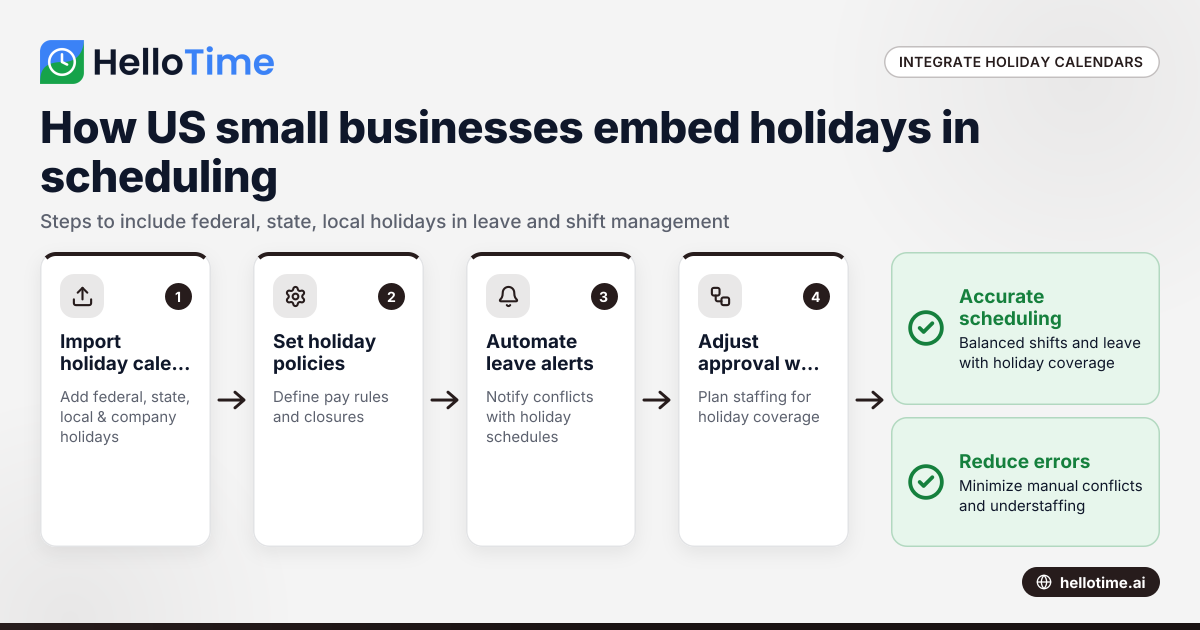
Embed holiday calendars directly in your time tracking and scheduling software by following these steps:
- Import federal, state, and local holiday calendars into your workforce tool.
- Define company policies on holiday pay and closures.
- Automate leave request alerts for potential holiday conflicts.
- Adjust approval workflows to account for holiday staffing needs.
- Give employees access to view holidays through self-service portals.
This reduces scheduling errors and helps maintain operational coverage during busy periods.
How does integrating holiday calendars impact shift scheduling?
Ignoring holidays in shift planning risks understaffing or excessive overtime. Including holiday calendars lets managers:
- Predict staffing needs around holidays accurately.
- Apply holiday shift rules like premium pay or adjusted hours.
- Assign shifts considering employee holiday availability preferences.
- Comply with overtime and state labor regulations during holidays.
For example, Detroit plants can schedule holiday shifts ahead to avoid production delays and give workers clear expectations.
What are the best practices for small businesses managing holidays in workforce planning?
Keeping your holiday schedules accurate and balanced involves:
- Regularly updating holiday calendars to reflect new or changed holidays.
- Communicating holiday schedules to employees well in advance.
- Using workforce software with built-in holiday calendar integration.
- Balancing employee holiday preferences and fairness in shift assignments.
- Monitoring applicable holiday pay and leave laws at the state level.
- Combining holiday data with leave patterns to forecast staffing needs.
These steps improve planning accuracy and employee morale.
What are some challenges small businesses face with holiday calendar integration?
Common issues include:
- Managing diverse holiday observances across multiple states.
- Handling floating or personal holidays unique to individuals.
- Last-minute changes requiring schedule rebalancing.
- Ensuring smooth data sync between systems.
- Balancing operational demands with employee satisfaction.
AI holiday calendars and flexible software integrations help simplify these challenges.
How to implement holiday calendar integration in your business?
Start by selecting time tracking and shift scheduling software that supports holiday calendar imports. Then:
- Customize calendars to include all relevant federal, state, local, and company holidays.
- Train HR and ops staff to manage holidays in workflows.
- Communicate holiday policies and visibility tools to employees.
- Monitor scheduling reports to identify staffing gaps around holidays.
- Adjust schedules proactively based on data insights.
This method makes U.S. small business workforce planning simpler and more accurate.
Exploring holiday integration with HelloTime
HelloTime offers seamless integration of holiday calendars suited for U.S. businesses, automating leave management and shift scheduling around holidays. Its features include dynamic holiday updates, smart leave alerts, and shift planning to minimize manual work and errors. Find your best fit at pricing.
Frequently asked questions
What is a holiday calendar in workforce management?
A holiday calendar lists official holidays your business observes for leave and shift scheduling. It ensures staffing plans account for days off, preventing overlaps and coverage gaps.
Can holiday calendars be customized for different states?
Yes, calendars can include federal, state, local, and company-specific holidays to align with where your employees work for compliance and fairness.
How do AI holiday calendars improve scheduling?
AI holiday calendars auto-update dates, predict staffing impacts, and suggest schedule changes to optimize coverage during holidays.
Are holiday hours treated differently in U.S. labor laws?
Federal law doesn’t mandate premium holiday pay, but some states have specific rules. Check local laws and company policies to comply.
Can employees see holiday information when requesting leave?
Integrated systems let employees view upcoming holidays in self-service portals, helping them plan their time off clearly.
Will integrating holiday calendars replace manual scheduling completely?
No, integrations reduce errors and manual work but managers still oversee approvals and tailoring schedules to business needs.
Read next
This article covers one part of a bigger topic. For the complete picture, read our guide to holiday calendars.
Keep reading
Related articles
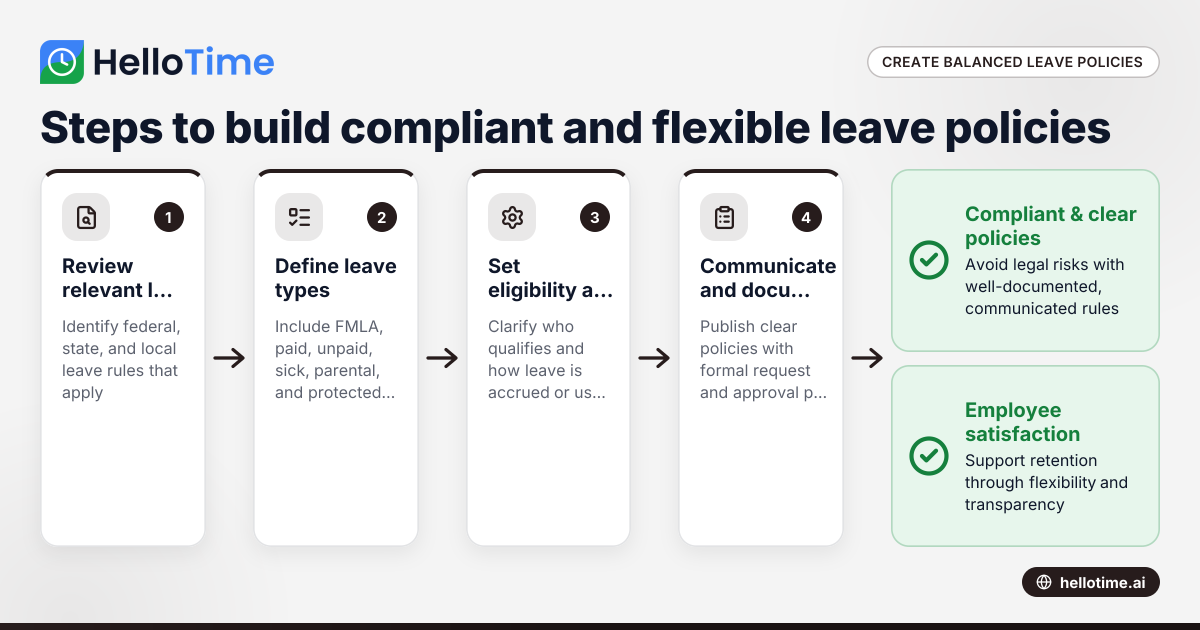
How United States Small Businesses Can Create a Leave Policy That Balances Compliance and Employee Flexibility
Creating a leave policy for a small business in the United States requires balancing legal compliance with flexibility that meets your employees’.
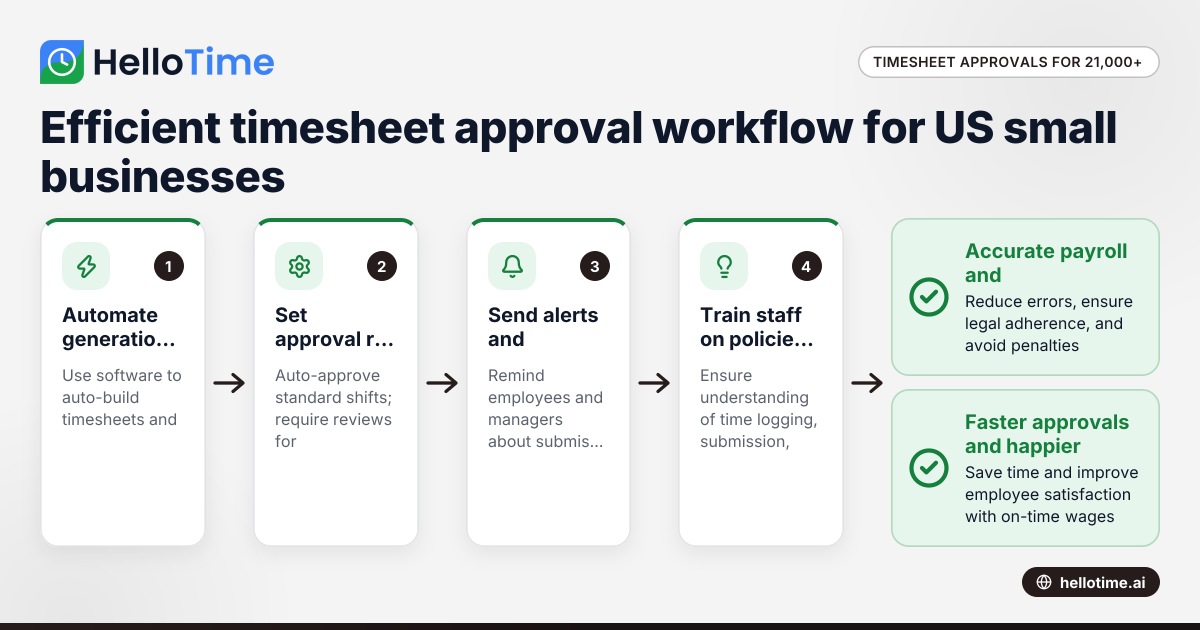
How United States Small Businesses Can Handle Timesheet Approval Workflows with Over 21,000 Minutes Logged
Managing timesheet approvals efficiently becomes critical for US small businesses logging large volumes of employee hours, such as over 21,000 minutes
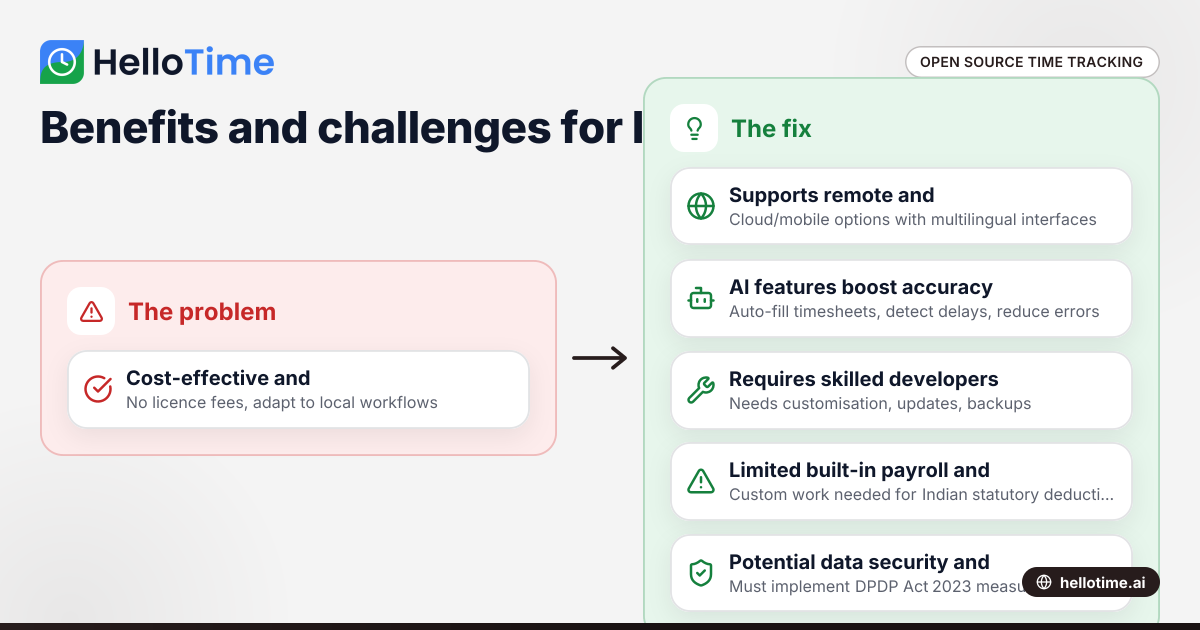
Open Source Time Tracking Tools for Indian Agencies: Benefits and Considerations
Open source time tracking tools are software with publicly accessible code, letting Indian agencies use and customise them without licence fees. They.