Biometric Attendance Kiosk in United States: How Small Businesses Can Replace Paper Sign-In With Tablet Clock-Ins and Face Recognition
A biometric attendance kiosk in the United States is a tablet-based clock-in system that lets employees punch in and out with face recognition instead
The HelloTime team
12 min read
On this page
A biometric attendance kiosk in the United States is a tablet-based clock-in system that lets employees punch in and out with face recognition instead of signing a paper sheet. For small businesses, it can reduce buddy punching, speed up payroll prep, and give managers cleaner attendance records without adding hardware-heavy systems.
Key takeaways
- A biometric attendance kiosk in the United States usually means a shared tablet at the worksite for clock-ins and clock-outs.
- Face recognition can reduce missed punches and fake punches compared with paper sign-in sheets or shared PINs.
- Small businesses should set clear written policies for consent, privacy, and time correction before rollout.
- The best setup is simple: one tablet, clear clock-in rules, manager approvals, and exported hours for payroll.
- This topic can involve privacy and labor rules, which vary by state. This article is general information, not legal advice.
- HelloTime offers tablet kiosk attendance with face recognition as part of its workforce management tools. You can see its features if you want to compare options.
What is a biometric attendance kiosk in United States?
A biometric attendance kiosk in the United States is a shared device, usually a tablet, that records employee attendance using a biometric identifier such as face recognition. Instead of writing a name on paper or entering a PIN, the employee stands in front of the device and clocks in.
For a small business, that changes two things fast. First, the record becomes easier to trust. Second, payroll and attendance reviews take less manual work.
This matters most in workplaces with shift starts, job sites, or front-line teams. Think of a coffee shop in Chicago, a dental office in Houston, a warehouse near Detroit, or a cleaning company with crews leaving from one branch each morning. In those settings, a paper sign-in sheet often creates the same problems:
- handwriting that no one can read
- missing arrival or departure times
- employees forgetting to sign out
- managers chasing corrections by text or email
- inflated hours from late edits
- no reliable audit trail
A tablet kiosk with face recognition turns attendance into a fast, repeatable process. Employees walk in, verify identity, and clock in. Managers review exceptions instead of rebuilding timesheets from scratch.
Why are small businesses in the United States moving away from paper sign-in sheets?
Paper sign-in sheets are cheap to start, but expensive to run. They hide labor leakage in small amounts that add up every pay period.
A single sheet at the front desk looks simple. In practice, it creates downstream work for supervisors, HR, payroll, and owners. Someone has to read it, enter it into a spreadsheet, fix mistakes, ask follow-up questions, and approve final hours. If your team has multiple shifts or locations, the mess grows quickly.
Here is where paper breaks down most often.
Paper does not verify who actually clocked in
If two employees arrive together, one person can write for both. That is the classic buddy punching problem. With a biometric kiosk, the system checks identity at the point of clock-in.
Paper creates delayed error discovery
You often learn about a missed sign-out days later, when payroll is already being prepared. At that point, the manager is guessing. That guess can lead to overpayment, underpayment, or employee disputes.
Paper weakens accountability
When records are handwritten and edited later, it is hard to see what changed and why. A digital attendance record is easier to review and approve.
Paper does not scale well
A 12-person business might tolerate a clipboard for a while. A 40-person business with rotating shifts usually cannot. Once you add weekends, overtime reviews, and multiple supervisors, the manual process becomes a bottleneck.
How does ai biometric attendance work?
It uses a tablet kiosk to verify an employee’s face at clock-in and clock-out, then records attendance digitally. That helps confirm who is present, reduces manual entry, and gives managers a cleaner record to review before payroll.
In practical terms, ai biometric attendance is not magic. It is a workflow. The system compares the live image captured at the kiosk to the enrolled profile for that employee, then allows or blocks the clock event based on your settings.
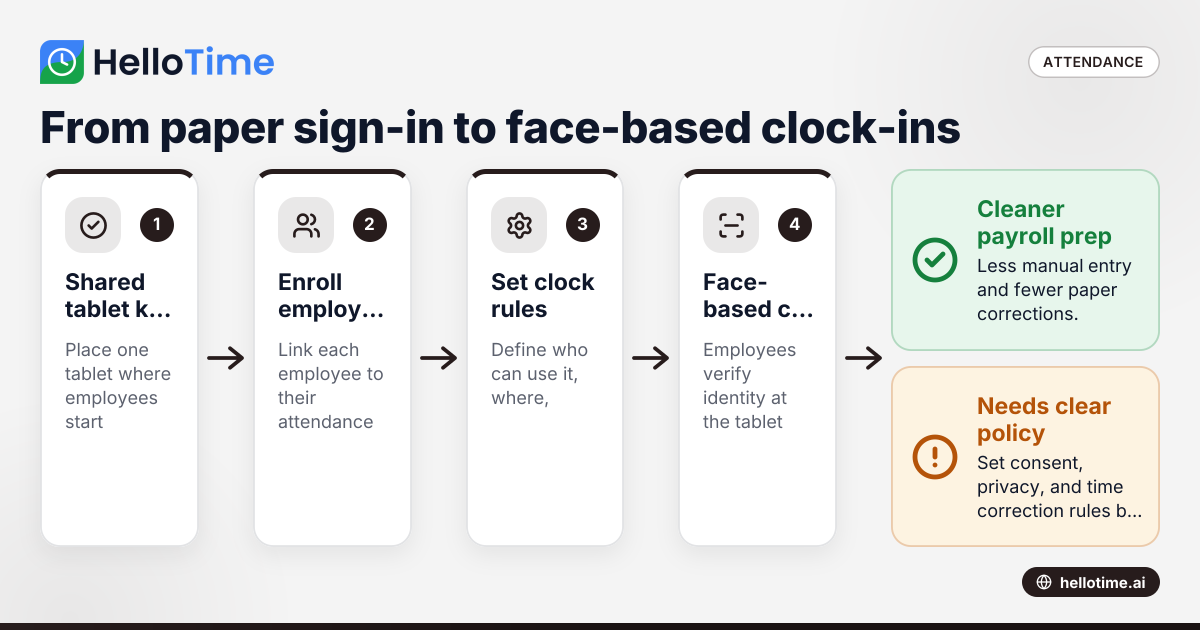
For a small business, the process usually looks like this:
Set up the kiosk device. A tablet is placed at the entrance, break room, front office, or job trailer.
Enroll employees. Each employee is added to the system and linked to their attendance profile.
Define clock rules. You choose who can use the kiosk, where, and during which times.
Employee clocks in. The employee stands in front of the tablet and completes face-based verification.
Attendance is stored digitally. The clock event is saved with time details for review and payroll export.
Managers review exceptions. Late arrivals, missed punches, and odd patterns are flagged for approval.
This setup can be especially useful in shift-driven environments where many employees start work at the same time. It is also helpful where supervisors do not want to pass around a shared phone or manage badge loss.
What does a tablet attendance kiosk actually replace?
It replaces paper logs, sign-in binders, shared PIN pads, and in some businesses, manual spreadsheet entry. The biggest gain is not just speed at the door. It is cleaner attendance data throughout the week.
Under the surface, a kiosk can also replace several hidden tasks:
- manually calculating total hours from handwritten logs
- texting employees to confirm start times
- asking supervisors for end-of-shift corrections
- updating spreadsheets before payroll cutoff
- resolving disputes about who was on site
- storing paper attendance records in folders
If your current process includes a clipboard at one location and spreadsheets at another, a tablet kiosk can standardize that process across sites.
Shared PINs and paper have the same core weakness
Both methods rely on people to represent themselves honestly. Most employees do, but systems should not depend on trust alone. A biometric method adds a stronger link between the person and the attendance record.
A kiosk is easier for managers than individual mobile clock-ins in some settings
For office teams, individual mobile time tracking can work well. But for a restaurant, warehouse, retail floor, or fabrication shop, a fixed kiosk often fits better. It gives every employee the same clock-in point and creates a consistent routine at shift start.
Where does a biometric attendance kiosk make the biggest difference?
The biggest gains usually show up in businesses with hourly workers, shift changes, and shared worksites. These teams lose the most time to paper corrections, missed punches, and informal attendance habits.
Common examples include:
Retail
Store opens and closes depend on staff arriving on time. A kiosk near the back office can create a clean opening and closing attendance routine.
Hospitality
Restaurants, cafés, and hotels have staggered starts and frequent schedule changes. A face-recognition kiosk helps managers see who is actually present before service begins.
Field service dispatch hubs
If crews leave from one branch in the morning, clocking in at a tablet before departure creates a more reliable start-of-day record.
Construction and trades
At a trailer or site office, a kiosk can replace a paper roster. It also reduces the need to decipher handwritten entries later.
Manufacturing and warehousing
These teams often have shift handoffs and high attendance volume. A shared kiosk handles that flow better than a clipboard.
Professional services with front-desk staffing
Even service businesses that bill clients by the hour may have reception, support, and operations staff working set shifts. Those roles benefit from a simpler attendance routine.
How can a small business roll this out without frustrating employees?
Start with a simple policy, a clear reason, and one clock-in point. Employees usually accept a kiosk faster when the process is quick, fair, and consistent for everyone.
The rollout matters as much as the technology. Most resistance comes from confusion, not from the tablet itself. If people think the system is unclear or unevenly enforced, they will push back.
Use a short rollout plan
Follow these five steps.
Explain the business reason. Say plainly that the goal is accurate attendance, faster payroll prep, and fewer disputes.
Give employees a written policy. Cover clock-in windows, breaks, missed punch reporting, and who can approve edits.
Train everyone in person. Show how to stand at the kiosk, what to do if recognition fails, and how to report an error.
Run a short parallel test. For a few days, compare kiosk records with your old method to catch setup issues.
Review exceptions daily at first. Quick manager review helps employees trust that corrections will be handled fairly.
Keep a backup process
Even good systems need a fallback. The tablet could lose power, Wi-Fi could go down, or an employee might need help. Have a backup attendance procedure and document when it should be used.
Be careful with privacy and consent
Biometric data raises legal and employee-relations questions. State privacy rules can differ, and some states are stricter than others. Before rollout, get advice from qualified counsel on notice, consent, retention, and data handling requirements that apply to your business.
What should you look for in a biometric attendance kiosk United States setup?
For most small businesses, the best setup is the one employees will actually use every day. It should be fast, easy to supervise, and connected to the rest of your time and attendance workflow.
Here are the features that matter most.
Shared tablet kiosk mode
A true kiosk mode matters because one device is used by many employees in sequence. The screen should stay ready for the next person without exposing anyone’s details.
Face recognition at clock-in
This is the core of identity verification. It is what separates a biometric attendance kiosk United States setup from a basic shared time clock.
Manager approvals
You still need human review. Managers should be able to approve timesheets, fix missed punches, and document edits.
Schedule visibility
Attendance works better when it connects to planned shifts. If an employee was due at 8:00 AM but clocks in at 8:17 AM, the system should make that visible.
Leave and attendance in one place
Many payroll issues start when attendance and leave records live in separate tools. A combined setup reduces manual reconciliation.
Reports and exports
Owners and operations managers need to see total hours, late arrivals, absenteeism, and patterns by team or location. If you invoice from labor hours or push totals into QuickBooks later, clean exports matter.
Common mistakes to avoid
Small businesses often buy the device first and think about policy later. That is backwards. The process must come before the hardware.
Mistake 1: no written attendance policy
If employees do not know the rules, the system will feel arbitrary. Put clock-in expectations and correction rules in writing.
Mistake 2: ignoring exception handling
No attendance system is perfect. Employees will forget to clock out. Managers need a clear, documented approval process.
Mistake 3: installing the kiosk in the wrong place
Do not hide the tablet in a manager’s office. Put it where employees naturally pass at shift start and end.
Mistake 4: using attendance data without regular review
A kiosk creates records, but managers still need to review them. A weekly audit is better than discovering issues at payroll time.
Mistake 5: not thinking through privacy questions
Biometric attendance deserves more care than a paper sign-in sheet. Review your obligations before rollout and explain your practices clearly.
A simple way to evaluate ROI
You do not need a complex spreadsheet to see whether a kiosk is worth it. Start with the labor waste and admin time you can already observe.
Estimate these items for a typical month:
- supervisor time spent fixing attendance
- payroll time spent entering or correcting hours
- number of disputed or adjusted punches
- likely overpaid hours from rounding or buddy punching
- cost of delayed or messy approvals
Even small reductions can justify the change. If one manager spends three hours a week fixing attendance, that time has a real dollar value. If your payroll admin spends another two hours chasing corrections, that adds more value. Then consider the harder-to-measure benefit: fewer disputes and more confidence in your records.
Using HelloTime for tablet kiosk attendance
If you want one system that goes beyond the front-door punch, HelloTime is worth a look for U.S. businesses evaluating attendance tools. Its tools include tablet kiosk attendance with face recognition, shift scheduling, leave management, timesheets, approvals, invoicing from billable hours, and project profitability reporting. You can also review HelloTime in the US if you want product context for American teams.
That broader workflow matters because attendance is rarely a standalone problem. Once a business moves off paper, the next issues usually appear in scheduling, leave, approvals, and payroll prep. A system that connects those steps can reduce duplicate work.
When a biometric kiosk is not the best fit
A kiosk is not right for every team. If most employees work remotely, travel directly between client sites, or rarely start from one location, a fixed tablet may not be the best attendance method.
In those cases, businesses often need mobile time tracking, GPS-based clock-ins, or a hybrid approach. The right question is not “Is face recognition modern?” The right question is “Where do our employees actually start and end work?”
For a lot of U.S. small businesses, the answer is still one physical place. That is exactly where a kiosk performs best.
If your current process is a clipboard, a binder, or a shared spreadsheet, replacing it with a tablet-based biometric attendance kiosk can be a practical upgrade. It gives you cleaner attendance records, less admin work, and better visibility into who actually showed up and when.
If you want to see how this fits into a broader attendance and workforce workflow, explore the features or compare plans at pricing.
Frequently asked questions
Is face recognition better than a PIN for employee attendance?
For identity verification, face recognition is usually stronger than a shared PIN because it ties the punch to the employee standing at the device. A PIN can be shared, guessed, or entered by someone else. You still need a clear policy and manager review for exceptions.
Can a tablet kiosk work for a business with one location?
Yes. In fact, one-location businesses often get the fastest benefit because setup is simple and employee habits are easier to standardize. A single kiosk at the main entrance or staff area can replace paper sign-ins right away.
Keep reading
Related articles
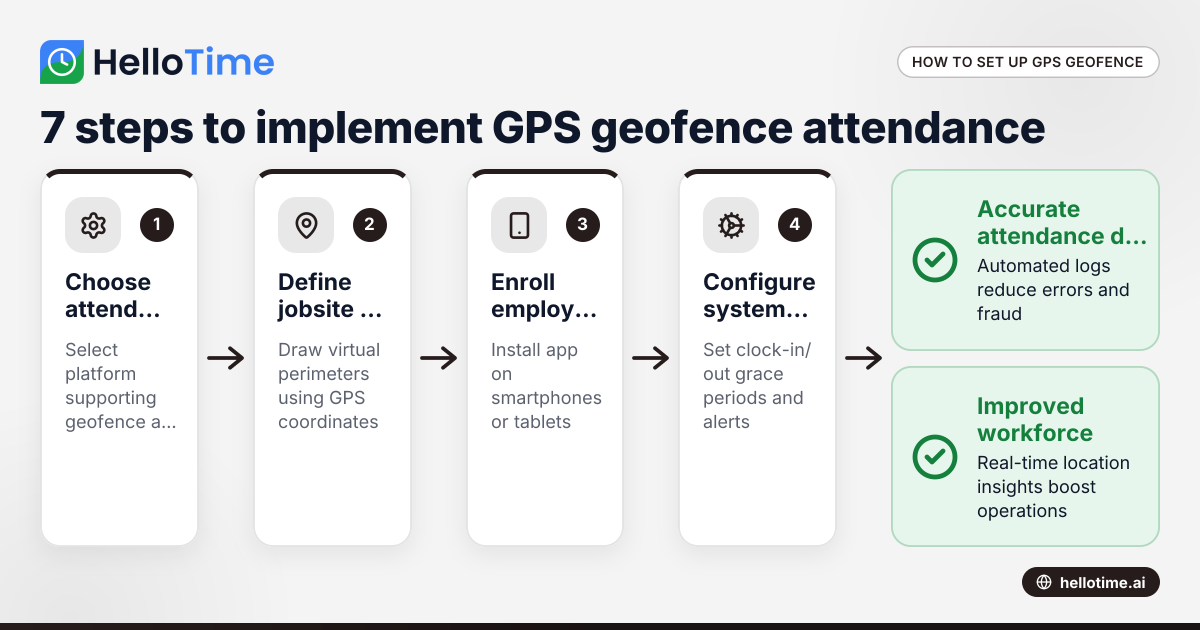
How United States Businesses Can Use GPS Geofence Attendance to Improve Field Staff Management
GPS geofence attendance uses location-based technology to track when field employees enter or leave a designated work zone. This method automates.
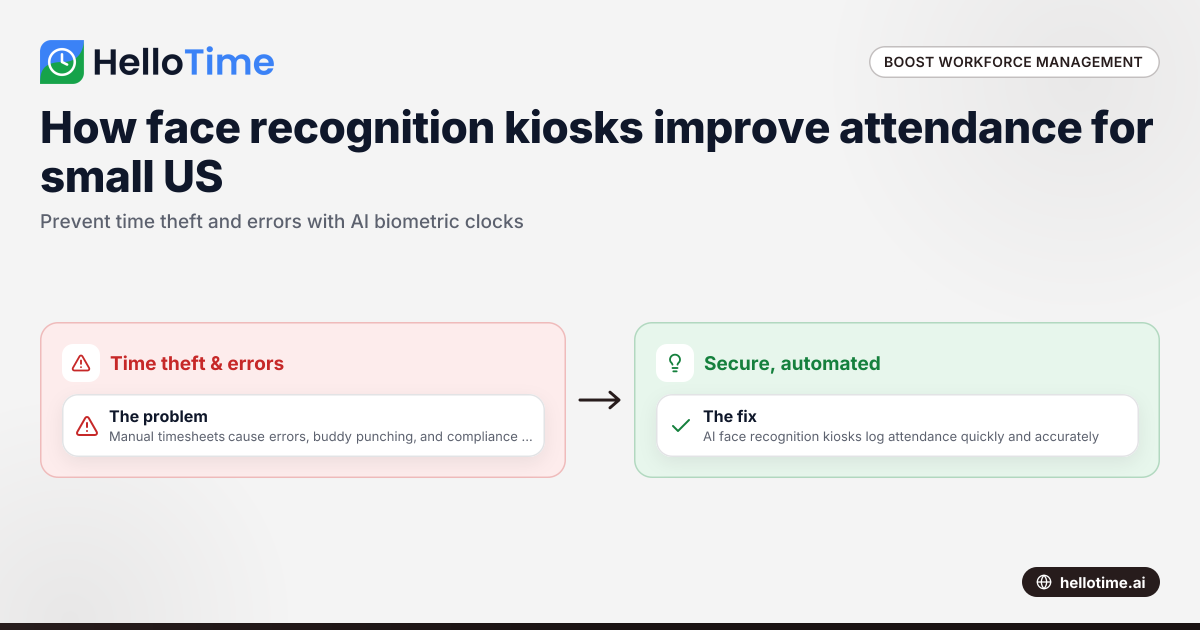
How Biometric Attendance Kiosks with Face Recognition Improve Workforce Management for United States Small Businesses
Biometric attendance kiosks with face recognition use AI technology to capture employee attendance quickly and accurately without physical contact.
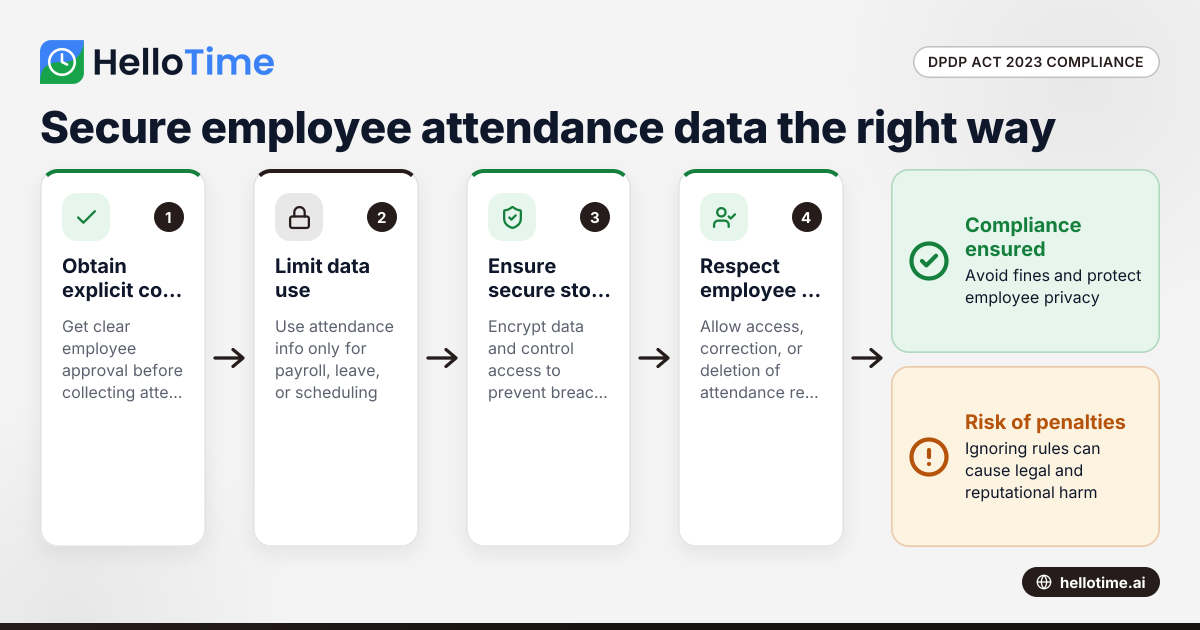
How the DPDP Act 2023 Impacts Employee Attendance and Timesheet Data Management in Indian SMEs
The Digital Personal Data Protection (DPDP) Act 2023 is India’s law regulating how personal data, including employee attendance information, must be.