Geofencing Time Clock for Delaware Field Service Small Businesses in the United States: How to Verify Jobsite Clock-Ins and Cut Buddy Punching
If you run a field service business in Delaware, a geofencing time clock helps you verify that employees clock in at the right jobsite, not from the.
The HelloTime team
12 min read
On this page
If you run a field service business in Delaware, a geofencing time clock helps you verify that employees clock in at the right jobsite, not from the truck, home, or another stop. It is one of the simplest ways to reduce buddy punching, tighten payroll accuracy, and give your office a cleaner attendance record without adding more paperwork.
Key takeaways
- A geofencing time clock for field service uses a virtual boundary around a customer site or work location.
- It helps Delaware small businesses verify jobsite clock-ins and reduce buddy punching.
- The best setup combines GPS, geofenced rules, clear clock-in policies, and manager review.
- Geofencing works best for HVAC, plumbing, electrical, landscaping, cleaning, pest control, and repair teams.
- You still need a written attendance policy and employee notice. This is general information, not legal advice.
- Good time tracking software should also support approvals, leave, scheduling, and job-based reporting.
What is a geofencing time clock for field service?
A geofencing time clock for field service is a time tracking system that lets employees clock in and out only when they are inside a defined GPS-based area. That area is usually placed around a customer jobsite, warehouse, office, or service address.
For a Delaware small-business owner, this matters because field service work is messy by nature. Your team may start the day in Wilmington, stop in Newark, head to Middletown, and finish near Dover. If your crew still texts hours to the office or writes them on paper, it is hard to know whether the first clock-in happened at the actual site.
Geofencing solves that by putting a digital boundary around the location. When a technician arrives, the app checks whether the device is inside that boundary. If yes, the employee can clock in. If not, the system can block the clock-in, flag it, or ask for manager review, depending on your setup.
This is especially useful for small service businesses that bill by labor hour. If your payroll and job costing rely on accurate start and stop times, a loose attendance process quickly turns into lost margin.
Why field service owners in Delaware care about this now
Delaware is small geographically, but that does not make field work simple. Traffic around I-95, route-based dispatching, beach-area seasonal work, and jobs that cross New Castle, Kent, and Sussex counties all create room for time leakage.
Common problems look like this:
- A technician clocks in while still driving to the first call.
- Two employees clock in for each other.
- A crew stays clocked in after leaving the site.
- The office has no reliable record when a customer disputes billed hours.
- Supervisors spend Friday afternoon chasing handwritten timesheets.
A geofencing time clock gives you a better audit trail. It will not solve every attendance issue on its own, but it gives you a much stronger starting point than spreadsheets.
How does a geofencing time clock for field service work?
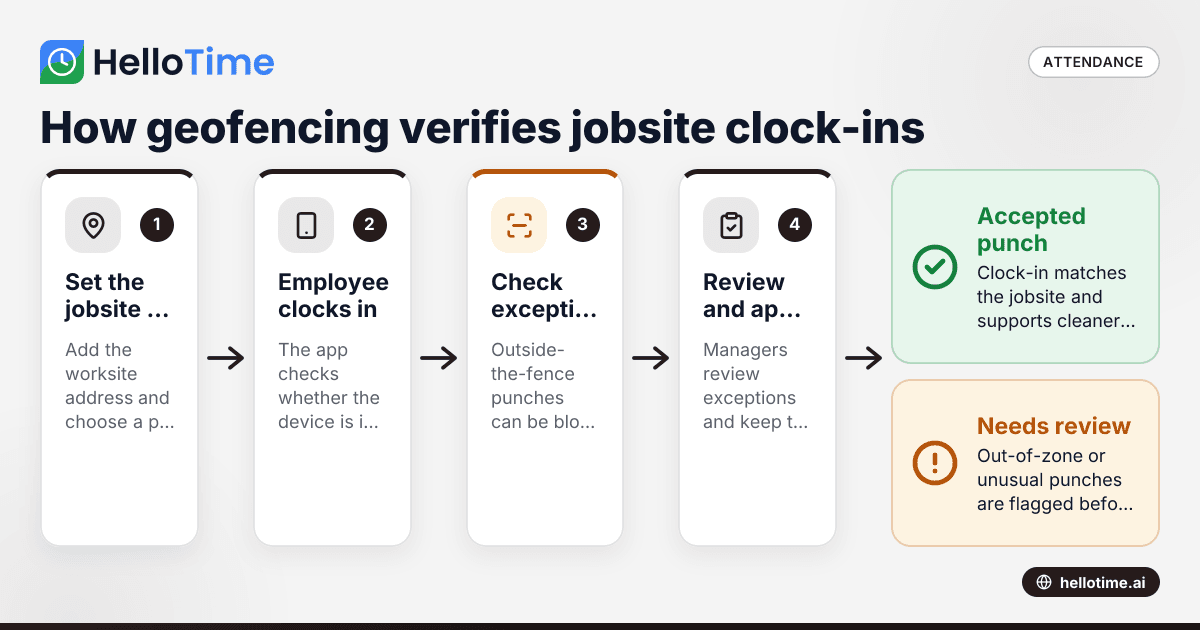
It creates a virtual boundary around each jobsite and checks whether an employee’s phone or device is inside that area at clock-in or clock-out. If the employee is outside the approved area, the system can prevent the punch or flag it for review.
In practice, the process is simple. You add a customer or worksite address. Then you set a geofence radius around that location. When an employee arrives, they open the app and tap to clock in. The system compares the device location with the geofence.
If the locations match within the allowed area, the punch is accepted. If not, the punch may be blocked or marked as an exception.
A basic example from a Delaware service business
Imagine you own a 12-person HVAC company based near Newark. Your technician is scheduled for a 9:00 AM call at a retail store in Wilmington. You create a geofence around the store address. When the technician arrives, they can clock in from the parking lot or inside the building, depending on the geofence size you choose.
If they try to clock in from home at 8:35 AM, the system sees they are outside the geofenced area. That punch can be denied or flagged.
That one control removes a lot of guesswork from payroll and customer billing.
What “ai geofencing time” can mean in real use
Some owners searching for ai geofencing time are really looking for smarter exception handling, not just GPS circles on a map. In practical terms, that means software that helps surface unusual clock-ins faster, such as repeated out-of-zone punches, odd patterns by employee, or inconsistent site behavior that needs manager review.
For a small Delaware business, the value is not buzzwords. The value is seeing exceptions early, fixing them quickly, and keeping timesheets clean before payroll approval.
Why does buddy punching happen in Delaware field service teams?
Buddy punching usually happens when your clock-in process is too loose, too manual, or too easy to work around. In a field service business, crews often move fast, work remotely, and start jobs before a manager sees them.
That makes field service more exposed than office-based work. If one technician can text another and say, “Clock me in, I’m five minutes out,” your records are already off. Five minutes becomes fifteen. Then it happens again at lunch or at the last stop of the day.
For a Delaware small-business owner, the cost is bigger than a few extra minutes of payroll:
- Labor costs rise quietly over time.
- Job costing becomes less reliable.
- Invoices can be questioned by customers.
- Honest employees get frustrated.
- Supervisors spend more time checking timesheets.
Common causes of buddy punching
Buddy punching often comes from process gaps, not just bad intent. These are the usual causes:
- Shared devices with no clear controls.
- No location verification at clock-in.
- No approval workflow for exceptions.
- Paper timesheets filled out at the end of the week.
- Unclear rules on when travel time and job time begin.
- Pressure to “round things out” to match a schedule.
The right fix is usually a mix of technology and policy. Geofencing is a strong control, but your team also needs simple written rules.
What should Delaware small businesses look for in a geofencing time clock?
Look for easy jobsite setup, accurate GPS checks, exception alerts, approvals, and simple reports. The best system should fit how your field crews actually work across Delaware, not force them into a complicated process.
1. Fast setup for many jobsites
Field service companies add new addresses all the time. You need to create sites quickly. If it takes too long to build or edit geofences, your office will stop using the feature properly.
This matters if you run plumbing, landscaping, electrical, or repair calls across Wilmington, Dover, and Rehoboth Beach in the same week.
2. Flexible geofence radius
Not every site needs the same boundary. A downtown service call may need a tighter radius. A large commercial property or construction area may need a wider one.
A good system lets you adjust that without friction.
3. GPS-backed clock-in records
You need a record that shows where the employee was when they clocked in and out. That helps with internal review and customer disputes.
It also gives managers a cleaner way to approve time.
4. Clear exception handling
You will have edge cases. GPS can be less accurate indoors, in dense areas, or on certain devices. A good system should let you review and approve exceptions instead of creating chaos for the team.
5. Timesheets and approvals
A time clock alone is not enough. You need approved timesheets that roll up hours by employee, date, and job. This is where a broader workforce tool becomes useful.
HelloTime, for example, combines geofenced clock-in, time tracking, attendance records, approvals, scheduling, and leave management in one place. If you want to see how that fits together for American businesses, you can review HelloTime in the US.
How do you set up geofencing for Delaware jobsites without frustrating your crew?
Start with your most common jobsites, use practical geofence sizes, test with a few employees, and write a simple policy. Keep the first rollout narrow so your team learns the process without getting buried in exceptions.
Step 1: Pick your first group of jobsites
Do not launch geofencing on every address at once. Start with 10 to 20 repeat locations. Good candidates include:
- Commercial maintenance accounts
- Large residential communities
- Warehouses
- Recurring cleaning sites
- Construction projects
- Customer sites with regular weekly visits
This gives your office time to test and adjust.
Step 2: Choose the right geofence size
A fence that is too small creates false exceptions. A fence that is too large defeats the purpose. Start with the real arrival point. For example, use the lot entrance, front office, or service entrance based on how the crew actually checks in.
Test it in the field before finalizing it.
Step 3: Decide what happens outside the fence
You need one rule. If someone tries to clock in outside the fence, what should happen?
Common options are:
- Block the punch.
- Allow the punch but flag it.
- Allow the punch only with a note.
- Require manager approval.
Most Delaware small businesses do best with flag-and-review at first. That reduces frustration while you fine-tune locations.
Step 4: Write a simple clock-in policy
Keep this short and practical. Your policy should state:
- When employees should clock in
- Whether clock-in starts at the jobsite or another approved location
- What to do if GPS fails
- Whether notes are required for exceptions
- Who approves disputed punches
Use plain language. Your team should understand it in one read.
Step 5: Train supervisors first
If supervisors are confused, everyone else will be too. Show them how to review exceptions, correct time, and answer common employee questions.
A 20-minute training is often enough if the system is simple.
Step 6: Review the first two payroll cycles closely
This is where problems show up. Watch for repeat exceptions at the same addresses. That usually means the geofence size or pin location needs adjustment.
Do not assume every exception is employee misuse. Sometimes the setup is the issue.
Where does geofencing help most in a Delaware field service business?
Geofencing helps most when employees start work at changing customer locations and payroll depends on accurate site-level time. It is especially useful when owners cannot physically verify every arrival and departure.
Best use cases
Geofencing is a strong fit for:
- HVAC service
- Plumbing
- Electrical work
- Pest control
- Janitorial services
- Landscaping
- Appliance repair
- Property maintenance
- Construction subcontractors
- Home services with multiple daily stops
If your crews report first to a fixed warehouse, tablet kiosk attendance may also be useful at that location. But once employees are moving between jobsites, GPS and geofencing become much more practical.
Cases where geofencing needs care
Geofencing can still work in these situations, but it needs tighter setup:
- Large campuses
- Rural properties
- Multi-building sites
- Underground or low-signal areas
- Shared customer addresses with multiple tenants
In those cases, combine geofenced punches with notes, manager approvals, and common-sense review.
How can you cut buddy punching without turning your team against you?
Use geofencing as a fairness tool, not a surveillance message. Explain that the goal is accurate pay, cleaner customer billing, and less Friday paperwork for everyone.
A bad rollout sounds like punishment. A good rollout sounds like consistency.
The message that works better
Tell employees:
- Everyone follows the same rule.
- Accurate time protects their pay.
- Exceptions can still be reviewed.
- The process is faster than paper.
- Honest employees should not be penalized by loose records.
That approach reduces pushback.
Add these controls around geofencing
Geofencing is stronger when paired with a few simple controls:
- Require each employee to use their own login.
- Turn on manager approval for exceptions.
- Review repeated out-of-zone punches weekly.
- Match scheduled jobs to actual clock-ins.
- Ask for notes when employees leave a site early.
- Use clear start-stop rules for travel and breaks.
These steps matter more than fancy features.
How do you handle privacy and employee concerns in Delaware?
Be clear about what is tracked, when it is tracked, and why. Most employee concern drops when the policy is specific and tied to work hours, jobsite verification, and payroll accuracy.
For Delaware small-business owners, the biggest mistake is being vague. If your team thinks their location is monitored all day for no reason, trust falls fast. If they understand the purpose is attendance verification during work activity, the rollout is usually smoother.
A practical policy checklist
Your written policy should cover:
- Which employees use location-based clock-in
- When location is checked
- Whether clock-in is restricted by geofence
- How exceptions are handled
- Who can review records
- How long records are kept
- Who employees contact if a punch is wrong
Keep the tone practical. Avoid legal jargon unless your counsel tells you otherwise.
Keep records consistent
If you ever need to review a time dispute, consistency matters. Use one process across the team. Avoid side deals or supervisor-by-supervisor rules.
That is another reason software helps. It creates a standard workflow instead of a patchwork.
Choosing software that fits a Delaware small business
Many owners start by looking only for a mobile punch app. That is understandable, but field service attendance touches more than one problem.
You may also need:
- Job-based timesheets
- Shift scheduling
- Leave tracking
- Attendance approvals
- GPS clock-in records
- Billable hour reporting
- Project or job profitability visibility
If you are comparing tools, focus on the whole workflow from clock-in to approved timesheet. A system that saves your office an hour every Friday is often more valuable than one extra feature.
HelloTime is built around that broader workflow. You can explore the full features set to see how geofencing, timesheets, approvals, scheduling, leave, and reporting work together for small teams.
Common rollout mistakes Delaware owners should avoid
Small mistakes in setup can make a good system feel broken. The most common issues are avoidable.
Making the first rollout too big
Start with a pilot. If you launch on every site and every employee at once, you will have too many variables.
Using one radius for every location
A storefront in Wilmington is not the same as a large service yard in Sussex County. Adjust the fence to the site.
Skipping supervisor training
Supervisors are the bridge between policy and daily use. If they do not know how to review exceptions, your office becomes the bottleneck.
Keep reading
Related articles
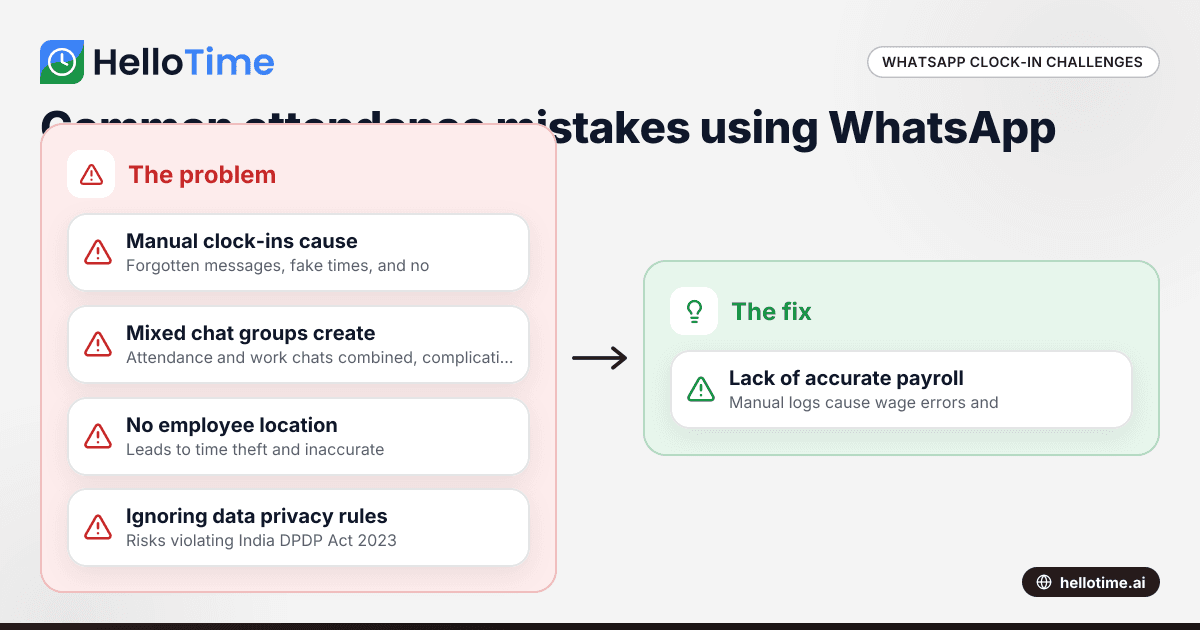
Using WhatsApp for Clock-In and Attendance Tracking in Indian Small Businesses
Using WhatsApp for Clock-In and Attendance Tracking in Indian Small Businesses The cost of managing attendance poorly can be high for small.
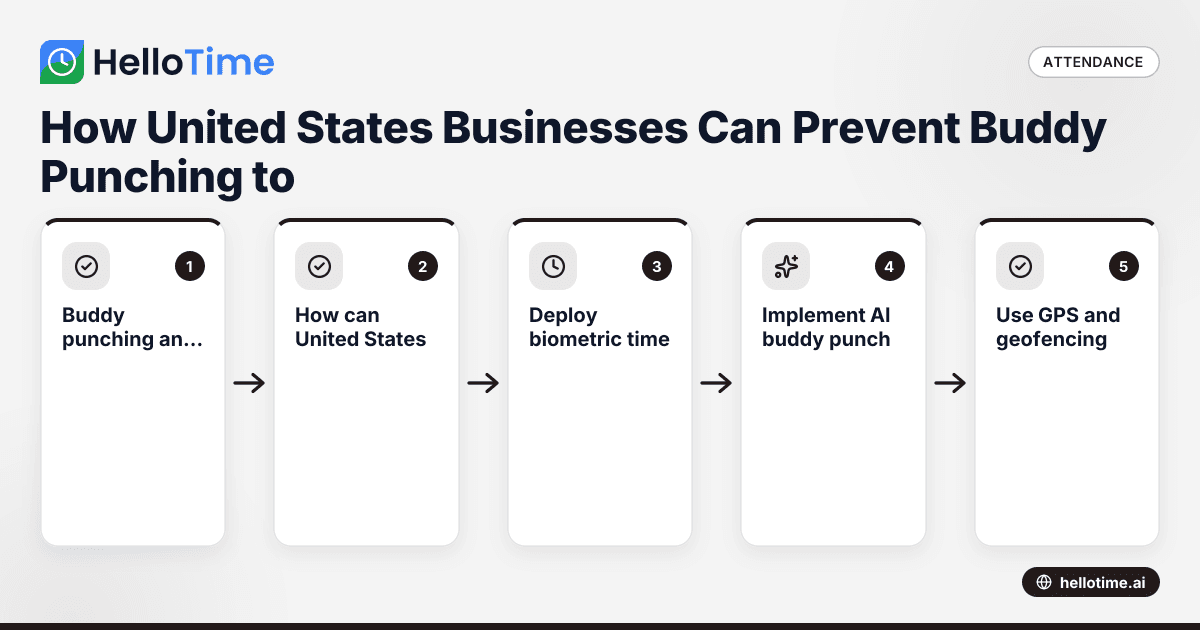
How United States Businesses Can Prevent Buddy Punching to Ensure Accurate Time Tracking
Buddy punching occurs when one employee clocks in or out for a coworker, undermining accurate time tracking and payroll. United States businesses can.
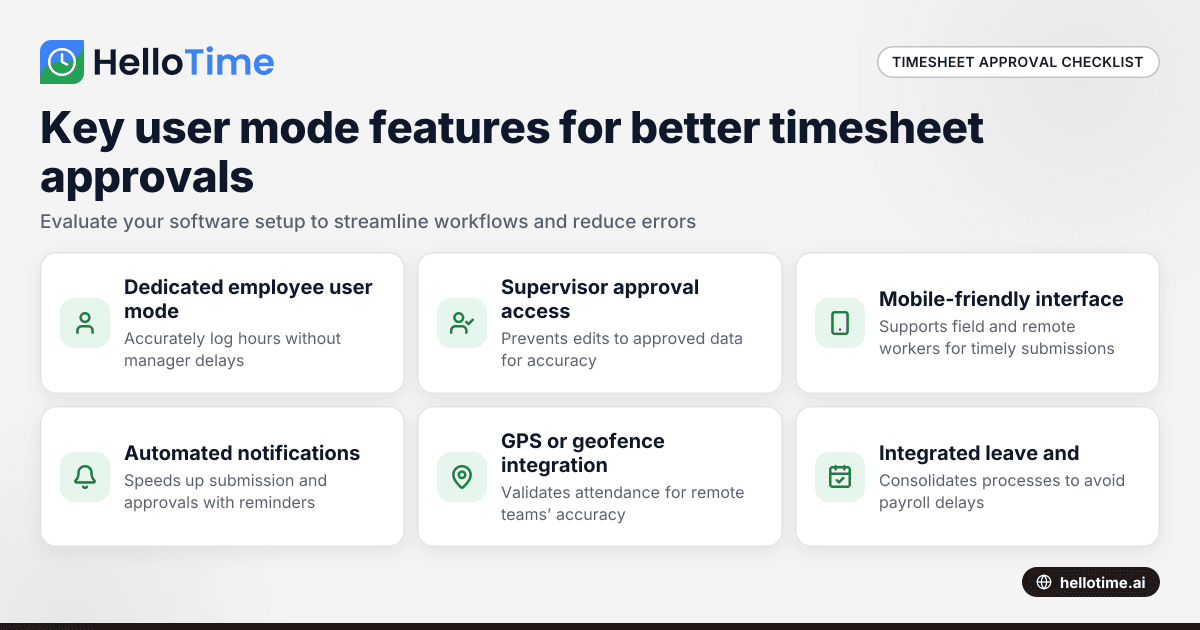
How User Mode Enhances Timesheet Approval Workflow for Indian Small Businesses
How User Mode Enhances Timesheet Approval Workflow for Indian Small Businesses.