How Delaware Small Businesses Can Bulk Import Employee Data for Faster Shift Scheduling and Timesheet Setups
Managing employee data efficiently is essential for Delaware small businesses, especially when handling shift scheduling and timesheets. AI bulk.
The HelloTime team
5 min read
On this page
Managing employee data efficiently is essential for Delaware small businesses, especially when handling shift scheduling and timesheets. AI bulk import helps automate uploading multiple employee records at once, saving time and reducing errors.
Key takeaways
- AI bulk import streamlines employee data upload for shift scheduling and timesheets.
- Delaware small businesses benefit from faster, more accurate workforce management.
- Preparing a clean, standardized employee data file ensures smooth import.
- Common formats include CSV and Excel spreadsheets.
- Compliance with Delaware labor laws is vital when managing schedules.
- Bulk import reduces manual errors and supports payroll accuracy.
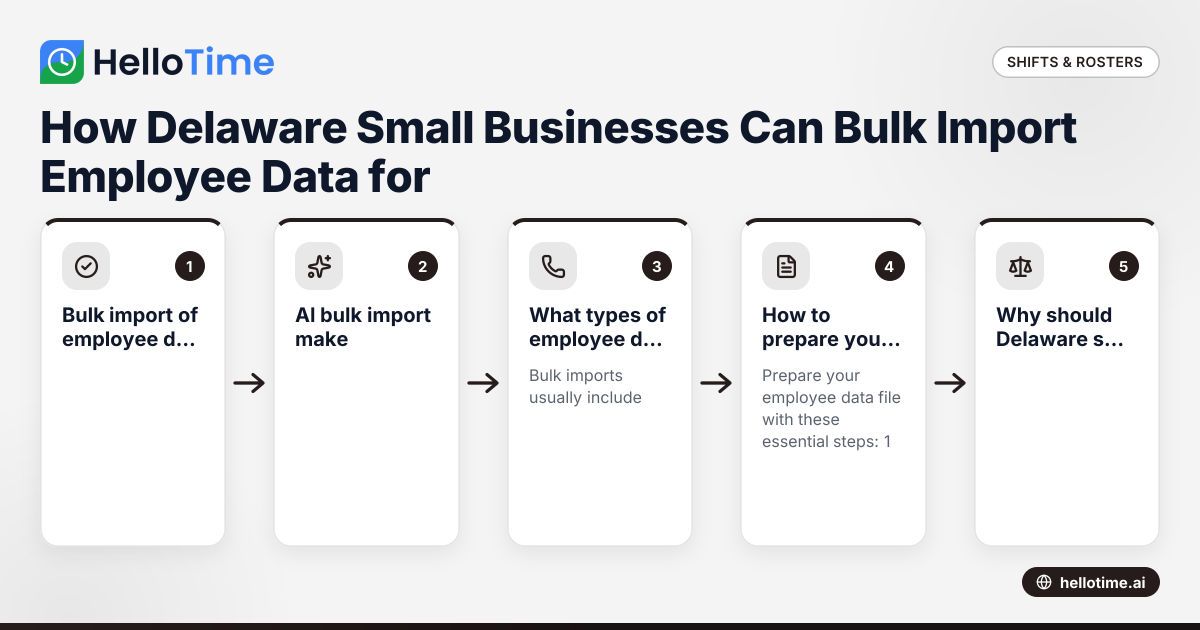
What is bulk import of employee data?
Bulk import of employee data is the quick process of uploading many employee records simultaneously into workforce software. This avoids manual, one-by-one data entry. Typical information includes names, job roles, pay rates, and schedules.
Delaware businesses growing their workforce use bulk import to speed setup and updates, improving accuracy and efficiency in payroll and time tracking.
How does AI bulk import make workforce management easier?
AI bulk import uses artificial intelligence to automatically parse and organize employee data from various sources, detecting errors and standardizing formats. This reduces manual corrections and saves time.
For Delaware small businesses, AI bulk import accelerates onboarding and updates so you can focus on running your operations instead of paperwork.
What types of employee data are typically imported in bulk?
Bulk imports usually include:
- Employee names and IDs
- Job titles or roles
- Employment status (full-time, part-time)
- Pay rates or hourly wages
- Work locations
- Scheduled shifts with start/end times
- Contact and emergency info
- Relevant payroll or tax information
Consistent data structure enables software to auto-build timesheets and alerts for shift approvals.
How to prepare your employee data file for bulk import?
Prepare your employee data file with these essential steps:
- Use CSV or Excel format supported by your software.
- Clean your data by removing duplicates and fixing errors.
- Use official templates with exact column headers.
- Standardize job titles and use US date/time formats (MM/DD/YYYY and 12- or 24-hour time).
- Test-import a small sample first to check for issues.
Following these steps ensures a smooth, error-free AI bulk import process.
Why should Delaware small businesses use bulk import for shift scheduling?
Bulk import saves time by automating multiple employee record entries and reduces scheduling errors. Scheduling software can then assign shifts, track availability, and notify employees automatically.
For Delaware employers, it supports compliance with state labor laws on breaks, overtime, and notices. Automated timesheets help prevent disputes and streamline payroll accuracy.
How can I bulk import employee data for timesheets and schedules in HelloTime?
HelloTime allows Delaware small businesses to bulk import employee data using CSV or Excel files. Steps:
- Download HelloTime’s import template under “Settings > Import Data.”
- Fill in required fields like employee names, roles, pay rates, and contacts.
- Upload via the “Bulk Import” option in shift scheduling or timesheet setup.
- Review the preview for errors or missing data.
- Confirm to import and generate shifts or timesheets automatically.
This reduces setup from days to hours so you can focus on managing your team.
What compliance should I consider when importing employee data in Delaware?
While importing data, Delaware businesses must:
- Protect employee privacy under applicable laws.
- Respect wage and hour rules for breaks and overtime.
- Maintain accurate records for payroll audits.
- Follow data security standards, especially if handling sensitive client info.
Bulk import is just one piece of lawful and responsible workforce management.
How to prevent common bulk import mistakes?
Avoid these common issues:
- Don’t skip cleaning your file; errors cause import failure.
- Match column headers exactly to what the software expects.
- Use unique identifiers for each employee.
- Check pay rates and scheduling times carefully.
- Back up current data before importing changes.
Regular updates keep your records accurate without disrupting schedules or payroll.
How can AI bulk import help if I have data from different sources?
If your employee data is scattered—across spreadsheets, emails, or HR systems—AI bulk import can intelligently consolidate it. AI detects duplicates, fixes inconsistencies, and standardizes formats.
This saves time for Delaware businesses during rapid growth or restructuring and ensures your schedules and timesheets reflect up-to-date information.
What workforce management features complement bulk import?
After importing, employee data integrates smoothly with:
- Auto-built timesheets and approval workflows
- GPS and geofenced clock-in options
- Tablet kiosk attendance with face recognition
- Project profitability and labor cost reports
- Leave and absence management
These features streamline end-to-end workforce tracking and payroll prep.
Where can I learn more or try bulk import features?
Discover how HelloTime’s bulk import speeds up shift scheduling and timesheets at features. To select the best plan for your Delaware business, visit pricing.
Empower your workforce management with less hassle and more accuracy.
Frequently asked questions
Can I bulk import employee data if I only have part-time and seasonal staff?
Yes. Bulk import supports all employment types. Just specify part-time, seasonal, or full-time status accurately in your file to keep schedules precise.
Will bulk importing overwrite existing employee data?
Some systems let you update existing records or add new ones. Always back up your current data before importing to prevent accidental loss.
How do I handle errors during bulk import?
Most software provides error reports pointing out invalid entries. Correct these issues and retry import. Testing on a small sample helps catch problems early.
Is bulk import secure for employee personal information?
Reputable tools use encryption and strong access controls. Delaware businesses should confirm privacy compliance and restrict sensitive data access suitably.
How often should I perform bulk import?
Bulk import is best for initial setup or large updates like onboarding many hires. Smaller changes may be easier with manual edits or incremental uploads.
Can bulk import speed up payroll preparation?
Absolutely. With accurate employee hours and pay rates uploaded, software calculates wages automatically, reducing errors and payroll time.
Take control of your workforce management. Visit HelloTime’s features to see how AI bulk import saves time, and check out our pricing to find your ideal Delaware small business plan.
Read next
This article covers one part of a bigger topic. For the complete picture, read our guide to bulk import.
Keep reading
Related articles
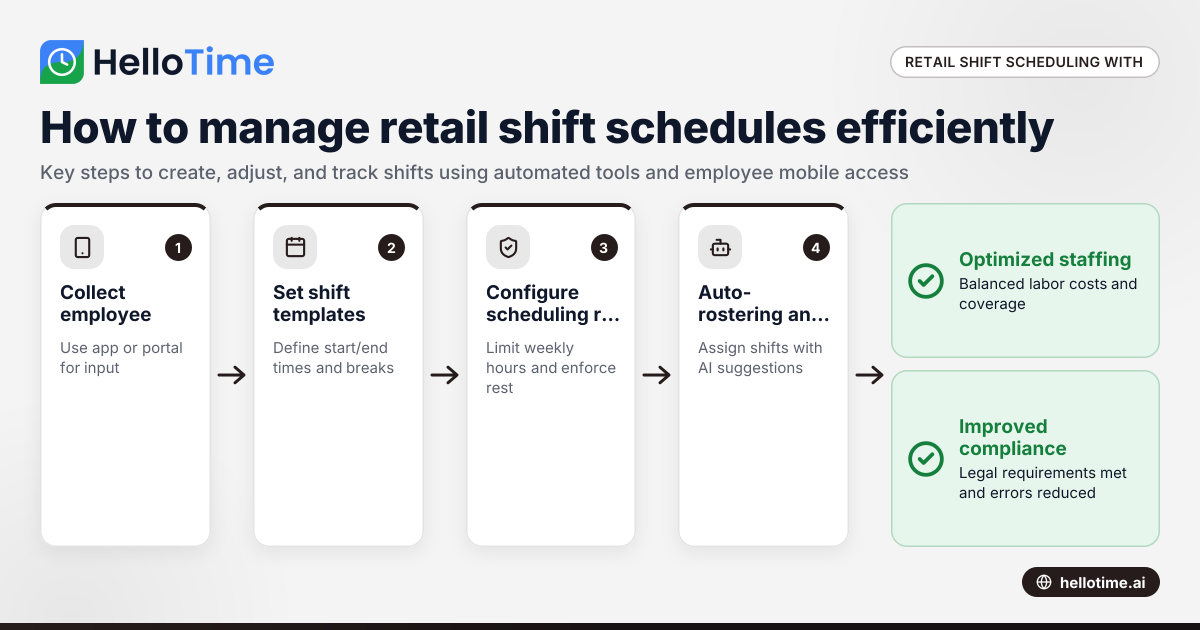
How United States Small Businesses Can Use HelloTime to Manage Shift Scheduling for Retail Stores Efficiently
Managing shift schedules efficiently is crucial for retail stores to maintain smooth operations, meet customer demands, and ensure employee.
How UAE Retail Stores Can Use Shift Scheduling Software to Manage Busy Seasons Efficiently
Retail stores in the UAE use shift scheduling software to organise employee shifts efficiently, especially during busy periods like holidays or.
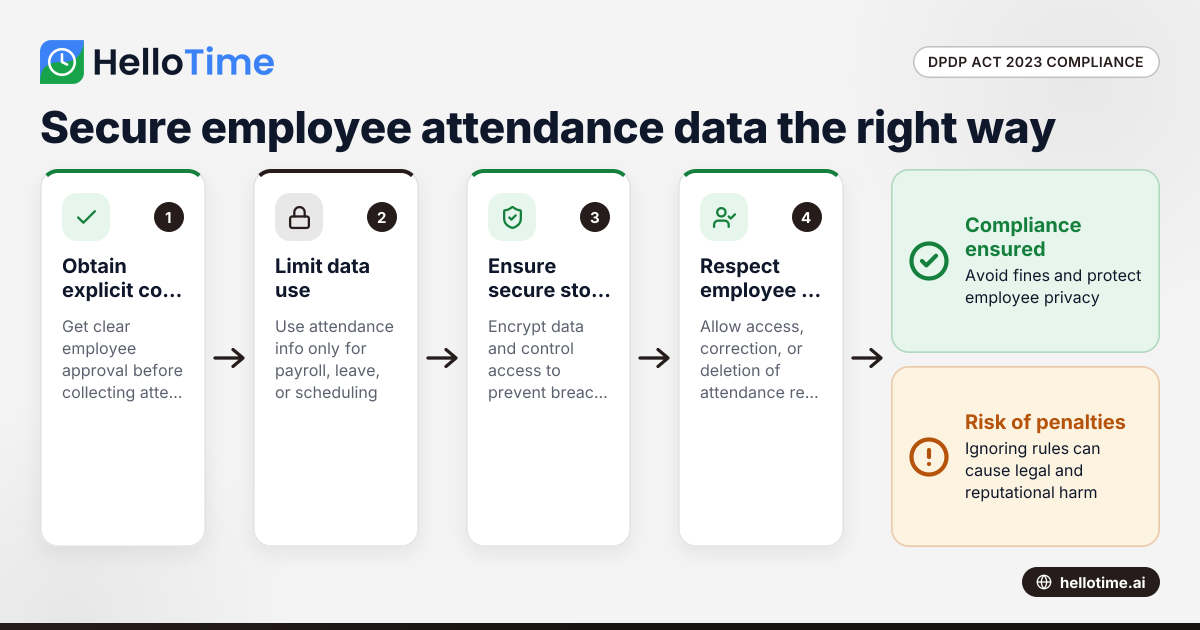
How the DPDP Act 2023 Impacts Employee Attendance and Timesheet Data Management in Indian SMEs
The Digital Personal Data Protection (DPDP) Act 2023 is India’s law regulating how personal data, including employee attendance information, must be.