How Time Tracking Software Can Simplify Overtime Calculation for United States Small Businesses
Overtime calculation is often complex and time-consuming for small businesses in the United States. AI time tracking software automates accurate.
The HelloTime team
7 min read
On this page
Overtime calculation is often complex and time-consuming for small businesses in the United States. AI time tracking software automates accurate capture of employee work hours, simplifies overtime pay calculations, and ensures compliance with labor laws. This reduces administrative burdens and helps avoid costly wage disputes.
Key takeaways
- AI time tracking automates precise recording of employee hours and overtime.
- It helps small businesses comply with federal and state overtime laws like the FLSA.
- Automated tools reduce errors and save administrative time.
- Digital timesheets streamline payroll and reduce disputes over overtime pay.
- Real-time reporting lets managers monitor hours and prevent excess overtime.
- Integration with scheduling and leave management improves overall workforce management.
Why is overtime calculation challenging for small businesses in the United States?
Calculating overtime pay correctly involves federal laws such as the Fair Labor Standards Act (FLSA) plus varying state and city regulations. Employers must pay overtime—usually 1.5 times the regular rate—for hours worked beyond 40 per workweek. Some states add daily overtime rules or industry-specific standards.
For example, California requires overtime for hours over 8 in a day, while New York applies special overtime rules for hospitality workers. Businesses in cities like Chicago or Detroit need to track both federal and local laws carefully.
Challenges include:
- Multiple pay rates: Employees working different roles or shifts may have various base pay rates.
- Split shifts and break rules: Time worked before or after breaks may or may not count as overtime.
- Different state laws: California and New York have stricter overtime laws than federal standards.
- Manual tracking errors: Paper or spreadsheet tracking often causes lost or inaccurate data, leading to missed or wrongly calculated overtime.
Missing overtime pay or miscalculating it invites wage claims, audits, and penalties. The Department of Labor reports wage-hour disputes are a common source of lawsuits against small businesses.
How does time tracking software simplify overtime calculation?
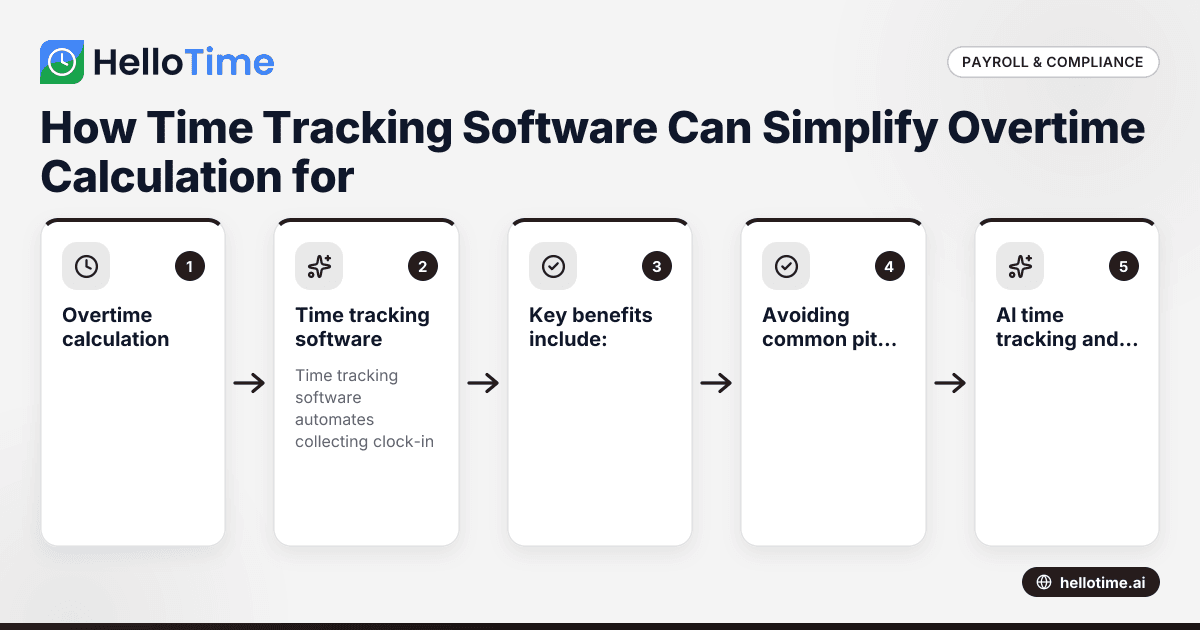
Time tracking software automates collecting clock-in, clock-out, and break data, creating accurate timesheets without manual input. It automatically flags overtime hours based on customizable pay rules tailored to your location and industry.
Example: A retail store in Houston with 10-hour shifts can configure overtime pay for hours above 40 per week (federal rule) and track meal breaks. If an employee clocks 48 hours, the system calculates 8 as overtime and applies the correct pay rate.
Key benefits include:
- No manual calculations: The system computes overtime using updated rules, reducing errors and saving HR time.
- Flexible pay rules: Set rates for weekend, holiday, or double shifts. Chicago businesses can include city overtime policies.
- Audit-ready records: All timesheets are centrally stored with timestamps for easy audits.
- Real-time alerts: Managers receive notifications when overtime thresholds approach, allowing schedule adjustments.
- Integrated scheduling and leave: The software adjusts for paid leave or sick days automatically.
Avoiding common pitfalls
- Outdated rules: Keep software rules updated for changing overtime laws.
- Ignoring break compliance: Some states require overtime if breaks aren’t taken properly.
- Improper employee training: Staff must understand how to punch in/out correctly to avoid errors.
Automating the process reduces disputes and builds employee trust in fair pay.
What is AI time tracking and how can it benefit my business?
AI time tracking uses artificial intelligence to monitor employees' work hours more intelligently, detecting irregular patterns and predicting overtime risks. Unlike basic time tracking, AI analyzes data for anomalies and helps optimize scheduling.
How does AI improve overtime management?
AI time tracking automates reminders for missed punches, detects irregular clock-ins or long breaks, predicts which employees might exceed overtime limits based on past data, and suggests shift changes to reduce costly overtime. This reduces manual oversight and helps prevent payroll inaccuracies.
For example, a Detroit construction company using AI tracking spotted a subcontractor frequently missing clock-outs. The system alerted supervisors, preventing incorrect overtime pay. AI also showed certain teams consistently worked over 40 hours, prompting hiring adjustments.
By easing administrative effort and improving accuracy, AI time tracking helps small businesses maintain compliance and control costs.
Can time tracking software help me stay compliant with federal and state overtime laws?
Yes. Time tracking software supports compliance by allowing you to configure rules according to the Fair Labor Standards Act and state requirements like California’s daily overtime or New York’s meal break laws. Flexible software adapts to the jurisdictions where you operate.
How is compliance supported?
Time tracking software enables custom pay rule setups for daily and weekly overtime thresholds, classification of exempt and non-exempt employees, break tracking, real-time alerts on overtime limits, and comprehensive audit logs. This helps reduce wage claims and simplify dispute resolution.
Businesses in hospitality, retail, and manufacturing especially benefit by minimizing the risk of costly lawsuits or back-pay claims.
Keep in mind labor laws evolve, so regularly review software settings and consult experts. This article provides general information, not legal advice.
How do I implement time tracking and overtime management in my business?
Implementing time tracking with overtime management involves these steps:
- Choose suitable software: Select tools supporting flexible overtime rules, payroll integration (QuickBooks, ADP), GPS clock-in, and scheduling.
- Configure overtime policies: Input federal and state laws in the system including pay rates, thresholds, and breaks.
- Train employees: Explain clock in/out procedures, overtime calculations, and pay policies.
- Set up scheduling and approvals: Use scheduling to balance shifts and allow managerial review of timesheets.
- Monitor reports: Regularly review overtime and staffing trends to control labor costs.
- Integrate with payroll: Automate time data transfer to payroll systems to reduce errors.
- Collect feedback: Address employee queries early to ensure accuracy and trust.
Example: A Houston landscaping business reduced overtime by 15% within two months after setting up time tracking and training employees.
How does time tracking impact payroll accuracy?
Accurate time tracking ensures correct hours, including overtime and leave, are recorded accurately. This reduces payroll mistakes causing underpayment, overpayment, or legal risks.
Payroll accuracy benefits:
- Automated overtime calculations: Removes manual math errors.
- Dispute reduction: Digital timesheets clarify hours worked.
- Faster processing: Time data integrates seamlessly with payroll software.
- Leave adjustments: Salaried and leave periods factor correctly into overtime eligibility.
A Chicago-based consulting firm improved invoicing and payroll accuracy by linking time tracking to billing.
What industries benefit most from overtime time tracking software?
Industries relying on hourly or shift labor gain the most:
- Retail stores with extended and weekend shifts.
- Hospitality venues managing fluctuating labor needs.
- Healthcare with 24/7 staff schedules.
- Construction and manufacturing with variable hours.
- Field services needing GPS clock-ins.
- Professional agencies billing hourly.
Cities like Detroit and Houston, with diverse industries, find automated overtime tracking essential for smooth operations.
Why choose HelloTime for time tracking in the US?
HelloTime offers one-click time tracking with auto-built timesheets and approvals tailored for US overtime complexities. Features include shift scheduling, leave management, GPS and geofenced clock-in, and tablet kiosk attendance with face recognition.
While full US payroll integration is coming soon, HelloTime users benefit from customizable overtime rules, centralized audit-ready timesheets, proactive alerts, and AI-powered error reduction.
Explore HelloTime’s features or compare plans at pricing to find the best fit for your business.
Frequently asked questions
Can time tracking software handle multiple overtime rates?
Yes, many systems allow setting various overtime rates by role, location, holiday, or weekend status, automating accurate pay across diverse rules.
Is manual time tracking unreliable for overtime calculations?
Manual tracking is prone to errors such as missed punches and rounding mistakes, often causing incorrect overtime payments. Automated systems improve accuracy and reduce disputes.
Will using time tracking software reduce labor costs?
Yes. It provides visibility into employee hours and overtime, helping managers optimize schedules and prevent unnecessary overtime expenses.
Does time tracking software comply with wage and hour laws?
Most reputable tools let you customize pay rules to comply with federal and state laws. But software settings should be regularly updated to match evolving regulations.
Can small businesses implement AI time tracking easily?
Yes. Modern AI time tracking features integrate smoothly into existing HR workflows, offering advanced monitoring without requiring large HR teams.
How does time tracking work with leave management affecting overtime?
Leave hours like vacation or sick time are accounted for so that overtime calculations exclude authorized leave, ensuring compliance with labor laws.
Using AI time tracking software designed for US businesses can simplify overtime management, maintain compliance, and reduce payroll headaches. Digital tools like HelloTime let small businesses automate workforce tasks and grow efficiently. Check out HelloTime’s features to learn more.
Read next
This article covers one part of a bigger topic. For the complete picture, read our guide to time tracking.
Keep reading
Related articles
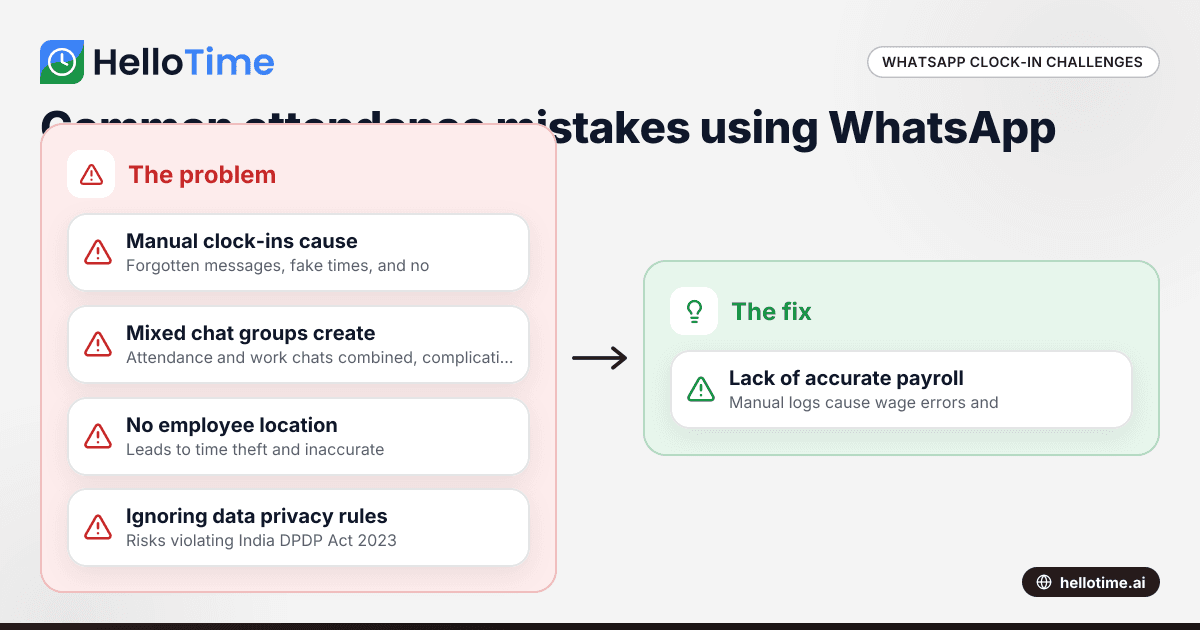
Using WhatsApp for Clock-In and Attendance Tracking in Indian Small Businesses
Using WhatsApp for Clock-In and Attendance Tracking in Indian Small Businesses The cost of managing attendance poorly can be high for small.
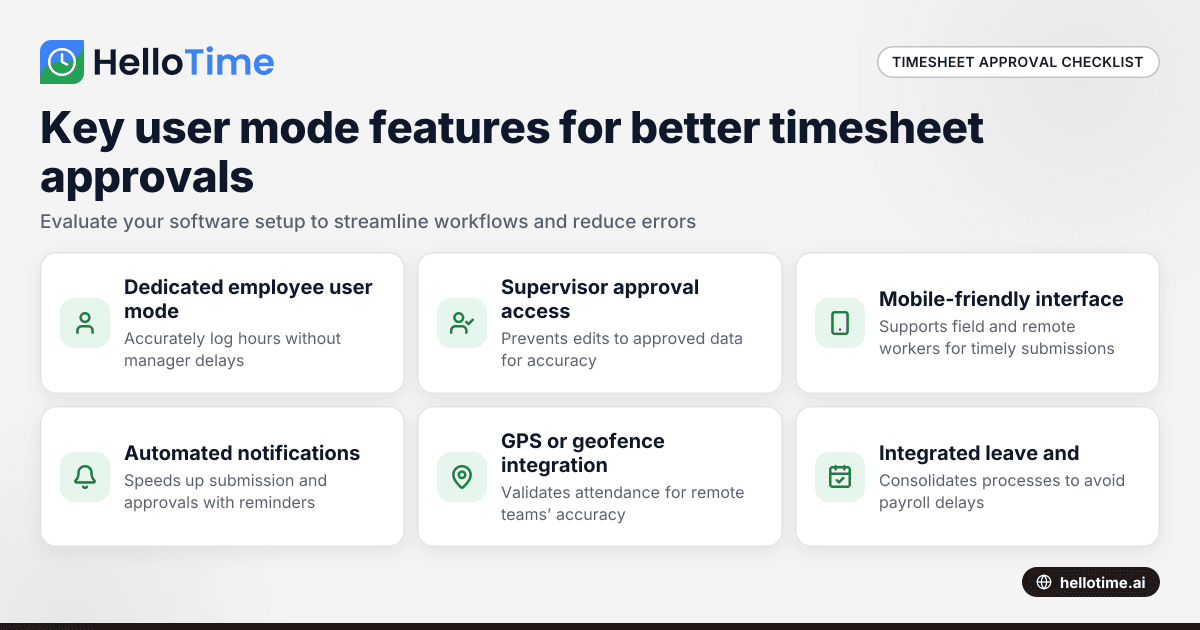
How User Mode Enhances Timesheet Approval Workflow for Indian Small Businesses
How User Mode Enhances Timesheet Approval Workflow for Indian Small Businesses.
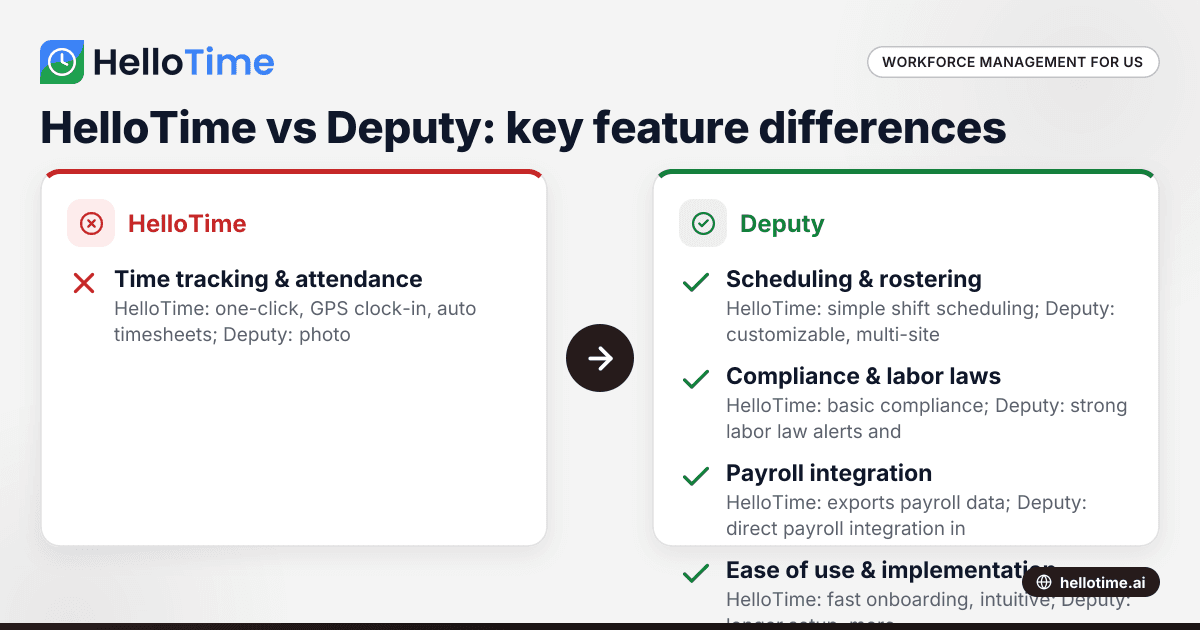
HelloTime vs Deputy: Which Workforce Management Software is Best for United States Small Businesses?
HelloTime and Deputy are popular workforce management tools offering employee scheduling, time tracking, and attendance solutions for US small.