How to Prevent Buddy Punching in United States Small Businesses with GPS, Geofences, and Attendance Kiosks
Buddy punching is when one employee clocks in or out for another. To prevent it in a United States small business, you need a mix of clear attendance.
The HelloTime team
12 min read
On this page
Buddy punching is when one employee clocks in or out for another. To prevent it in a United States small business, you need a mix of clear attendance rules, accurate clock-in controls, and an audit trail that managers can review quickly.
Key takeaways
- The best way to stop buddy punching is to make shared clock-ins hard and easy to detect.
- GPS stamps and geofences help verify where a mobile clock-in happened.
- Tablet kiosks with face recognition can reduce shared PINs and passcode abuse.
- Simple approval workflows and exception alerts help managers catch issues early.
- Written policies, training, and fair enforcement matter as much as the software.
- This article is general information, not legal advice.
What is buddy punching and why does it cost small businesses money?
Buddy punching happens when one worker clocks in for a coworker who is late, absent, or off site. In some businesses, it is done with a shared tablet PIN. In others, it happens through a mobile app login or a paper timesheet.
The cost adds up fast. You pay for time that was not actually worked. Supervisors lose trust in attendance records. Payroll errors spill into job costing, invoicing, and overtime calculations. In a shift business, bad attendance data can also leave a location understaffed during peak hours.
This problem is common in businesses that still rely on paper, spreadsheets, or an honor-based clock-in process. Think of a restaurant in Chicago with back-to-back lunch shifts, a field service team in Houston starting from job sites, or a small manufacturer in Detroit tracking attendance at one shared entrance. If the system is easy to game, some employees will test it.
The good news is that you do not need a heavy enterprise system to fix it. Small businesses can reduce buddy punching with practical controls that fit daily operations.
How to prevent buddy punching
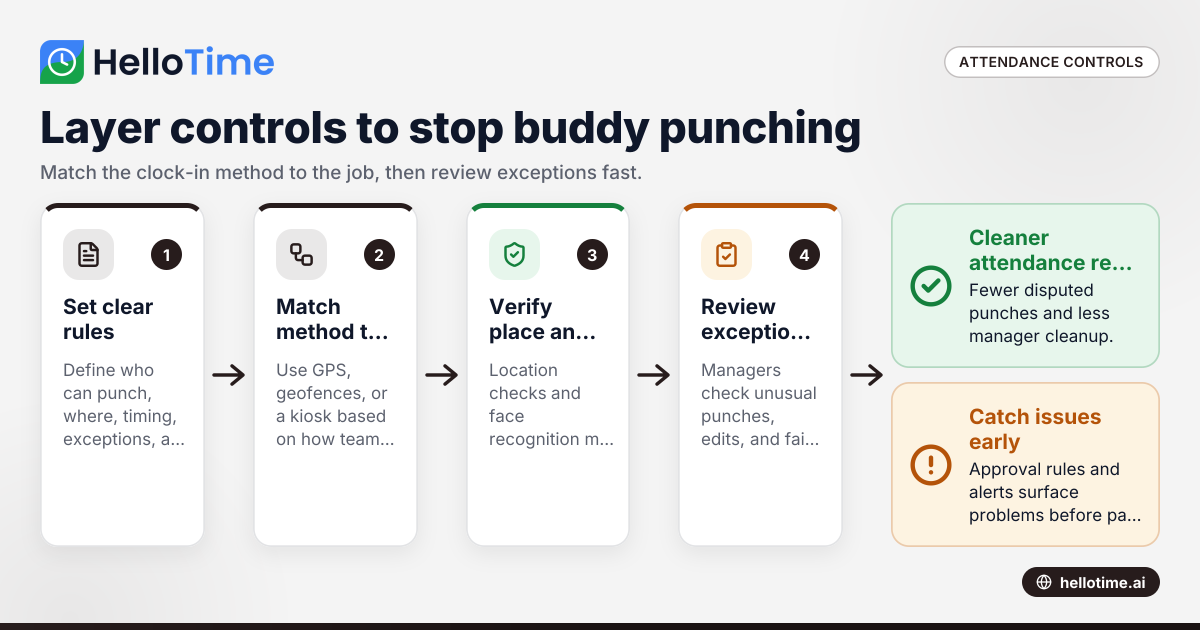
Use location checks, identity checks, and manager review together. GPS and geofences help confirm where the clock-in happened. A kiosk with face recognition helps confirm who clocked in. Approval rules and exception reports help managers catch the cases that still slip through.
The strongest setup is layered. A single control can fail. Two or three simple controls working together are much harder to bypass.
Why one control is not enough
If you only use GPS, an employee may still hand a logged-in phone to someone else. If you only use a kiosk PIN, a coworker may know the code. If you only review timesheets at the end of the pay period, you may catch issues too late.
Layered controls reduce false confidence. They also give managers better evidence when they need to ask questions about a shift.
A simple rule of thumb
Use the right method for the way your teams work:
- Use mobile GPS clock-in for field teams and crews that start at changing job sites.
- Use geofences for stores, warehouses, offices, and fixed customer locations.
- Use a tablet kiosk with face recognition for teams who clock in at one entrance or break room.
- Add manager approvals and exception flags for every setup.
Why do employees buddy punch?
Usually because the process is loose, the team culture allows it, or the stakes feel low. Employees may think they are just helping a coworker avoid a write-up. When attendance controls are weak, people often treat clock-ins as flexible rather than as payroll records.
That does not mean every issue is fraud. Sometimes the system is hard to use, the internet is unreliable, or workers are confused about when to clock in. Fixing buddy punching starts with better controls, but it also requires a process employees understand.
Common causes in small businesses
- Shared devices with no identity check
- Paper timesheets filled in later
- Mobile clock-ins from anywhere
- No review of early, late, or unusual punches
- Managers who approve time in bulk without checking exceptions
- Unclear attendance rules and inconsistent discipline
Start with process before technology
Before you turn on new tools, define a few simple rules:
- Who can clock in on mobile, and from where?
- Which locations require a kiosk?
- How early can someone clock in before a shift?
- Who reviews exceptions each day?
- What happens when an employee forgets to punch?
When the rules are simple, adoption is easier and disputes are fewer.
How do GPS and geofences help stop buddy punching?
GPS records the location of a clock-in. A geofence creates a virtual boundary around a work site, so the employee must be inside that area to clock in. Together, they make it harder to punch in from home, a parking lot, or another location.
GPS: useful for mobile and field teams
GPS is best when employees work away from one central site. A plumbing crew, home cleaning team, or route-based service business may start each day from different addresses. In that case, you want each clock-in tied to a location stamp.
This gives managers context. If a technician says they arrived at 8:00 AM, the record should show a punch near the customer site. If it shows a punch miles away, that is worth reviewing.
GPS is especially helpful when:
- Teams travel between jobs
- Crews start and end at customer locations
- Supervisors are not physically present
- You need proof of arrival timing for service records
Geofences: better for fixed sites
A geofence sets a permitted area for clock-in. That might be your storefront, warehouse, office, or a construction site. If someone is outside the defined boundary, the app can block the punch or flag it for review.
Geofences work well for:
- Retail stores
- Restaurants
- Warehouses
- Offices
- Manufacturing sites
- Long-running job sites
A geofence should match how the site actually works. If your staff park in a rear lot and enter through a side door, the boundary should allow that. If it is too tight, you will frustrate honest employees. If it is too broad, you weaken the control.
Best practices for GPS and geofences
- Keep geofences practical. Include real entry points.
- Explain why location is used before rollout.
- Restrict mobile clock-in to approved roles and sites.
- Review repeated off-site punch attempts.
- Document exceptions such as poor signal at a basement or remote yard.
If your team asks ai how location rules work, the simple answer is this: the system checks whether the device was at an approved place when the punch happened, then stores that record for review.
Are attendance kiosks better than mobile clock-ins?
For teams entering through one location, yes. A shared tablet kiosk is simpler, faster, and easier to supervise. Add face recognition, and it becomes much harder for one employee to clock in for another.
Why kiosks work well in shift-based businesses
Kiosks fit businesses where employees begin shifts in person at the same site. A tablet mounted near the entrance or break room creates one standard clock-in point. Managers know where the punch should happen. Employees do not need their own phones. New hires can use the same process on day one.
This setup is effective in:
- Restaurants
- Retail stores
- Warehouses
- Factories
- Clinics
- Hospitality businesses
Face recognition reduces shared credentials
A kiosk is much stronger when it checks identity, not just a PIN. Face recognition can reduce the old problem of one worker entering a code for a friend. It also speeds up clock-in lines at busy shift changes.
This matters most when you have:
- High headcount at one site
- Frequent shift overlap
- Seasonal workers
- Shared devices
- Tight start times
Kiosk rollout tips
- Place the tablet in a visible location.
- Set clear lines for shift start and end.
- Train employees on how to stand and use the kiosk.
- Have a backup process for failed recognition.
- Assign a manager to review exceptions daily.
A kiosk should support your process, not slow it down. If employees wait too long to clock in, managers will look for workarounds.
Build a policy employees can understand
Technology is only half the fix. Employees need to know what counts as a valid clock-in, what happens when a punch is missed, and why attendance accuracy matters.
What your policy should cover
Keep it short and plain. Include:
- Employees must clock only for themselves
- Clock-ins must happen at the approved time and place
- Shared logins, PIN sharing, or asking others to clock in is prohibited
- Missed punches must be reported to a manager the same day when possible
- Repeated violations may lead to discipline
If your business uses location tracking or face recognition, explain that clearly in the policy and in training. Keep acknowledgments on file.
Train managers first
Managers shape whether the policy works. If supervisors routinely edit times without notes or approve everything at once on Friday, the controls will fail.
Train managers to:
- Review exceptions every day
- Ask about unusual punches promptly
- Document corrections
- Apply the policy consistently
- Escalate repeat issues
Consistency matters. When one location enforces the rule and another ignores it, employees notice.
Use approvals, alerts, and reports to catch what controls miss
Even with good clock-in controls, some issues will still happen. The goal is not perfection. The goal is fast detection.
What to review each day
Have managers look for:
- Clock-ins outside the geofence
- Early punches before allowed windows
- Duplicate punches
- Missed breaks if your policy tracks them
- Manual time edits
- Repeated recognition failures at the kiosk
A short daily review is better than a long pay-period cleanup. Issues are easier to verify while the shift is still fresh.
Use exception-based management
Managers should not need to inspect every punch one by one. They need a dashboard of unusual activity. That is where software helps most. One-click time tracking, auto-built timesheets, and approvals can cut admin work while making suspicious activity easier to spot. You can explore these features if you want to see how that workflow looks in practice.
Tie attendance to downstream records
Buddy punching does more damage when time data flows into billing, project reporting, or payroll prep. That is why accurate attendance matters beyond the clock.
For example:
- A field services company may bill hours to a customer
- A manufacturer may use labor hours in job costing
- A restaurant may watch labor cost against sales by shift
If the original punch is wrong, every report after it is weaker.
A practical rollout plan for a United States small business
You do not need to change everything in one week. Start with the highest-risk sites or teams.
Step 1: Identify where buddy punching is most likely
Look for signs such as:
- Frequent late arrivals with on-time punches
- Lots of manual edits
- Shared devices
- No manager present at shift start
- Customer sites with unsupervised arrivals
Choose one department, store, or crew to fix first.
Step 2: Match the control to the work
Use this simple mapping:
- Fixed location, shift team: kiosk plus face recognition
- Field team, changing addresses: mobile GPS punch
- Fixed site with mobile users: geofence plus approvals
- Mixed environment: kiosk on site, mobile only for approved off-site roles
Step 3: Write the rules and train everyone
Announce:
- The go-live date
- Where employees will clock in
- What happens if the system fails
- Who to contact for help
- How exceptions will be handled
Keep the training practical. Show the actual steps. Let people test the device or app.
Step 4: Review daily for the first 30 days
The first month matters most. Watch for confusion, bottlenecks, and false flags. Adjust geofence size, kiosk placement, and approval rules as needed.
Step 5: Measure whether it is working
Look at:
- Fewer manual time edits
- Fewer disputed punches
- Better on-time arrival records
- Faster approvals
- Cleaner timesheets for payroll and billing
The best proof is not a perfect dashboard. It is fewer exceptions and less manager cleanup.
What mistakes should you avoid?
Do not rely on a single fix. A kiosk without manager review can still be abused. GPS without clear location rules can create confusion. Policies without enforcement become background noise.
Other common mistakes include:
- Making geofences too small
- Rolling out face recognition with no employee training
- Allowing shared logins “just for now”
- Ignoring repeated exceptions from one team
- Waiting until payday to investigate issues
You should also avoid collecting more data than you need for the task. Keep the setup tied to attendance and shift verification, and communicate that clearly to employees.
When should you choose software over paper or spreadsheets?
As soon as attendance errors affect payroll prep, scheduling, billing, or manager time. Paper and spreadsheets can work for a very small team, but they make it hard to verify who clocked in, where it happened, and whether edits were legitimate.
Software becomes especially useful when you have multiple locations, field staff, or more than one manager approving time. If you are evaluating options for the United States market, you can also review HelloTime in the US for product details specific to US teams.
A good setup should reduce admin work, not add more of it. That is the real standard.
If you want a practical way to combine GPS, geofences, kiosk attendance, timesheets, and approvals, explore the pricing page to compare options.
Frequently asked questions
Is buddy punching illegal in the United States?
It can lead to false payroll records and internal policy violations, but the exact legal implications depend on your situation and state law. For most small businesses, the immediate issue is inaccurate time records, overpayment, and a discipline process that must be handled consistently.
Can GPS fully prevent buddy punching?
No. GPS helps verify where a clock-in happened, but it does not always prove who made the punch. That is why GPS works best when combined with geofences, approvals, and, for on-site teams, a kiosk with face recognition.
What is the best option for a restaurant or retail store?
A tablet kiosk near the employee entrance is usually the simplest option. It creates one standard place to clock in, works well for shift changes, and is easier for managers to supervise than individual mobile punches.
How should managers handle missed punches?
Use a documented correction process. Employees should report the missed punch quickly, and managers should review and edit the record with notes rather than making silent changes later.
Will employees push back on location tracking or kiosks?
Some will have questions at first. Pushback is usually lower when the business explains the purpose, limits use to attendance verification, trains everyone clearly, and applies the rules consistently across the team.
Read next
This article covers one part of a bigger topic. For the complete picture, read our guide to buddy punch.
Keep reading
Related articles
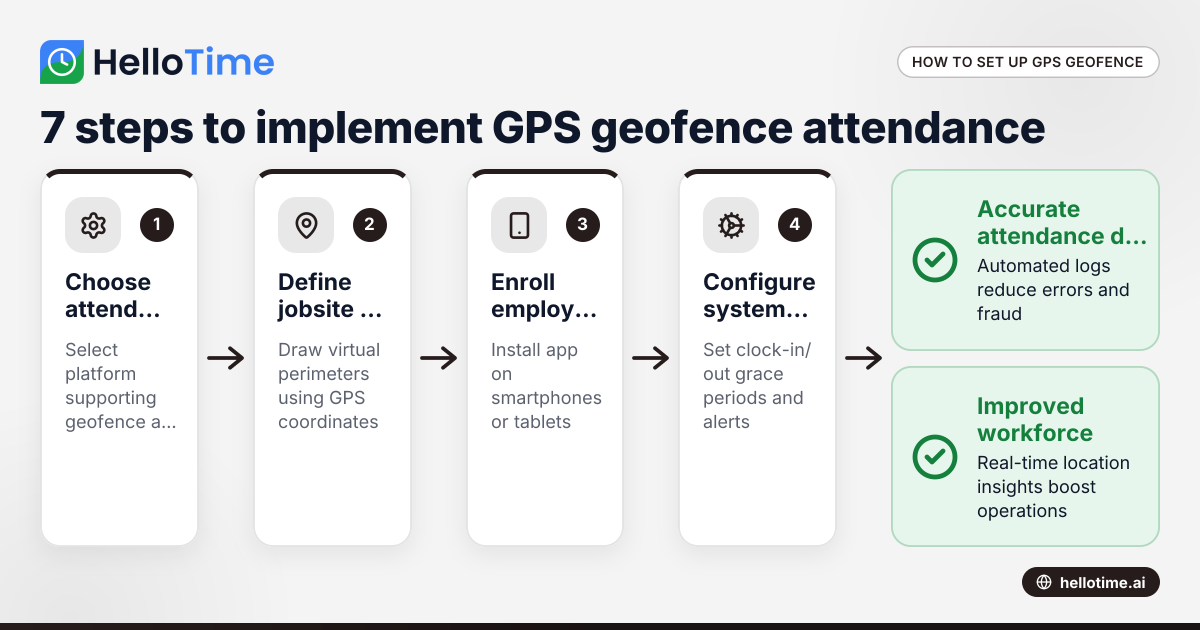
How United States Businesses Can Use GPS Geofence Attendance to Improve Field Staff Management
GPS geofence attendance uses location-based technology to track when field employees enter or leave a designated work zone. This method automates.
How Biometric Attendance Kiosks with Face Recognition Improve Workforce Management for United States Small Businesses
Biometric attendance kiosks with face recognition use AI technology to capture employee attendance quickly and accurately without physical contact.
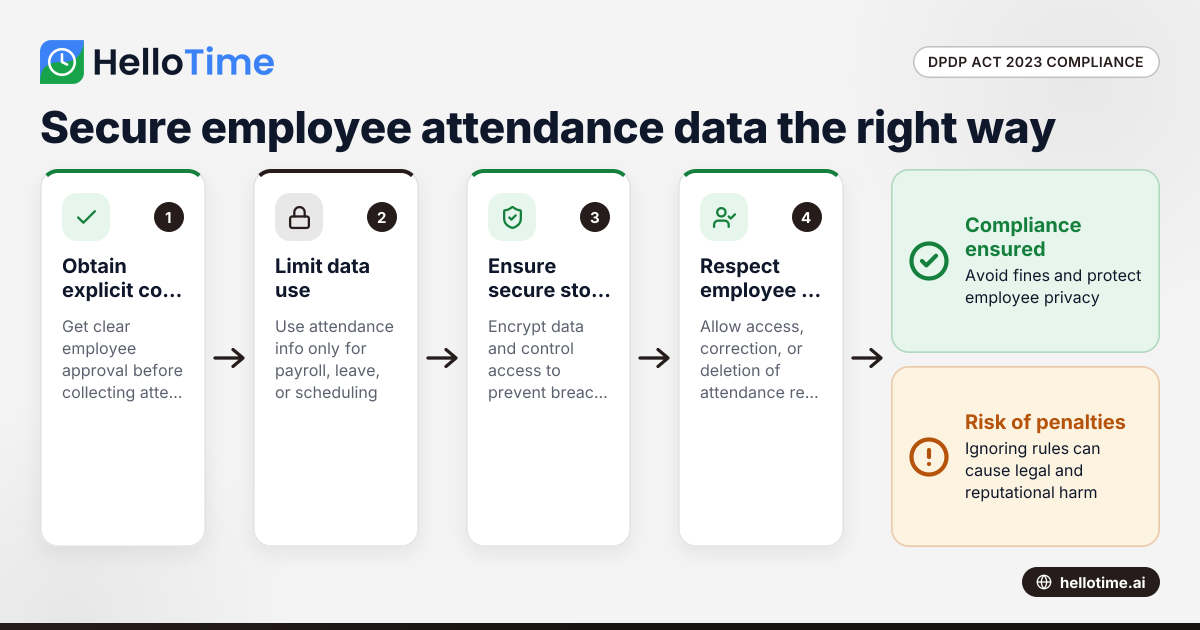
How the DPDP Act 2023 Impacts Employee Attendance and Timesheet Data Management in Indian SMEs
The Digital Personal Data Protection (DPDP) Act 2023 is India’s law regulating how personal data, including employee attendance information, must be.