How to Successfully Roll Out Geofence Attendance for Field Staff in Australia
Rolling out geofence attendance in Australia means using GPS-defined zones to track when field staff clock in and out within designated work.
The HelloTime team
7 min read
On this page
Rolling out geofence attendance in Australia means using GPS-defined zones to track when field staff clock in and out within designated work locations. This technology improves accuracy, reduces buddy punching, and simplifies compliance with labour laws for businesses with remote or mobile teams.
Key takeaways
- Geofence attendance uses GPS boundaries to record employee attendance automatically.
- It's ideal for Australian businesses with mobile or field-based teams.
- Successful rollout requires clear communication, legal compliance, and the right technology.
- Training and ongoing support help ensure staff adopt the system correctly.
- AI rollout geofence features can enhance accuracy and streamline attendance management.
- Privacy considerations must align with the Privacy Act 1988 and Australian Privacy Principles.
What is geofence attendance and why use it for field staff in Australia?
Geofence attendance is a time tracking method that uses virtual geographic boundaries (geofences) to detect when an employee enters or leaves a work zone. For field staff who move between job sites, this replaces manual punch-ins or paper timesheets, making attendance tracking faster and more reliable.
Australian businesses, especially those in construction, field service, hospitality, and retail with multiple locations or off-site work, can greatly benefit. It prevents time theft like buddy punching and reduces errors common in manual systems. The system typically works via mobile apps or tablet kiosks that record clock-ins automatically when employees enter the geofenced zone.
How do I roll out geofence attendance in Australia?
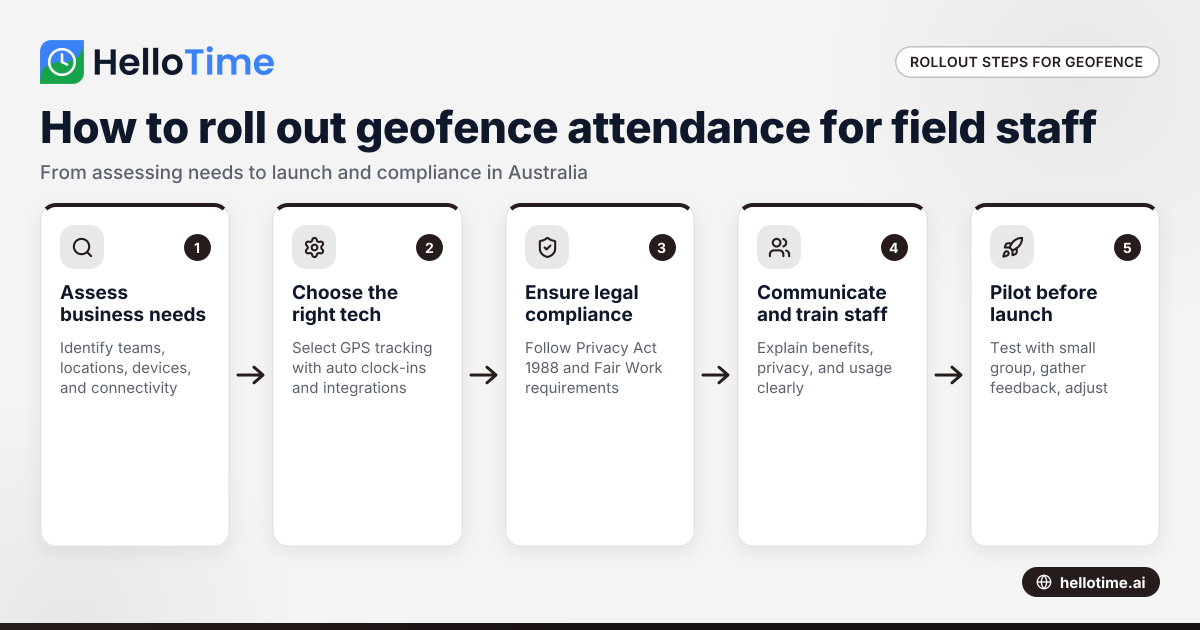
A successful rollout involves planning, technology selection, staff training, and compliance with local laws.
1. Assess your business needs
First, identify the field teams or locations where geofence attendance will apply. Consider:
- Number and locations of job sites or work zones.
- The type of mobile devices your staff use.
- Internet connectivity variability in the field.
- Existing payroll and attendance systems.
2. Choose the right technology
Select an attendance system that supports geofencing with features suited to your business. Look for:
- Easy setup of geofences on maps.
- Reliable GPS location tracking with minimal battery use.
- Automatic clock-ins/outs when entering or exiting geofences.
- Tablet kiosk options with face recognition for fixed sites.
- Integration capabilities with payroll and invoicing software like Xero or MYOB.
3. Comply with Australian legal requirements
Ensure your system aligns with the Privacy Act 1988 and Australian Privacy Principles. This includes:
- Informing employees of GPS tracking and its purpose.
- Collecting only necessary location data.
- Securing and limiting access to data.
- Keeping records for the necessary retention period.
Check employment agreements and awards related to hours worked, overtime, and breaks. Accurate attendance data supports compliance with the Fair Work Act.
4. Communicate and train your staff
Before launching:
- Explain how geofence attendance works and its benefits.
- Address privacy concerns transparently.
- Provide clear instructions on using devices and apps.
- Offer demonstrations and training sessions.
Ongoing support encourages adoption and resolves issues quickly.
5. Pilot the system before full implementation
Test the system with a small group of employees to troubleshoot technical issues or user misunderstandings. Collect feedback and adjust settings like geofence size or notification triggers.
6. Launch and monitor
Roll out the system across all relevant teams. Monitor attendance logs regularly to spot anomalies or gaps. Use reports to improve scheduling and payroll accuracy. Continuous communication with staff is vital for smooth operation.
How does AI rollout geofence improve attendance management?
AI rollout geofence features leverage artificial intelligence to optimise geofence detection and attendance data handling. AI can reduce false clock-ins caused by GPS inaccuracies by analysing movement patterns and location consistency. It also automates timesheet generation and flags unusual attendance behaviour for HR review.
By integrating AI-driven geofence attendance, Australian businesses get more reliable data, save administrative time, and improve compliance with Fair Work regulations.
How do I ensure privacy compliance with geofence attendance?
Keeping employee privacy front of mind is essential to a compliant rollout. Here’s how:
- Inform staff upfront that GPS attendance tracking will occur.
- Obtain consent or include tracking clauses in employment contracts if needed.
- Limit location data collection to working hours and defined zones only.
- Use reputable software with strong data security measures.
- Implement role-based access so only authorised HR or managers can view attendance data.
- Regularly review the system and privacy policies to meet any updates in the Privacy Act or guidelines.
Maintaining trust through transparency helps reduce employee resistance.
How does geofence attendance software work with payroll in Australia?
In Australia, payroll must account for correct hours, including overtime, breaks, and award conditions. Modern geofence attendance software can export detailed timesheets directly to payroll or accounting platforms like Xero and MYOB, saving time and reducing errors.
For most small and mid-sized Australian businesses, automating this step lessens payroll compliance risks and streamlines BAS lodgement processes.
What challenges might I face in rolling out geofence attendance and how do I handle them?
Rolling out geofence attendance can encounter challenges such as technical issues, user resistance, data management, and legal compliance. Handling these requires planning, clear communication, flexible technology settings, and adherence to Australia's privacy and labour laws.
Technical limitations
Spotty mobile coverage or GPS signal issues can affect clock-in accuracy. Mitigate this by:
- Setting geofence sizes that accommodate GPS accuracy gaps.
- Allowing manual clock-in overrides with manager approval for exceptional cases.
User resistance
Some staff may distrust location tracking. Engage employees early with clear explanations about privacy, benefits, and data use to build acceptance.
Data management
Large volumes of attendance data require structured handling and secure storage. Choose software with automated backups and export options.
Legal compliance
Time tracking must comply with Fair Work and privacy laws. Seek legal counsel if unsure during implementation.
How do I measure success after rollout?
Track key indicators like:
- Reduction in buddy punching or fraudulent time claims.
- Improved timesheet accuracy and fewer payroll disputes.
- Employee satisfaction and adoption rates.
- Time saved processing attendance and payroll.
Conduct periodic reviews and solicit feedback to refine the system.
Rolling out geofence attendance in Australia requires clear planning, attention to employee privacy, and appropriate technology. With these elements, businesses can improve their field staff attendance management and payroll accuracy while supporting compliance.
Explore all the features of geofenced attendance systems and compare plans tailored to your team size and needs at pricing.
Frequently asked questions
What devices do staff need for geofence attendance?
Most systems work on smartphones via an app with GPS tracking or tablet kiosks at fixed sites. Ensure your team’s devices meet app requirements and have reliable mobile internet or GPS capabilities.
Can employees clock in outside the geofence area?
A correctly configured system only allows clock-ins within the defined geofence boundaries. Some software permits manual overrides but flags them for review to prevent misuse.
Is geofence attendance legal in Australia?
Yes, provided you comply with the Privacy Act 1988 and Australian Privacy Principles by informing employees, limiting data collection, and securing information.
How accurate is geofence attendance GPS tracking?
GPS accuracy typically ranges from 5 to 20 metres, which is sufficient for most workplace zones. Adjust geofence radius to accommodate minor signal variations and avoid false clock-ins.
How does geofence attendance help with payroll?
It automates time capture and timesheet generation, reducing manual errors and ensuring compliance with employment awards and Fair Work standards. Integration with payroll software further streamlines payments.
Can geofence attendance work for remote or home-based staff?
Yes, provided you can define reasonable and verifiable work locations. Privacy and legal considerations are especially important for home visits or remote work.
For Australian businesses managing mobile teams, geofence attendance offers a reliable and efficient way to track hours, improve payroll accuracy, and maintain compliance. Discover more about how HelloTime can simplify attendance management at HelloTime in Australia.
Read next
This article covers one part of a bigger topic. For the complete picture, read our guide to rollout in flight.
Keep reading
Related articles
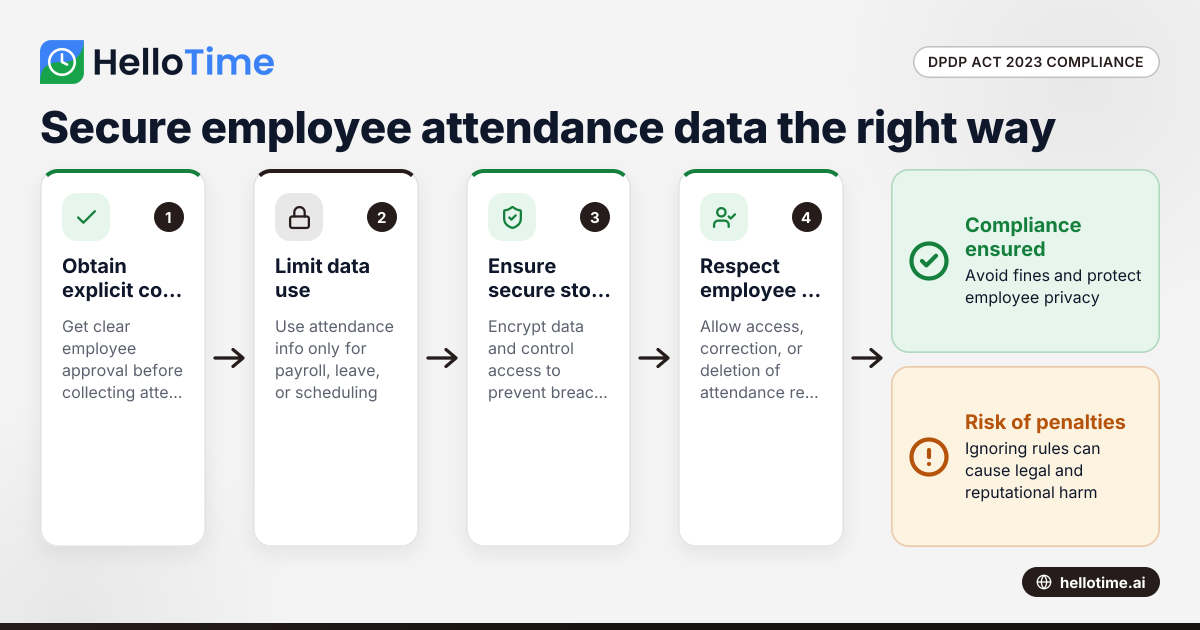
How the DPDP Act 2023 Impacts Employee Attendance and Timesheet Data Management in Indian SMEs
The Digital Personal Data Protection (DPDP) Act 2023 is India’s law regulating how personal data, including employee attendance information, must be.
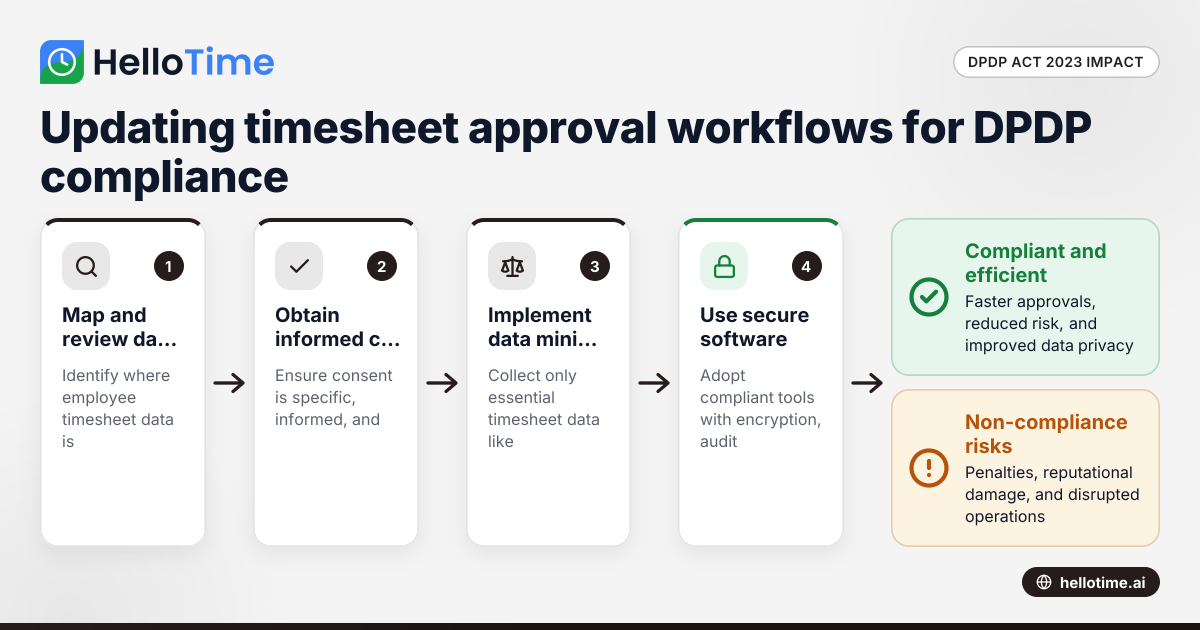
How the DPDP Act 2023 Affects Timesheet Approval Workflow for Manufacturers in Maharashtra, India
How the DPDP Act 2023 Affects Timesheet Approval Workflow for Manufacturers in Maharashtra, India The Digital Personal Data Protection (DPDP) Act 2023
How Delaware Small Businesses Can Bulk Import Employee Data for Faster Shift Scheduling and Timesheet Setups
Managing employee data efficiently is essential for Delaware small businesses, especially when handling shift scheduling and timesheets. AI bulk.