How to Use a Time Card Calculator to Accurately Track Overtime Hours for US Small Businesses
A time card calculator is a tool that helps US small businesses accurately calculate employee work hours, including regular and overtime. It.
The HelloTime team
7 min read
On this page
A time card calculator is a tool that helps US small businesses accurately calculate employee work hours, including regular and overtime. It simplifies compliance with labor laws by automatically applying correct overtime rules, reducing payroll errors and saving time on manual calculations.
Key takeaways
- Time card calculators ensure precise tracking of regular and overtime hours for payroll accuracy.
- US overtime laws require pay at 1.5 times the regular rate for hours over 40 per week.
- Using an AI time card calculator can automate calculations and minimize errors.
- Correctly calculated overtime helps businesses comply with FLSA and avoid penalties.
- Time card calculators speed up payroll processing by generating accurate timesheets.
- Integrating time tracking tools with scheduling and attendance systems improves workforce management.
What is a time card calculator and why is it important for US small businesses?
A time card calculator is a digital or manual tool used to total worked hours and help determine pay, accounting for regular and overtime hours. For small businesses in the US, it is crucial to track hours precisely to comply with the Fair Labor Standards Act (FLSA), which mandates overtime pay for eligible employees who work more than 40 hours weekly.
Manual time card calculations can lead to mistakes in estimating overtime pay, which risks noncompliance and costly legal issues. Automating this process with software enables consistent accuracy, saves administrative time, and boosts employee trust in payroll accuracy. For instance, a retail or hospitality business in Detroit with many hourly employees will benefit from reliable overtime tracking every pay period.
How is overtime calculated in the United States?
Overtime is generally calculated as time and a half (1.5x) the regular hourly wage for any hours worked beyond 40 in a single workweek, per FLSA guidelines. Some states such as California have additional daily overtime rules, but labor laws vary by state and industry.
Exemptions exist; salaried employees or certain professionals may not qualify for overtime. Small businesses should understand which employees are eligible to avoid miscalculations. For example, a Houston construction company must pay hourly workers overtime for weekly hours exceeding 40 but may not owe it to salaried supervisors depending on state law.
How to use a time card calculator to track overtime hours accurately?
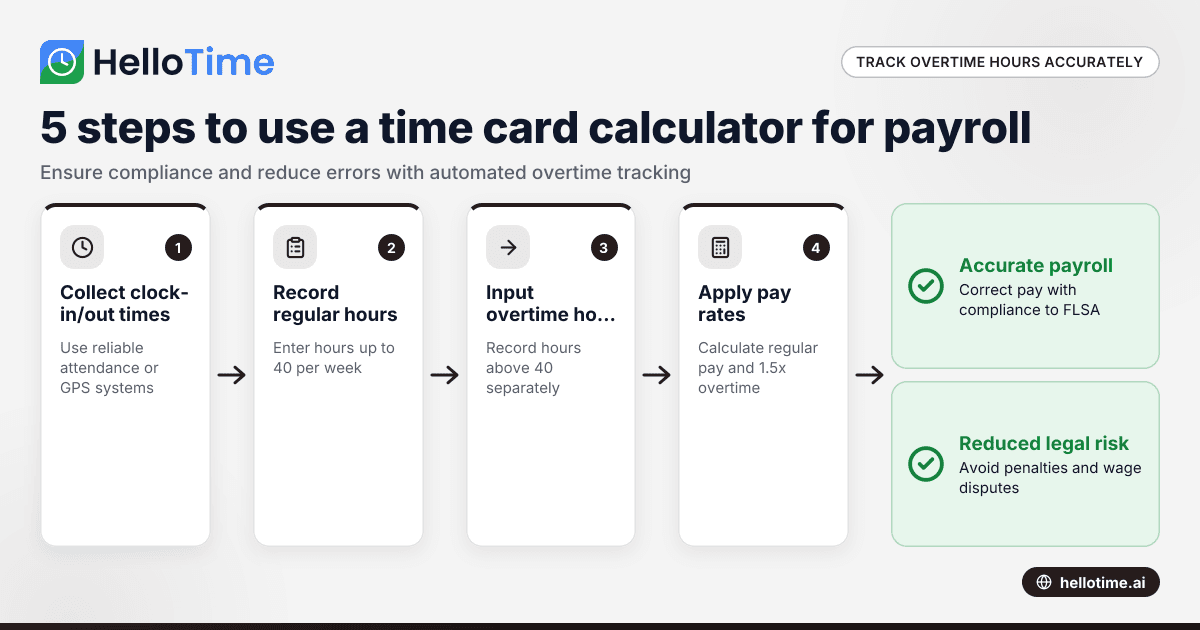
Using a time card calculator involves several clear steps:
- Collect accurate clock-in and clock-out times. Use reliable attendance systems or GPS clock-ins to avoid errors.
- Record regular hours worked. Input hours up to the 40-hour threshold into the calculator.
- Enter overtime hours separately. For hours above 40, ensure the time card calculator recognizes these as overtime.
- Apply appropriate pay rates. The calculator multiplies regular hours by the base wage and overtime hours by 1.5 times the wage (or according to state law).
- Review the output timesheet. Verify total hours, regular and overtime pay, and resolve any anomalies before finalizing payroll.
By automating these steps, businesses can reduce manual miscalculations. Many modern time card calculators also factor in lunch breaks, holidays, and different shifts.
What is an AI time card and how does it improve overtime tracking?
An AI time card is an advanced time card calculator powered by artificial intelligence to automate the recording, calculation, and verification of employee hours including overtime.
In brief: AI time cards reduce manual entry errors, recognize attendance patterns, and provide real-time insights. They integrate with scheduling and payroll systems to streamline workforce management.
More specifically, an AI time card system learns employee shift patterns, detects anomalies such as missed clock-outs or overtime mismatches, and alerts managers for quick resolution. This ensures compliance with FLSA and state labor laws. For example, a restaurant in Chicago using AI time card software can handle complex shift overlaps and split shifts with automatically calculated overtime pay. AI tools also generate accurate reports on labor costs and project profitability, crucial for budgeting.
How do time card calculators help ensure compliance with US labor laws?
Time card calculators embed overtime rules set by federal and state governments, ensuring hours are tracked and compensated correctly. This supports adherence to the Fair Labor Standards Act and local regulations, reducing the risk of wage-and-hour lawsuits or audits by the Department of Labor.
In addition, well-designed tools maintain audit trails of clock-in times and payroll calculations. This documentation is vital when employers must justify pay decisions to regulators or in disputes. For example, a retail store in Detroit can use a time card calculator to generate a clear record that overtime was correctly applied when employees work extra shifts around holidays.
What features should US small businesses look for in a time card calculator?
When selecting a time card calculator, consider tools that offer:
- Automatic overtime calculations compliant with FLSA and relevant state laws.
- GPS or geofenced clock-in capability for remote or field staff.
- Integration with payroll and invoicing software like QuickBooks or Stripe.
- Easy approval workflows with digital timesheets and manager sign-off.
- Mobile apps or kiosk attendance with features such as face recognition.
- Robust reporting on hours worked, overtime, labor costs, and project profitability.
Software like HelloTime provides these features, helping businesses manage employee attendance, invoicing, and scheduling efficiently all in one platform.
How can US small businesses implement a time card calculator successfully?
Successful implementation involves:
- Choosing software that matches your business needs. Consider workforce size, work patterns, and payroll systems.
- Training managers and employees on accurate time capture. Make sure employees know how to clock in/out using the system.
- Setting up automated overtime rules based on your state labor laws. Customize the calculator’s settings accordingly.
- Integrating with payroll tools to automate pay runs and invoicing for billable hours.
- Regularly auditing time card data for discrepancies or abuse. Use features like alerts for overtime anomalies.
- Using data to optimize staffing schedules and reduce costly overtime.
A phased rollout combined with employee feedback often leads to smoother adoption and fewer errors in payroll.
What are the common challenges when using a time card calculator for overtime?
Common challenges include:
- Incorrectly configured overtime rules, especially when employees work multiple jobs or shifts.
- Manual data entry errors due to paper timesheets or spreadsheets.
- Failure to account for breaks properly, which can impact total hours.
- Tracking overtime for exempt vs. non-exempt workers can be complex.
- Integrating time tracking data with payroll programs can sometimes be cumbersome.
- Resistance from employees or managers used to manual systems.
Choosing a modern digital time card calculator with automation features like those found in HelloTime helps overcome these challenges efficiently.
Can a time card calculator handle multiple overtime rates or state-specific rules?
Yes. Many time card calculators allow businesses to customize overtime settings for different employee groups, shifts, or state regulations. For example, a business operating in Illinois and Texas can configure each state’s overtime rules separately, including daily overtime if applicable.
This flexibility ensures compliance when your workforce spans several states with varying labor laws, preventing payroll discrepancies and potential penalties.
Managing employee time and overtime pay can be complex, but using a reliable and automated time card calculator simplifies the process. If you want to explore how these tools can streamline your US business’s time tracking and payroll, check out HelloTime’s features or see which plan suits you at pricing.
Frequently asked questions
What is the federal overtime threshold for hourly employees?
In the US, the Fair Labor Standards Act requires overtime pay of 1.5 times the regular rate for all hours worked over 40 in a single workweek for non-exempt hourly employees.
Can small businesses use time card calculators for salaried employees?
Time card calculators primarily suit non-exempt hourly employees. Salaried exempt employees may not require overtime tracking but time tracking can still help monitor attendance or leave.
How do time card calculators handle breaks?
Advanced calculators automatically subtract unpaid break periods from total work hours when configured, ensuring only paid hours contribute to overtime calculations.
Are AI time card systems secure for employee data?
Reputable AI time card software complies with US data protection practices and employs secure cloud storage and encryption to safeguard employee information.
Can I integrate a time card calculator with my current payroll system?
Many modern time card calculators, including HelloTime, offer integration capabilities with popular US payroll and accounting software like QuickBooks and Stripe to streamline payroll processing.
Read next
This article covers one part of a bigger topic. For the complete picture, read our guide to time card calculator.
Keep reading
Related articles
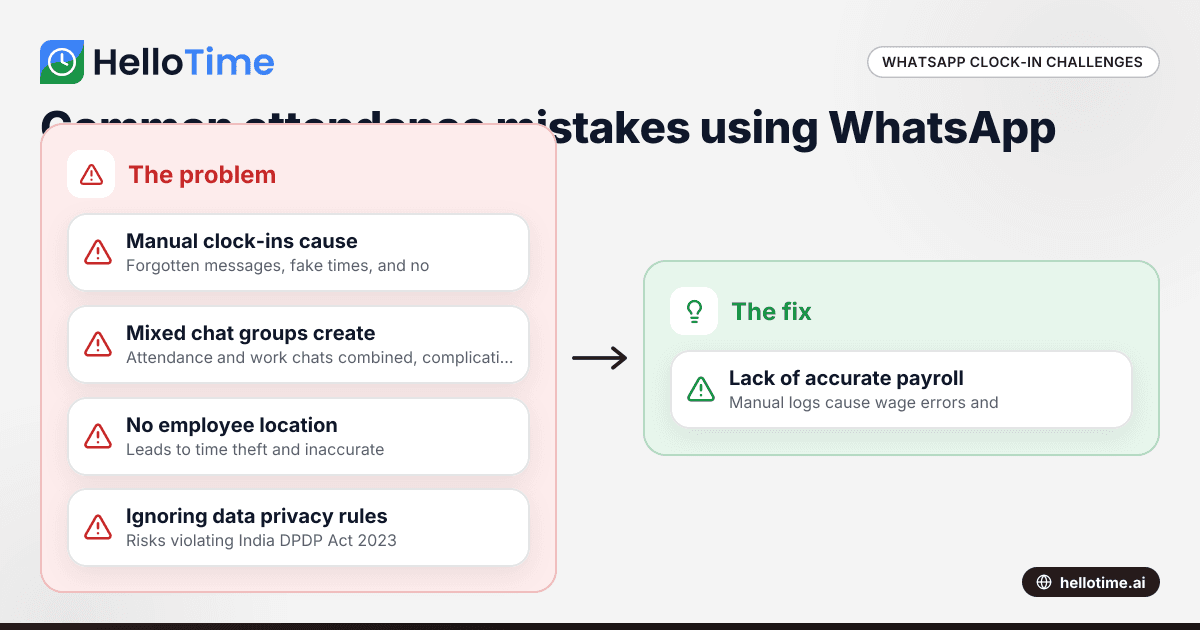
Using WhatsApp for Clock-In and Attendance Tracking in Indian Small Businesses
Using WhatsApp for Clock-In and Attendance Tracking in Indian Small Businesses The cost of managing attendance poorly can be high for small.
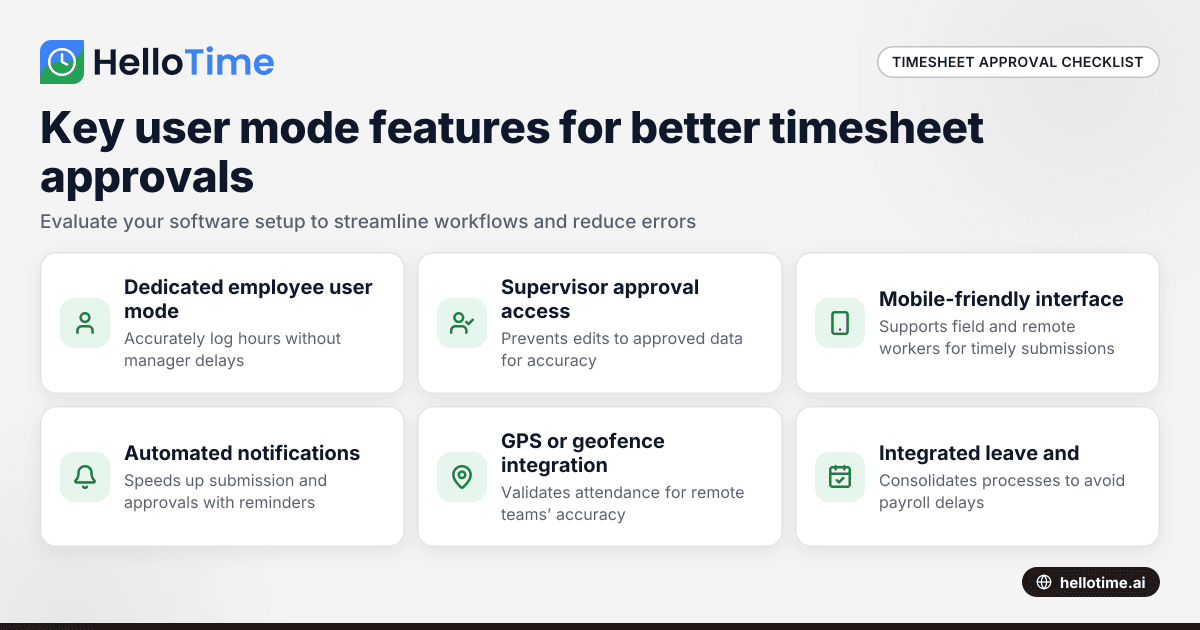
How User Mode Enhances Timesheet Approval Workflow for Indian Small Businesses
How User Mode Enhances Timesheet Approval Workflow for Indian Small Businesses.
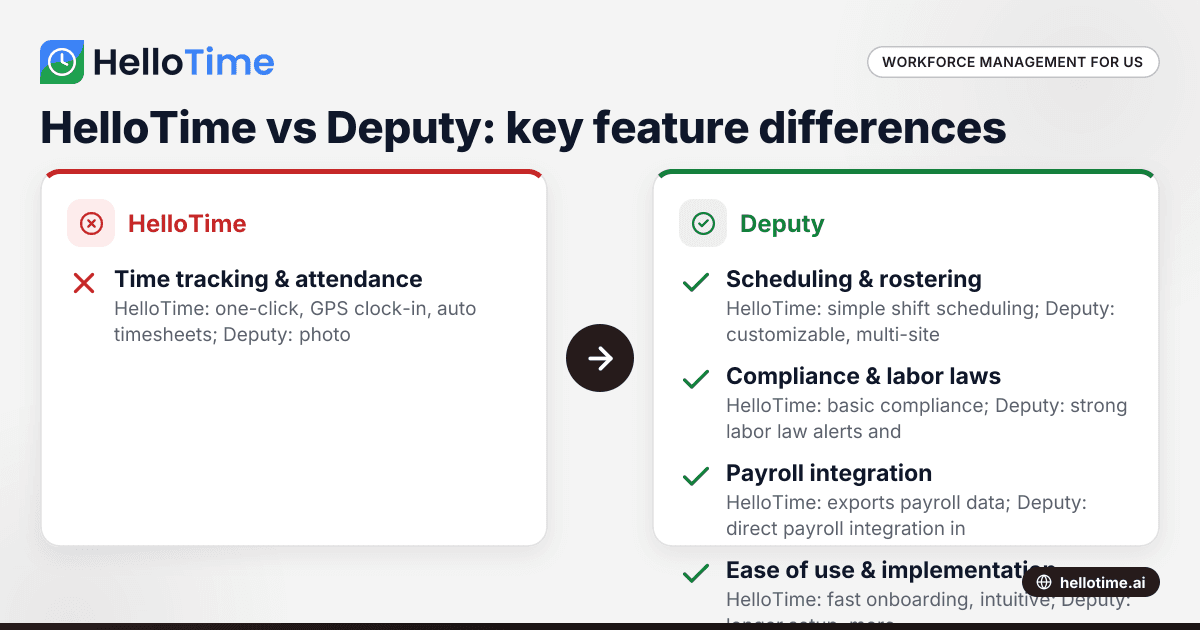
HelloTime vs Deputy: Which Workforce Management Software is Best for United States Small Businesses?
HelloTime and Deputy are popular workforce management tools offering employee scheduling, time tracking, and attendance solutions for US small.