How to Use Time Tracking Software to Improve Timesheet Approval Workflows in United States Small Businesses
Time tracking software helps small businesses in the United States streamline timesheet approval workflows by automating time entry, reducing errors.
The HelloTime team
7 min read
On this page
Time tracking software helps small businesses in the United States streamline timesheet approval workflows by automating time entry, reducing errors, and speeding up approvals. It ensures accurate wages, better project billing, and seamless attendance management, freeing HR and managers from tedious manual processes.
Key takeaways
- Time tracking automates timesheet creation, minimizing manual entry errors.
- Automated approval workflows accelerate payroll and invoicing processes.
- AI time tracking features improve accuracy and reduce fraudulent entries.
- Mobile and GPS clock-ins simplify shift attendance for remote and field teams.
- Compliance with US labor laws is easier with integrated tracking and reporting.
- Accurate timesheets enhance project profitability and employee satisfaction.
What is time tracking software and why is it important for small businesses?
Time tracking software is a digital tool that records when employees start and finish work, tracks hours on tasks, and compiles this data into timesheets automatically. For small businesses in the United States, reliable time tracking is vital for accurate payroll, employee attendance, and billing clients by the hour.
Manual timesheet processes often lead to errors such as incorrect hours or lost timesheets. Time tracking software eliminates these issues by capturing real-time data digitally. This helps businesses comply with labor laws like the Fair Labor Standards Act (FLSA), ensures workers are paid correctly for overtime, and reduces administrative overhead.
Using modern time tracking tools also supports remote work setups common in cities like Houston and Chicago. Employees can clock in through mobile apps or geofenced locations, providing flexibility and real-time validation for managers.
How does AI time tracking improve timesheet accuracy?
AI time tracking uses machine learning algorithms to monitor work activities, detect anomalies, and automate time entry corrections.
This technology reduces human errors, such as missed clock-outs or double entries, by validating data intelligently. For example, if an employee forgets to clock out, AI can detect this and prompt a correction before submission. AI can also analyze patterns to flag possible time theft or inconsistent hours, helping managers maintain accurate records without micromanaging.
What are common challenges in manual timesheet approval workflows?
Manual timesheet approval often involves paper forms, spreadsheets, or isolated apps that require multiple steps:
- Employees fill out timesheets, sometimes late or inaccurately.
- Supervisors manually review each entry for errors or missing info.
- Timesheets get passed back for corrections.
- Payroll processes are delayed awaiting approvals.
- Billing teams wait on approved hours to invoice clients.
These steps increase the chances of errors, lost documents, and payroll delays. Managers must spend extra time chasing approvals instead of focusing on strategic tasks.
Step-by-step: How to use time tracking software to improve timesheet approval workflows
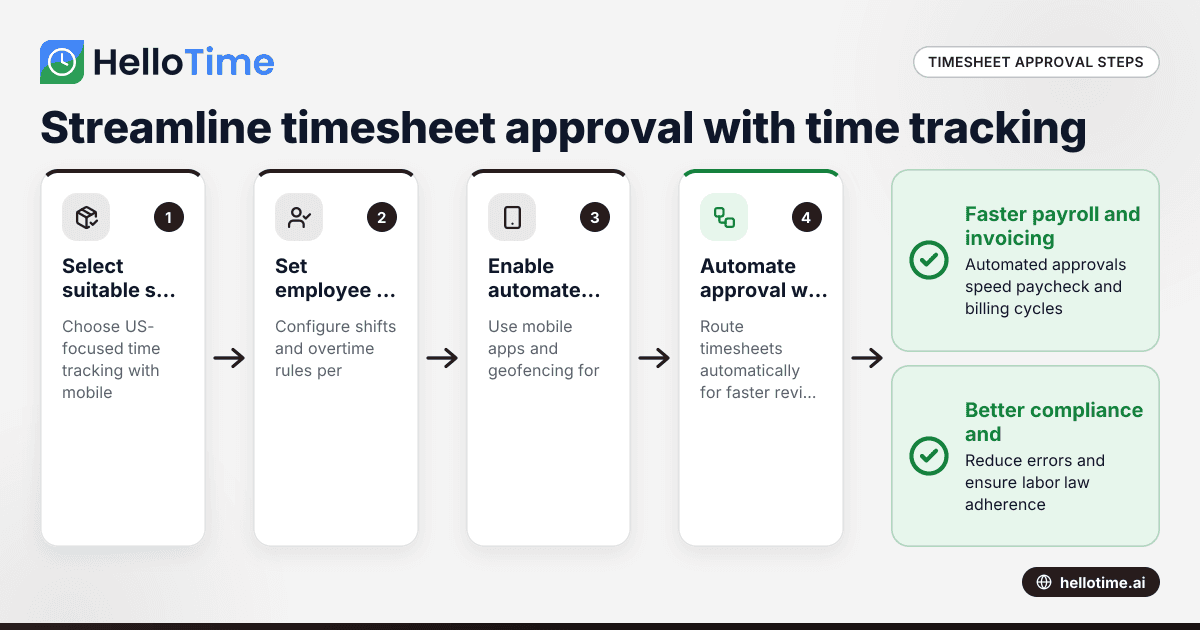
Choose software tailored for your business Select a time tracking solution designed for small businesses in the United States with features like one-click clock-in, mobile and GPS tracking, and auto-built timesheets.
Set up employee profiles and schedules Input employee details, allocate shifts, and configure overtime rules consistent with US federal and state laws to ensure compliance.
Enable automated time capture options Allow employees to clock in via mobile apps, tablets with facial recognition, or GPS geofencing to reduce buddy punching and manual errors.
Configure automated approval workflows Define approvers for different teams or projects so timesheets route automatically upon submission, speeding review cycles.
Leverage AI time tracking features Activate AI-driven alerts for missing punches, overtime thresholds, or irregular hours, reducing manual checks.
Integrate with payroll and invoicing tools Connect time tracking data to payroll systems or billing software like QuickBooks or Stripe for seamless paycheck calculation and client invoicing.
Train employees and managers Provide clear guidance on using the system and the benefits of timely and accurate time reporting.
Monitor and analyze reports regularly Use project profitability reports and attendance data to spot bottlenecks and improve workforce efficiency.
How can small businesses ensure compliance with US labor laws using time tracking software?
Time tracking software helps businesses stay compliant with the Fair Labor Standards Act and state-specific labor laws by:
- Accurately recording regular and overtime hours.
- Capturing break and meal time deductions as needed.
- Retaining digital timesheet records for audit readiness.
- Providing detailed reports to resolve pay disputes.
- Supporting accommodation for shift differentials or weekend premiums.
By automating these processes, businesses avoid costly wage claims and penalties. Software vendors often update compliance features in response to changing labor regulations, which is critical in states with evolving rules.
What role do mobile and geofenced clock-in features play for field teams?
Mobile and GPS-based clock-in features allow employees to register their working hours precisely when and where they start their shifts. This is particularly valuable for construction crews in Detroit, retail associates in shopping centers, or hospitality staff in hotels.
Geofencing creates a virtual boundary around a worksite. An employee can only clock in if their device is within this perimeter, reducing time theft and ensuring accurate attendance. Mobile apps add convenience and real-time reporting, which makes it easier for managers to track and approve timesheets remotely.
How does automated timesheet approval speed up payroll and invoicing?
Automation removes bottlenecks by routing timesheets directly to designated approvers once submitted. Notifications alert managers to pending approvals, reducing delays. Once approved, data automatically flows into payroll, eliminating manual entry errors and speeding up paycheck cycles.
Similarly, firms billing clients by the hour can generate invoices faster, improving cash flow. Accurate and timely bills reduce disputes from clients and improve customer satisfaction.
What benefits do project profitability reports from time tracking software offer small businesses?
These reports analyze hours spent versus revenue generated per project. Small business owners can identify which projects are profitable or running over budget.
Understanding labor costs helps optimize resource allocation, adjust pricing, and forecast future workload realistically. This financial insight supports better decision-making and keeps businesses competitive.
How to get started with HelloTime for seamless timesheet workflows?
HelloTime features one-click time tracking, shift scheduling, robust approval workflows, GPS clock-ins, and automated timesheet generation. Its intuitive interface is built to help US small and mid-sized companies reduce timesheet errors and manual approvals.
Explore HelloTime’s features to see how it fits your workflow or check out the pricing plans tailored for business size and needs.
Frequently asked questions
What is the difference between time tracking and timesheet software?
Time tracking software captures employee hours automatically or via clock-ins, while timesheet software compiles these hours into a report format for review, approval, and payroll. Many solutions combine both features for streamlined workflows.
Can time tracking software handle overtime and break rules?
Yes, most US-focused time tracking software allows you to configure overtime thresholds, meal breaks, and state-specific labor rules to ensure compliance and accurate pay calculations.
Is AI time tracking secure and private?
AI time tracking primarily analyzes anonymized work patterns and clock-in/out data. Good software follows US data protection laws and uses encryption to protect sensitive employee information.
How do I choose the best time tracking software for my small business?
Look for a solution that supports your industry (e.g., retail, construction), offers mobile and GPS tracking features, automates approvals, integrates with your current payroll or invoicing systems, and complies with US labor laws.
Will time tracking software integrate with QuickBooks or Stripe?
Many modern time tracking tools offer integration with QuickBooks for payroll and accounting and Stripe for client billing, making your financial processes more efficient.
Can time tracking software support remote and field employees?
Yes, features like mobile clock-in, geofencing, and kiosk attendance with facial recognition specifically support remote, retail, and field workers, ensuring accurate and timely data collection from anywhere.
Leverage a modern time tracking system like HelloTime to improve your timesheet approval workflow and boost operational efficiency. Visit HelloTime in the US to learn more.
Read next
This article covers one part of a bigger topic. For the complete picture, read our guide to time tracking.
Keep reading
Related articles
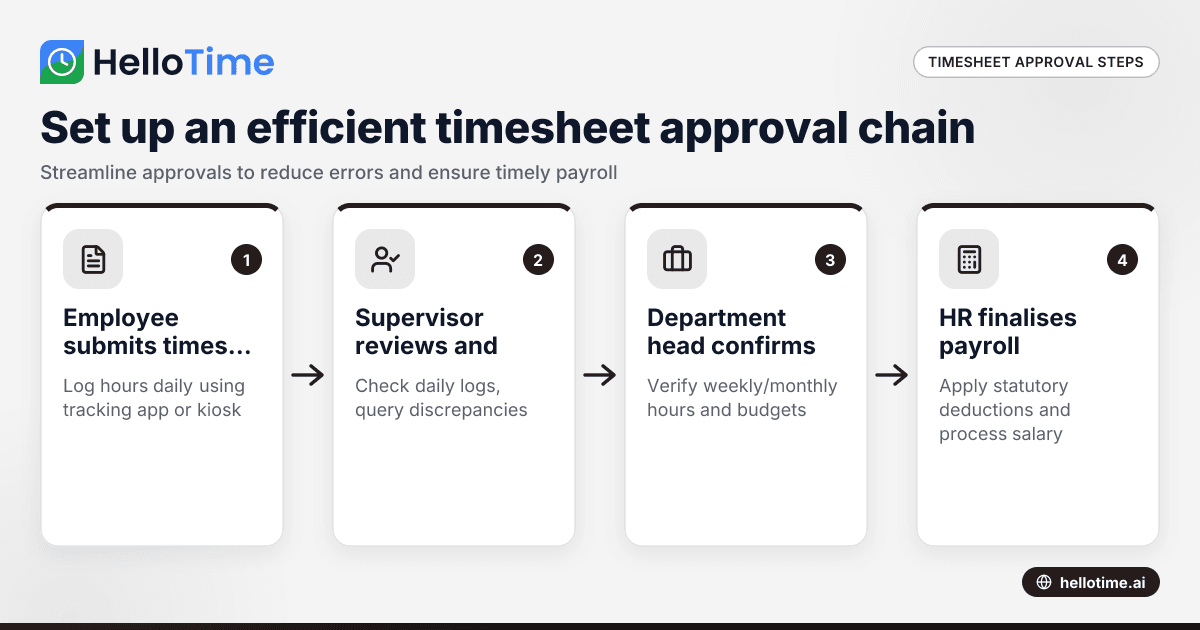
How to Set Up an Efficient Timesheet Approval Chain for Indian SMEs
How to Set Up an Efficient Timesheet Approval Chain for Indian SMEs This guide is for owners, HR, and operations managers at Indian small and.
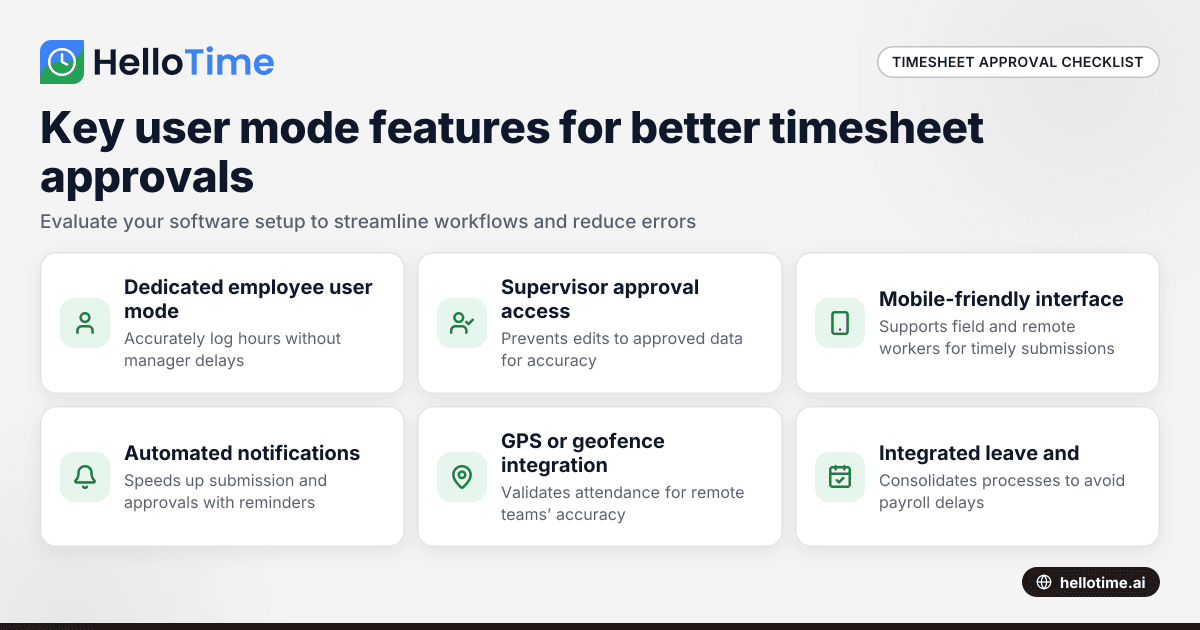
How User Mode Enhances Timesheet Approval Workflow for Indian Small Businesses
How User Mode Enhances Timesheet Approval Workflow for Indian Small Businesses.
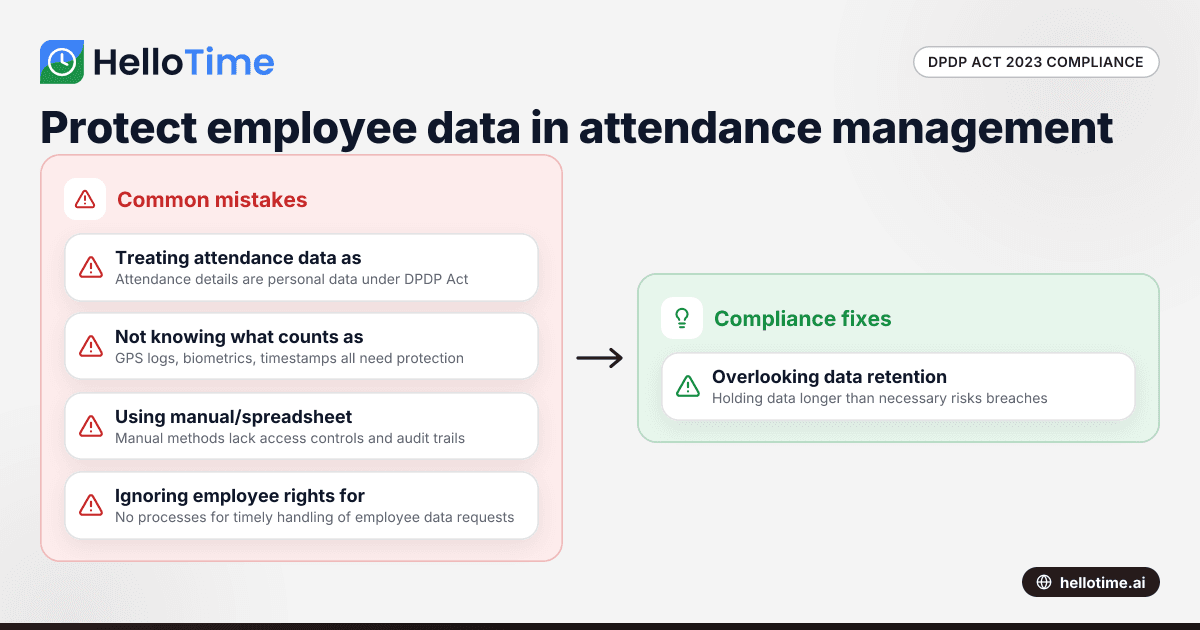
What Indian Businesses Need to Know About Data Protection Under the DPDP Act 2023 When Managing Attendance and Timesheets
Businesses tracking employee attendance and timesheets in India face growing risks if they overlook the DPDP Act 2023’s mandate for protecting.