How to Use User Mode to Streamline Shift Scheduling for Retail Stores in the United States
User mode shift scheduling is a powerful tool that lets retail managers simplify creating and managing employee shifts. By enabling different levels.
The HelloTime team
7 min read
On this page
User mode shift scheduling is a powerful tool that lets retail managers simplify creating and managing employee shifts. By enabling different levels of access and control, it reduces errors and saves time, especially for busy retail stores in the United States.
Key takeaways
- User mode allows you to give managers and staff customized access to shift schedules.
- Streamlined scheduling cuts down on conflicts and errors in retail shift rosters.
- Automated tools like ai user mode can suggest optimal shifts based on availability and demand.
- Clear shift scheduling improves employee satisfaction and helps reduce no-shows.
- Proper user mode setup enhances security by restricting who can edit or view sensitive shift data.
- Using digital shift scheduling replaces outdated spreadsheets and manual processes.
What is user mode shift scheduling and why does it matter for retail?
User mode shift scheduling means setting up your scheduling software so that different users have specific permissions. For instance, store managers can create and approve shifts, while employees might only view their schedules or request shift swaps. This separation of roles keeps scheduling organized.
In US retail stores, managing shifts often involves juggling part-time and full-time workers with varying availability. User mode features reduce the risks of staff accidentally overwriting schedules. It also helps protect sensitive employee information.
Moving from paper or spreadsheet scheduling to software with user mode capability streamlines processes. It cuts time spent fixing errors from double-booking or missed shift approvals. That frees up managers to focus more on customer service and staff support.
How does AI user mode improve shift scheduling?
AI user mode combines traditional user access controls with artificial intelligence to enhance scheduling decisions.
It quickly analyzes employee availability, labor laws, and predicted store foot traffic to suggest the best shift patterns. This helps managers build effective rosters without extensive manual input. AI can flag potential issues like overtime or insufficient coverage before shifts are finalized.
For example, a retail store in Chicago may use ai user mode tools during peak holiday seasons. It automatically balances schedules to meet greater customer demand while respecting employee preferences. This reduces no-shows and boost morale.
Additionally, AI-driven scheduling reduces human bias in shift assignments, promoting fairness in who works prime hours and weekends. It also integrates with leave management, so unexpected absences can be accommodated smoothly.
How do I set up user mode for my retail store shifts?
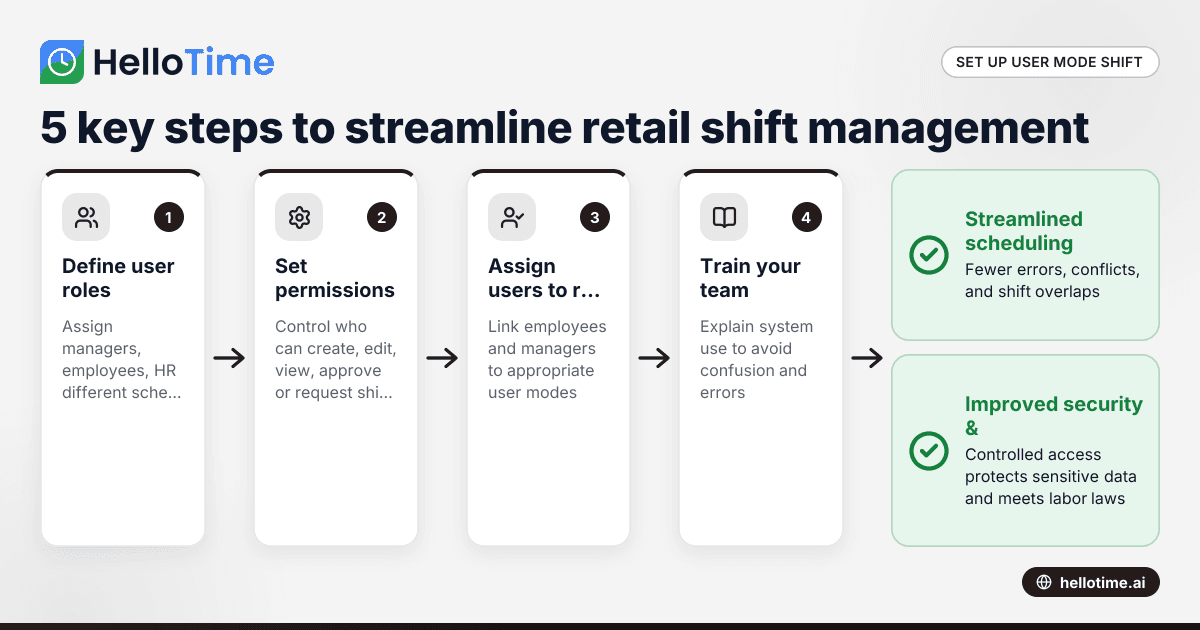
Setting up user mode shift scheduling involves these clear steps:
- Define User Roles: Decide who needs access to schedules: store managers, assistant managers, employees, HR.
- Set Permissions: Configure what each role can do—create, edit, view, approve, or request shifts.
- Assign Users to Roles: Link individual employees or managers to the appropriate user mode.
- Train Your Team: Explain how to use the system according to their permissions to avoid confusion.
- Test the System: Run trial scheduling cycles to check user access behaves as expected.
This process ensures each person sees just the shift data they need. It prevents accidental scheduling errors or data leaks, important in compliance with US labor laws.
For example, a Detroit retail outlet might restrict shift approvals to managers only, letting staff access just their work hours. This makes shift changes transparent and accountable.
What common challenges does user mode solve in retail shift scheduling?
User mode addresses these retail scheduling headaches:
- Mix-ups in Shift Assignments: Limiting who can edit schedules prevents overlapping or duplicated shifts.
- Employee Confusion: Staff only see schedules relevant to them, reducing misunderstandings about when to work.
- Time-Consuming Approvals: Automated user mode workflows speed up shift change requests and approvals.
- Security Risks: Restricting access to payroll-relevant data protects personal and wage information.
- Compliance Tracking: User roles help businesses stay compliant by ensuring only authorized users modify labor records.
Without user mode, retail managers often waste hours fixing errors or chasing after employees for shift confirmations. This leads to lowered productivity and employee dissatisfaction.
Can user mode shift scheduling integrate with other retail management tools?
Yes. Modern time tracking and workforce management software with user mode features often integrate with systems retail stores already use:
- Payroll Systems: Export work hours for faster pay runs.
- Point-of-Sale (POS) Data: Align staff shifts with peak sales times.
- Leave Management: Automatically update schedules when employees take time off.
- Invoicing: Useful for stores that manage billable work or external staffing.
Integration saves double entry and improves data accuracy. For example, linking a Houston retail store’s scheduling software with QuickBooks speeds up payment processing for hourly employees.
Using cloud-based systems also means managers can update shifts remotely, which is handy in multi-location retail chains.
Why should retail stores move away from spreadsheets to user mode shift scheduling software?
Spreadsheets and paper logs are prone to human error, slow to update, and hard to share securely. User mode-enabled scheduling software offers clear advantages:
- Real-Time Updates: Changes are instantly visible to relevant users.
- Automated Calculations: Overtime, breaks, and labor costs are tracked automatically.
- Audit Trails: Records who modified schedules and when, useful for compliance.
- Mobile Access: Employees can check shifts on phones or tablets anywhere.
- Scalability: Software can handle growing teams and multiple store locations.
For example, a retail chain in Houston using manual scheduling might frequently face last-minute shift gaps. Switching to software with user mode reduces these problems and improves employee trust.
How do I encourage employee adoption of user mode scheduling tools?
Getting staff on board with new scheduling software requires clear communication and support:
- Explain Benefits: Show how easier shift viewing and swap requests help their daily work.
- Provide Training: Offer short demos or guides tailored to user roles.
- Collect Feedback: Adjust user permissions or processes based on employee input.
- Offer Support: Make managers or HR available for questions during roll-out.
Employee buy-in is crucial for smooth scheduling and fewer missed shifts. When workers feel empowered by the system, morale and retention improve.
Where can I explore user mode shift scheduling features and pricing?
If you want to explore software options with advanced user mode shift scheduling, visit the features page to see what tools can help your retail store. To compare costs and plans, check pricing.
HelloTime offers shift scheduling and workforce management features tailored for US retail businesses that want to simplify their scheduling process and reduce errors.
Frequently asked questions
What is the difference between user mode and regular scheduling?
User mode allows different types of users to have customized access rights, while regular scheduling often gives all users the same permissions. This improves security and workflow clarity.
Can user mode prevent shift conflicts automatically?
Yes. With proper setup, user mode combined with scheduling logic can alert managers to overlapping shifts or double bookings before finalizing schedules.
Is user mode shift scheduling suitable for small retail stores?
Absolutely. Even small businesses benefit from organized role-based access and error reduction, saving valuable time as they grow.
Does user mode affect employee privacy?
It enhances privacy by limiting who can see sensitive employee details, such as pay rates or personal information, based on their role.
How quickly can I implement user mode scheduling?
Depending on your team size, initial setup and training can be done within a few days to a week, especially with cloud-based tools designed for ease of use.
Can AI help optimize user mode scheduling?
Yes, AI tools integrated into user mode define the best staffing patterns by analyzing factors like foot traffic and employee availability, improving operational efficiency.
Read next
This article covers one part of a bigger topic. For the complete picture, read our guide to user mo.
Keep reading
Related articles
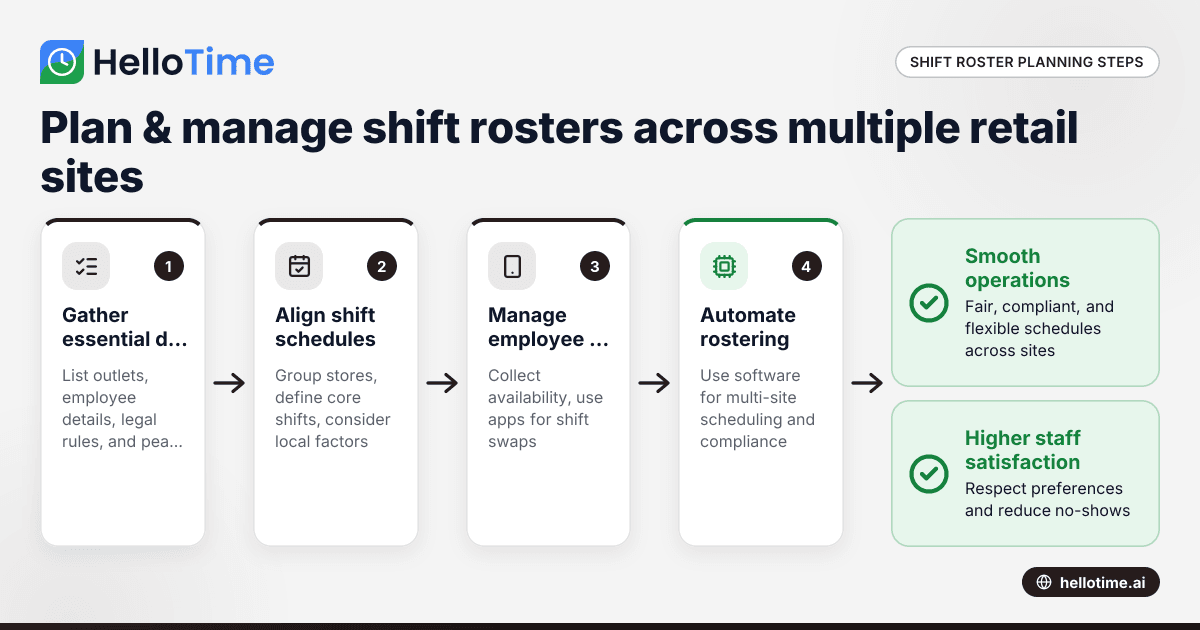
How to Plan and Manage Shift Rosters for Multi-Site Retail Chains in Mumbai and Bengaluru
How to Plan and Manage Shift Rosters for Multi-Site Retail Chains in Mumbai and Bengaluru This guide is for owners, HR and operations managers of.
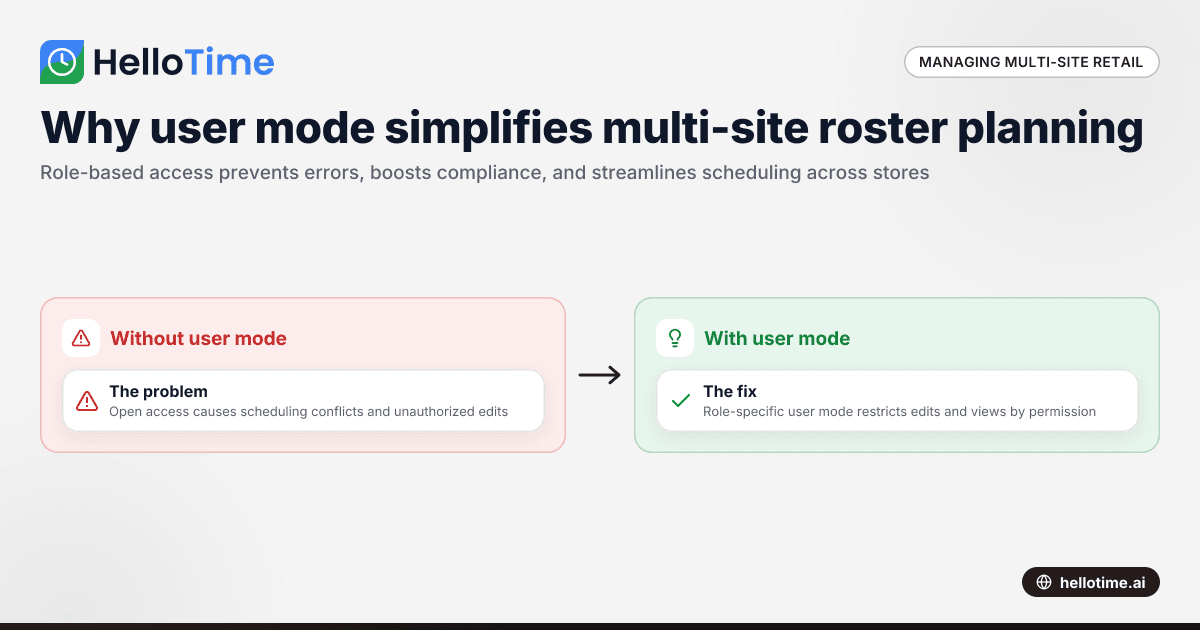
How User Mode Simplifies Managing Multi-Site Retail Roster Planning in the United States
User mode in multi-site retail roster planning customizes access and control for each user, matching their role. It prevents unauthorized schedule.
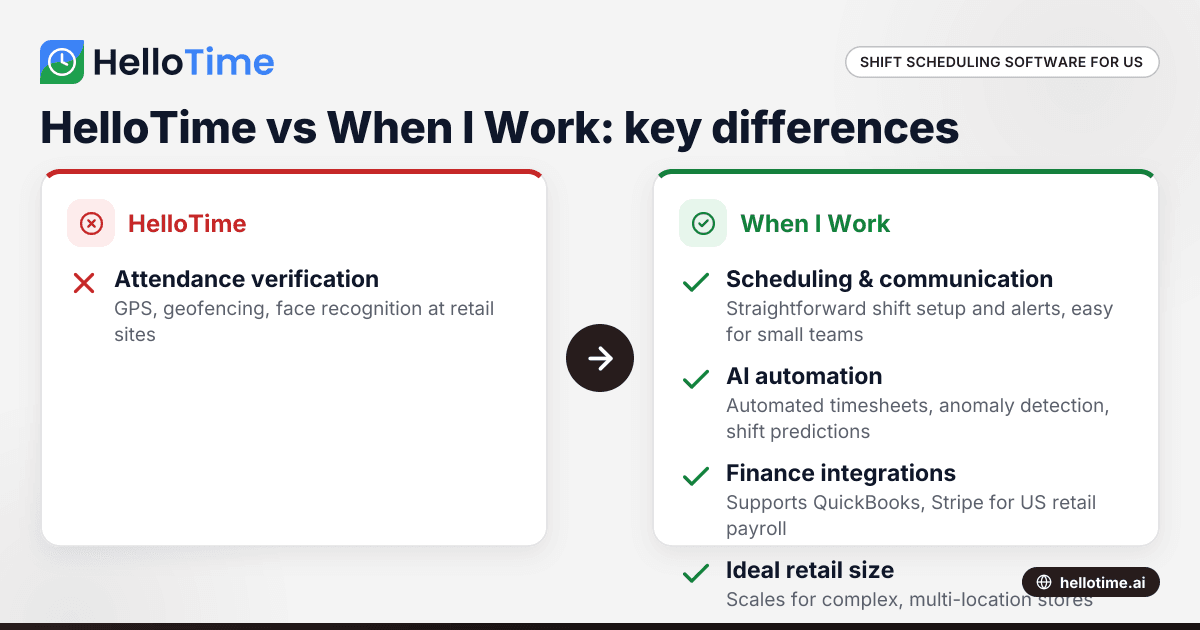
HelloTime vs When I Work: Choosing the Best Shift Scheduling Software for Retail Stores in the United States
HelloTime vs When I Work: Choosing the Best Shift Scheduling Software for Retail Stores in the United States Shift scheduling is crucial for retail.