How User Mode Simplifies Managing Multi-Site Retail Roster Planning in the United States
User mode in multi-site retail roster planning customizes access and control for each user, matching their role. It prevents unauthorized schedule.
The HelloTime team
6 min read
On this page
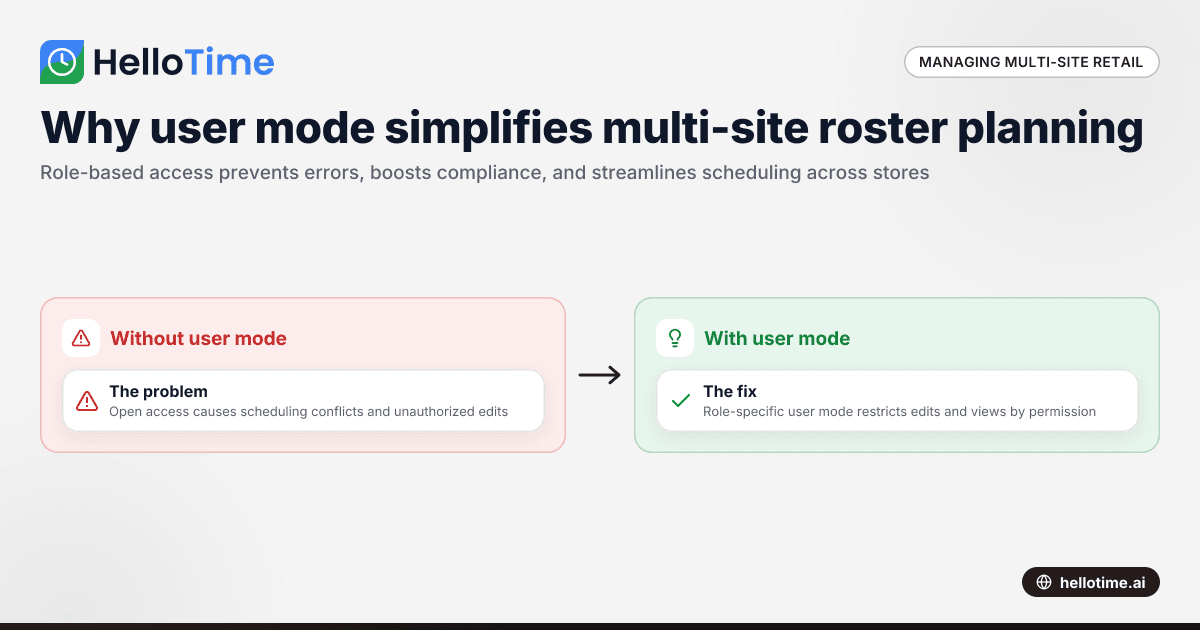
User mode in multi-site retail roster planning customizes access and control for each user, matching their role. It prevents unauthorized schedule changes and simplifies managing complex shifts across several stores by providing role-based views and edit rights.
Key takeaways
- User mode offers role-specific access to rosters and shift schedules in multi-site retail teams.
- It reduces errors and overlaps by restricting schedule edits to authorized personnel only.
- Multi-site retail managers can view consolidated or location-specific rosters easily.
- AI user mode enhances automation in scheduling, improving accuracy and saving time.
- Proper shift planning increases employee satisfaction and operational efficiency.
- User mode supports compliance with labor laws and simplifies attendance tracking.
What is user mode in multi-site retail roster planning?
User mode is a feature that tailors how users interact with scheduling software based on their roles. In multi-site retail businesses, it lets managers, supervisors, and staff access and edit schedules according to permissions. For instance, a Houston store manager can manage their location’s roster but cannot modify the Chicago store’s shifts.
This role-based approach maintains data security and avoids scheduling conflicts. Employees see only their shifts without access to confidential payroll or other store locations’ data, streamlining operations and improving clarity.
How does AI user mode improve roster management?
AI user mode applies artificial intelligence to enhance user role management. It learns staffing patterns and preferences, then suggests optimized shifts, matches employees to tasks, and forecasts needs. This automation saves manager time and improves schedule fairness.
Continuous AI updates respond to changes like absences or busy periods. It prevents understaffing or burnout by balancing shifts intelligently—a key advance in multi-site retail roster planning.
How do user modes help with shift delegation across multiple retail stores?
User modes give precise control over who assigns or changes shifts in each store. Store managers manage local rosters, while regional managers may have viewing or approval rights covering multiple locations. This delegation aligns with organizational hierarchy.
For example, a Detroit regional manager can approve shift swaps requested at local stores, while Houston supervisors handle daily changes independently. This structure supports swift, localized decisions with central oversight.
What compliance benefits does user mode offer for US retail businesses?
User mode enforces role-based controls critical for US labor law compliance. Only authorized users adjust shifts, ensuring accurate time records for wage and hour audits. It also protects sensitive payroll data by limiting access.
Shift change approvals are documented, simplifying compliance with regulations during Department of Labor reviews or state audits. This framework reduces the risk of errors and privacy breaches in workforce management.
How can multi-site retail businesses implement user mode using HelloTime?
To implement user mode, identify roles and their permissions for shift creation, editing, approval, and viewing. HelloTime’s platform supports this with easy role setup and one-click scheduling, auto-built timesheets, and shift approval workflows.
Store managers can handle their local rosters, while regional teams monitor overall staffing through tailored access. Features like GPS clock-ins and kiosk attendance tools keep records aligned with schedules across locations.
HelloTime’s intuitive design minimizes training time. AI-powered suggestions optimize shift planning and project reports help track labor costs precisely.
How does user mode work with leave and shift swaps in a multi-site environment?
User mode grants managers or HR staff permission to manage leave and shift swaps per location. Leave requests go to local managers, who approve based on coverage needs. Approved leave updates the roster automatically.
Shift swap requests require approval from authorized personnel to maintain staffing levels. For instance, a Chicago store supervisor must approve swaps before finalizing the schedule. This prevents gaps or unauthorized changes.
How to handle communication and notifications within user mode?
User mode customizes communications. Managers receive alerts about shift approvals and pending actions. Employees get notified of schedule updates and upcoming shifts.
HelloTime’s communication tools send targeted messages, avoiding overload while keeping teams informed. This improves engagement, reduces absenteeism, and ensures smooth daily operations across all sites.
What are the challenges of managing multi-site rosters without user mode?
Without user mode, every manager might access all schedules, risking errors and unauthorized edits. Conflicting changes and manual spreadsheet updates create confusion and scheduling mistakes.
Data security suffers when payroll and attendance info is widely accessible. Communication becomes scattered, making it hard to keep staff aligned. User mode removes these risks by structuring access and automating workflows.
What metrics improve with user mode in multi-site retail scheduling?
User mode boosts these key metrics:
- Schedule accuracy with fewer conflicts.
- Employee satisfaction through fair shifts.
- Labor cost control by matching demand and skills.
- Compliance with thorough timekeeping.
- Operational speed for approvals and shift updates.
- Communication effectiveness via role-specific alerts.
Tracking these helps managers optimize workforce efficiency and service quality.
Conclusion
User mode is vital for multi-site retail businesses in the United States seeking efficient roster planning. It offers secure, role-based access tailored to organizational needs. AI user mode adds automation for balanced, compliant schedules. Platforms like HelloTime make implementing this simple with features designed for your needs. Compare plans at pricing to transform your rostering process today.
Frequently asked questions
What is the difference between user mode and admin mode?
User mode restricts access to scheduling features based on role, while admin mode gives full system control. Admins oversee settings and data across all sites; users manage their operational tasks within assigned permissions.
Can user mode prevent scheduling conflicts?
Yes. By limiting who can edit certain rosters and automating shift assignments, user mode reduces double-bookings and conflicts.
Does user mode support remote managers managing multiple locations?
Absolutely. Regional managers can have approval or read-only access across stores, enabling centralized oversight while local managers control day-to-day schedules.
How does user mode help with data security?
User mode enforces role-based access control, protecting sensitive payroll and personal data by only allowing authorized users to view or edit information.
Can employees use user mode to swap shifts?
Employees request swaps through the system, but user mode ensures only managers or supervisors with approval rights finalize changes, maintaining schedule integrity.
Is user mode customizable for different retail business sizes?
Yes, user mode can be tailored from small store groups to large regional chains, adjusting permissions and workflows to match your company’s structure.
Read next
This article covers one part of a bigger topic. For the complete picture, read our guide to user mo.
Keep reading
Related articles
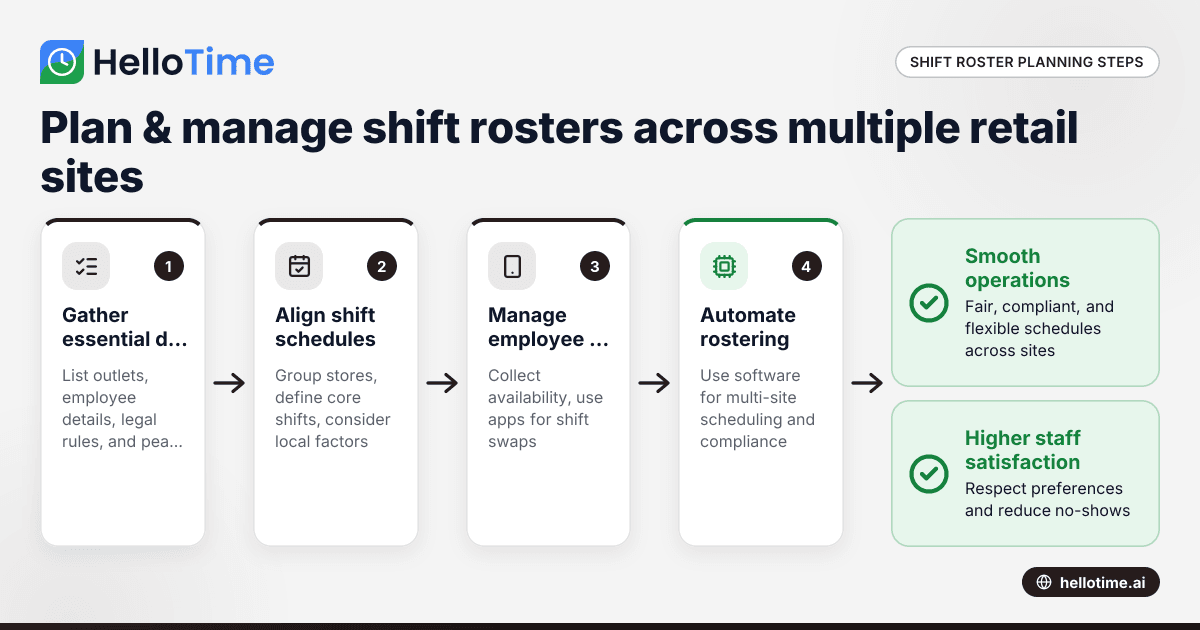
How to Plan and Manage Shift Rosters for Multi-Site Retail Chains in Mumbai and Bengaluru
How to Plan and Manage Shift Rosters for Multi-Site Retail Chains in Mumbai and Bengaluru This guide is for owners, HR and operations managers of.
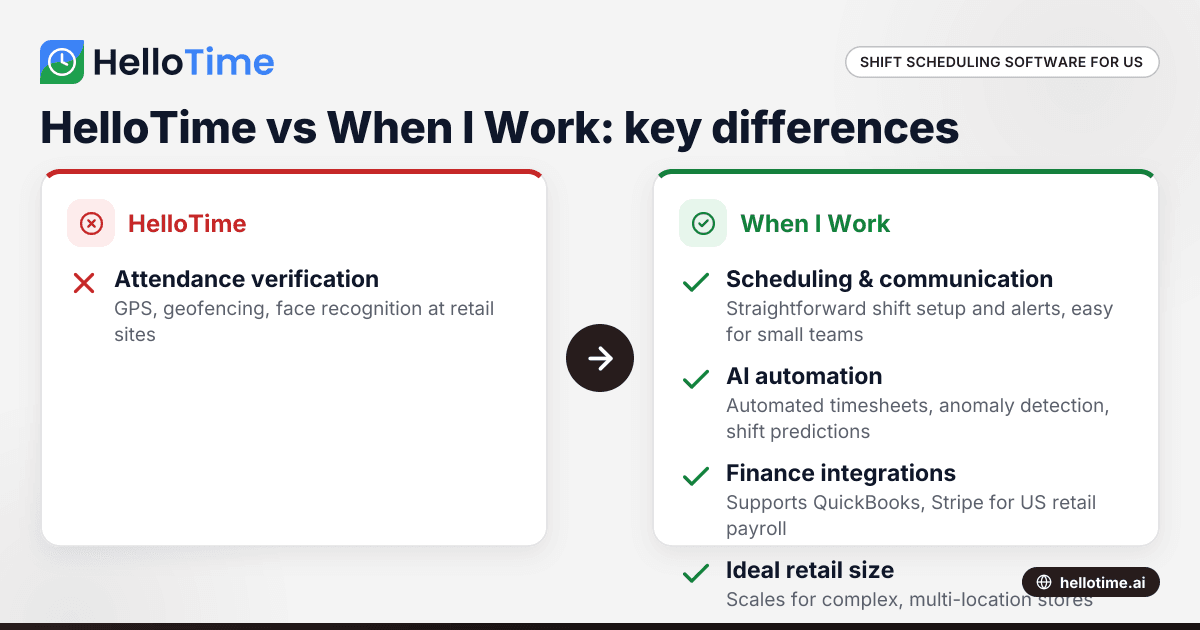
HelloTime vs When I Work: Choosing the Best Shift Scheduling Software for Retail Stores in the United States
HelloTime vs When I Work: Choosing the Best Shift Scheduling Software for Retail Stores in the United States Shift scheduling is crucial for retail.
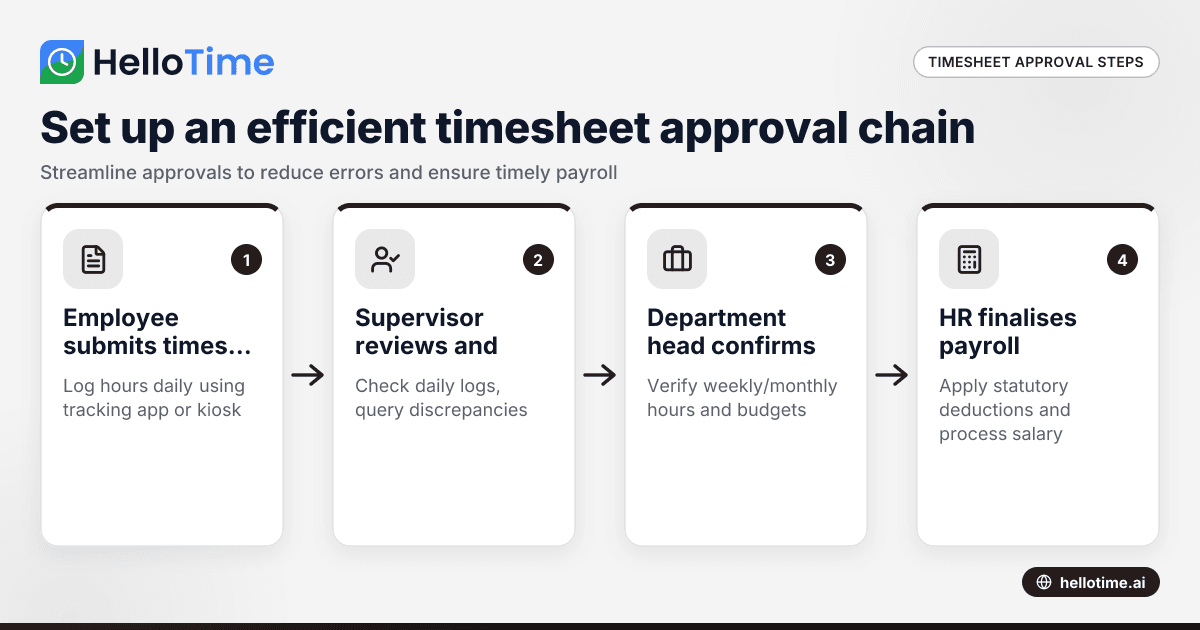
How to Set Up an Efficient Timesheet Approval Chain for Indian SMEs
How to Set Up an Efficient Timesheet Approval Chain for Indian SMEs This guide is for owners, HR, and operations managers at Indian small and.