Retail Employee Scheduling Template in United States: How Store Managers Can Plan Coverage, Breaks, and Peak Hours Without Spreadsheet Chaos
A retail employee scheduling template is a simple framework for planning who works, when they work, and where they are needed across your store. In.
The HelloTime team
12 min read
On this page
A retail employee scheduling template is a simple framework for planning who works, when they work, and where they are needed across your store. In the United States, the best template helps store managers cover busy hours, assign breaks, track labor costs, and adjust quickly without getting buried in spreadsheet edits.
Key takeaways
- A good retail employee scheduling template shows shifts, roles, breaks, and coverage gaps in one place.
- The template should be built around traffic patterns, peak sales hours, and minimum floor coverage.
- Spreadsheets can work for very small teams, but they often break when schedules change often.
- A better scheduling process starts with sales data, staffing rules, and employee availability.
- Clear templates reduce missed shifts, overtime surprises, and last-minute texting between managers.
- Software can turn a basic template into a live roster with time tracking, attendance, and approvals.
What is a retail employee scheduling template?
A retail employee scheduling template is a repeatable schedule format that store managers use to assign shifts for each day or week. It usually includes employee names, roles, start and end times, meal and rest breaks, store zones, and notes for opening or closing tasks.
In practice, the template becomes your operating plan for the sales floor. It tells your team who is on the register, who is stocking, who opens the store, who closes, and who steps in during busy periods. If you manage a boutique in Chicago, a hardware store in Houston, or a multi-location chain near Detroit, the core need is the same. You need enough people on the floor at the right hours without overspending on labor.
A strong template does more than fill boxes on a grid. It helps you answer basic questions before the week starts:
- Do we have enough cashiers for Saturday afternoon?
- Are lunches spread out so the floor stays covered?
- Is the opening manager scheduled early enough for setup?
- Are we creating unnecessary overtime?
- Do part-time employees stay within their planned hours?
This is why many managers start with a template even if they later move to scheduling software. The template gives structure. The software helps you keep that structure current.
Why do retail schedules become chaotic so quickly?
Retail schedules get messy because retail demand changes constantly. Foot traffic shifts by day, promotions drive sudden rushes, employees request time off, and call-outs happen with little warning.
A spreadsheet seems fine at first. Then the real world kicks in. One version gets emailed to assistants. Another gets printed in the break room. A supervisor makes a change on Friday. Someone else works from the old copy on Saturday. Soon you have confusion over shifts, coverage gaps, and payroll questions.
The chaos usually comes from five weak spots:
No standard format Every manager builds the schedule differently.
No clear staffing targets The team guesses how many people are needed.
Breaks are handled manually Coverage drops when several employees step away at once.
Availability lives in texts or memory Managers schedule people who cannot work.
Labor costs are reviewed too late Overtime and overstaffing show up after the week ends.
That is why a retail employee scheduling template should be more than a blank weekly grid. It should reflect how your store actually runs.
What should a retail employee scheduling template include?
A useful retail employee scheduling template should show each employee, shift time, role, break time, and coverage by hour. It should also flag open shifts, overtime risk, and peak traffic windows so managers can schedule with confidence instead of guesswork.
Under that short answer, here is what the template should contain in real day-to-day use.
1. Store and schedule details
Start with basic information at the top:
- Store name
- Location
- Week starting date
- Manager name
- Store hours
- Special events or promotions
This sounds simple, but it matters. A schedule for a holiday weekend is different from a normal week. A sidewalk sale, inventory count, or in-store promotion can change your staffing needs.
2. Employee list
Your template should include every active team member with:
- Full name
- Job title or role
- Full-time or part-time status
- Availability
- Maximum scheduled hours if applicable
This helps managers avoid assigning a closer to someone who only works mornings or giving too many hours to part-time staff.
3. Shift blocks
Each day should have clear shift columns or rows that show:
- Start time
- End time
- Total scheduled hours
- Department or zone
- Open or close duty
- Backup assignment if needed
For example, one shift may be 9:00 AM to 5:30 PM on the register. Another may be 12:00 PM to 8:30 PM for the sales floor and recovery.
4. Meal and rest breaks
Breaks should not be an afterthought. Your template needs a place to plan them. This is general information, not legal advice. Break and meal rules can vary by state and sometimes by city, so managers should confirm local requirements where they operate in the United States.
Even when state law does not require a specific rest break, planning breaks still helps protect customer service and reduce burnout. If three people disappear from the floor at 1:00 PM, your schedule failed even if every shift was technically filled.
5. Coverage targets by hour
This is one of the most important parts of a better template. Add a row or section that shows expected demand by hour. Then note how many people you need in each role.
Example:
- 10:00 AM to 12:00 PM: 1 cashier, 2 floor associates
- 12:00 PM to 3:00 PM: 2 cashiers, 3 floor associates
- 3:00 PM to 6:00 PM: 2 cashiers, 2 floor associates, 1 stock support
This turns scheduling from a guess into a staffing plan.
How do store managers build a schedule that actually covers peak hours?
Start with sales patterns and foot traffic, then map minimum coverage by hour, assign roles, and place breaks around rush periods. A strong schedule protects the busiest windows first, then fills slower periods without overspending on labor.
Here is a practical process you can use each week.
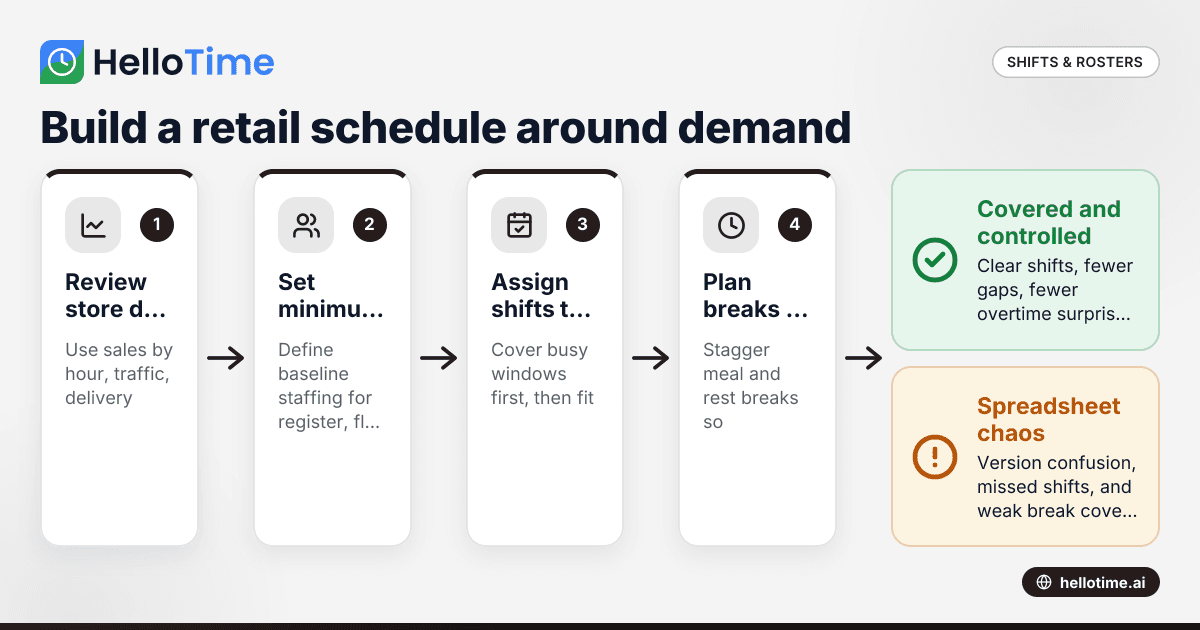
Step 1: Review recent store demand
Look at the past few weeks of data. Use what you already have:
- Point-of-sale sales by hour
- Transaction counts
- Foot traffic if available
- Delivery days
- Promotion calendar
- Local event dates
A store in Houston may need extra evening coverage during a local event weekend. A store in Chicago may see heavier lunch-hour traffic from nearby office workers. The pattern matters more than averages alone.
Step 2: Set minimum floor coverage
Decide the fewest people you can safely and practically run with in each area:
- Front register
- Sales floor
- Stock room
- Fitting rooms
- Customer pickup
- Opening and closing duties
This becomes your baseline. Even on slow days, your template should not drop below it.
Step 3: Identify peak hours
Mark the windows where demand rises sharply. These may include:
- Lunch rush
- After-school hours
- Friday evening
- Saturday afternoon
- Holiday shopping periods
Your best employees are often most valuable during these periods. This is where an ai retail employee scheduling approach can help managers spot recurring rushes and adjust coverage faster, but the underlying logic still starts with your own store data.
Step 4: Assign shifts around those peaks
Now build shifts backward from the busiest windows. Instead of starting with employee preferences alone, start with store needs, then fit availability into that structure.
For example:
- Cover opening duties.
- Add mid-day support for traffic peaks.
- Layer closers for recovery, restocking, and shutdown.
- Place flex staff where demand is least predictable.
Step 5: Schedule breaks around customer demand
Avoid stacking meal breaks during busy periods. If two cashiers are scheduled from 11:00 AM to 7:00 PM, stagger their breaks so one remains on the floor during the rush.
Step 6: Check labor costs before publishing
Before the schedule goes live, review total scheduled hours and likely overtime. A template is only useful if it helps you protect both service and budget.
A simple retail employee scheduling template structure
Below is a practical format many United States retail teams can use. You can build this in a spreadsheet, shared document, or scheduling tool.
Weekly header
- Week of: MM/DD/YYYY
- Store location
- Manager
- Store hours
- Notes: promotion, truck delivery, inventory, event
Employee details tab or section
- Employee name
- Role
- Availability
- Max weekly hours
- Preferred shifts
- Time-off requests approved
Daily schedule grid
For each day, include:
- Employee name
- Role
- Shift start
- Shift end
- Meal break
- Rest break windows
- Zone or station
- Opening or closing task
- Total daily hours
Coverage summary
Add hourly rows to show:
- Expected sales or traffic
- Required headcount
- Scheduled headcount
- Gap or surplus
Labor summary
Include:
- Total scheduled hours
- Estimated labor cost
- Overtime risk
- Open shifts
Even if you still use spreadsheets, this structure is more useful than a plain weekly table with names and times.
Where do spreadsheets fail for retail scheduling?
Spreadsheets fail when schedules change often, multiple managers edit them, or coverage needs depend on hourly demand. They can store shift data, but they do not manage approvals, attendance, version control, or real-time updates well.
The bigger your team gets, the more the cracks show.
Version confusion
One manager updates the file. Another prints an older version. Employees text asking which copy is correct. That confusion creates missed shifts and frustrated staff.
No live attendance signal
A spreadsheet shows who was supposed to work. It does not show who actually clocked in, who is late, or who missed a shift unless someone updates it manually.
Weak break planning
Break coverage is often buried in notes or handled verbally. That makes it easy to leave the register uncovered at the wrong time.
Hard to measure labor efficiency
Spreadsheets can add hours, but they rarely connect planned shifts to actual worked time, productivity, or profitability. If you bill labor into projects or service work tied to retail operations, disconnected systems create extra admin.
Poor communication
Retail managers should not have to chase schedules through email threads, text chains, and printed notices. A clear roster should be easy to publish and easy for staff to confirm.
How can scheduling software improve on a retail employee scheduling template?
Scheduling software keeps one live schedule, updates changes quickly, tracks attendance, and connects planned shifts to actual hours worked. It reduces manual edits and helps managers make better staffing decisions with less back-and-forth.
That short answer is why many growing stores outgrow spreadsheets.
With software, the template becomes a system instead of a static document. Managers can build repeating rosters, copy proven schedules, review leave requests, and publish updates in one place. Staff can check their shifts without waiting for a new file.
For retail teams, the real value usually shows up in daily operations:
Faster schedule creation
If your store has similar traffic patterns each week, repeating shift templates save time. You can duplicate a working schedule and make small adjustments instead of rebuilding from scratch.
Better attendance visibility
When schedules and time tracking live together, managers can see whether employees actually worked the shifts they were assigned. That closes the gap between planning and payroll review.
Easier leave and availability handling
Approved leave should affect scheduling automatically. Otherwise managers may accidentally assign someone who is unavailable.
Cleaner labor reporting
If you track billable work, project time, or service-related store tasks, accurate hours matter. Many businesses also need better records for internal reporting, payroll prep, or job costing with tools like QuickBooks.
Simpler multi-location control
If you manage more than one store, software makes it easier to keep scheduling rules consistent across locations while still adjusting for local traffic patterns.
HelloTime can help here with shift scheduling, rosters, leave management, attendance tracking, kiosk clock-in, GPS-based clock-in for field teams, and one-click time tracking. If you want to see how that works for American businesses, you can explore HelloTime in the US.
Practical tips to make your template work better every week
A template only helps if managers use it consistently. These habits make the biggest difference.
Standardize roles and shift labels
Do not call the same shift three different names. Use clear labels like:
- Opener
- Mid shift
- Closer
- Cashier
- Floor
- Stock
- Manager on duty
This reduces confusion and makes reports easier to review.
Build around actual demand, not habit
Many stores repeat old schedules because it feels easier. But if customer traffic has changed, old staffing patterns may waste labor or hurt service.
Keep one source of truth
Whether you use a spreadsheet or software, everyone should check the same version. Printed schedules can still help in break rooms, but they should match the live version.
Review planned versus actual hours
Every week, compare the schedule to what happened:
- Who worked extra hours?
- Which shifts ran short?
- When did traffic spike?
- Were breaks taken at the wrong times?
This helps the next week’s schedule improve.
Leave room for flexibility
Retail is unpredictable. Your template should make it easy to note on-call support, flex shifts, or backup coverage for busy weekends and promotions.
Use a scheduling system that matches your size
A single boutique may manage with a structured template. A growing chain with changing shifts, leave requests, and attendance issues usually needs more than a file. If you are comparing options, see the available features and then review plans on the pricing page.
Frequently asked questions
What is the best format for a retail employee scheduling template?
The best format is one that shows employees, roles, shift times, breaks, and coverage by hour in a single view. For small stores, that may be a spreadsheet. For growing teams, scheduling software is usually easier to maintain.
How far in advance should retail schedules be posted?
Many stores aim to publish schedules at least one to two weeks ahead so employees can plan around them. The right timing depends on your staffing model, local rules, and how often demand changes. More notice usually means fewer conflicts and call-outs.
Should a retail employee scheduling template include breaks?
Yes. Breaks should be planned directly in the schedule, not left for managers to figure out during the shift. This helps maintain floor coverage and reduces the chance that too many employees step away at once.
Can I use the same schedule template for every week?
You can use the same structure every week, but the actual schedule should change with traffic, promotions, and employee availability. A reusable template is helpful. A copy-paste schedule without review often creates labor waste or poor customer coverage.
Keep reading
Related articles
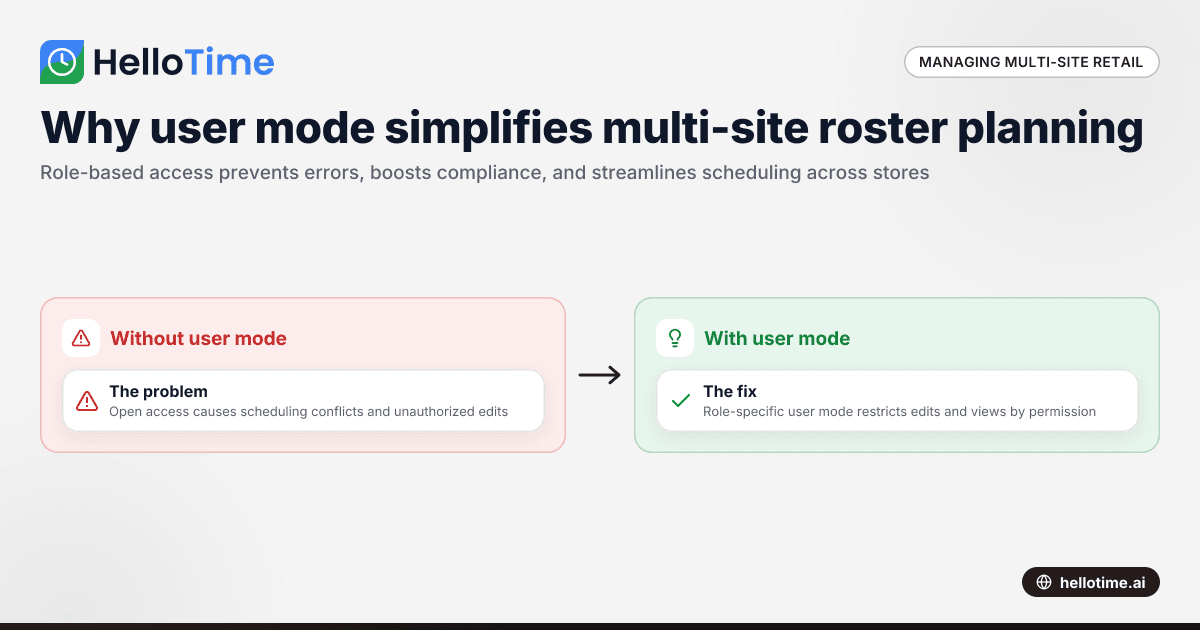
How User Mode Simplifies Managing Multi-Site Retail Roster Planning in the United States
User mode in multi-site retail roster planning customizes access and control for each user, matching their role. It prevents unauthorized schedule.
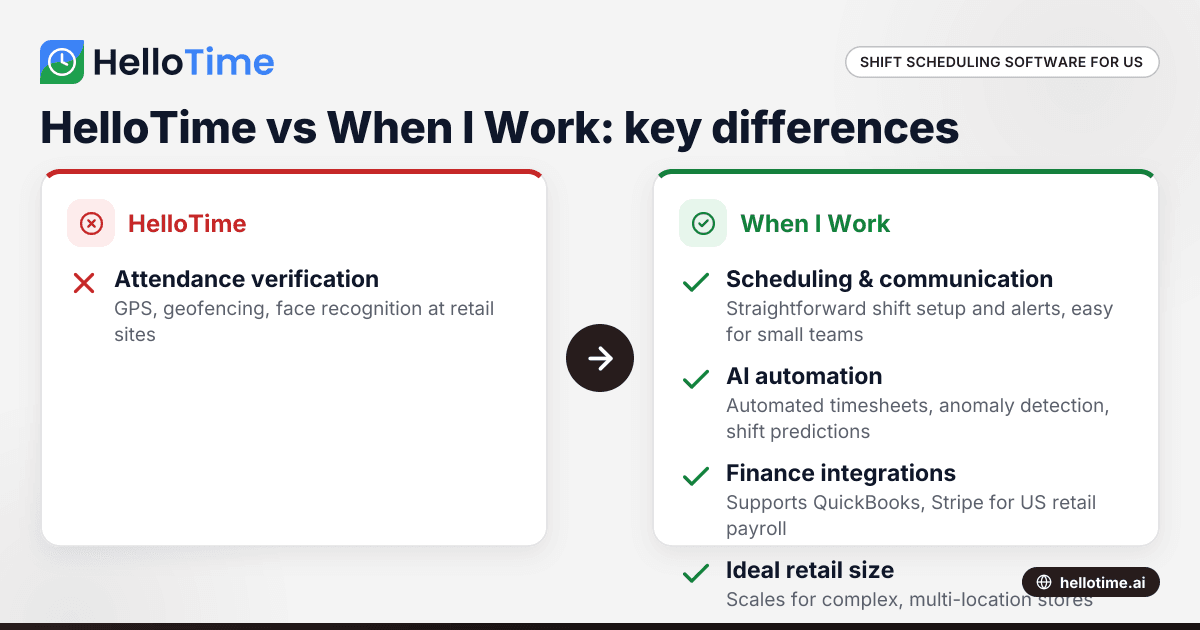
HelloTime vs When I Work: Choosing the Best Shift Scheduling Software for Retail Stores in the United States
HelloTime vs When I Work: Choosing the Best Shift Scheduling Software for Retail Stores in the United States Shift scheduling is crucial for retail.
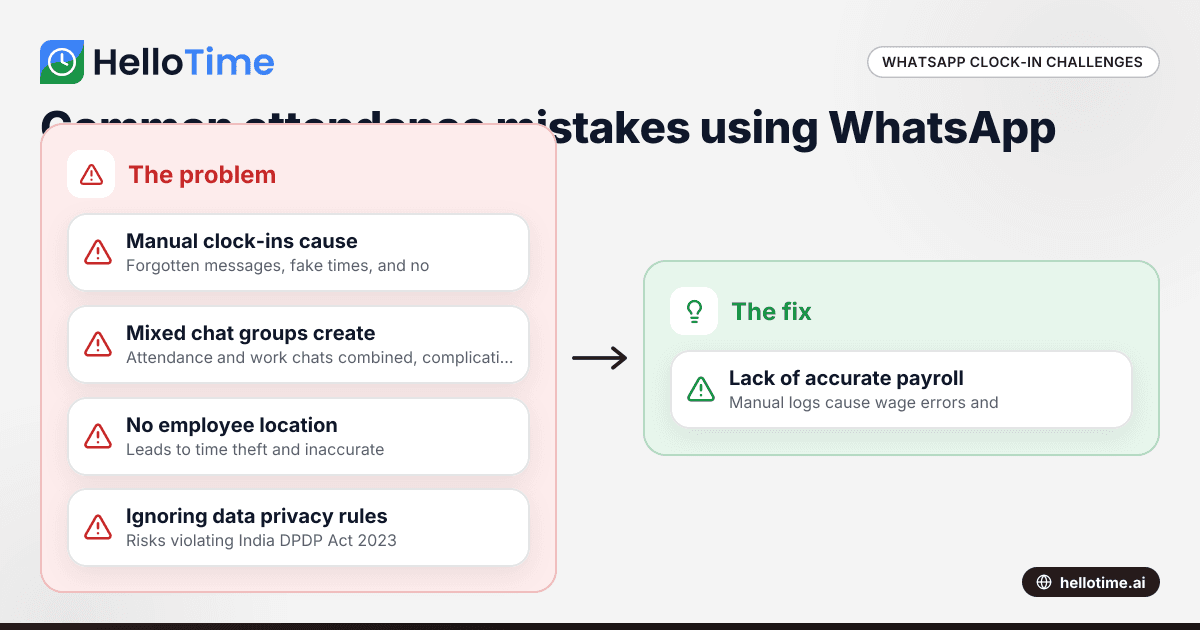
Using WhatsApp for Clock-In and Attendance Tracking in Indian Small Businesses
Using WhatsApp for Clock-In and Attendance Tracking in Indian Small Businesses The cost of managing attendance poorly can be high for small.