Roster Planning for Multiple Sites in the United States: How Small Businesses Can Assign Staff by Availability, Skills, and Travel Time
Roster planning for multiple sites means building one schedule across several locations without losing control of coverage, labor costs, or employee.
The HelloTime team
12 min read
On this page
Roster planning for multiple sites means building one schedule across several locations without losing control of coverage, labor costs, or employee fairness. For small businesses in the United States, the best approach is to assign shifts using three filters first: who is available, who is qualified, and how long it takes them to get to each site.
Key takeaways
- Start with role coverage, then narrow assignments by availability, skills, certifications, and travel time.
- Keep one shared view of all sites so managers do not overbook the same employee in two places.
- Use site rules for opening, closing, peak hours, and minimum staffing before filling individual shifts.
- Track actual hours against the roster so you can improve future schedules with real attendance data.
- A simple multi-site process works for retail, hospitality, field service, construction, and manufacturing teams.
- Software helps most when schedules change often, managers work from different locations, or staff rotate between sites.
Why roster planning for multiple sites gets hard fast
If you manage more than one location, scheduling usually breaks down in the same places. One manager needs help at a busy store. Another site has a last-minute absence. A trained worker is available, but they live 40 miles away. Someone else can cover, but they are already scheduled at another location.
That is why roster planning for multiple sites is not just a bigger version of single-site scheduling. It needs its own rules. You are balancing site demand, employee availability, travel time, and skill fit at the same time.
A coffee chain with three locations in Chicago has different needs from a field service business sending technicians across Houston. A manufacturer with two plants near Detroit may need forklift-certified workers at one site and quality inspectors at another. In each case, the schedule must match the real work at each location.
Small businesses often start with spreadsheets, group texts, and printed schedules. That can work for one site. It becomes risky when teams rotate across sites. The common problems are:
- Double-booked employees
- Missed qualifications or certifications
- Unfair distribution of early, late, or weekend shifts
- Too much travel between locations
- Higher overtime from poor planning
- Slow approval when managers change shifts
The fix is not making the spreadsheet more complex. The fix is using a repeatable scheduling method.
What should come first: availability, skills, or travel time?
Start with availability, then confirm skills, then optimize for travel time. If someone cannot work the shift, nothing else matters. After that, make sure they can do the job safely and correctly. Then choose the best option based on distance, commute time, and cost.
That order helps you avoid the two biggest mistakes in multi-site scheduling: assigning people who cannot work, and filling urgent shifts with the wrong staff.
A practical priority order for multi-site scheduling
Use this order every time you build a roster:
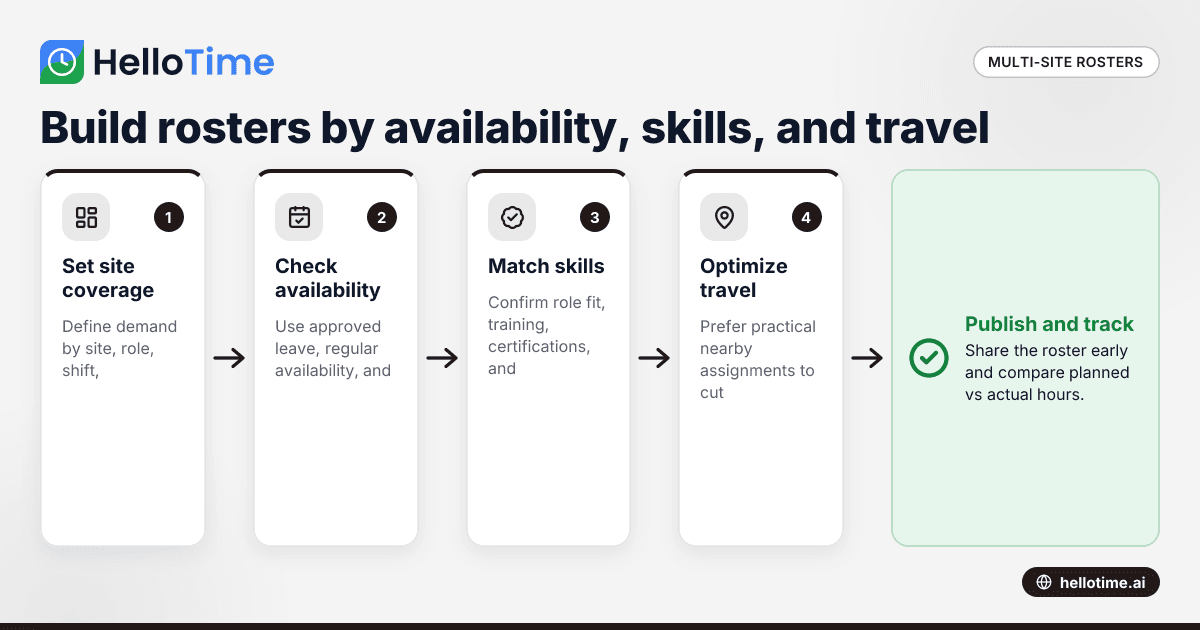
Coverage need at each site Define what each location needs by hour, role, and shift. For example, Site A needs one supervisor, two cashiers, and one stock associate from 9:00 AM to 5:00 PM.
Employee availability Check who is actually available for that day and time. Include approved leave, regular availability, and any blocked times.
Required skills or certifications Match the shift with people who can do that job. This may include equipment training, food handling knowledge, customer-facing experience, or supervisor permissions.
Travel time and site proximity Prefer workers who can reach the site reasonably and reliably. Long commutes increase lateness risk and reduce flexibility for shift changes.
Hours, overtime, and fairness Look at total scheduled hours, recent shift patterns, and whether the same people always get the less desirable shifts.
This order keeps decisions simple. It also gives managers a shared standard across all locations.
Why travel time matters more than many small businesses expect
Travel time is not just a convenience issue. It affects attendance, morale, and labor cost. If an employee works a short four-hour shift but spends 90 minutes driving each way, that assignment may look efficient on paper and fail in practice.
Travel matters even more when:
- Employees move between two sites in the same day
- Shifts start early or end late
- Traffic is unpredictable
- Site managers frequently ask for last-minute coverage
For some businesses, a “closest qualified person” rule is enough. For others, you may need travel zones. For example, assign staff first within a 10-mile radius, then expand only if coverage is still short.
Build your multi-site roster in six steps
A strong roster starts before names are added to shifts. You need a structure that any manager can follow.
1. Set site demand before assigning people
Start with each location’s coverage needs. Do not begin with a list of employees. Begin with the work.
For each site, define:
- Opening and closing hours
- Peak demand periods
- Minimum staffing by role
- Required supervisor presence
- Site-specific tasks
- Break coverage expectations
A retail business may need more floor staff on Friday evening and Saturday afternoon. A field service company may need dispatch coverage at one office and more technicians in a certain service area. A manufacturing site may need specific machine operators only on one production line.
When demand is clear, staffing decisions become easier.
2. Keep one clean employee profile for scheduling
Every employee who can work across sites should have one up-to-date profile. That profile should include:
- Primary location
- Other approved work locations
- Regular availability
- Time-off requests and approved leave
- Role and skill tags
- Any required certifications
- Maximum preferred hours
- Emergency or last-minute availability, if you use it
This is where many spreadsheet systems fail. The data lives in different tabs, emails, and manager notes. A manager at one site may not know that another site already promised that employee a shift.
A shared system reduces those conflicts. If you want a simple place to see how scheduling, attendance, and approvals fit together, review the features that support workforce management.
3. Use role rules, not manager memory
Managers should not have to remember every detail for every site. Put the rules into the scheduling process.
Examples include:
- Only shift leads can open or close
- Only trained staff can operate certain equipment
- New hires cannot work solo shifts
- At least one bilingual employee is needed on certain shifts
- One site always needs a keyholder on duty
- Certain employees should not be assigned back-to-back late close and early open shifts
Rule-based scheduling improves consistency. It also makes handoffs between managers much easier.
4. Assign by availability and skill match first
Once site demand and rules are set, assign employees who are both available and qualified. This is the heart of roster planning for multiple sites.
A practical method is:
- Fill hard-to-cover roles first.
- Fill supervisory or certified positions next.
- Add flexible roles after core coverage is secure.
- Leave low-risk swaps for later review.
This keeps your most important shifts from becoming last-minute problems.
5. Optimize for travel and fairness
After the right people are matched to the right work, improve the roster with two checks:
- Is each employee assigned to the most practical site?
- Are less desirable shifts distributed fairly?
Fairness matters because multi-site teams notice patterns quickly. If one worker always gets the farthest location, morale drops. If another always gets the busiest shift at the closest site, others may see the process as biased.
Create a few simple fairness rules. For example:
- Rotate weekend openings monthly
- Share split-site days across a larger pool
- Limit long-distance assignments per employee each week
- Review high-travel assignments before publishing the roster
6. Publish early and track actual hours
Publishing the roster early gives employees time to plan transportation, child care, and other commitments. It also reduces frantic shift changes.
After the week begins, compare planned hours with actual hours worked. This step is often missed, but it is where future schedules improve. You may find that one site always needs more close coverage, or that travel between two locations is less practical than expected.
Time and attendance data helps you tighten future rosters. For U.S. teams evaluating tools for that process, HelloTime in the US gives a local starting point.
How can small businesses reduce travel time between sites?
Group employees by preferred work zone, assign them first to nearby locations, and only expand outward when coverage is short. This cuts lateness, reduces manager rework, and makes shifts more acceptable to staff.
You can make travel time manageable without complex route software. Most small businesses need a few clear operating rules, not an advanced optimization engine.
Set simple distance rules
Start by dividing your sites into practical work zones. This could be north, central, and south parts of a metro area. Or it could be site clusters based on drive time.
Then define a few rules such as:
- Assign primary-site employees first
- Assign nearby backup staff second
- Escalate to wider travel only for uncovered critical shifts
- Avoid sending employees to more than one site per day unless necessary
A plumbing company in Houston, for example, may group technicians by service territory. A retailer with stores across greater Chicago may use a “nearest store first” rule for part-time associates.
Watch the hidden cost of cross-site movement
Travel decisions affect more than fuel or mileage reimbursement. They also affect:
- The chance an employee accepts an open shift
- The likelihood of on-time arrival
- Shift fatigue
- Supervisor confidence in the roster
- How often the schedule has to be rebuilt
If you schedule by proximity from the beginning, you often prevent these issues instead of fixing them later.
What is ai roster planning?
AI roster planning uses software to suggest the best shift assignments based on rules like availability, qualifications, site demand, and travel time. It helps managers build schedules faster, but it still needs human review for fairness, last-minute exceptions, and business context.
For small businesses, ai roster planning is most useful when many variables change at once. If you have several locations, rotating staff, and frequent call-outs, managers can spend hours comparing options manually. Software can narrow those options quickly.
That said, the goal is not to hand control away. The goal is to give managers a shortlist of workable assignments. A manager still needs to approve decisions that affect morale, customer service, or site-specific needs.
Where AI-style scheduling helps most
It is especially useful when you need to balance:
- Multiple sites with overlapping staffing pools
- Different role requirements at each location
- Many part-time employees with changing availability
- Last-minute absences
- Travel constraints
- Overtime limits
For example, if two sites need a supervisor and three employees are available, a smart system can rank likely matches based on skill, hours already scheduled, and commute practicality.
Where human judgment still matters
No system knows every context automatically. Managers still need to decide things like:
- Whether a new employee needs extra support
- Whether a busy site should get the strongest closer
- Whether a long commute is acceptable for a one-time emergency
- Whether a shift assignment is technically valid but likely to frustrate the team
The best result usually comes from combining software logic with clear manager rules.
Common mistakes in roster planning for multiple sites
Many scheduling problems are process problems, not staffing problems. Here are the mistakes that create the most issues.
Treating every site the same
Each location has its own rhythm. One store may need heavy opening coverage. Another may peak later. One field office may need more dispatch support. If every site gets the same template, the roster will miss real demand.
Using skills only after the schedule is built
A common spreadsheet workflow is to fill shifts first and then check whether people are qualified. That creates rework. Skills should be one of the first filters, not a cleanup step.
Ignoring employee preferences completely
Preferences are not the same as availability, but they still matter. If one employee prefers the downtown site because it is a 15-minute drive and another prefers the suburban site because of school pickup, good scheduling should account for that where possible.
Letting every manager schedule separately
Separate schedules create overlap and confusion. Shared staffing pools need one source of truth. Site managers can still request changes, but someone must see the full picture.
Failing to review planned versus actual hours
A roster is a forecast. If you never compare it with actual attendance, you do not learn. Over time, this leads to understaffing in some locations and wasted labor in others.
A simple weekly process for multi-site scheduling
If your current process feels chaotic, do not rebuild everything at once. Start with one weekly routine.
Monday: update demand and staffing changes
Collect site needs for the next scheduling period. Confirm expected demand, known absences, and any special events.
Tuesday: verify employee data
Update availability, approved leave, and role qualifications. Make sure cross-site permissions are current.
Wednesday: draft the roster
Fill critical shifts first. Then assign remaining roles using availability, skill fit, and travel logic.
Thursday: manager review
Have site managers review the draft for practical issues. Resolve conflicts before publishing.
Friday: publish and confirm
Release the schedule with enough notice. Ask employees to confirm receipt if needed.
During the week: log changes
Track swaps, no-shows, late arrivals, and attendance against the original plan. Those notes make next week’s roster stronger.
When should you move from spreadsheets to scheduling software?
Move when multi-site scheduling creates repeated errors, too much manager time, or poor visibility across locations. If one absence triggers a chain of texts and manual edits, you have outgrown spreadsheets.
You do not need dozens of sites to justify software. A business with three or four locations can hit the limit quickly if employees rotate often or if managers build schedules separately.
Signs your current process is too manual
Look for these warning signs:
- Employees are accidentally booked at two sites
- Managers call or text each other to check who is free
- Certifications or role requirements are tracked outside the schedule
- Time-off approvals are not reflected in the roster
- Last-minute changes are hard to communicate
- You cannot compare scheduled hours with actual attendance easily
Software can help connect scheduling with attendance and approvals. It also reduces version-control problems that are common with spreadsheets and printed rosters.
If you are evaluating options, compare workflow fit, not just features. The right tool should make it easier to plan shifts, approve time, and understand labor use across locations. You can explore plan options at pricing.
Keep reading
Related articles
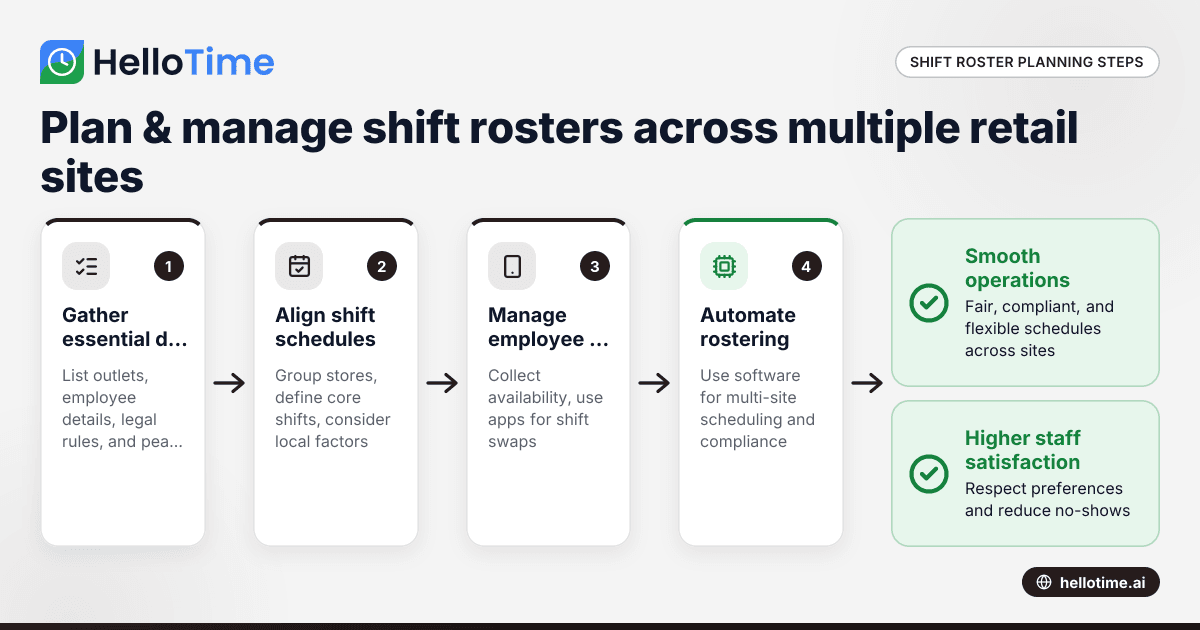
How to Plan and Manage Shift Rosters for Multi-Site Retail Chains in Mumbai and Bengaluru
How to Plan and Manage Shift Rosters for Multi-Site Retail Chains in Mumbai and Bengaluru This guide is for owners, HR and operations managers of.
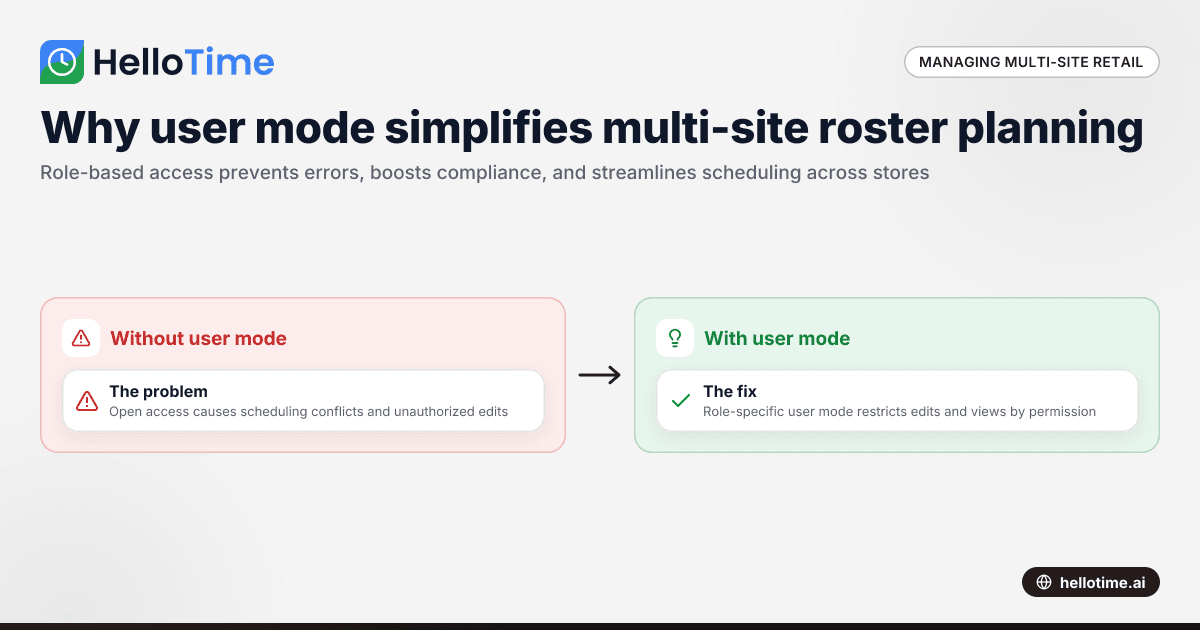
How User Mode Simplifies Managing Multi-Site Retail Roster Planning in the United States
User mode in multi-site retail roster planning customizes access and control for each user, matching their role. It prevents unauthorized schedule.
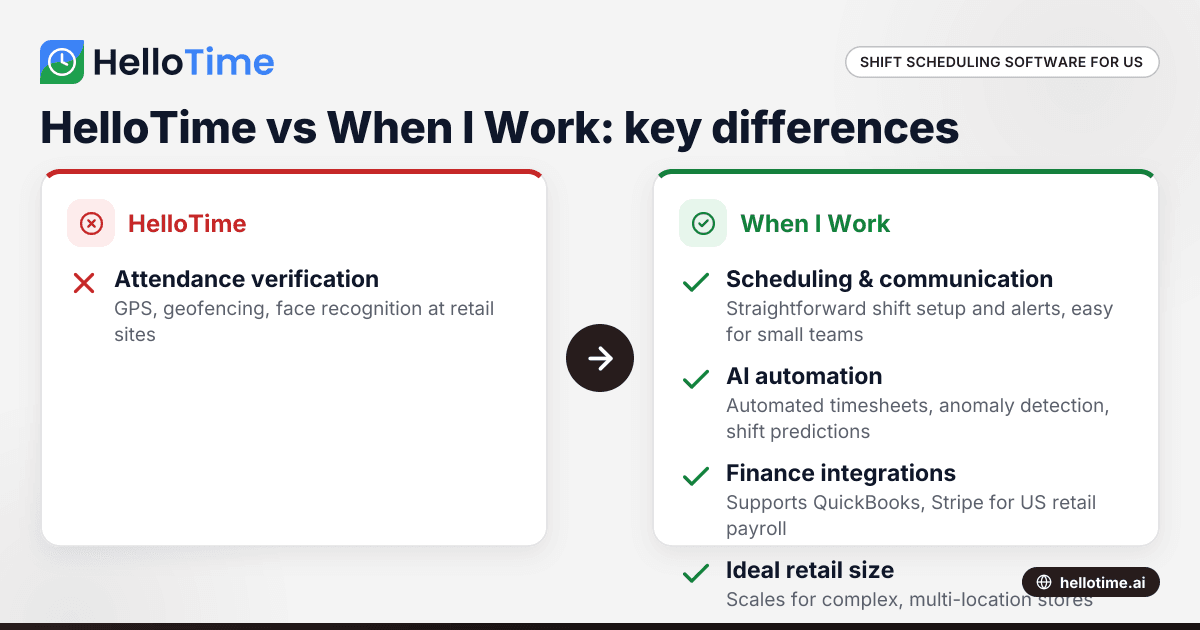
HelloTime vs When I Work: Choosing the Best Shift Scheduling Software for Retail Stores in the United States
HelloTime vs When I Work: Choosing the Best Shift Scheduling Software for Retail Stores in the United States Shift scheduling is crucial for retail.