Time Tracking for Agencies in the United States: How to Capture Billable Hours, Approve Timesheets, and Protect Project Margins
Time tracking for agencies in the United States is the process of recording who worked, on what client or project, for how long, and whether those.
The HelloTime team
12 min read
On this page
Time tracking for agencies in the United States is the process of recording who worked, on what client or project, for how long, and whether those hours are billable. Done well, it helps agencies invoice accurately, spot over-servicing early, and protect project margins before a job goes off track.
Key takeaways
- Time tracking for agencies works best when it is fast, consistent, and tied to clients, projects, and tasks.
- Clear approval rules reduce billing disputes and keep payroll and invoicing data cleaner.
- Agencies should track both billable and non-billable time to understand true utilization and project profitability.
- A good setup includes naming rules, weekly review habits, and simple controls for edits and approvals.
- Real-time visibility helps account managers catch scope creep before it turns into margin loss.
- Software that builds timesheets automatically can reduce missed hours and spreadsheet cleanup.
Why time tracking matters for agencies in the United States
Agencies sell expertise, effort, and outcomes. Even when you price work as a monthly retainer or fixed fee, labor is still your biggest cost. If you do not know where time goes, you cannot see whether a client is profitable.
This is why time tracking for agencies matters. It is not just about billing by the hour. It is about operational control. You need to know if a designer in Chicago spent six hours on revision rounds, if a paid media specialist in Houston spent too much time on reporting, or if your account team is doing unpaid work outside scope.
For most agencies, poor time tracking creates three common problems.
- Billable hours get missed.
- Timesheets arrive late or incomplete.
- Project margins look healthy until the job is nearly finished.
A clean time tracking process fixes all three. It gives finance a reliable base for invoices. It gives managers a way to approve time before billing. It gives leadership a way to compare budgeted hours against actual effort.
This article is general information, not legal, tax, or accounting advice.
What should agencies track?
Agencies should track more than hours alone. A useful record connects time to the business context around it. That is what turns raw entries into financial insight.
At a minimum, each time entry should include:
- Employee name
- Date
- Client
- Project or campaign
- Task or work type
- Time spent
- Billable or non-billable status
- Notes, when needed
That basic structure helps answer important questions later. Which clients use the most senior time? Which services create write-offs? Which retainers need to be re-scoped? Which internal activities consume too much team capacity?
Billable vs. non-billable time
Billable time is work you plan to charge to the client. Non-billable time is internal work or client work you choose not to invoice. Both matter.
If you track only billable hours, you miss the true cost of delivery. Agency teams spend time on internal meetings, sales support, training, admin, and rework. Those hours affect utilization and profitability, even if they never appear on an invoice.
Examples of billable time:
- Client strategy sessions
- Design production
- Copywriting
- Development work
- Campaign setup
- Client reporting that is included in scope
Examples of non-billable time:
- Internal planning meetings
- New business pitches
- Team training
- Internal admin
- Correcting avoidable mistakes
- Out-of-scope work you decide not to charge
Track by project, not just by client
Client-level tracking is too broad for most agencies. A client may have several active jobs at once. One website project may be profitable while a content retainer is not.
Project-level tracking gives you cleaner reporting. It helps you compare planned hours against actual hours. It also makes approvals easier because managers can review time in the right context.
If your team works across many small tasks, create a simple project and task structure. Keep it detailed enough to be useful, but not so complex that people avoid using it.
How do agencies capture billable hours without chasing staff?
Use one-click timers or quick manual entries tied to clients, projects, and tasks. Require daily logging, set weekly approval deadlines, and keep categories simple. The easier it is to log time as work happens, the fewer hours go missing.
The biggest reason agencies lose billable hours is friction. If staff must open a spreadsheet, search for job codes, and remember work from three days ago, your data will be incomplete.
The goal is not perfect surveillance. The goal is low-friction capture.
Build a system that people will actually use
A practical setup usually includes:
Fast start and stop tracking Team members should be able to begin tracking with one click.
Simple project and task lists Long dropdowns create errors and wasted time.
Manual entry for catch-up Real work is messy. People sometimes need to enter time after the fact.
Mobile access when needed This helps staff who move between meetings or work outside the office.
Daily habits Ask staff to review and complete entries before they end the day.
Weekly approval cutoffs Set one clear deadline for submitting time.
This is where tools can help. A system with automatic timesheets reduces end-of-week admin. If your agency wants less manual effort, review HelloTime’s features to see how one-click tracking, timesheets, approvals, invoicing, and project profitability reporting fit together.
Where ai time tracking can help
Some agencies now look for ai time tracking features to reduce missed entries and improve timesheet completion. In practice, the most useful help is simple: building timesheets faster, surfacing gaps, and making it easier for employees to confirm or correct their time before approval.
AI does not replace manager judgment. It should support cleaner records and less admin. Agencies still need clear project codes, approval rules, and billing decisions made by real people.
How should timesheet approvals work in an agency?
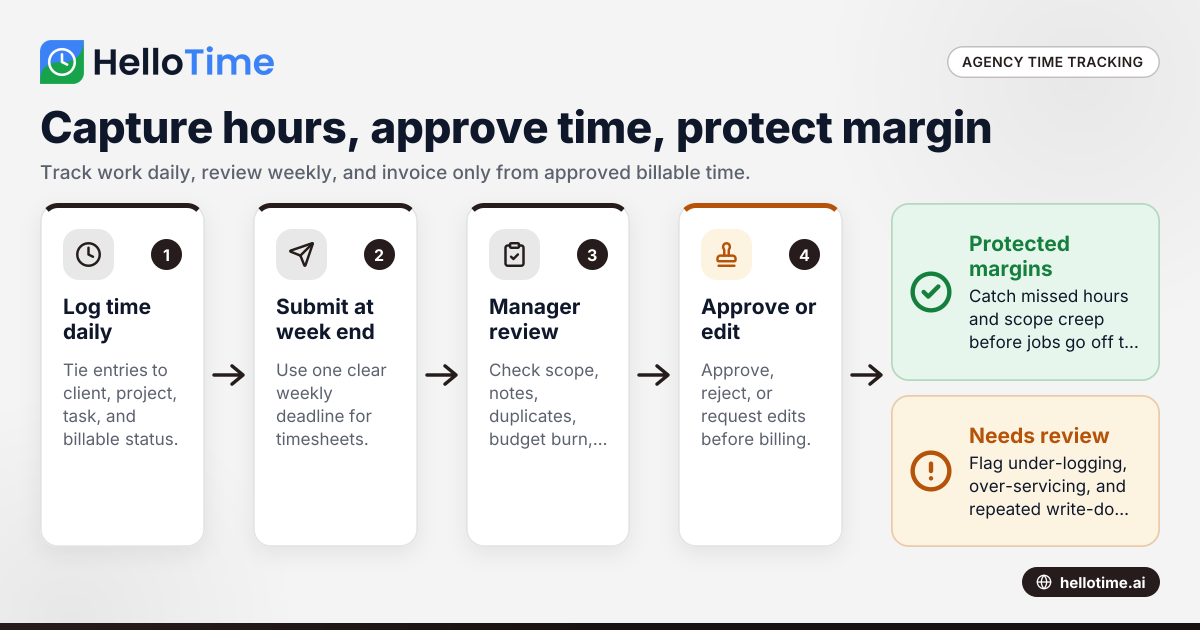
Use a simple weekly workflow: team members submit time, managers review for accuracy and scope, then finance uses approved hours for invoicing. Approval should catch missing notes, wrong projects, and non-billable work before it affects billing.
Timesheet approvals are where agencies protect margin. If approvals are rushed, bad data flows into invoices and reports. If approvals are too slow, invoicing gets delayed and cash flow suffers.
A practical approval workflow
Here is a process that works for many agencies in the United States.
Employees log time daily Encourage same-day entries whenever possible.
Employees submit timesheets at week end Pick one deadline, such as Friday evening or Monday morning.
Managers review by account or project The reviewer should know the client scope and budget.
Managers approve, reject, or request edits Keep this process quick and clear.
Finance invoices from approved billable hours Do not bill from unapproved entries.
Leadership reviews exceptions Watch for chronic under-logging, over-servicing, or repeated write-downs.
What managers should check before approval
Approvers do not need to inspect every minute. They do need to catch patterns that hurt billing quality.
Review for:
- Time on the correct client and project
- Enough notes to support billing
- Obvious duplicate entries
- Work logged against closed projects
- Large blocks of unexplained time
- Non-billable work that should be discussed with the account lead
- Hours that exceed budget or retainer assumptions
A good rule is this: if finance would struggle to explain the charge to the client, the entry needs clarification before approval.
What causes agencies to lose project margin?
Scope creep, missed billable hours, too much senior time on low-value tasks, and late visibility into budget burn are the biggest causes. Agencies protect margin by comparing estimated hours to actual time each week and fixing problems before the project is complete.
Margin loss rarely comes from one dramatic mistake. It usually comes from small issues that pile up over time. A few missed hours here. Extra revisions there. A strategist doing production work because the team is overloaded. A retainer that grew, but the fee never changed.
The most common margin leaks
1. Under-tracked time
If your team forgets to log work, your invoices are light and your profitability reports are wrong. This is one reason spreadsheets fail. They depend too much on memory.
2. Scope creep
Clients ask for “small” extras. Teams say yes. Nobody updates the budget. By the time leadership notices, the margin is gone.
3. Too much unplanned senior involvement
Senior staff often jump into projects to fix issues fast. That can save delivery, but it raises labor cost. If those hours are not visible, project economics look better than they really are.
4. Slow approvals
Late timesheets delay invoicing and reduce confidence in the numbers. They also make it harder to challenge questionable entries because nobody remembers the work clearly.
5. Weak job setup
If project names and task lists are inconsistent, reporting becomes unreliable. You cannot manage what you cannot group and compare.
Set up your agency time tracking system in 7 steps
A strong process does not need to be complicated. It needs to be repeatable.
1. Define your billing structure
Start with how you price work.
- Hourly
- Retainer
- Fixed fee
- Hybrid model
Even fixed-fee projects should track time. Otherwise, you cannot measure delivery cost or improve future estimates.
2. Standardize clients, projects, and tasks
Create a consistent naming structure. For example:
- Client: North Shore Dental
- Project: Website Redesign Q2
- Task: UX Design
This seems small, but it matters. Clean naming prevents reporting chaos later.
3. Decide what counts as billable
Write simple rules. Do not rely on assumptions. Clarify things like client meetings, revisions, reporting, travel time, or internal coordination tied to client work.
4. Set submission and approval deadlines
Choose one weekly rhythm and stick to it. Everyone should know:
- When timesheets are due
- Who approves them
- When edits must be made
- When approved hours lock for invoicing
5. Require useful notes on selected entries
Not every time entry needs a long explanation. But some do. Set a note rule for larger blocks of time, unusual tasks, or scope changes. That makes invoices easier to support.
6. Review budgets during delivery, not after
Compare actual hours to estimates every week. Do this while there is still time to act. Account managers should know when a project is trending over budget before the last phase begins.
7. Report on profitability by client and project
Approved hours should feed project reporting. Look at:
- Budgeted vs. actual hours
- Billable vs. non-billable mix
- Realization
- Utilization
- Margin by client
- Margin by service line
This is where time tracking becomes a management system, not just an admin task.
Best practices for agency teams and leaders
Good time tracking is a shared discipline. It is not just an operations problem.
For agency owners
Owners should review profitability trends, not just top-line revenue. A client that pays on time can still be unprofitable. Time data helps you decide which services to keep, reprice, or stop offering.
For operations and finance managers
Make the process easy and enforce deadlines. The longer time sits unreviewed, the less useful it becomes. Approved time should be the source for invoicing whenever possible.
For account managers
Watch budget burn weekly. If the team is heading over scope, act early. You can reset expectations, adjust staffing, or discuss a change order before margin disappears.
For team members
Explain why tracking matters. People are more consistent when they understand the purpose. Frame it as a tool for accurate billing, better staffing, and less chaos, not just oversight.
Common mistakes agencies should avoid
Even well-run agencies make these mistakes.
Making the system too detailed
If people must choose from dozens of task codes, compliance drops. Use enough detail for reporting, but not so much that logging time feels like extra project work.
Allowing retroactive edits without control
Late edits create confusion. Set permissions and keep an audit trail. If time changes after approval, someone should know why.
Billing from raw entries
Not every logged hour should be invoiced exactly as entered. Managers need to review for accuracy, scope, and client expectations before finance sends the invoice.
Ignoring non-billable work
Agencies often focus only on billable utilization. But non-billable time reveals process problems, training needs, and overloaded senior staff.
Waiting until month end to review
Monthly review is too late for active projects. Weekly review is much better for protecting margin.
Choosing time tracking software for agencies
A spreadsheet may work when the team is tiny. It breaks down fast as client count, project volume, and billing complexity grow.
Look for software that supports:
- One-click time tracking
- Manual time entry
- Client, project, and task structure
- Billable and non-billable tagging
- Timesheet approvals
- Invoicing from approved billable hours
- Project profitability reporting
- Clear permissions and edit controls
Agencies also need tools staff will actually use. If the system feels heavy, people avoid it. If it is simple, adoption improves.
HelloTime is built for businesses that need accurate time records, approvals, invoicing, and visibility into project performance. If you operate in the United States, you can also review HelloTime in the US for the product context most relevant to your market.
If you want to see what fits your agency workflow, explore the features or compare plans at pricing.
Frequently asked questions
Is time tracking only useful for hourly agencies?
No. Fixed-fee and retainer agencies also need time data. It shows delivery cost, team utilization, and whether pricing matches the effort required.
How often should agency timesheets be submitted?
Daily logging is best, with weekly submission and approval. That keeps records accurate and prevents a rush of guesswork at the end of the month.
Should agencies require notes on every time entry?
Not always. Requiring notes on every entry can slow adoption. A better approach is to require notes for larger time blocks, unusual work, or tasks that may be billed to the client.
Who should approve timesheets in an agency?
Usually the direct manager, account lead, or project manager who understands the work and the client scope. Finance can then use approved time for invoicing and reporting.
Can time tracking help reduce scope creep?
Yes. When managers compare estimated hours to actual time each week, they can spot overruns early. That gives them time to reset scope, reallocate work, or discuss additional billing.
What is the best way to start if we still use spreadsheets?
Start with a simple structure for clients, projects, tasks, and billable status. Then move to software that makes logging, approvals, and reporting easier so your team spends less time chasing timesheets and fixing data.
Keep reading
Related articles
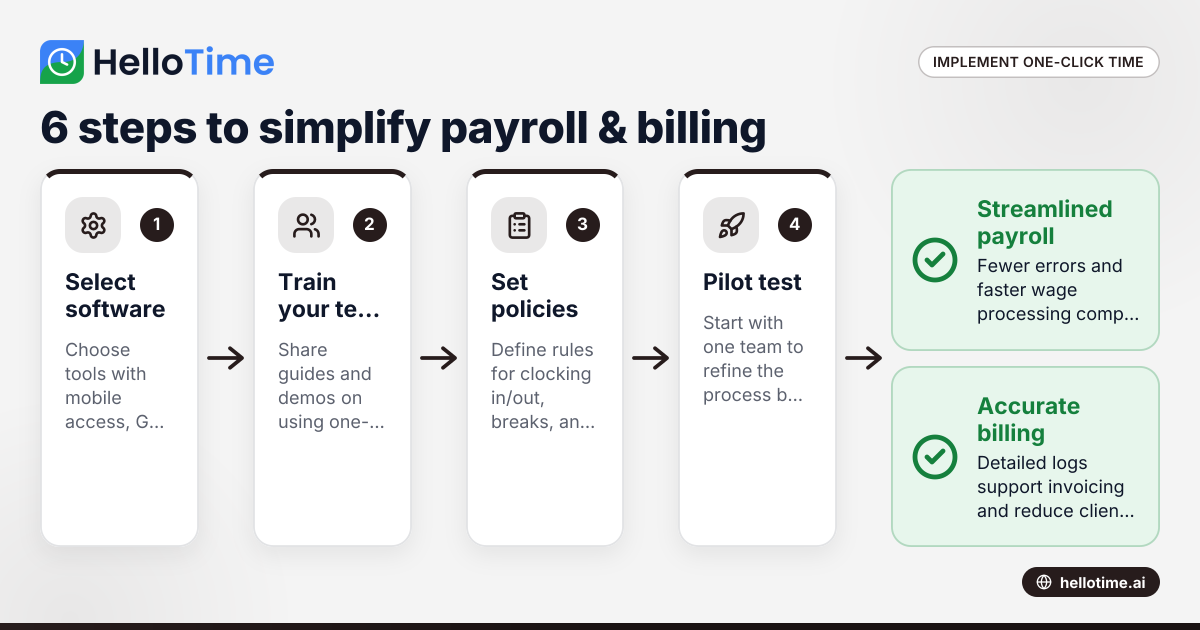
How United States Small Businesses Can Implement One-Click Time Tracking to Simplify Payroll and Billing
Time tracking is the process of logging the hours employees spend on tasks or projects. For small businesses in the United States, adopting one-click.
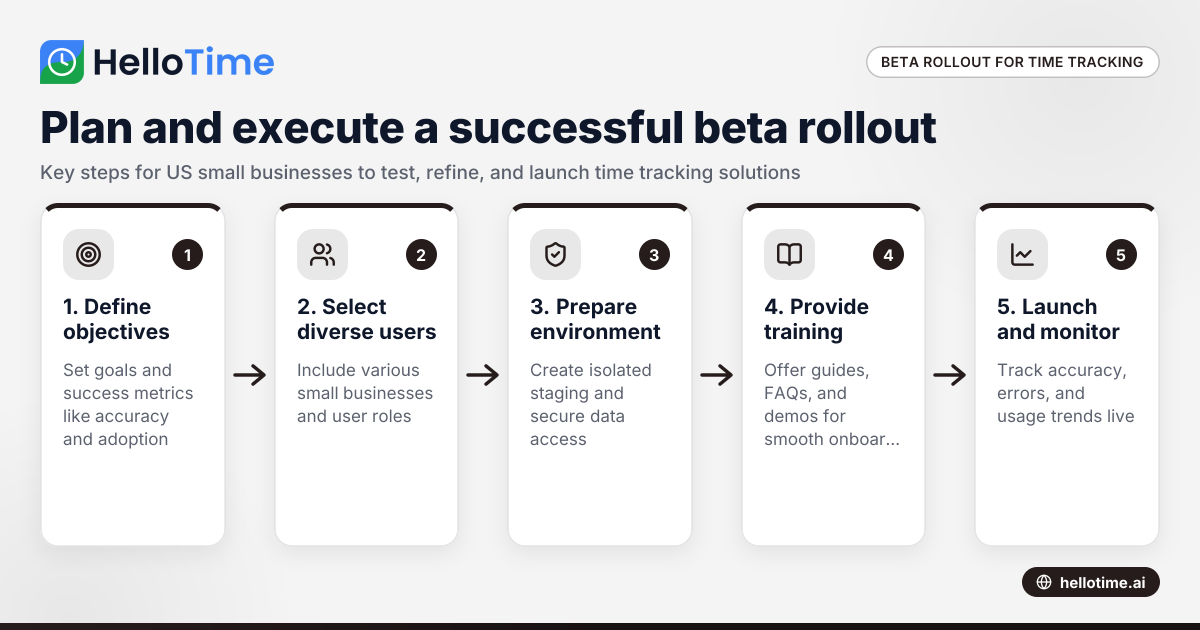
How to Plan and Execute a Successful Beta Production Rollout for Time Tracking Software in United States Small Businesses
Launching a beta production rollout means releasing your time tracking software to a limited group of real users in live conditions before full.
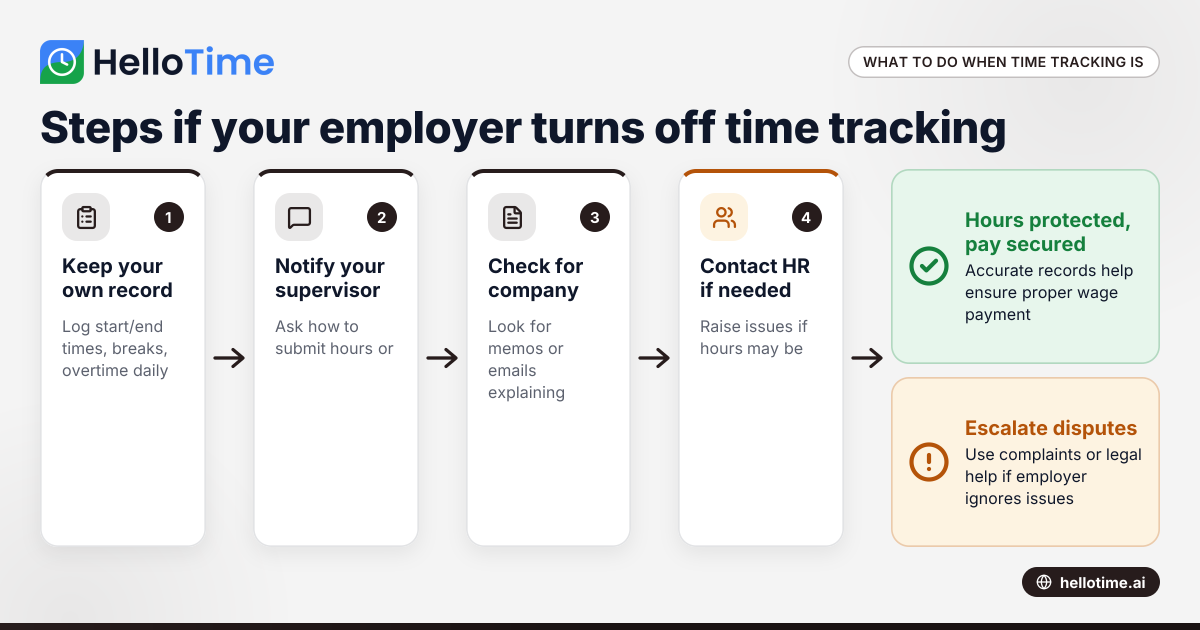
What to Do When an Employer Has Turned Off Your Time Tracking in the United States
When an employer has turned off time tracking, employees lose a key method to log their hours accurately. This can disrupt payroll, affect wage.