User Monitoring Alternatives in Time Tracking Software in the United States: How Small Businesses Can Track Hours Without Invasive Surveillance
If you are looking for user monitoring time tracking software in the United States , there is a better option than screenshots, keystroke logs, and.
The HelloTime team
12 min read
On this page
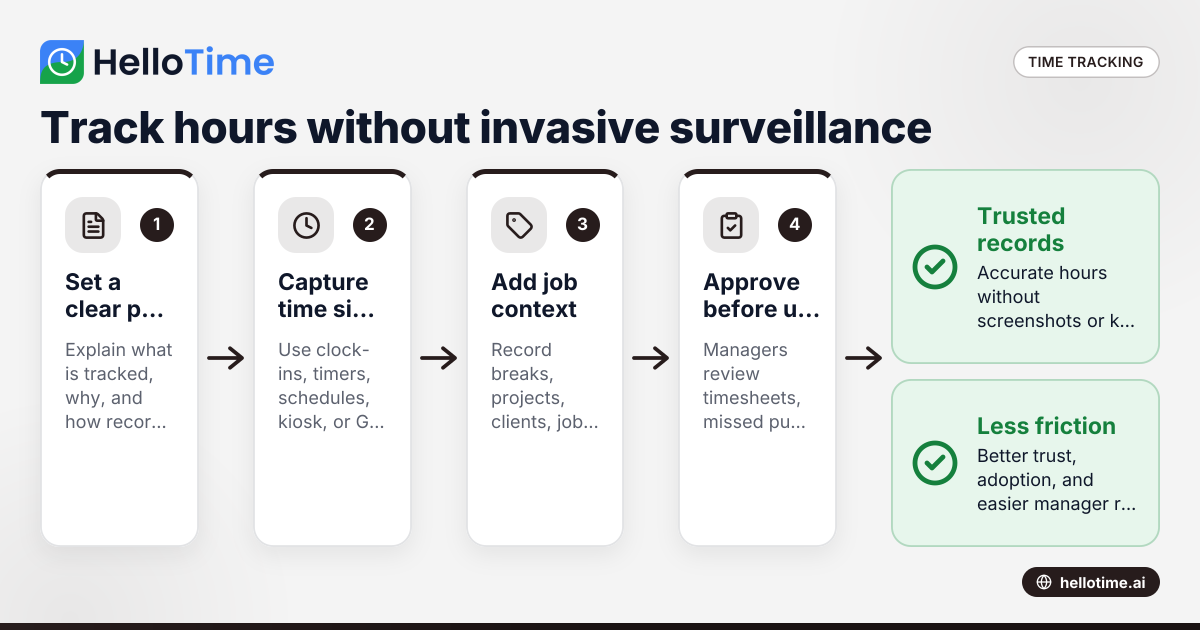
If you are looking for user monitoring time tracking software in the United States, there is a better option than screenshots, keystroke logs, and constant surveillance. Small businesses can track hours accurately with clear policies, easy clock-in tools, approvals, schedules, location controls, and job-based reporting, without creating a workplace that feels invasive.
Key takeaways
- Time tracking does not need invasive user monitoring to be accurate.
- Small businesses in the United States can track hours with clock-ins, approvals, GPS rules, schedules, and project tags.
- Heavy surveillance can hurt morale, trust, and adoption, especially in small teams.
- The best setup matches the work: project timers for desk teams, mobile clock-ins for field teams, and kiosk attendance for shared worksites.
- Written policies matter as much as software. Employees should know what is tracked, why, and how records are used.
- This article is general information, not legal advice.
Why businesses search for user monitoring time tracking software in the United States
Many small businesses start with a simple problem. They need accurate records of hours worked, billable time, attendance, breaks, and overtime risks. When spreadsheets fail, they often search for software using terms like user monitoring time tracking software united states because they want accountability.
What they usually want is not surveillance for its own sake. They want answers to practical questions:
- Did people clock in on time?
- How many hours went to each client or job?
- Which shifts were missed?
- Are managers approving timesheets quickly?
- Is labor cost in line with revenue?
- Are remote or mobile staff where they say they are?
That is an operations problem. It is not automatically a monitoring problem.
The risk is that businesses buy software designed around distrust. That can mean random screenshots, webcam checks, app usage logs, or keystroke tracking. Some platforms even market ai user monitoring as a way to judge productivity. For many small businesses, that is too much. It can create pushback, weaken culture, and still fail to improve payroll or billing accuracy.
A better approach is to define the records you truly need. Most teams only need a reliable record of start times, end times, job codes, locations, leave, and manager approval. That is enough to run payroll inputs, create invoices from billable hours, and understand project profitability.
What is the real goal of time tracking?
The goal of time tracking is to create a trusted record of work time for payroll inputs, client billing, scheduling, costing, and compliance. Most small businesses do not need to monitor every click. They need a system employees will actually use and managers can review quickly.
That distinction matters. A creative agency in Chicago, for example, may need project timers and billable hour reports. A field service company in Houston may need GPS-backed mobile clock-ins. A manufacturer near Detroit may need a tablet kiosk at the shop entrance and shift-based attendance records.
Each business needs proof of time. Very few need round-the-clock observation of how an employee uses a computer.
What counts as invasive surveillance?
Invasive features often include:
- Continuous screenshots
- Webcam photos not tied to a clock event
- Keystroke logging
- Detailed app and website spying unrelated to job costing
- Hidden or poorly disclosed monitoring
- Productivity scores with no clear method
These features can be especially risky when they are implemented without a clear policy. In the United States, privacy and employment rules can vary by state and by context. If you are considering monitoring beyond basic time and attendance, get advice from qualified counsel before rolling it out.
What counts as practical, lower-friction tracking?
Less invasive options focus on time records, not behavior surveillance. These often include:
- One-click start and stop timers
- Timesheets built from clock events
- Manager approvals
- Shift scheduling and rosters
- Job, task, or client codes
- Mobile clock-in with GPS at the moment of attendance
- Geofenced clock-in limits
- Shared tablet kiosk attendance
- Face recognition for kiosk verification at clock-in
- Leave requests and approvals
- Billable hours linked to invoices
- Reports on labor cost and project profitability
These controls are easier to explain and easier to defend internally. They answer business questions without watching people all day.
Why do small businesses avoid invasive monitoring?
Because it often creates more management problems than it solves. Teams accept time tracking more easily when it is clearly tied to attendance, billing, scheduling, and payroll inputs, not constant surveillance.
In a small business, culture moves fast. If employees feel watched, adoption drops. People forget to clock in, managers bypass the system, and the software becomes another cleanup task for HR or operations.
There are also practical limits. Screenshots do not prove that a person was working on the right client matter. Keystrokes do not show whether a field technician arrived at the jobsite. Browser tracking does not help a restaurant manager build next week’s roster.
The hidden costs of surveillance-heavy tools
A surveillance-heavy setup can create costs you do not see in the sales demo:
- Lower trust. Employees may see the system as punishment.
- Messier rollout. Managers spend time explaining features no one asked for.
- Weak data quality. People avoid or resist the tool.
- More disputes. Staff challenge what the system measured and why.
- Poor fit. Office-centric monitoring does not work for field or shift teams.
By contrast, a clear and limited system is easier to train, easier to audit, and more likely to be used correctly.
What should you track instead of employee activity?
Track the smallest set of data needed to run the business well: clock-in and clock-out times, breaks, jobs or projects, approvals, and location only when location matters. That gives you usable records without turning time tracking into all-day surveillance.
Build your process around business outcomes
Think about the outcomes you need:
- Payroll inputs: total hours, overtime review, missed punches
- Client billing: billable vs. non-billable time
- Operations: attendance, tardiness, shift coverage
- Job costing: labor by project, site, department, or task
- Leave control: approved time off and schedule impact
If a data point does not help one of those outcomes, question whether you need it.
Match the method to the workforce
Different teams need different tools.
Desk-based professional services teams
For agencies, consultants, and internal project teams, use:
- Start-stop timers
- Manual time entry with approval
- Project and task tagging
- Billable hour reporting
- Invoicing from approved billable time
This gives managers enough detail to review client work without watching screens.
Shift-based workplaces
For retail, hospitality, manufacturing, and warehouses, use:
- Shift schedules and rosters
- Clock-in and clock-out records
- Break tracking
- Manager approvals
- Shared kiosk attendance on a tablet
This setup keeps attendance consistent, especially when many employees share workstations.
Mobile and field teams
For construction, installation, cleaning, maintenance, and service calls, use:
- Mobile clock-in
- GPS capture at the clock event
- Geofence rules for approved sites
- Job or site codes
- Photo or face verification only at attendance events if needed
This confirms presence at the right location without collecting constant movement data all day.
How can you track remote employees without surveillance?
Use clear expectations, simple timers, task or project codes, and manager approvals. If location is not relevant, do not collect it. For remote desk teams, accurate time records usually come from easy workflows and regular review, not from screenshots or keystroke logs.
For remote work, trust and clarity matter more than control features. Start by defining what employees must record. That may be total hours, breaks, project time, or billable tasks. Then set a review rhythm. Team leads can check timesheets daily or weekly for completeness and reasonableness.
You can also strengthen accuracy with process design:
- Require project or client tags on time entries.
- Set reminder notifications for missed clock-outs or incomplete timesheets.
- Use approval workflows before hours are exported to payroll or invoicing.
- Compare hours against assigned work, deadlines, and meeting schedules.
- Review exceptions, not every minute of every day.
This approach scales better for a ten-person team and a fifty-person team. It is also easier to explain during hiring and onboarding.
What features should small businesses look for?
Look for tools that improve time accuracy and manager review without collecting more data than you need. In practice, that means attendance controls, approvals, scheduling, and reporting, not broad employee surveillance.
Core features that solve real problems
A strong time tracking system for a U.S. small business should help with these jobs:
- One-click time tracking
- Auto-built timesheets
- Timesheet approvals
- Shift scheduling
- Leave management
- GPS and geofenced clock-in for mobile teams
- Tablet kiosk attendance for shared locations
- Billable hours and invoicing support
- Labor and profitability reporting
These are operational features. They produce records managers can use.
Features to treat carefully
Some features deserve extra scrutiny before you enable them:
- Continuous screenshots
- Background app tracking
- Keystroke or mouse activity logs
- Hidden monitoring
- Always-on location tracking
- Automated productivity scoring with no transparent logic
Ask a simple question: if this feature were explained in plain English on day one, would employees understand the business reason for it? If not, it may not belong in your rollout.
How do you choose software for office, field, and shift teams?
Choose software based on where work happens and how hours are approved. Office teams need project time and billing controls. Field teams need mobile attendance and site rules. Shift teams need schedules, kiosk tools, and fast exception handling.
A simple selection framework
Use this five-step process:
List your time-tracking use cases. Separate payroll inputs, attendance, client billing, and job costing.
Map employee groups. Divide office staff, remote staff, field crews, and shift workers.
Define required proof. Decide whether you need project tags, manager approval, GPS at clock-in, or kiosk verification.
Reject extra monitoring by default. Only add a monitoring feature if it solves a documented problem.
Pilot with one team first. Test adoption, manager review time, and payroll or invoicing accuracy.
Questions to ask in a demo
When you evaluate software, ask:
- How do timesheets get built?
- Can managers approve hours by team or location?
- Can employees correct missed punches?
- Does GPS apply only at clock-in, or all day?
- How do geofences work?
- Can a shared tablet act as a kiosk?
- How are billable hours turned into invoices?
- What reports show labor cost by project or shift?
If you want a lower-friction system focused on attendance, hours, and approvals, review the available features and compare them to your current process.
How to roll out non-invasive time tracking successfully
The software matters, but the policy matters just as much. Even a reasonable setup can feel intrusive if no one explains what is being tracked.
1. Write a short time-tracking policy
Keep it plain and specific. Include:
- Who must track time
- What must be recorded
- When employees should clock in and out
- How breaks are handled
- Whether location is captured and when
- Who approves hours
- How corrections are submitted
Avoid vague language. If you do not track screenshots or keystrokes, say so.
2. Explain the business purpose
Employees are more likely to accept tracking when they understand why it exists. Link each requirement to a real need:
- Payroll accuracy
- Customer billing
- Staffing coverage
- Job costing
- Safety or site attendance
This lowers resistance and helps managers answer questions consistently.
3. Train managers first
Managers create most of the employee experience. Teach them how to:
- Review exceptions
- Approve or reject timesheets
- Handle missed punches fairly
- Use reports for staffing decisions
- Avoid asking for off-system workarounds
If managers are inconsistent, employees will not trust the process.
4. Audit the exceptions, not everyone
Do not manage by suspicion. Focus on patterns such as:
- Repeated late clock-ins
- Frequent missing punches
- Unapproved overtime
- Time on the wrong client code
- Attendance outside a geofence
That saves time and avoids unnecessary conflict.
5. Review whether the data is actually useful
After 30 to 60 days, ask:
- Did payroll prep get faster?
- Did billing improve?
- Are schedules more accurate?
- Are fewer hours disputed?
- Do managers trust the reports?
If the answer is no, remove steps that create friction without producing value.
A practical alternative to user monitoring software
For most small businesses in the United States, the right alternative is simple: track attendance and work time at the moment it happens, connect it to jobs or shifts, and require manager approval before records flow into billing or payroll inputs. That gives you accountability without turning software into a surveillance tool.
HelloTime fits this model well for many teams. It supports one-click time tracking, auto-built timesheets, approvals, scheduling, leave, GPS and geofenced clock-in, kiosk attendance, invoicing from billable hours, and project profitability reporting. For businesses evaluating options in this market, you can also review HelloTime in the US to see how the product is positioned for U.S. teams.
The key point is not the brand. It is the operating model. Good time tracking should reduce disputes, save admin time, and produce better records. It should not make employees feel like every action is being watched.
If you want a time tracking process employees will actually follow, start with the least invasive setup that still gives you accurate hours.
To see how that could work in your business, explore the features or compare plans on pricing.
Frequently asked questions
Is user monitoring the same as time tracking?
No. Time tracking records hours worked, attendance events, breaks, and job or project time. User monitoring usually goes further by tracking screen activity, keystrokes, websites, or other behavior.
Can GPS clock-in be less invasive than activity monitoring?
Yes. GPS captured at clock-in or clock-out is often more targeted than all-day app or screen monitoring. It answers a specific attendance question without collecting constant behavior data.
Do remote employees need screenshots for accurate time records?
Usually not. Remote teams often do well with timers, project codes, reminders, and approvals. If managers review exceptions consistently, that is often enough for reliable records.
What should a small business include in a time-tracking policy?
Include who tracks time, what gets recorded, when clock-ins happen, how corrections work, and who approves hours. If you collect location data, state when and why you collect it.
Can time tracking software help with client billing?
Yes. If your team tracks billable hours by project or client, approved time entries can support invoice preparation. That is especially useful for agencies, consultants, and service businesses that bill by the hour.
Is payroll included for U.S. businesses?
HelloTime supports time tracking, attendance, scheduling, leave, invoicing from billable hours, and related reporting for U.S. businesses. Payroll for the United States is not described here as available, so confirm current capabilities before making payroll decisions.
Read next
This article covers one part of a bigger topic. For the complete picture, read our guide to user mo.
Keep reading
Related articles
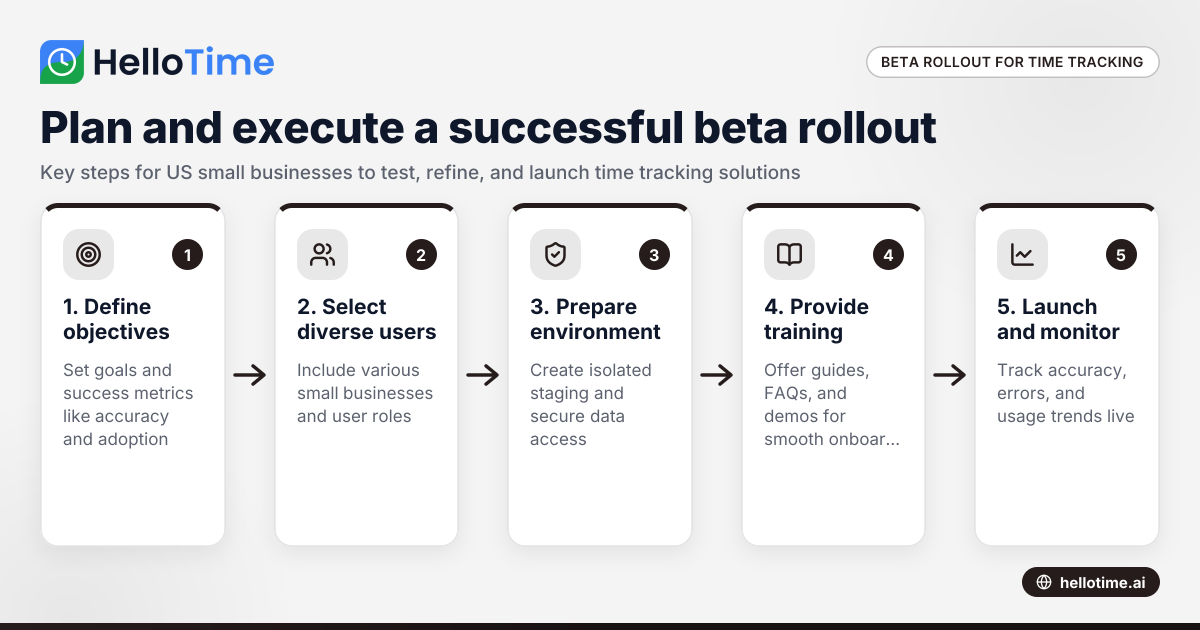
How to Plan and Execute a Successful Beta Production Rollout for Time Tracking Software in United States Small Businesses
Launching a beta production rollout means releasing your time tracking software to a limited group of real users in live conditions before full.
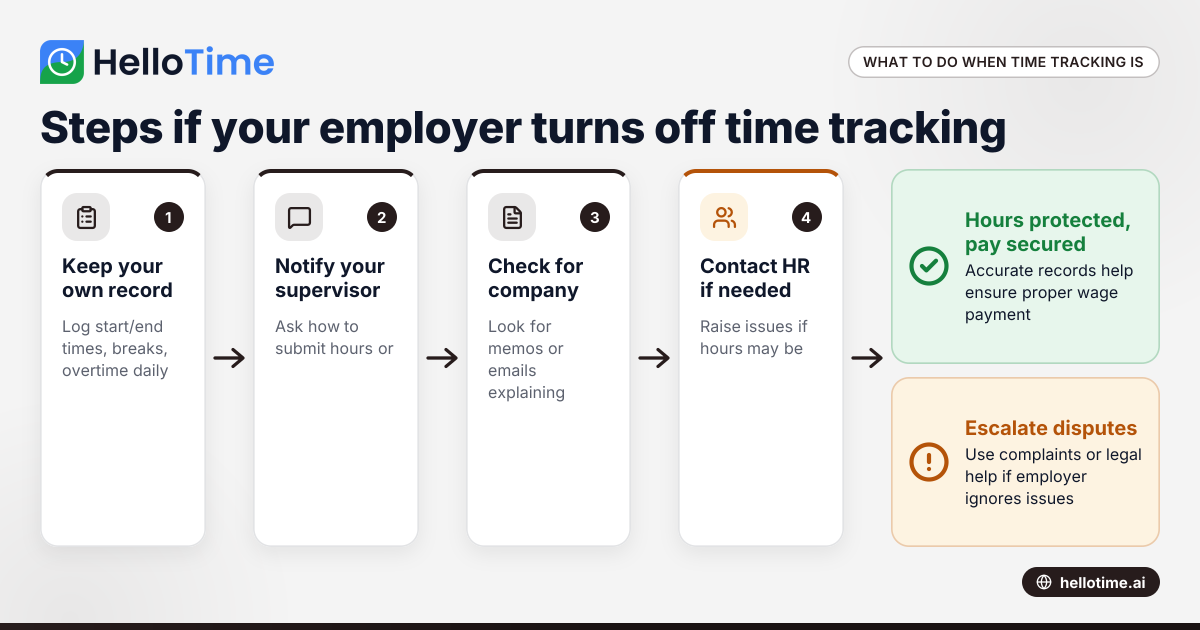
What to Do When an Employer Has Turned Off Your Time Tracking in the United States
When an employer has turned off time tracking, employees lose a key method to log their hours accurately. This can disrupt payroll, affect wage.
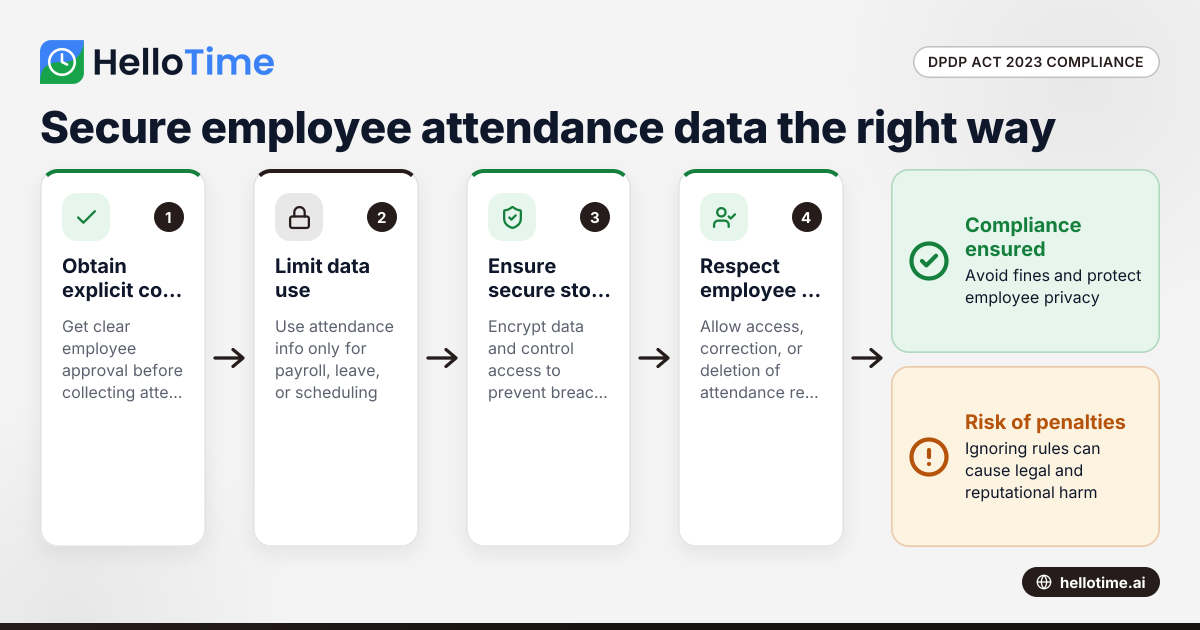
How the DPDP Act 2023 Impacts Employee Attendance and Timesheet Data Management in Indian SMEs
The Digital Personal Data Protection (DPDP) Act 2023 is India’s law regulating how personal data, including employee attendance information, must be.