User Monitoring in Time Tracking Software in the United States: What Small Businesses Should Track, What to Avoid, and How to Keep Approvals Clean
User monitoring in time tracking software in the United States should focus on work records that support payroll, billing, attendance, and manager.
The HelloTime team
12 min read
On this page
User monitoring in time tracking software in the United States should focus on work records that support payroll, billing, attendance, and manager approvals. Small businesses should avoid intrusive surveillance that creates legal risk, hurts trust, and collects more data than they can justify.
Key takeaways
- Track the minimum data needed to confirm hours worked, job activity, location when relevant, and approval status.
- Avoid hidden monitoring, nonstop screenshots, and personal-device tracking unless you have a clear business reason and written consent.
- Clean approvals come from clear policies, manager review rules, and a simple process for edits, missed punches, and exceptions.
- In the United States, wage and hour compliance matters more than watching every click.
- Good user monitoring time tracking software united states buyers choose should improve accuracy without creating fear.
- Time tracking works best when employees know what is tracked, why it is tracked, and how records are used.
What is user monitoring in time tracking software?
User monitoring in time tracking software means collecting work-related signals that help verify time entries and attendance. That can include clock-in and clock-out times, project selection, GPS location on clock-in, device used, shift history, edits, approvals, and notes.
For a small business in the United States, the goal is usually practical. You want accurate timesheets. You want fewer payroll disputes. You want billable hours tied to projects. You want managers to approve exceptions quickly.
That is different from broad employee surveillance. Time tracking software is most useful when it answers a few specific questions:
- Did the person clock in and out?
- Were they assigned to the right shift, job, or client?
- Were there breaks, edits, or missed punches?
- Did a manager review and approve the record?
- If location matters, was the person at the right site?
A Chicago field service company may need GPS clock-in because technicians travel to customer sites. A Houston retail store may need a tablet kiosk for shift attendance. A Detroit design agency may care more about project timers, billable hours, and approval trails than physical location.
The mistake many businesses make is tracking too much. More data does not always mean better control. It often means more noise, more employee resistance, and more review time.
What should small businesses actually track?
Track the smallest set of information that helps you run payroll, bill clients, and manage attendance.
Start with these basics:
Clock-in and clock-out times This is the core record. It should show start time, end time, and total hours.
Breaks and missed punches If your team takes unpaid meal breaks or records rest breaks, capture those events clearly.
Job, project, or cost code This matters for service businesses that invoice clients and for operations teams that track labor by job.
Shift assignment versus actual hours worked Compare the planned schedule to the actual attendance record. This helps with lateness, no-shows, and early departures.
Edits and approval history A clean audit trail matters. You should know who changed a time entry, when they changed it, and who approved it.
Location only when location matters GPS and geofencing make sense for field service, construction, delivery, and multi-site teams. They may not make sense for office staff.
Device or kiosk source It helps to know whether a record came from a phone, web app, or tablet kiosk.
These data points support real business processes. They help with payroll prep, client invoicing, profitability reporting, and attendance management.
Which signals are useful for approvals?
Manager approvals get easier when the software highlights exceptions instead of forcing managers to inspect every minute.
Useful approval signals include:
- Late clock-in
- Early clock-out
- Missed break
- Overtime flag
- Outside geofence clock-in
- Manual time edit
- Unapproved shift swap
- Duplicate entry
- Wrong project code
- Missing note for an exception
This is where ai user monitoring can help if it stays narrow and practical. The best use is spotting anomalies that deserve review, not scoring people based on constant surveillance.
What should you avoid tracking?
Avoid any monitoring that is hard to explain, hard to defend, or unrelated to the job.
Examples include:
- Hidden or undisclosed tracking
- Constant screenshots of employee screens
- Keystroke logging for ordinary office work
- Webcam monitoring without a strong reason
- Tracking employee location off the clock
- Collecting personal-device data that is not tied to work time
- Monitoring private messages or personal apps
- Recording far more data than managers will actually review
These practices create a trust problem fast. They also increase legal and employee relations risk. This article is general information, not legal advice. If you are planning aggressive monitoring, get advice from a qualified U.S. employment lawyer before rollout.
A simple test helps. Ask this question: if an employee asked why this data is collected, could you answer in one sentence tied to payroll, attendance, safety, scheduling, or billing? If not, you may be collecting too much.
Is more monitoring always better?
No. More monitoring often creates more noise, more false alarms, and slower approvals. Small businesses usually get better results from accurate clocks, clear rules, and visible exception flags than from invasive surveillance.
Too much monitoring can also change manager behavior. Instead of checking whether time records are complete and reasonable, they start policing tiny details that do not affect payroll or client billing. That wastes time and can lower morale.
How do you keep approvals clean?
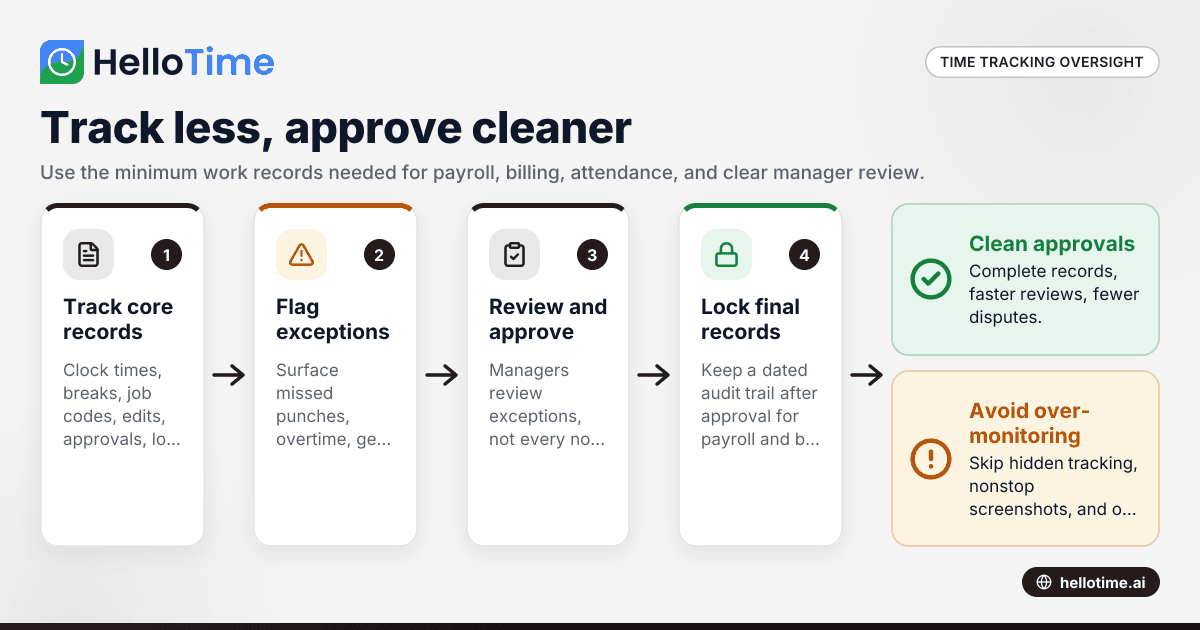
Keep approvals clean by making them consistent, documented, and easy to review. Managers should approve exceptions, not hunt for them.
Use this five-step process.
1. Define approval rules in plain language
Write a short policy that covers:
- Who must track time
- When time must be entered
- How missed punches are fixed
- When notes are required
- Who can edit time
- Who approves time
- What happens after approval
Keep the policy short. Most teams need one page, not a handbook chapter.
2. Separate employee edits from manager approval
Employees should be able to request fixes. Managers should review and approve those changes. That creates a clean trail and reduces silent corrections.
For example, if a server in Houston forgets to clock out, the employee can submit the correct end time with a note. The supervisor reviews it before the pay period closes.
3. Review by exception
Set approval queues around flags, not around every normal shift. Managers should see:
- Missing punches
- Long shifts
- Unauthorized overtime
- Geofence exceptions
- Manual edits
- Wrong project selections
This shortens review time and keeps attention on the records most likely to cause payroll or billing errors.
4. Lock records after approval
Approved timesheets should not change without a documented reopening process. If changes are needed later, the system should show who reopened the record and why.
This matters for payroll prep and client billing. It also helps when an employee questions a paycheck later.
5. Set a weekly close routine
Choose one clear cutoff each week or pay period. Employees finish entries first. Managers review second. Payroll or finance exports last.
A routine close reduces back-and-forth. It also teaches the team that approvals are part of operations, not an afterthought.
What does clean approval data look like?
Clean approval data is complete, dated, and easy to audit. It shows the original time record, every change, every note, and every approval decision in order.
In practice, that means a useful timesheet record should show:
- Employee name
- Work date
- Start and end times
- Breaks
- Total hours
- Project or job code
- Clock source
- Location if relevant
- Edit history
- Notes
- Manager approval status
- Approval timestamp
For billable businesses, there is one more key item. The hours approved for payroll should line up with the hours approved for invoicing. If those records drift apart, disputes follow.
A lot of timesheet problems are not fraud problems. They are process problems. People forget to switch projects. A supervisor approves before all edits are in. Someone fixes a missed punch by text message, but the system record never gets updated. Clean approvals solve more of these issues than heavy surveillance does.
How should you handle GPS, geofencing, and kiosk attendance?
Use these tools only where they match the job.
GPS and geofencing
GPS and geofencing are useful when employees travel to sites or must start work from a defined location. Good examples include:
- Field service
- Construction
- Property maintenance
- Home services
- Multi-site retail support
Keep the rule simple. Capture location only at clock-in and clock-out, or only while the employee is on the clock if there is a clear business need. Do not track people off duty.
Tablet kiosk attendance
A tablet kiosk works well at fixed locations such as stores, restaurants, warehouses, and plants. It speeds up attendance and reduces login friction.
Face recognition at a kiosk can help prevent buddy punching in some settings. But the business should still explain how the system works, where it is used, and who has access to the records.
Office and remote teams
Office and remote teams usually need less location monitoring. They often benefit more from project timers, manual time review, and manager approvals than from GPS. If your team bills by the hour, the key signal is usually project-coded time, not where someone was sitting.
What policies should you put in writing?
A written policy makes monitoring easier to defend and easier for employees to follow.
Include these points:
Purpose
Explain that time records are collected for attendance, payroll preparation, scheduling, project billing, safety, and fraud prevention where relevant.
Scope
State which employees or teams must use the system. Be specific. Different jobs may have different rules.
Data collected
List the exact data collected. For example:
- Clock times
- Breaks
- Project or job code
- GPS at clock-in
- Geofence status
- Device or kiosk source
- Edit history
- Approval status
Data not collected
This section builds trust. If you do not capture screenshots, personal messages, or off-duty location, say so.
Correction process
Explain how employees report missed punches or errors and how quickly they must do it.
Approval workflow
State who approves time, when approval happens, and when records are locked.
Access and retention
Limit access to managers, HR, payroll, and operations staff who need it. Keep records based on your company policy and legal obligations.
What legal and practical risks should U.S. businesses think about?
The biggest risk is not having reliable records for hours worked. Wage and hour disputes are expensive even when the issue started as a simple timesheet error.
There are also privacy and notice concerns. Rules can vary by state and by the tools you use. That matters more when you collect biometric data, track location, or monitor personal devices. If you plan to use those methods, get legal review before rollout.
From a practical standpoint, there are three common business risks:
1. Collecting data you cannot manage
If managers never review the alerts, the monitoring adds no value. Keep only what someone will actually use.
2. Inconsistent approvals
If one manager is strict and another approves everything, your records become unreliable. Standard approval rules matter.
3. Mixing payroll and client billing logic
Hours approved for attendance are not always ready for invoicing. Service businesses need a check that project coding and billable status are correct before invoices go out.
If you use QuickBooks or Stripe in your finance stack, that clean handoff matters even more. Bad source data causes rework later.
How can software reduce disputes without becoming invasive?
Software reduces disputes when it replaces memory with records and replaces informal fixes with a visible workflow.
That means:
- Employees clock in and out in a consistent way.
- The system flags missing or unusual records.
- Employees submit corrections with notes.
- Managers approve or reject changes.
- Final records are locked for payroll and billing use.
This approach is better than chasing down text messages, email chains, and handwritten edits. It also protects good employees. When records are clear, managers do not need to rely on guesswork.
For small businesses, that is the sweet spot of user monitoring time tracking software united states teams actually benefit from. It gives enough proof to run the business well, without turning work into nonstop surveillance.
Where does HelloTime fit?
HelloTime fits when you need one place for time tracking, approvals, schedules, attendance, leave, billable hours, and site-based clock-ins. It helps centralize records without forcing a small business into heavier monitoring than the job requires.
If your business needs cleaner timesheets, schedules, attendance, leave records, and approval flows, software should help you centralize the process. HelloTime supports one-click time tracking, auto-built timesheets, manager approvals, shift scheduling, leave management, GPS and geofenced clock-in, tablet kiosk attendance, invoicing from billable hours, and project profitability reporting. For U.S. readers, you can also see HelloTime in the US for product context.
The key is not to turn on every feature at once. Start with the records that solve your current problem. For one company, that is missed punches. For another, it is project-coded billable hours. For another, it is attendance across multiple sites.
How should a small business roll this out?
Start with clarity, not technology.
What should you do first?
Start with one clear problem, one policy, and one approval flow. Most small businesses get better results by fixing missed punches, payroll errors, or billing disputes first instead of tracking everything at once.
1. Pick one business problem first
Choose the biggest pain point:
- Payroll errors
- Buddy punching
- Client billing disputes
- Missed punches
- Late approvals
- No visibility across locations
Do not try to solve every issue in week one.
2. Match tracking to the job
Field teams may need GPS clock-in. Store teams may need a kiosk. Agencies may need project timers and approvals.
3. Publish the policy before launch
Employees should know what is being tracked, when it is tracked, and what is not being tracked.
4. Train managers first
Managers make or break approvals. They need to know how to review edits, handle exceptions, and close the pay period.
5. Review the first two pay cycles closely
Look for recurring issues. If the same exception keeps appearing, fix the process or policy.
6. Measure fewer things, better
Success looks like fewer corrections, faster approvals, fewer payroll disputes, and cleaner project records. It does not look like collecting the most data.
Some teams also use ai user monitoring to surface missed punches, unusual edits, or out-of-pattern clock-ins during rollout. That works best when managers treat it as an exception review tool, not as a way to watch every action.
If you want to see how this kind of setup can work in practice, explore the features or compare plans at pricing.
Read next
This article covers one part of a bigger topic. For the complete picture, read our guide to user mo.
Keep reading
Related articles
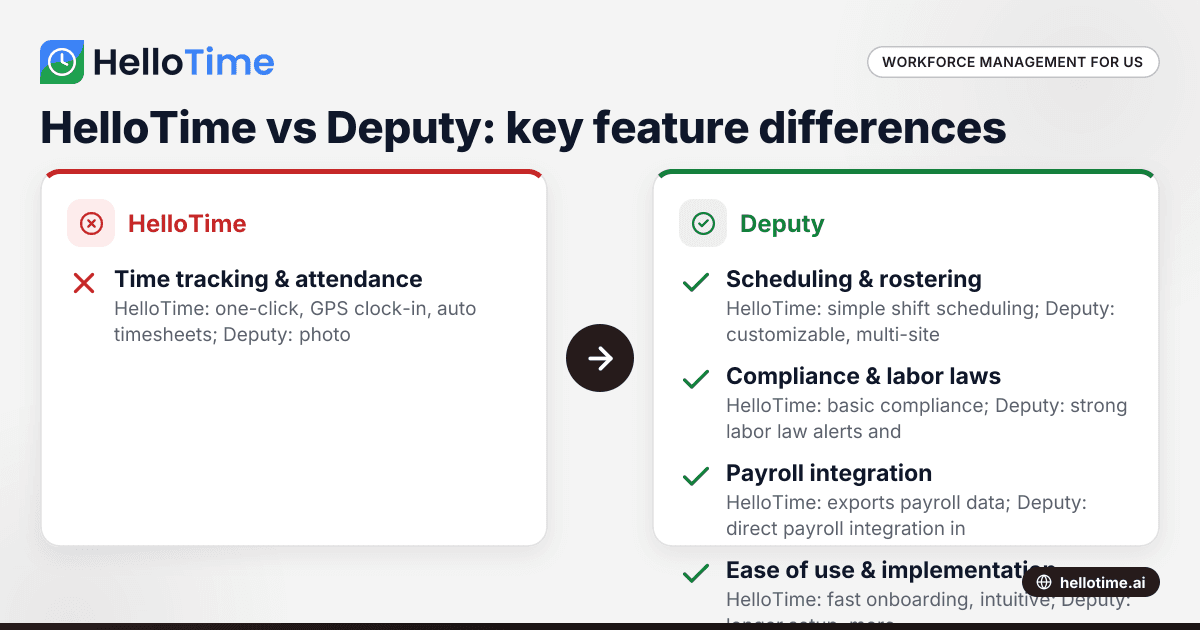
HelloTime vs Deputy: Which Workforce Management Software is Best for United States Small Businesses?
HelloTime and Deputy are popular workforce management tools offering employee scheduling, time tracking, and attendance solutions for US small.
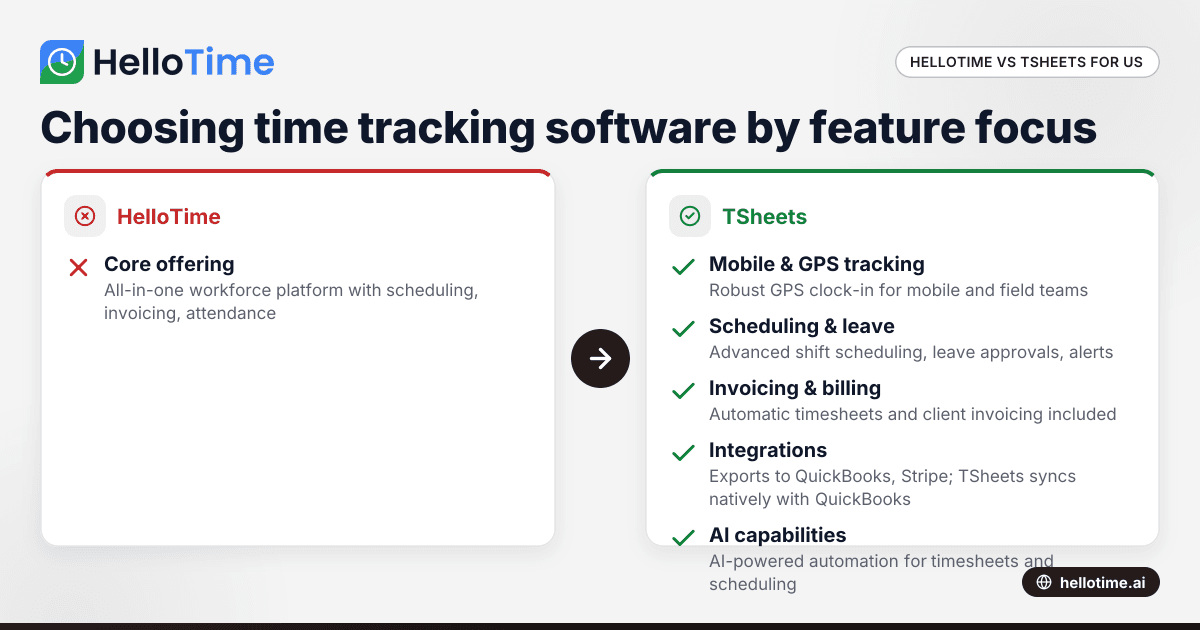
HelloTime vs TSheets: Choosing the Best Time Tracking Software for United States Agencies
HelloTime and TSheets are popular time tracking solutions for agencies and professional services in the United States. Comparing HelloTime vs TSheets.
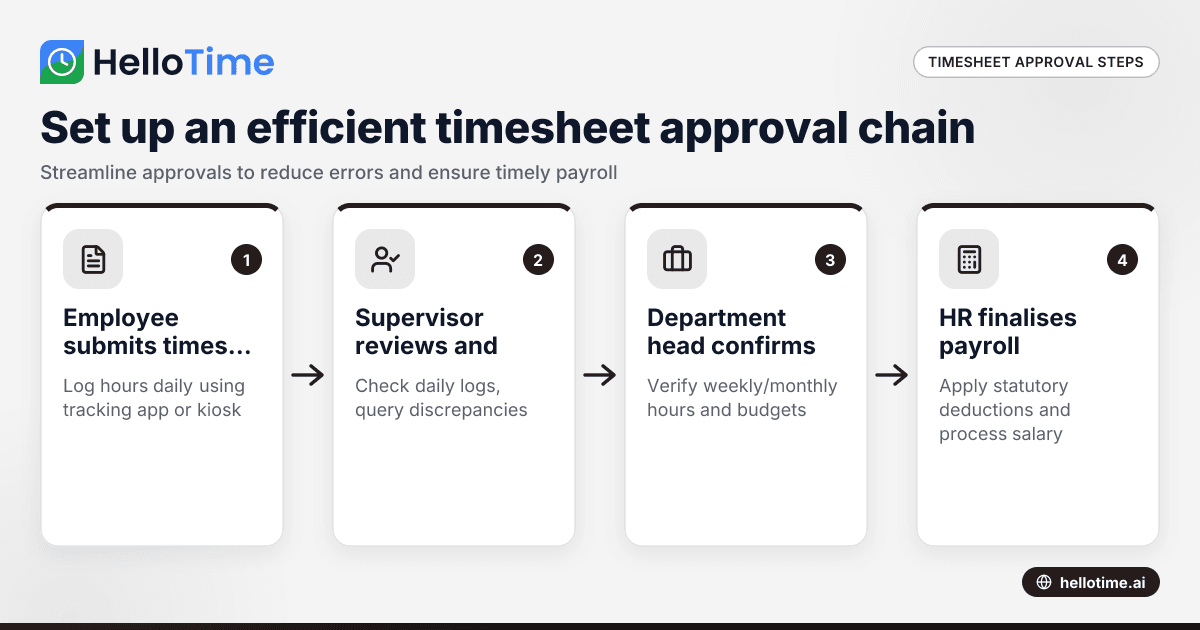
How to Set Up an Efficient Timesheet Approval Chain for Indian SMEs
How to Set Up an Efficient Timesheet Approval Chain for Indian SMEs This guide is for owners, HR, and operations managers at Indian small and.