How United States Small Businesses Can Use Attendance Apps to Streamline Workforce Management
Attendance apps help small businesses in the United States simplify workforce management by automating time tracking, attendance, and scheduling.
The HelloTime team
7 min read
On this page
Attendance apps help small businesses in the United States simplify workforce management by automating time tracking, attendance, and scheduling. These apps reduce paperwork, improve accuracy, and streamline managing employee hours and leave while ensuring compliance with local labor laws.
Key takeaways
- Attendance apps automate employee time tracking, reducing manual errors and saving time.
- Features like GPS clock-in and face recognition improve accountability for on-site and remote teams.
- Small businesses can manage shifts and leave requests digitally, boosting operational efficiency.
- Integration with invoicing and payroll software supports smooth billing and salary processing.
- AI attendance apps offer smart features such as predictive scheduling and automated approvals.
- Choosing the right app ensures compliance with U.S. labor laws and record-keeping requirements.
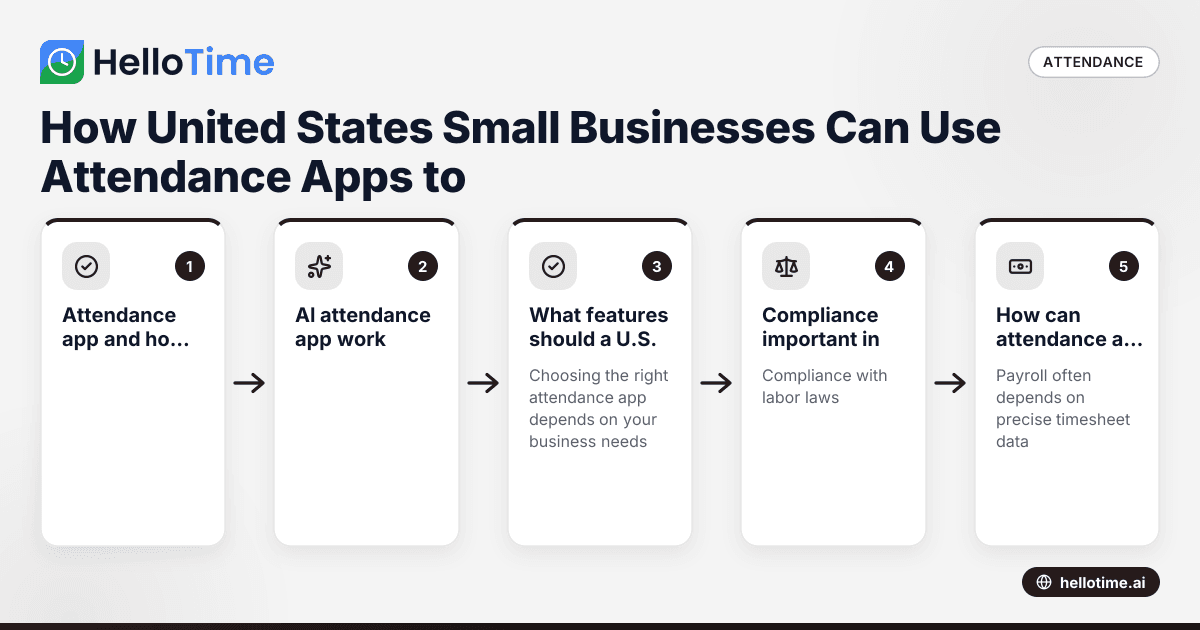
What is an attendance app and how can small businesses in the U.S. benefit?
An attendance app is a software tool that tracks the working hours and attendance of employees digitally. For U.S.-based small businesses, this means replacing manual timesheets and punch cards with automated, accurate systems that improve productivity and ensure compliance with labor regulations such as the Fair Labor Standards Act (FLSA).
By automating attendance management, these apps reduce administrative overhead. Managers can approve timesheets, track leave, and schedule shifts from one platform, freeing up time to focus on core business activities. This is particularly beneficial for industries like retail, hospitality, field services, and manufacturing, where employee hours often vary and need precise tracking.
How does an AI attendance app work?
AI attendance apps use artificial intelligence to automate tasks like attendance monitoring, shift scheduling, and approvals, reducing manual effort.
These apps utilize AI algorithms to recognize patterns in employee attendance and predict scheduling needs. They can automatically flag discrepancies or lateness, and even suggest optimal shift assignments based on past data and employee availability. For example, an AI attendance app might learn peak business hours in a Chicago retail store and help build better rosters accordingly. This ensures the workforce is used efficiently, cutting labor costs while maintaining service quality.
What features should a U.S. small business look for in an attendance app?
Choosing the right attendance app depends on your business needs, but here are key features that benefit U.S. small businesses:
- One-click time tracking: Simplifies clocking in and out from any device, reducing errors.
- GPS and geofenced clock-in: Essential for mobile teams, ensuring employees are onsite when they clock in.
- Face recognition or biometric verification: Helps prevent buddy punching and fraud.
- Shift scheduling and roster management: Enables managers to assign shifts with ease and handle shift swaps.
- Leave management: Employees can request time off digitally, with managers able to approve or deny easily.
- Automated timesheets and approvals: Builds accurate timesheets automatically for payroll or invoicing.
- Integration with payroll and invoicing software: Supports smooth payment and billing workflows.
- Compliance tools: Helps ensure adherence to U.S. labor laws, overtime rules, and record-keeping standards.
For example, HelloTime’s attendance app combines all these features, helping small businesses in Houston or Detroit streamline workforce management from one platform.
Why is compliance important in attendance tracking for U.S. businesses?
Compliance with labor laws, such as the FLSA, is critical when tracking and paying employees. Your attendance data must be accurate, secure, and easily auditable. Violations can lead to penalties or lawsuits over unpaid wages or overtime.
Attendance apps help maintain compliance by automatically logging hours, tracking breaks, and flagging overtime according to federal and state rules. Proper digital records also simplify year-end payroll reporting and audits. This reduces risks for your business while building trust with employees.
How can attendance apps improve payroll accuracy?
Payroll often depends on precise timesheet data. Manual entry introduces errors or intentional inaccuracies like time padding, leading to costly payroll mistakes.
Attendance apps automate hours tracking and integrate with payroll systems, making it easier to generate accurate pay based on real worked hours. This ensures employees are paid fairly and on time, saving finance teams significant effort in corrections and reconciliation.
In U.S. cities like Chicago and Houston, where labor markets are competitive, timely and accurate payroll contributes to employee satisfaction and retention.
How do attendance apps support shift scheduling and leave management?
Shift scheduling can be complex, especially for hourly workers with varying availability. Attendance apps provide a centralized platform where managers can view employee availability, assign shifts, and adjust rosters in real time.
Employees benefit by receiving shift notifications on their smartphones, swapping shifts with colleagues, or requesting leave digitally. This reduces no-shows and confusion about work hours.
Leave management is simplified by allowing digital requests and automatic updates to schedules. This saves paper forms and emails, cutting admin time significantly.
How secure is employee data in attendance apps?
Protecting employee data is essential. Reputable attendance apps use encryption and secure cloud storage to protect sensitive information such as clock-in locations and biometric data. Role-based access controls limit who in your business can view or modify attendance records.
For a growing U.S. small business, maintaining data security also helps meet customer and vendor requirements for confidentiality and trust.
How to choose the best attendance app for a U.S. small business?
Select an attendance app that fits your workforce size, scheduling complexity, and compliance needs. Prioritize features like GPS clock-in, automated timesheets, AI attendance app capabilities, and payroll integration.
Ensure ease of use and strong data security. Testing the app before full adoption is highly recommended to confirm it meets your operational needs.
- Identify your needs: Consider workforce size, shift patterns, remote working, and industry.
- Prioritize key features: GPS clock-in, automated timesheets, AI capabilities, and compliance.
- Check integrations: Ensure the app works smoothly with payroll (e.g., QuickBooks) and invoicing tools (e.g., Stripe).
- Evaluate usability: The app should be easy for employees and managers to use on mobile and desktop.
- Assess security: Look for strong data protection and access controls.
- Try a demo: Testing in real scenarios can reveal practical benefits and challenges.
What costs and ROI can U.S. small businesses expect from attendance apps?
Subscription fees vary, but attendance apps often deliver quick ROI through saved admin time, reduced payroll errors, and better labor cost control. Improved scheduling and transparency lower turnover and boost employee satisfaction—key in competitive markets like Detroit or Houston.
How to implement an attendance app smoothly in your small business?
- Communicate benefits clearly to employees to gain their support.
- Provide training on clock-ins, shift changes, and leave requests.
- Pilot the app with a small group before full rollout.
- Collect feedback and adjust usage policies as needed.
- Use reports and insights from the app to optimize workforce management continually.
Adopting an attendance app can transform workforce management from a tedious chore into a streamlined, data-driven process that supports business growth.
Discover how HelloTime’s attendance app can simplify scheduling, time tracking, and leave management in your business with user-friendly features designed specifically for U.S. small businesses. Explore the features and check out our pricing to find a plan that fits your needs.
Frequently asked questions
What is the difference between an attendance app and traditional time clocks?
Attendance apps digitize time tracking by allowing employees to clock in/out on mobile devices or tablets, often with GPS or biometric verification. Traditional time clocks rely on physical punch cards or manual input, which are more prone to errors and harder to manage remotely.
Can an attendance app help with labor law compliance?
Yes, an attendance app automatically records working hours and overtime, helping you comply with laws like the Fair Labor Standards Act. It maintains accurate records that are essential for audits and payroll verification.
How do attendance apps handle remote or field workers?
Many attendance apps include GPS or geofencing features that confirm employees clock in only within allowed areas. Some support mobile check-ins or kiosk modes, enabling reliable tracking for remote or mobile teams.
Can I integrate an attendance app with my existing payroll software?
Most modern attendance apps offer integrations with popular payroll systems such as QuickBooks. This streamlines data flow from attendance records directly into payroll processing, minimizing manual data transfers and errors.
Is employee data safe with attendance apps?
Reputable apps use encryption and secure cloud servers to protect data. Access controls ensure only authorized personnel can view sensitive information, helping your business protect employee privacy.
How does AI enhance attendance apps?
AI attendance apps automate scheduling, detect unusual attendance patterns, and predict staffing needs. This reduces administrative work and helps managers deploy the workforce efficiently.
Read next
This article covers one part of a bigger topic. For the complete picture, read our guide to attendance app.
Keep reading
Related articles
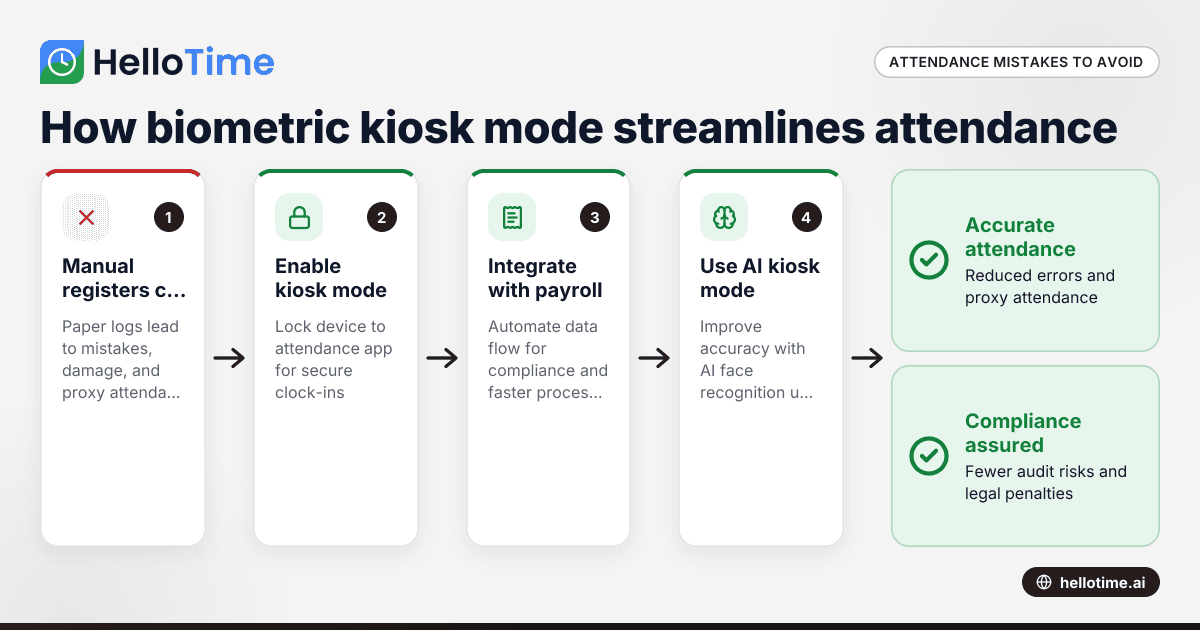
How Biometric Attendance Kiosk Mode Can Streamline Workforce Management for Indian Manufacturing Units
Manufacturing units in India often struggle with managing workforce attendance accurately and efficiently. Errors in attendance tracking lead to.
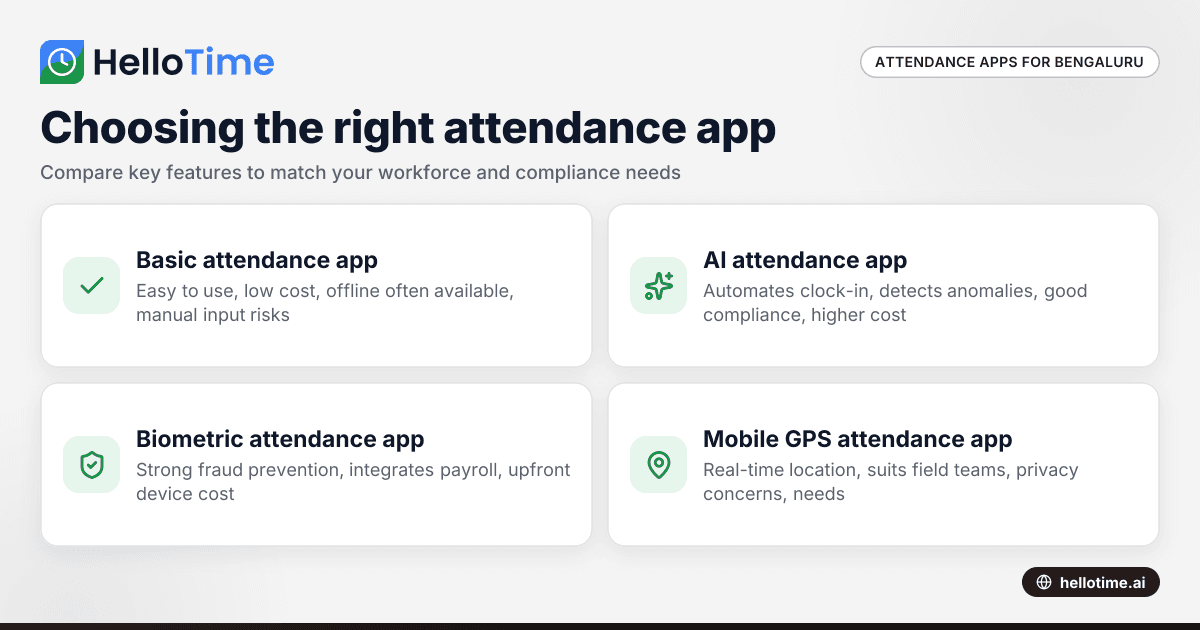
Choosing the Right Attendance App for Small Businesses in Bengaluru
Choosing the Right Attendance App for Small Businesses in Bengaluru ===================================================================== If you run.
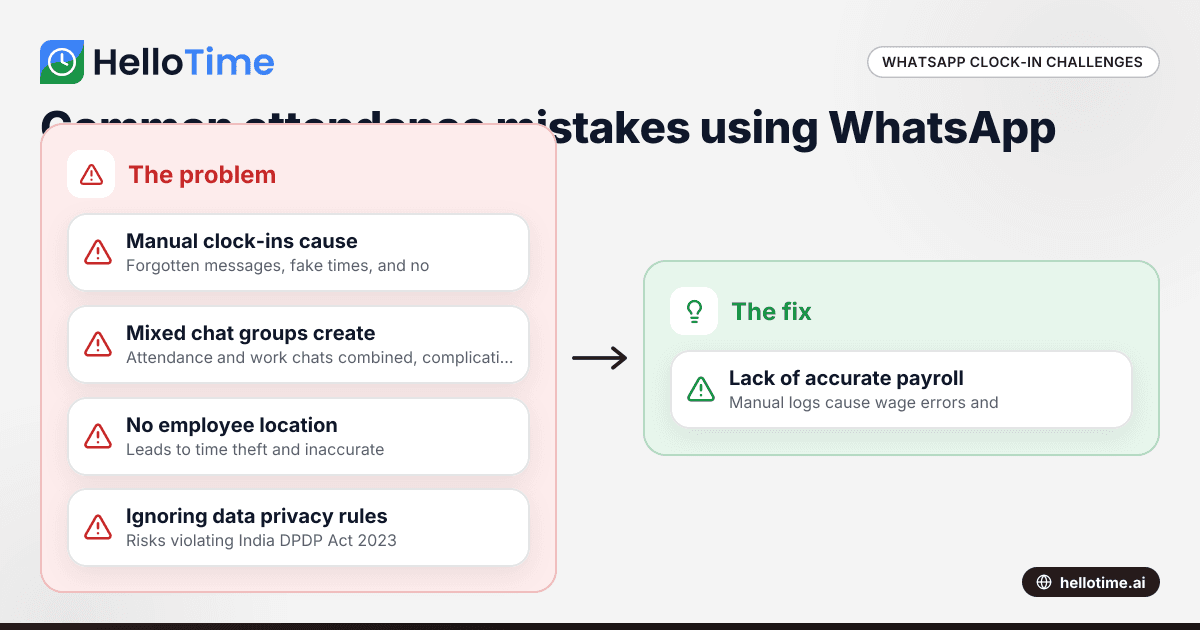
Using WhatsApp for Clock-In and Attendance Tracking in Indian Small Businesses
Using WhatsApp for Clock-In and Attendance Tracking in Indian Small Businesses The cost of managing attendance poorly can be high for small.